


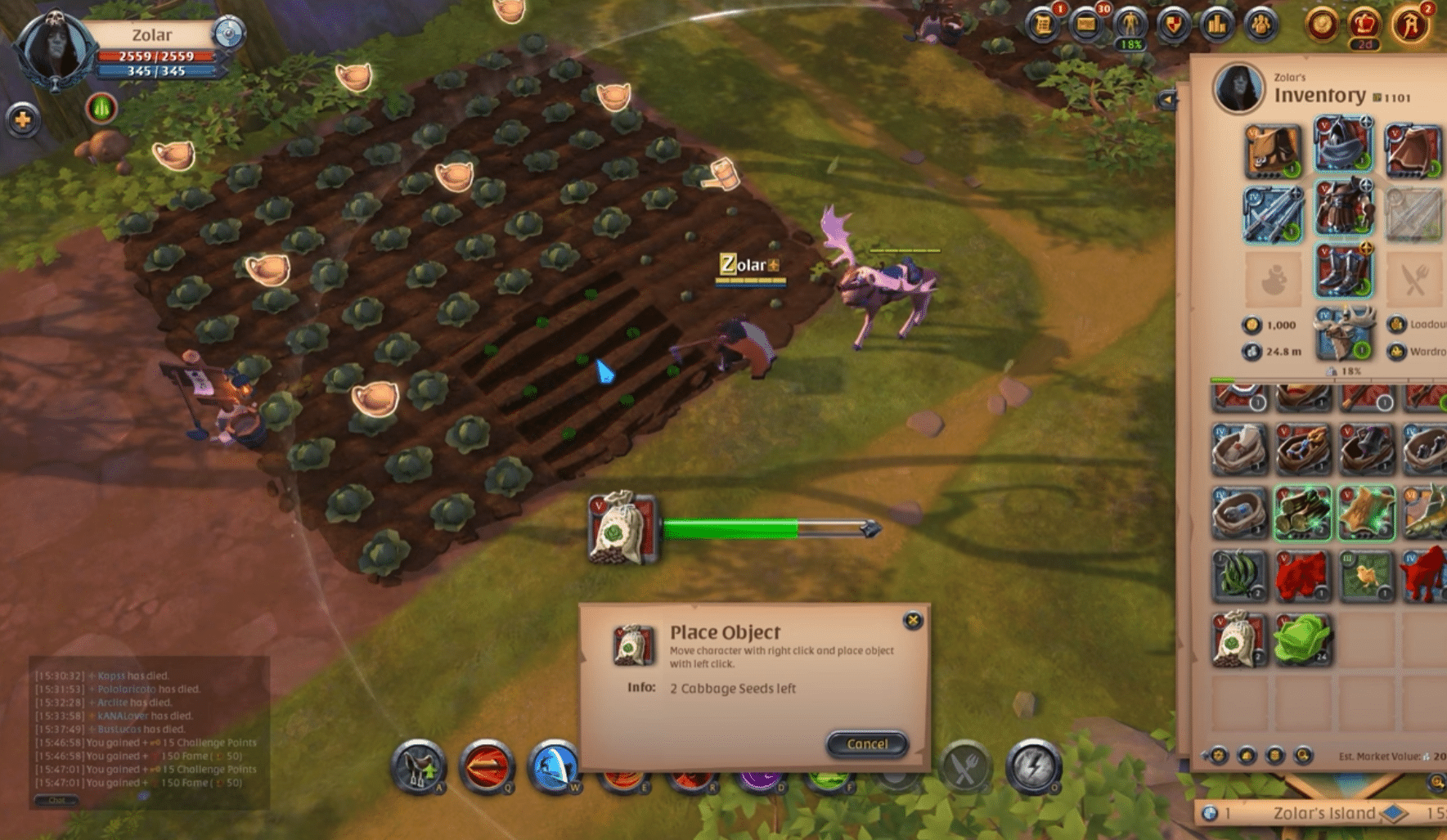
Albion Online download – sandbox MMORPG with PvP and a player-driven economy
Albion Online is a popular sandbox MMORPG where the economy, gear, and much of your progression are driven by players — and where PvP ranges from friendly duels to brutal “full loot” zones.
Gameplay and features – your gear defines your “class”

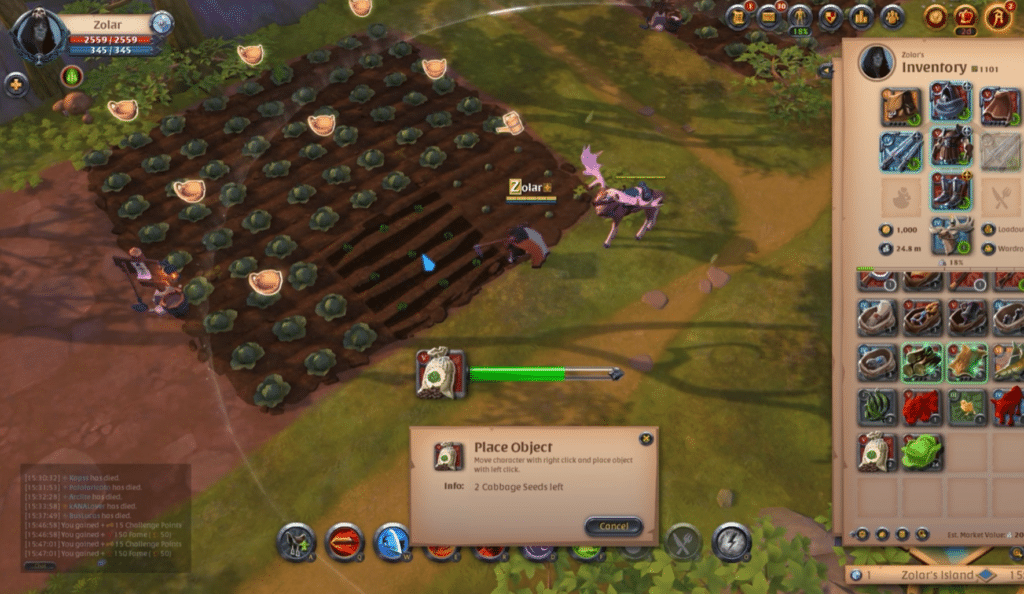
One of the most unique things about Albion Online is that you’re not locked into a fixed class. During our test on a regular Windows 11 PC, we switched roles several times in one evening: healer in a group dungeon, ranged DPS in the open world, and finally a more tanky build for faction fights.
✅ You become the role your weapon and armor suggest
✅ Crafting and gathering actually matter (and can be your primary “career”)
✅ Much of the game is about choosing risk: safe zones vs. dangerous zones with better rewards
Albion really shines if you like the idea of “I forge my own path”: you can be a crafter/trader, a PvP roamer, a guild warrior, or simply a PvE player who enjoys dungeons and events.
Player-driven economy – the markets are almost a game of their own
The economy isn’t just window dressing. Weapons, armor, and consumables largely come from other players, and prices vary noticeably from city to city. We tried buying gear in one place, hauling it, and selling it somewhere else — and yes, it can actually pay off if you enjoy min-maxing it.
If you’re searching for “Albion Online economy guide” or “Albion Online crafting and gathering,” this is exactly the part that sets the game apart from many other MMOs.
PvP and zones – where Albion really divides opinion
Albion Online isn’t only about PvP, but PvP plays a big role, especially when you venture into more dangerous areas. In the tougher zones you can lose your gear, which makes fights more intense than in MMOs where you just “respawn and move on.”
During our test it felt great… but also a bit stressful when we had just afforded a set we really liked. The trick is to run gear you can afford to lose.
Cross-platform – play on PC and continue on mobile
Albion Online is truly cross-platform, so you can play with the same account across Windows, Mac, Linux, Android, and iOS.
We logged in on mobile to handle some crafting/market chores, and it works great as “couch mode,” while larger PvP and longer sessions still feel best on PC.
Payment, Premium, and fair play
Albion Online is free to download and play, and Premium is an optional upgrade that provides progression perks (e.g., more Fame/bonuses).
It’s not pay-to-win in the classic sense, but Premium makes life easier if you play a lot — especially if you care about efficient progression.
Top 5 tips for Albion Online (faster start and fewer costly mistakes)
Play “cheap” gear in PvP zones — especially early on
When you head into dangerous areas, you can lose equipment. Use sets you can afford to lose, and save your “favorite gear” for safe activities or guild groups.
Check prices across cities — the market isn’t uniform
Albion is heavily about trade. The same item can cost significantly different amounts depending on city and region. If you’re up for it, buy low in one place and sell higher elsewhere (but be careful transporting through PvP areas).
Swap roles by swapping weapons — experiment early
You’re not locked into a class. Try different weapon lines and find a playstyle that fits you. It feels much better to “find your niche” than to follow one guide strictly from day one.
Find a guild — Albion becomes a different game with a steady group
Solo can be fine, but much of the fun (and safety) opens up with a guild: better group play, more learning, and fewer “getting ganked alone” moments.
Use mobile for crafting/market — and PC for combat
Albion works across devices. In our testing, mobile was perfect for quick tasks (crafting, trading, daily routines), while PvP and longer sessions were far more comfortable on PC.