


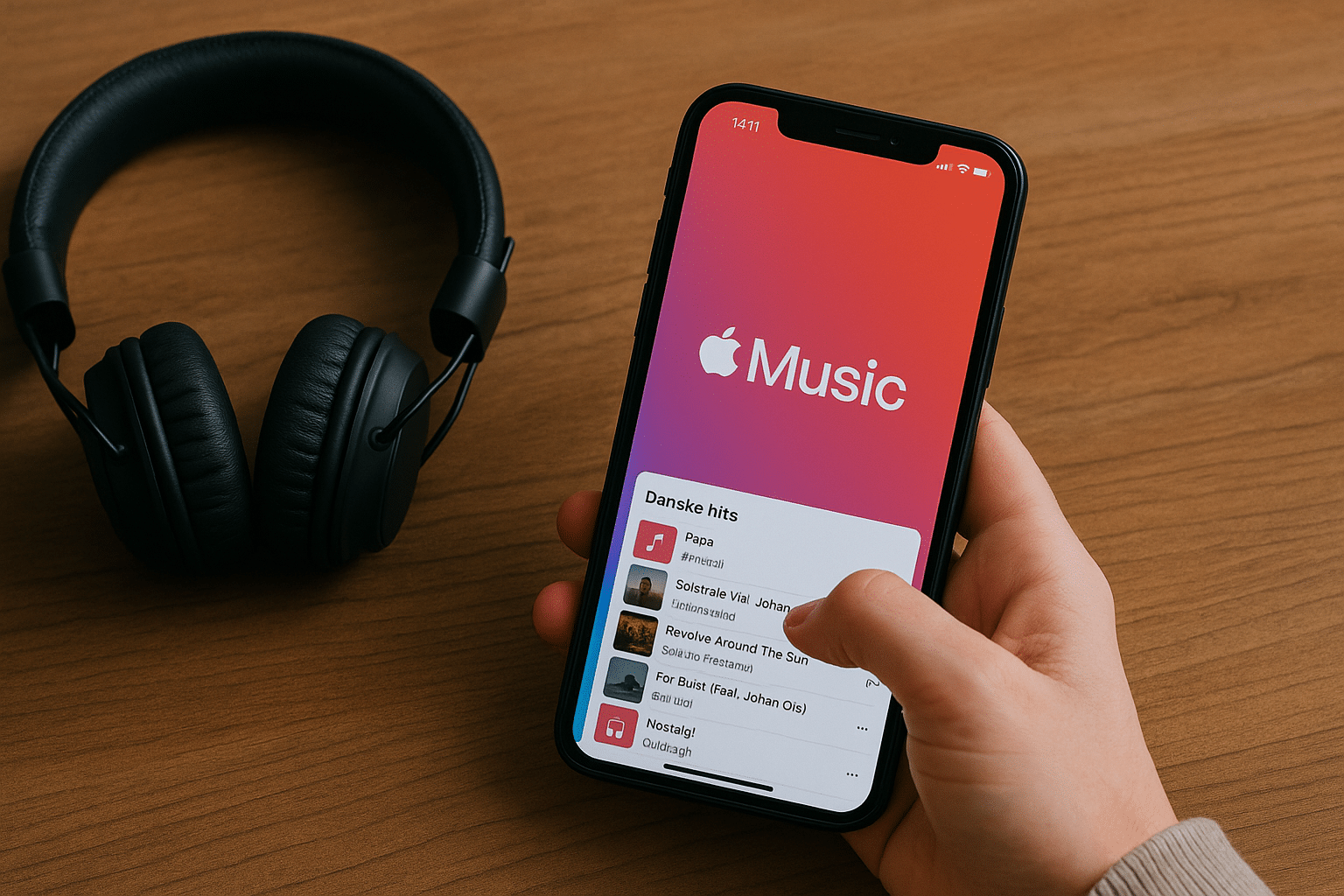
Apple Music – High-quality music streaming from Apple.

Apple Music is Apple’s take on a complete music streaming service, and it has grown into one of the most comprehensive and competitive platforms on the market. You get access to over 100 million songs, exclusive releases, high audio quality, and tight integration with both Apple devices and Windows/Android. But is that enough to beat competitors like Spotify and Tidal?
Music library and audio quality
Apple Music offers a massive library of over 100 million tracks across all genres. It’s not just mainstream—you’ll also find niche styles, timeless classics, Danish artists, and an impressive amount of exclusive content released only here.
One of the biggest draws is audio quality. Apple Music supports Lossless Audio and Spatial Audio with Dolby Atmos, delivering a much richer listening experience—especially if you use quality headphones or AirPods with the H1/H2 chip.
Interface and features
Apple Music features a clean, user-friendly interface, especially on iPhone, iPad, and Mac. Everything is streamlined, with quick access to personal recommendations, playlists, radio, and search.
You can downloade musik offline, oprette og dele your own playlists, follow artists, and access exclusive live events and interviews.
The platform also offers:
- Real-time lyrics
- Song recognition
- Family Sharing and kid-friendly accounts
- A smart, adaptive algorithm for music recommendations
Apple Music also works surprisingly well on Android, though integration with Siri is limited there.
Integration with the Apple ecosystem
If you use iPhone, Apple Watch, HomePod, or Mac, Apple Music is a natural fit. It’s built into the system, and you can easily control your music with Siri, via CarPlay, or right from Apple Watch. The seamless integration makes it a favorite among Apple users—especially if you’re already in Apple’s ecosystem.
Pricing and plans
Apple Music offers the following plans (2025):
- Individual: $17/month
- Family (up to 6 people): $25/month
- Student: $8/month (with valid student ID)
- Apple One bundle: Music, iCloud, TV+, and Arcade included
You also get a free 1‑month trial, and with new Apple devices, typically up to 6 months free access.
Is Apple Music the right choice?
Apple Music is especially ideal if you already use Apple devices. You get høj lydkvalitet, et enormt bibliotek and exclusive content wrapped in an elegant interface. If you care about sound, you’ll appreciate lossless and Dolby Atmos, which Apple provides at no extra cost.
Compared to Spotify, there are advantages in lydkvalitet and exclusive content, while Spotify still leads in social features and community. Tidal can match Apple on the audio front, but Apple Music has a much broader user base and better hardware integration.
Top 5 tips to get the most out of Apple Music
- Use Siri for hands‑free control
If you use iPhone, HomePod, or Apple Watch, ask Siri to play specific songs, playlists, or genres—for example, “Hey Siri, play some Danish pop.” - Turn on Lossless and Dolby Atmos manually
For the best sound, enable Lossless Audio and Spatial Audio in settings. Go to Settings > Music > Audio Quality and choose “Lossless” and “Dolby Atmos: Always On.” - Automatically save your Shazams to Apple Music
If you use Shazam (and are signed in with the same Apple ID), you can automatically add identified songs to a playlist in Apple Music—great for discovering new musik. - Create smart playlists with rules
Use Apple Music via iTunes on Mac/Windows to create “smart playlists” that update automatically based on criteria like genre, play count, or date added. - Share your taste with friends
Follow friends in Apple Music and share your own playlists. See what they’re listening to and discover new music from their activity—perfect if you have similar taste.