


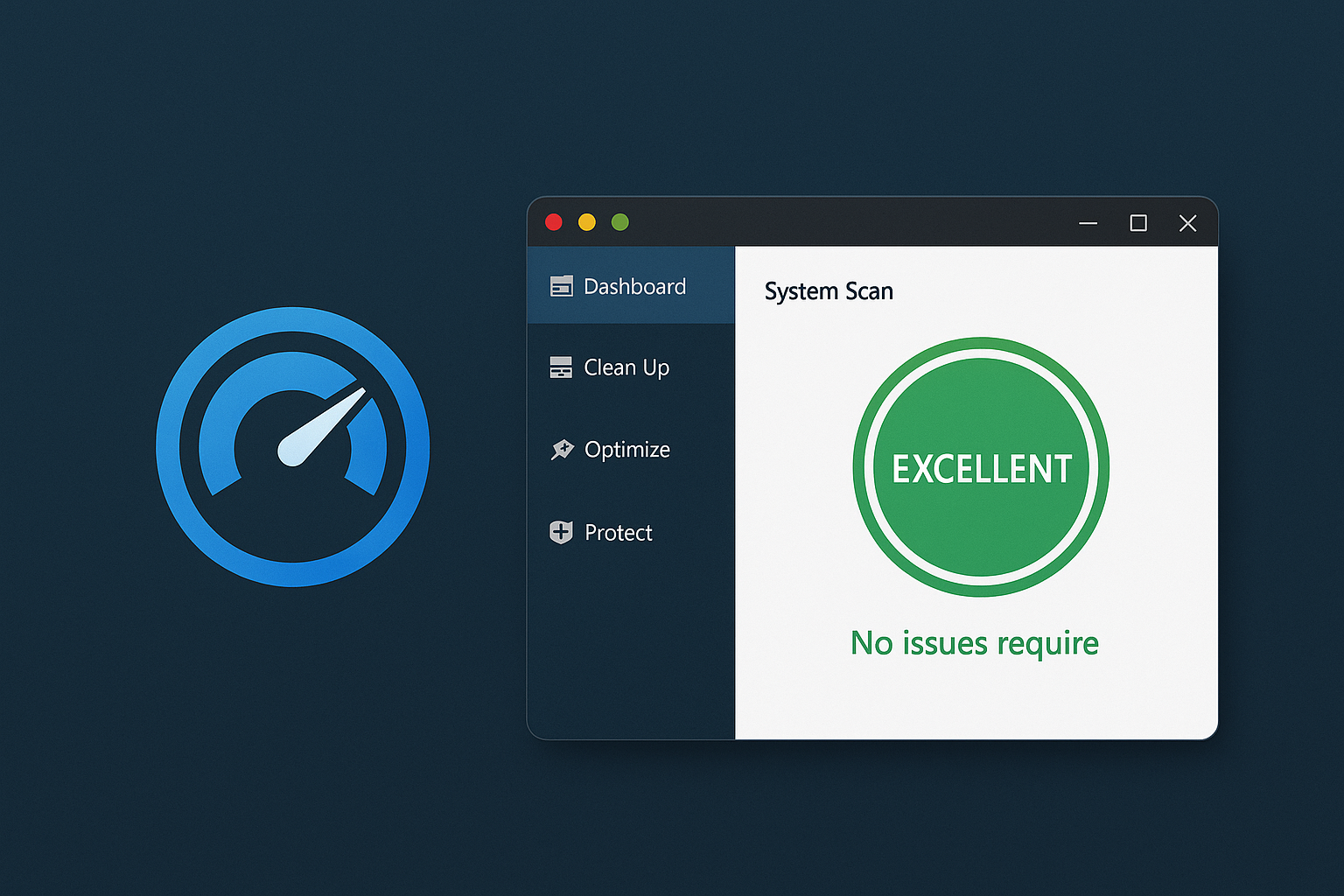
Get a faster, more stable PC with Auslogics BoostSpeed.
Auslogics BoostSpeed is a popular Windows optimization tool that brings together a wide range of features to improve performance, stability, and security on your PC. It’s suitable for both beginners and advanced users who want to clean the system, remove unnecessary files, improve internet speed, and keep background processes under control.
System optimization and features
BoostSpeed is known for its user-friendly system scan that automatically analyzes your PC for issues and suggests fixes. It includes:
- Registry Cleaner and Registry Defrag, which repair and optimize the Windows registry.
- Disk Cleaner and Duplicate File Finder, which frigør plads by deleting unnecessary files.
- Startup Manager and Service Manager, which help control what launches automatically with Windows.
- Tweak Manager, which lets you adjust system settings for better performance.
These tools make it easy to assess your PC’s health and quickly resolve common problems.
File management and data security
BoostSpeed also includes features such as:
- File Recovery – gendanner slettede files.
- File Shredder and Disk Wiper — permanently and securely delete files.
- Track Eraser, which clears browser history and temporary files for better privacy.
Boost internet and hard drive speed
With modules like Internet Optimizer and Disk Defrag, users can improve both network connectivity and hard drive read speeds. Registry Defrag and Disk Doctor provide additional stabilitet og hurtighed ved at minimere fragmentering and identify disk errors.
Design and user experience
The interface is modern and easy to navigate, with clear icons and a dashboard overview where you can monitor system status in real time. It also includes a Rescue Center, so you can safely roll back changes if something goes wrong.
Is Auslogics BoostSpeed safe and worth it?
Yes. The program offers a free trial with limited functionality, but many key features are available. It has a strong reputation in user reviews and doesn’t use aggressive bloatware or ads. Compared to competitors like CCleaner and Advanced SystemCare, it’s both more comprehensive and easy to use.
Tips and tricks for Auslogics BoostSpeed
Only disable services in Service Manager if you’re sure you don’t need them — make a backup first.
Use Scheduled Scans for automatic maintenance once a week.
Enable Live Speedup to monitor and improve performance in real time.
Use Tweak Manager to customize Windows’ udseende og funktionalitet.
Combine File Shredder and Track Eraser to maximize data security.