


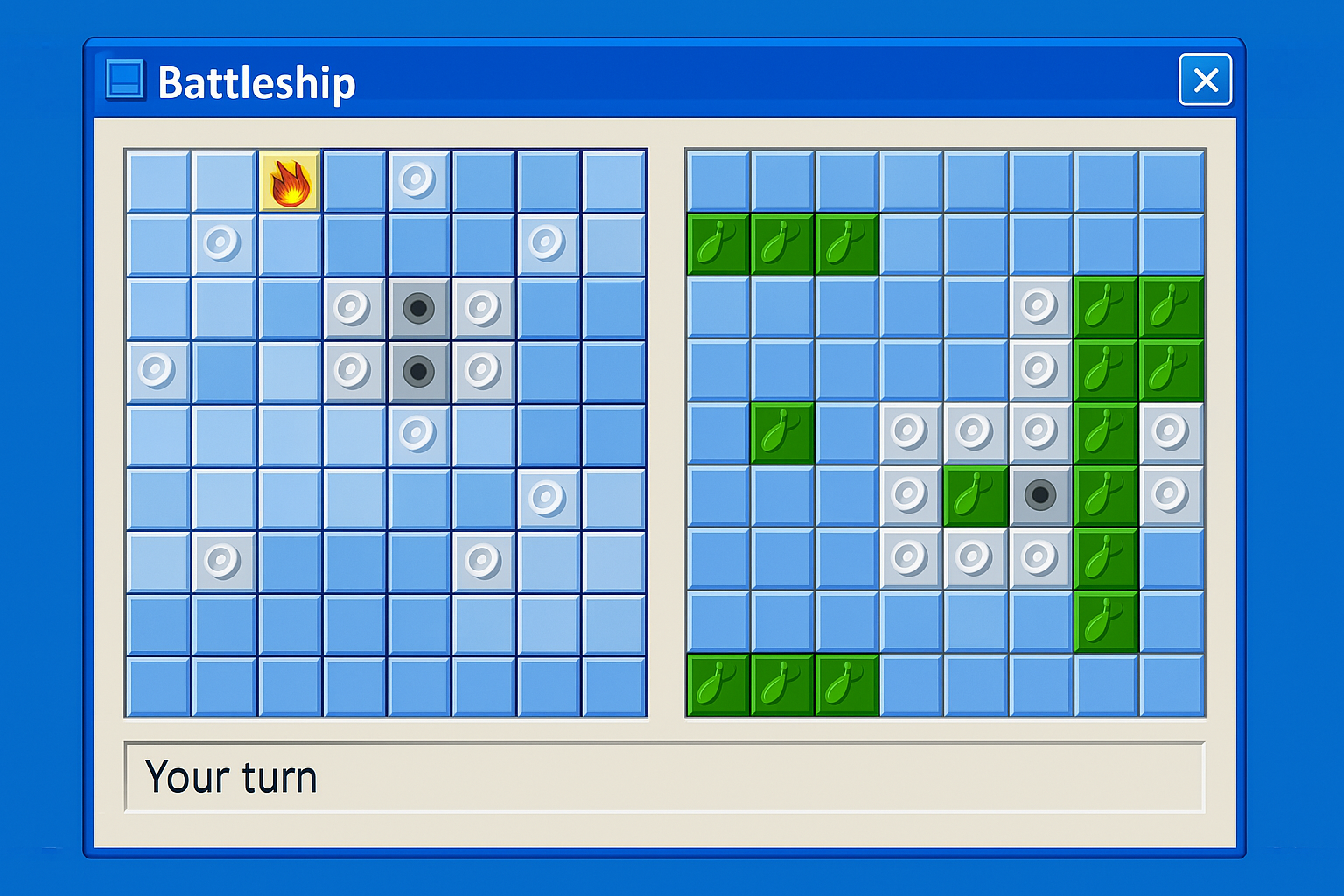
Play Battleship online or download – fast, simple digital naval battle
Battleship (Sænke Slagskibe/Sea Battle) is the digital version of the classic board game where you call out coordinates and try to find your opponent’s hidden fleet first. This isn’t a big, feature-heavy release with campaigns and achievements—it’s lightning-fast to start and perfect when you just want a 5–10 minute game without the extras.
In our test on a standard Windows 11 PC there was almost no waiting: the program launches quickly, and you’re playing as soon as you’ve placed your ships. It feels like pulling out the board game—just without clearing the dining table first.
Battleship gameplay and features

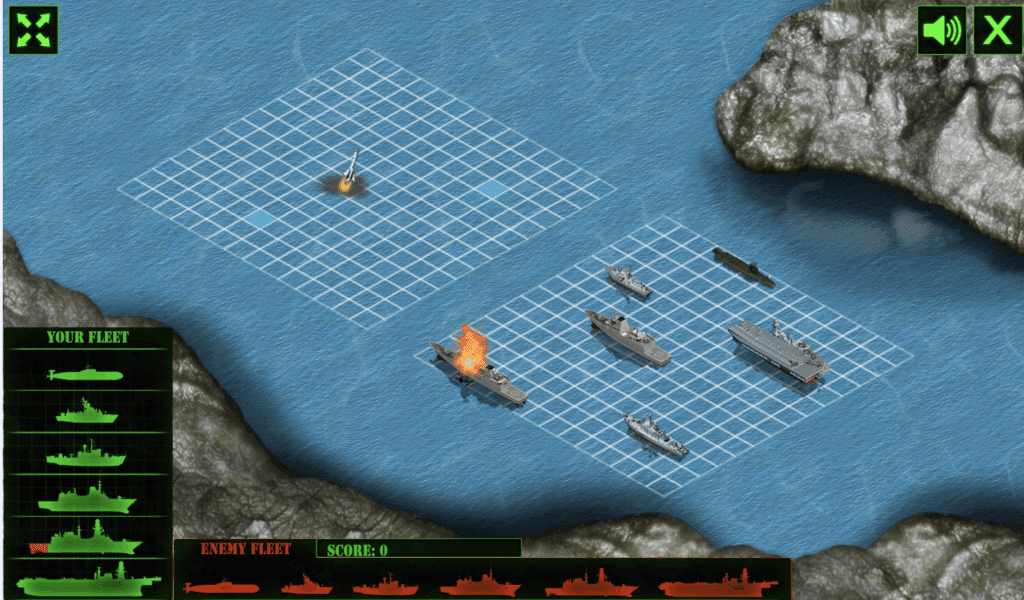
The core is exactly like the board game: a 10×10 grid, five ships of different lengths, and players take turns firing by choosing coordinates. When you score a hit, you know you’re close—and the hunt for the rest of the ship begins.
What stands out in this version is how clean it is:
- You won’t see tutorials, pop-ups, or reward systems.
- The game is purely about placement, guesses, and patterns.
- It’s great for local “hotseat” play on the same screen.
We quickly noticed the game is best when you play it like the tabletop version: one person turns away while placing ships, or you pass the laptop back and forth. It sounds old-school, but it fits this kind of ultra-simple Sea Battle perfectly.
If you’re searching for “sænke slagskibe online gratis” with advanced multiplayer, leaderboards, and matchmaking, other versions will suit you better. If you want the timeless classic with zero fluff, this nails it.
Graphics and sound in Battleship

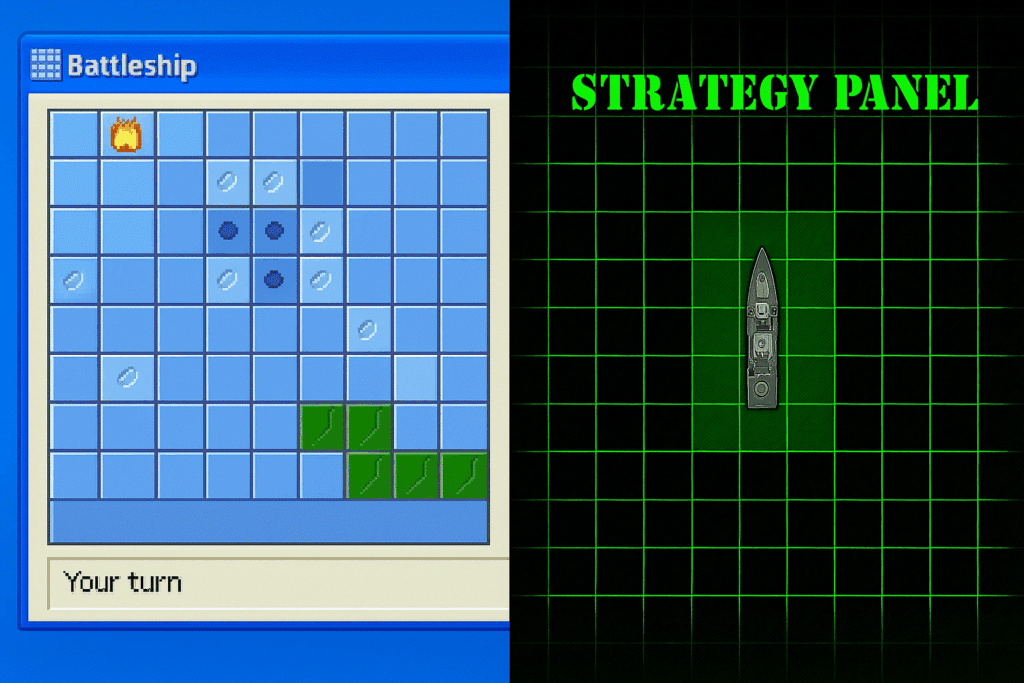
The visuals are minimal and functional. The grid and coordinates are easy to read, and the whole thing feels more like a “tool” than a “video game.” That’s an advantage for school contexts (coordinates and logic) or if you just want a distraction-free experience.
Audio is kept to a minimum too: small clicks and simple hit/miss sounds. In our testing, the lack of background music was actually nice—it makes the game ideal for a quick break at the office, in a classroom, or at home without adding noise to the room.
Who is Battleship best suited for?
This isn’t a game you’ll sit with for hours. It’s more of a “let’s play a quick one”—especially with two players.
Battleship is a great fit if you:
- Want the classic game in digital form without extra features
- Have kids who can learn coordinates (A–J and 1–10) the fun way
- Miss the board-game feel but don’t want to dig out the physical box
- Need a lightweight game for an older PC where everything else feels heavy
If you expect an AI opponent, online matchmaking, skins, missions, or a modern presentation, you’ll likely find this a bit too bare-bones.
Battleship rules – quick digital guide
The rules are essentially identical to the board game:
- Each player places five ships on the grid
- You fire one shot per turn by choosing a coordinate
- If you hit, you know a ship is there (and you try to finish it)
- The first to sink all of the opponent’s ships wins
It sounds simple—but there’s surprising depth in reading patterns, avoiding wasted shots, and switching between search mode and targeted pursuit.
Top 5 Battleship tips
Top 5 tips for Battleship
Search in a “checkerboard” pattern first
When you’re scouting for ships, skip spaces (e.g., every other square). It boosts your odds of early hits because ships cover multiple cells.
After a hit, lock the direction fast
Once you score a hit, shoot adjacent squares in a straight line. As soon as you have two hits, you know the direction and can finish the ship efficiently.
Place ships to look “random”
Avoid lining everything along edges or in neat patterns. Mix horizontal and vertical, and use the center—opponents often ignore it early.
Switch deliberately between “search” and “hunt”
A classic mistake is returning to random shots too soon. When you have a hit, finish the job—it almost always pays off.
Set a simple hotseat routine
If you’re sharing one screen, agree on a quick swap: one player looks away while placing, and you switch turns on a miss. Fair and fast.
Bonus: Use it to learn coordinates
For kids, it’s surprisingly effective for practicing “A5, J10,” etc. It feels like play, but they pick up grid thinking and patterns along the way.