


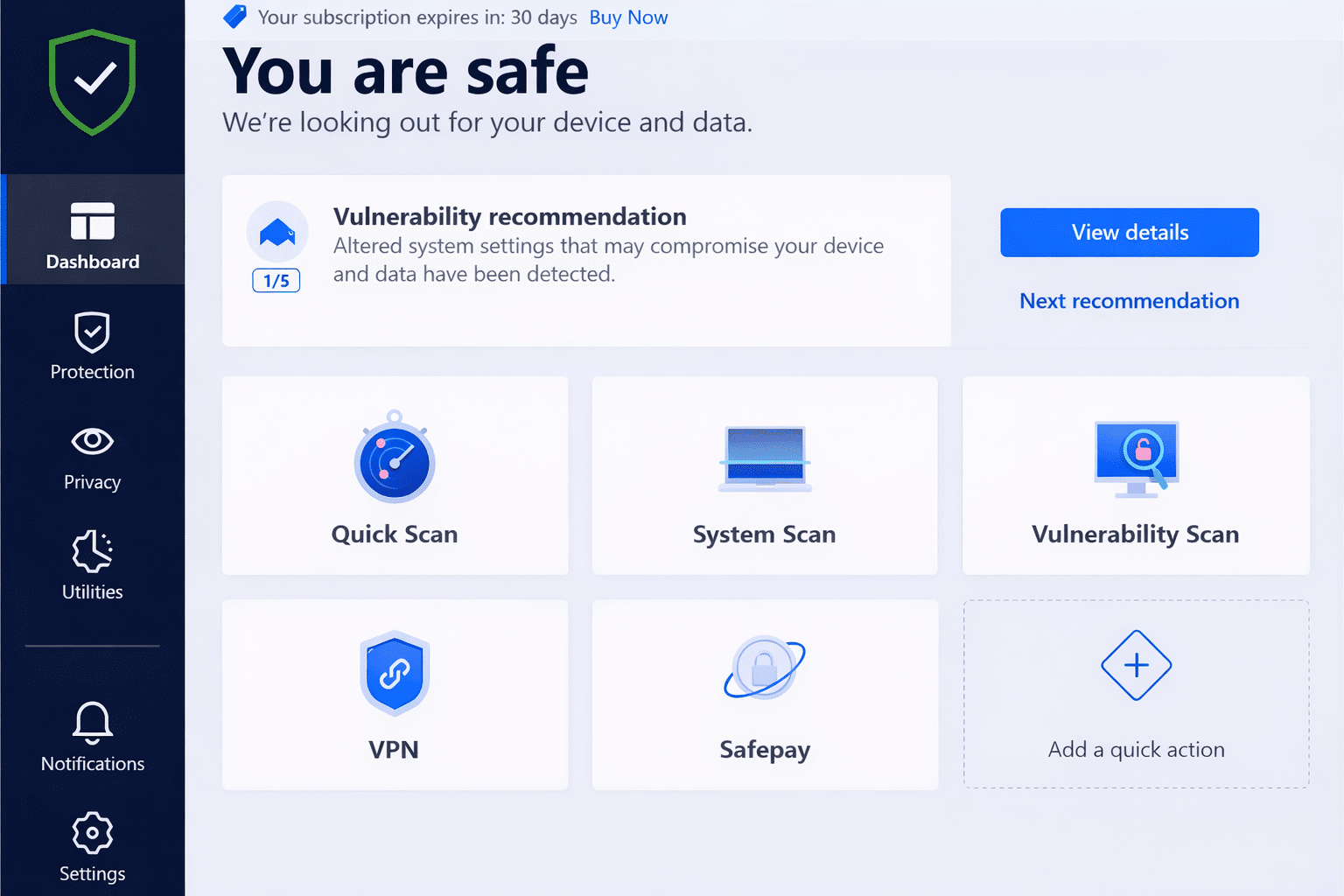
Bitdefender Ultimate Security – complete digital protection for those who want it all
Bitdefender Ultimate Security is Bitdefender’s most comprehensive security suite, built for users who want antivirus, privacy protection, and identity security in one package. It’s not a traditional antivirus program, but an all‑in‑one solution that builds on Bitdefender Total Security and adds extra layers of monitoring and protection.
We tested Bitdefender Ultimate Security on a standard Windows 11 PC and through 1, and the experience is clearly aimed at users with higher‑than‑average security needs.
What is Bitdefender Ultimate Security – and who is it for?
Ultimate Security is designed for people who:
- Have many online accounts and digital subscriptions
- Shop, work, and store sensitive data online
- Want monitoring for data breaches and identity theft
- Prefer everything from a single provider instead of multiple separate services
For typical home users, Total Security is often enough. Ultimate Security really makes sense if you want to actively protect your digital identity — not just your computer.
Antivirus and core protection
At its core, Ultimate Security uses the same powerful antivirus engine Bitdefender is known for. That means:
- Advanced real‑time protection against malware and ransomware
- Effective web protection against phishing and malicious websites
- An adaptive, automatic firewall
- Protection against exploits and zero‑day attacks
In our tests, we noticed no meaningful impact on system performance, either during everyday use or full scans. That remains one of Bitdefender’s biggest strengths compared with many competitors.
VPN and privacy protection
Bitdefender Ultimate Security includes a full VPN without the data limits you’ll find in cheaper plans. The VPN is easy to enable and can be set to turn on automatically on public Wi‑Fi networks.
The VPN is stable and simple to use, but advanced users may miss:
- Manual selection of advanced protocols
- More granular technical settings
- Features like split tunneling on all platforms
For everyday use — coffee shops, hotels, and travel — it works flawlessly.
Identity protection and data breach monitoring
This is where Ultimate Security clearly sets itself apart from Total Security.
You get access to Bitdefender’s identity protection, which monitors:
- Whether your email addresses appear in known data breaches
- If personal information shows up on the open web or the dark web
- Potential misuse of identity information
Good to know: the most advanced credit and identity monitoring features are primarily tailored to the United States, making them especially relevant for U.S. users. Even so, breach monitoring and compromised account alerts are highly valuable for everyone.
Bitdefender Central – unified overview

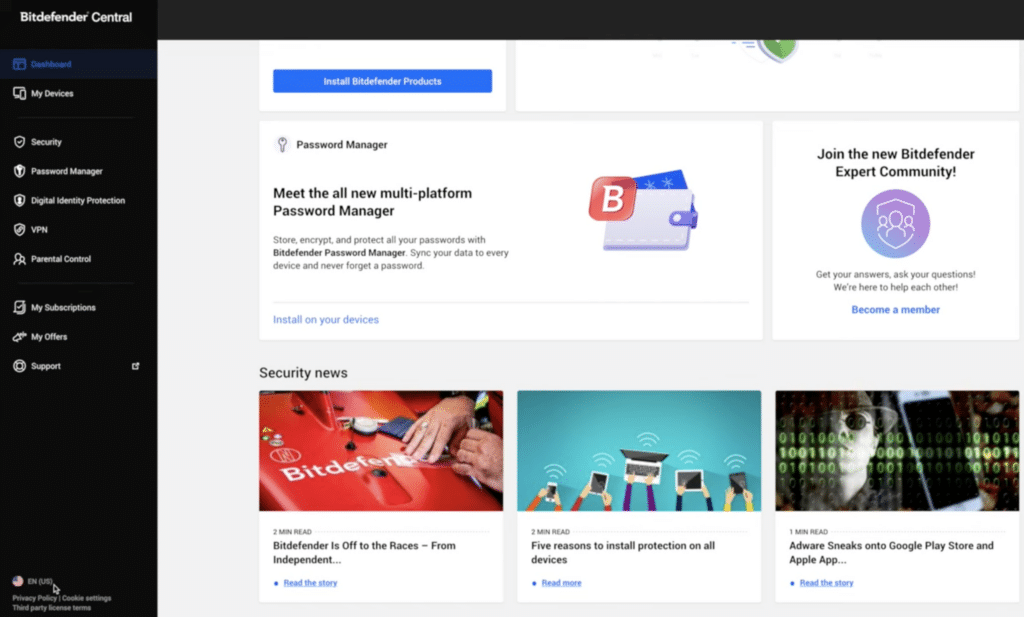
You manage everything through Bitdefender Central, where you can:
- See all protected devices
- Receive alerts about security events
- Manage the VPN, scans, and privacy settings
Central is functional but not always intuitive. During testing we found some settings required a few extra clicks and a bit of acclimation — especially when managing multiple devices.
Who should choose Ultimate Security – and who shouldn’t?
Bitdefender Ultimate Security isn’t for everyone.
It’s an obvious choice if you:
- Want maximum digital protection in one place
- Are concerned about data breaches, account takeovers, and identity theft
- Are already considering antivirus, a VPN, and identity monitoring
You should consider a cheaper alternative if you:
- Primarily want strong antivirus protection
- Don’t need identity and privacy monitoring
- Want the best value for your money
For many U.S. users, Bitdefender Total Security is the more sensible choice.
Bitdefender Ultimate Security FAQ
Bitdefender Ultimate Security is Bitdefender’s most comprehensive security suite, combining antivirus, firewall, VPN, and identity and privacy protection in one solution.
Ultimate Security includes everything in Total Security plus additional identity and privacy features. For most U.S. users, Total Security is sufficient unless you specifically want data breach and online identity monitoring.
Breach monitoring and compromised email alerts are relevant everywhere, and some advanced features — like credit monitoring — are specifically built for U.S. users.
Yes, Ultimate Security includes Bitdefender’s full VPN with no daily data limits, making it suitable for use on public Wi‑Fi networks and while traveling.
It’s designed for users who want maximum digital protection in one place and are willing to pay extra for identity and privacy monitoring.
Top 5 tips for Bitdefender Ultimate Security
How to get the most from Identity Protection
Many users only partially enable identity protection and never get its full benefits. Open Bitdefender Central and add every email address you actually use — personal, work, and older accounts that may still be tied to services. The more addresses you monitor, the better your chances of catching a breach early. In our testing, alerts became genuinely useful only after monitoring was set up correctly from the start.
Enable auto VPN on public networks
Public Wi‑Fi remains one of the biggest everyday security risks. Set the VPN to activate automatically when you connect to new or untrusted networks such as coffee shops, hotels, and airports. That way you don’t have to remember to turn it on — and you avoid moments where data is sent unencrypted before the VPN is enabled.
Use web protection with your VPN
A VPN protects your connection but does not stop phishing, fake login pages, or malicious downloads. Bitdefender’s web protection complements the VPN by actively blocking dangerous links and sites before they load. Together they deliver much stronger security — especially for online banking, shopping, and logging in to important accounts.
Customize alerts in Bitdefender Central
By default, Bitdefender can send many notifications — not all of them equally relevant. Spend a little time fine‑tuning alerts in Central so you mainly get notified about real threats like blocked attacks, data breaches, or compromised accounts. It makes it easier to act quickly when it matters and reduces the risk of ignoring important warnings.
Assess whether you really need Ultimate Security
Ultimate Security offers the most value if you actively use the identity and privacy features. If your primary need is antivirus and web protection, Bitdefender Total Security may be the smarter choice. Review your own usage and be honest about whether you’ll use the extra features — otherwise you’re paying for more protection than you’ll actually use.