


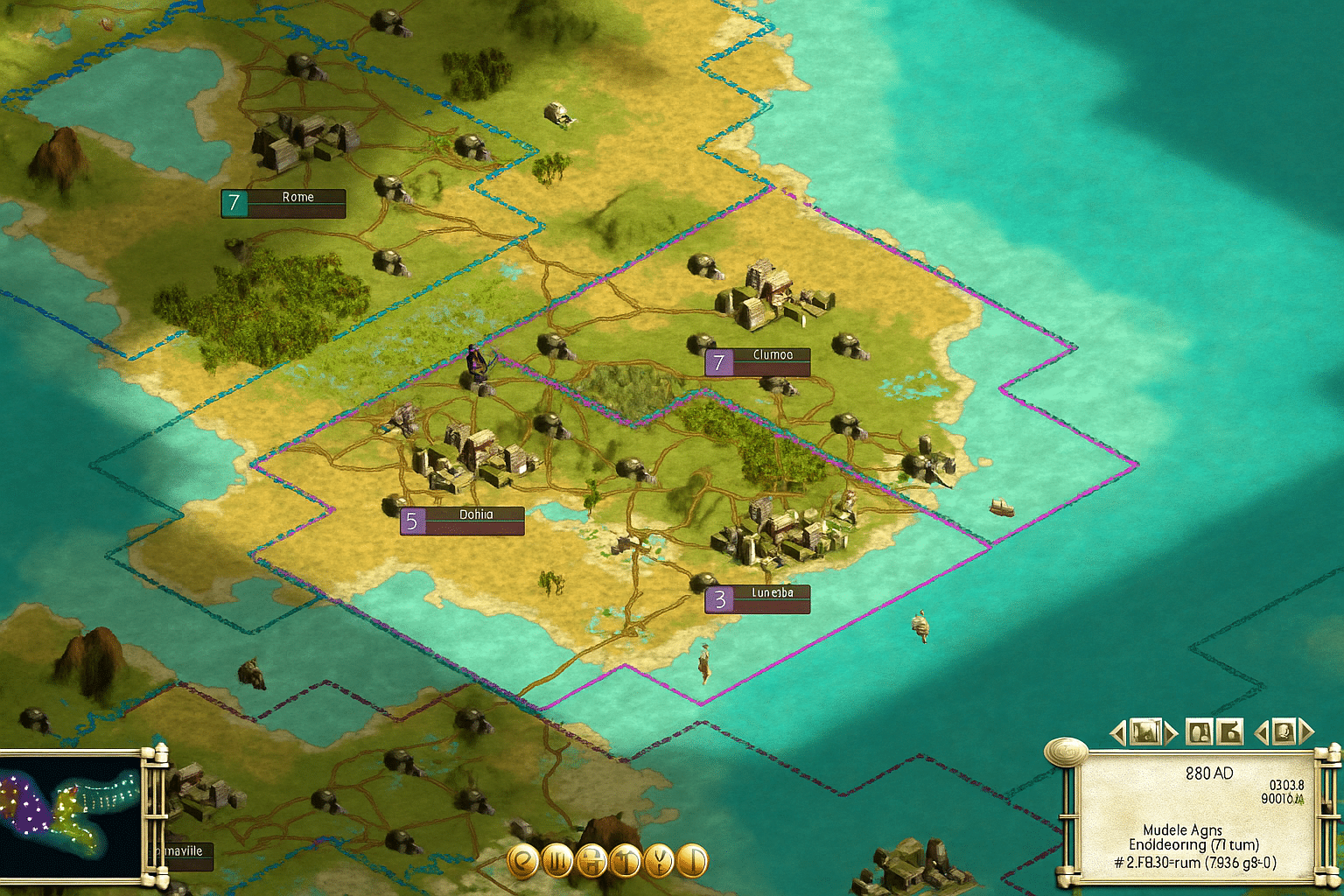
Sid Meier’s Civilization III – the game that laid the foundation for modern strategy
Civilization III is the entry that took Sid Meier’s iconic series from the 90s’ 2D world into the modern era of deep, visually alive strategy. Released in 2001 and still loved today, it’s the version where Civilization truly found its shape—with culture, borders, diplomacy, and war that felt real.
The classic formula, refined

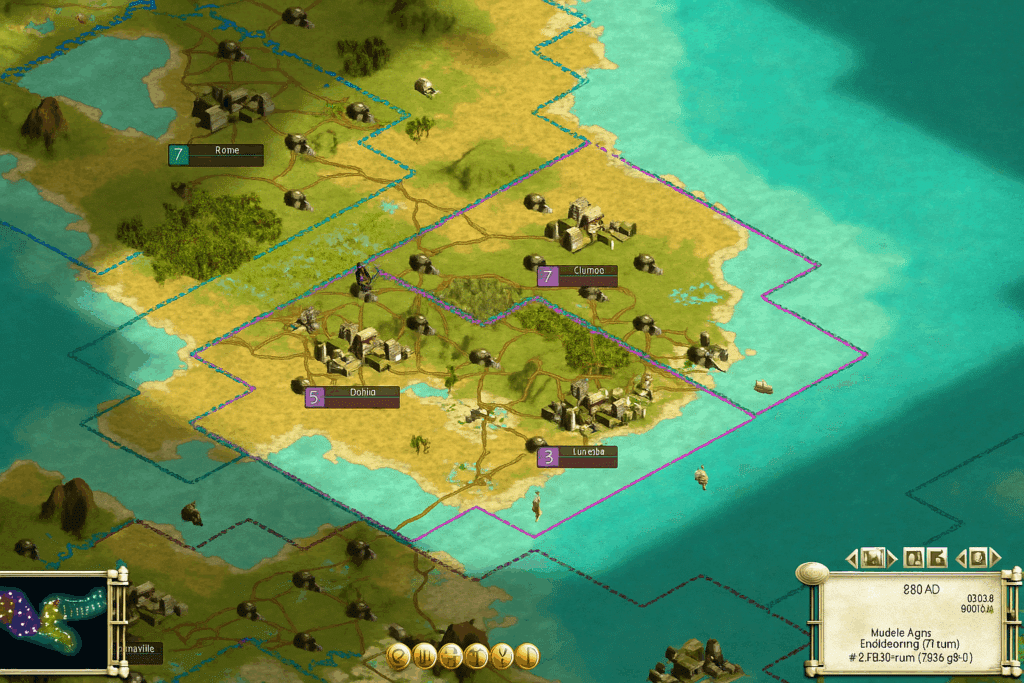
We tested Civilization III: Complete Edition on a Windows 11 PC, and even after nearly 25 years it still runs remarkably well—especially with a widescreen patch and compatibility settings. It barely needs any resources, yet rewards you with hours of pure strategic enjoyment.
There are no quick wins or visual gimmicks here. Instead, you get true turn-based strategy, where every decision—whether you build a temple, send out a scout, or go to war—has consequences for centuries to come.
New systems that changed everything
Civ III introduced a range of mechanics that defined the series forever:
- Cultural borders – your cities expand naturally via culture instead of static zones.
- Resources – access to iron, oil, or horses becomes critical to your power.
- Diplomacy and espionage – more nuanced than earlier games, and still challenging today.
It also marked a shift from a 2D to a 3D world—without compromising the classic Civ foundations.
Complete Edition – the definitive experience
Civilization III: Complete Edition bundles the base game with the Play the World and Conquests expansions, adding:
- 31 civilizations
- New campaigns and historical scenarios
- Advanced diplomatic options
- Multiplayer and improved AI
The Conquests part is especially worth calling out. It feels like a mini history lesson, letting you relive the glory of the Roman Empire, the fall of the Maya, or the Napoleonic Wars in epic scenarios.
Graphics and audio – simple, but full of charm
While the visuals are nostalgic today, they’re still surprisingly readable. The map is clean, and units are clear—exactly how strategy should be. The music is classic Firaxis: understated yet atmospheric, and you’ll quickly forget the game is from 2001.
Top 5 tips for Civilization III: Complete Edition
1. Watch war weariness
Your citizens grow unhappy during long wars—build temples and entertainment to keep morale high.
2. Control the resources
No iron = no knights. Secure strategic resources early in the game.
3. Use culture offensively
Grow your cities’ culture to “flip” enemy cities without declaring war—it’s still a brilliant tactic.
4. Forge alliances wisely
Diplomacy is less stable than in Civ IV, but a smart alliance can give you breathing room while you scale.
5. Try the Conquests scenarios
They’re shorter, more intense, and perfect for a weekend campaign.
Mods and compatibility
There’s still an active community around Civ III. With a few tweaks (widescreen patch, No-CD fix via the Steam version, and community mods), the game runs smoothly on both Windows 10 and 11.
Popular mod projects include:
- Civ3ConquestsFix – stability and HD resolutions.
- Civ3 Extended – more units and scenarios.
- Rise and Rule – a total conversion mod with deeper economy and military.
Frequently asked questions
Yes. The Steam version works fine, but use Compatibility Mode or a community widescreen patch for the best experience.
It includes the base game plus the expansions Play the World and Conquests—with a total of 31 civilizations, new scenarios, and multiplayer.
Yes, but it requires manual setup via LAN or third-party solutions like GameRanger.
Try Civ3ConquestsFix for stability, Rise and Rule for a total overhaul, and Blue Marble for improved visuals.
Civ III has simpler graphics and UI, but it introduced cultural borders, resources, and diplomacy—the foundation Civ IV built on.