


CDs and DVDs are great for storing and playing music and movies. They’re small, compact, and can hold a lot of data—but in today’s world they can also be limiting. Many modern laptops no longer include optical drives, which means it’s harder to take your favorite movies and music with you.

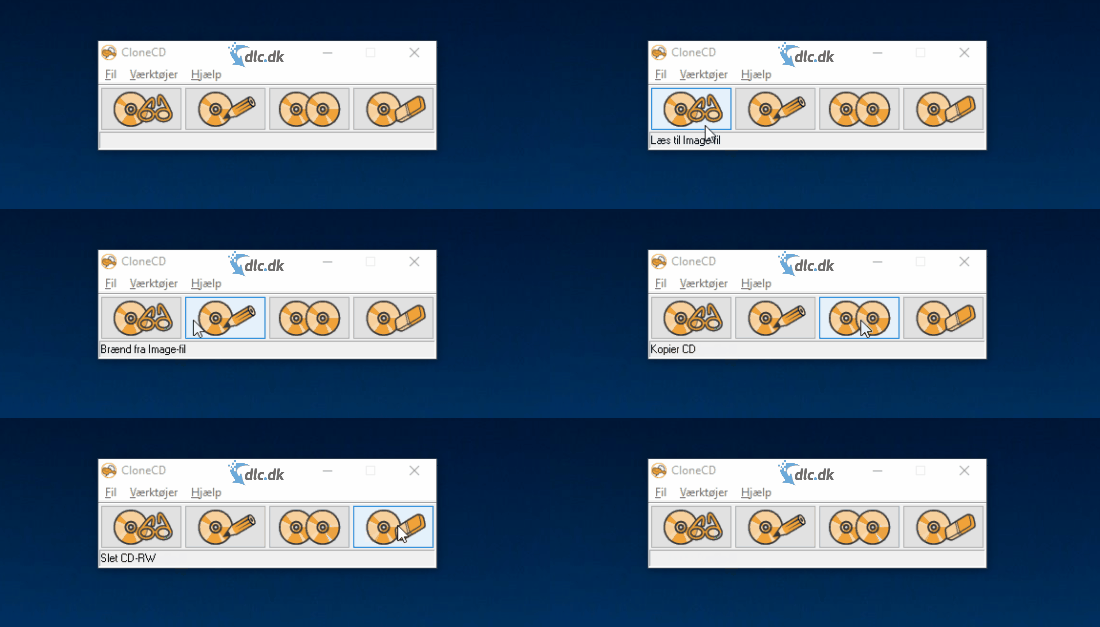
You’ve paid for your content, so you should be able to enjoy it wherever you are. With CloneCD from RedFox, you can clone your CDs to your PC and access them on the go without relying on a physical drive.
Clone your favorite CDs and DVDs to your system and take them on the go
With CloneCD, you can transfer the data from your CDs and DVDs to your computer so you can play them without the physical disc. That’s perfect for a long flight or commute, or if you’ve retired your standalone CD player and lost easy access to albums you purchased. Create digital backups so your content stays available.
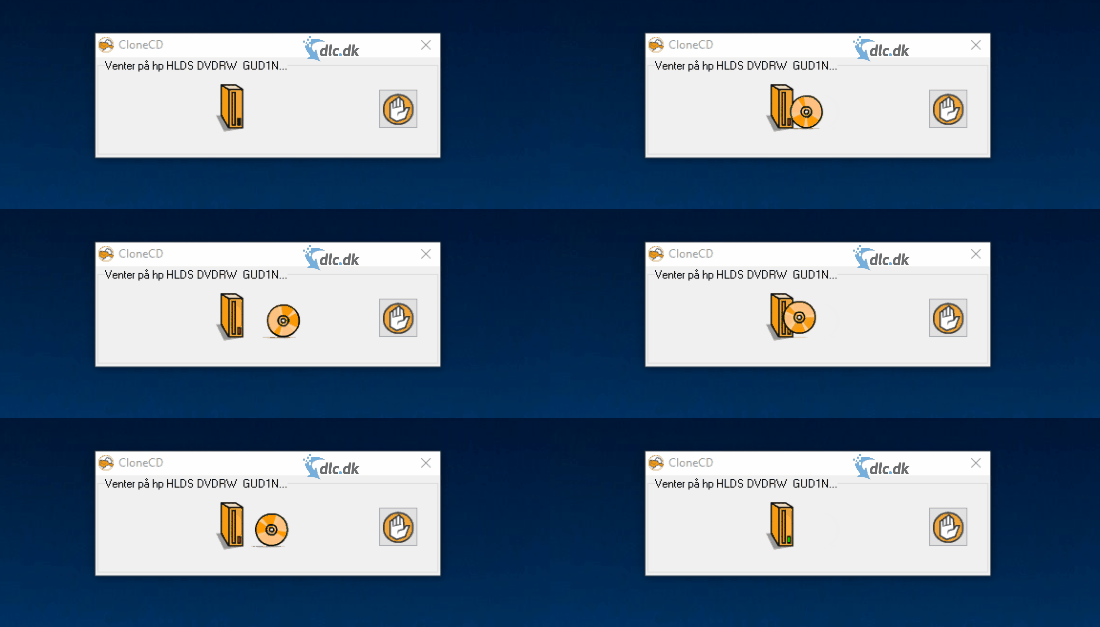
Many CDs and DVDs use copy protection/DRM intended to prevent unauthorized duplication. CloneCD can create 1:1 images of many discs and read through certain protections to make personal backups—only where permitted by law. Always respect copyright and comply with local regulations. Your copies can be saved as disc images that you can mount on your PC or later burn to a new disc.
Burn CDs and DVDs so you always have a backup ready
Physical media like CDs and DVDs can get scratched, warped, or simply fail over time—sometimes making them unusable. Replacing titles you already own is frustrating and expensive. CloneCD helps you avoid that.

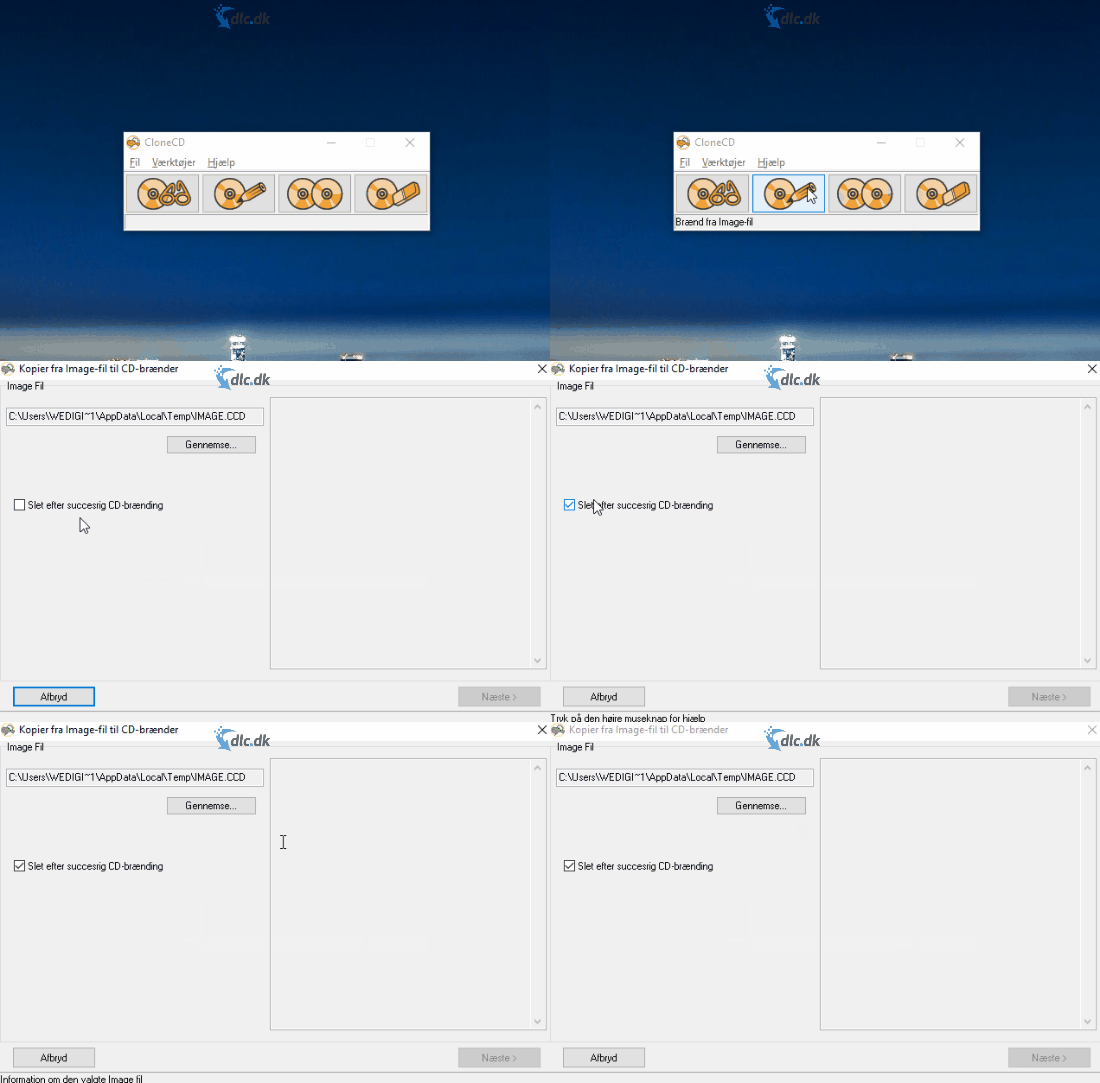
Just as CloneCD can copy your discs, it can also burn them to a blank CD or DVD to create a safety copy. All you need are a few blank discs. Insert one into your drive, choose the image or source on your PC, and burn. You can then play the backup in your home stereo or DVD player.
For those who value their music and movie collection
Plenty of people take pride in a sizeable library of albums and films. Even average households accumulate shelves of discs over the years. When things get harder to organize, CloneCD makes managing your media much easier.
Back up the titles you care about so you never lose them. If you’re running out of shelf space, keep a digital copy on your PC and store or recycle the physical disc. If you ever need a physical copy again, just burn a new one.
Sleek, playful design that makes you feel like a pro
CloneCD is thoughtfully designed. Notice the sheep logo—that’s a nod to Dolly, the first cloned animal—a fun little pun from RedFox.

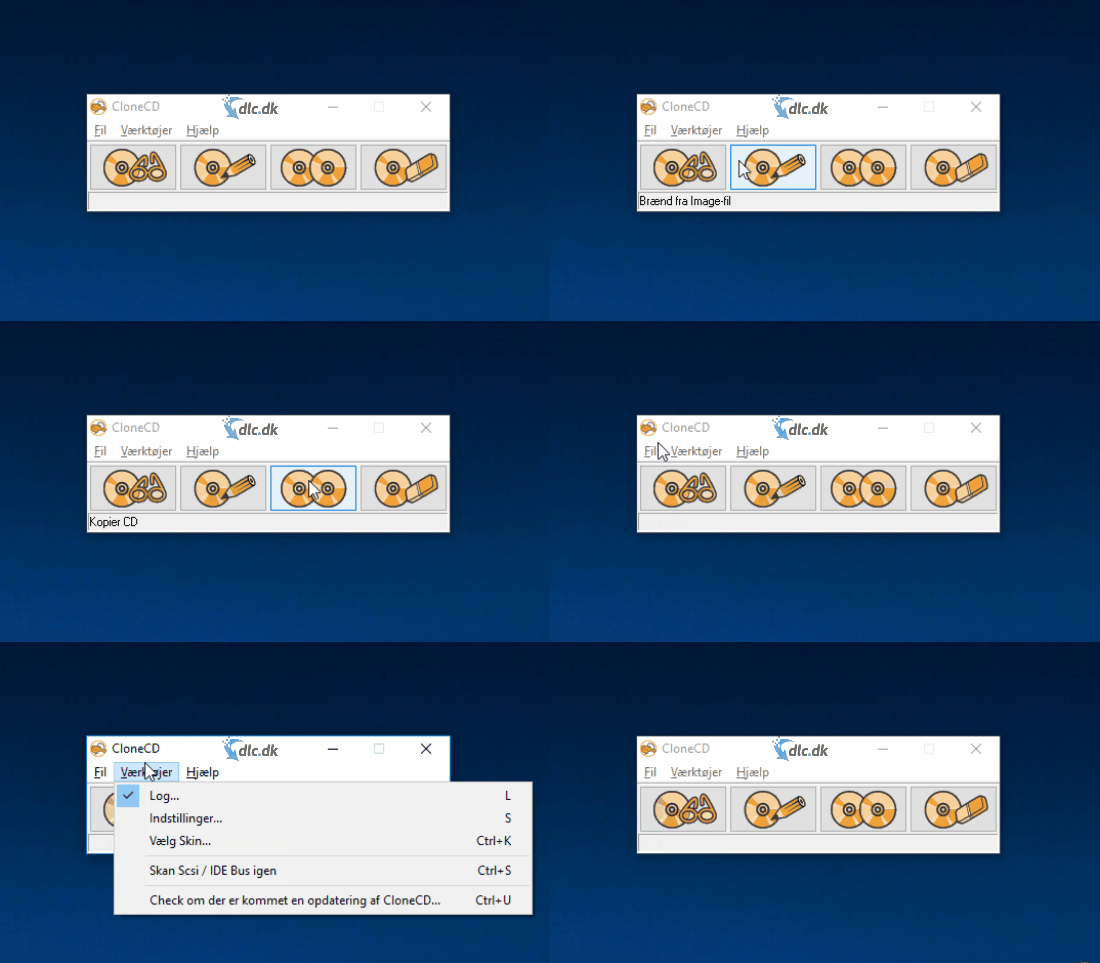
The interface is straightforward and self-explanatory. You get four clear options for cloning and burning your CDs and DVDs—then let CloneCD handle the heavy lifting.
Alternative software
Nero Burning ROM by Nero AG is a strong alternative to CloneCD. It offers similar burning and copying features plus a wide range of extras. It’s a paid program, but you can download a free trial.
CloneCD is dated but simple
CloneCD is a small, straightforward utility that covers your disc-copying and burning needs. While it’s a paid product, it can save you money in the long run by protecting the CDs and DVDs you already own. Recommended.