


Build, dig, and operate heavy machinery in one of the best construction sims
Construction Simulator is a realistic construction sim where you run your own contracting company, operate heavy equipment, and complete everything from simple digging jobs to large-scale building projects.
We tested Construction Simulator on a Windows 11 PC, and the first thing you notice is the pace. This isn’t a game that tries to drown you in explosions, instant rewards, and nonstop action. Instead, it’s about heavy machinery, precision, planning, and the very satisfying feeling of getting a job done right.
It might sound dry, but Construction Simulator actually nails a cozy vibe. There’s a certain calm in backing a truck onto a site, mastering the excavator, loading materials, and watching a project take shape. The game is also big enough that it never feels like a tiny tech demo with yellow machines.
On Steam, the game highlights over 100 contracts, more than 90 machines after updates, and multiplayer for up to three friends.
What is Construction Simulator about?

In Construction Simulator, you start as a small contractor building your business from the ground up. You take on jobs, earn money, buy better equipment, and unlock larger projects as your company grows.
Jobs range from classic construction-site work like digging, hauling, paving, crane operation, concrete delivery, and material handling. Not every moment is thrilling, but the game shines when you embrace its slower rhythm.
It becomes clear fast that small mistakes matter. Park poorly and your machine becomes a hassle. Skip planning your transport and you’ll waste time shuttling back and forth. And if you expect an excavator to handle like a sports car, you’ll learn otherwise quickly.
That’s exactly what makes Construction Simulator more interesting than many other sims. It doesn’t just try to look like a job site—it nudges you to think like someone who needs to keep the work flowing.
Machines, licenses, and construction sites
One of the game’s biggest strengths is its machinery lineup. Construction Simulator uses officially licensed equipment from well-known manufacturers, which gives the experience extra weight. According to the official site, it’s the series’ biggest leap with licensed machines, construction jobs, and later updates also adding demolition work.
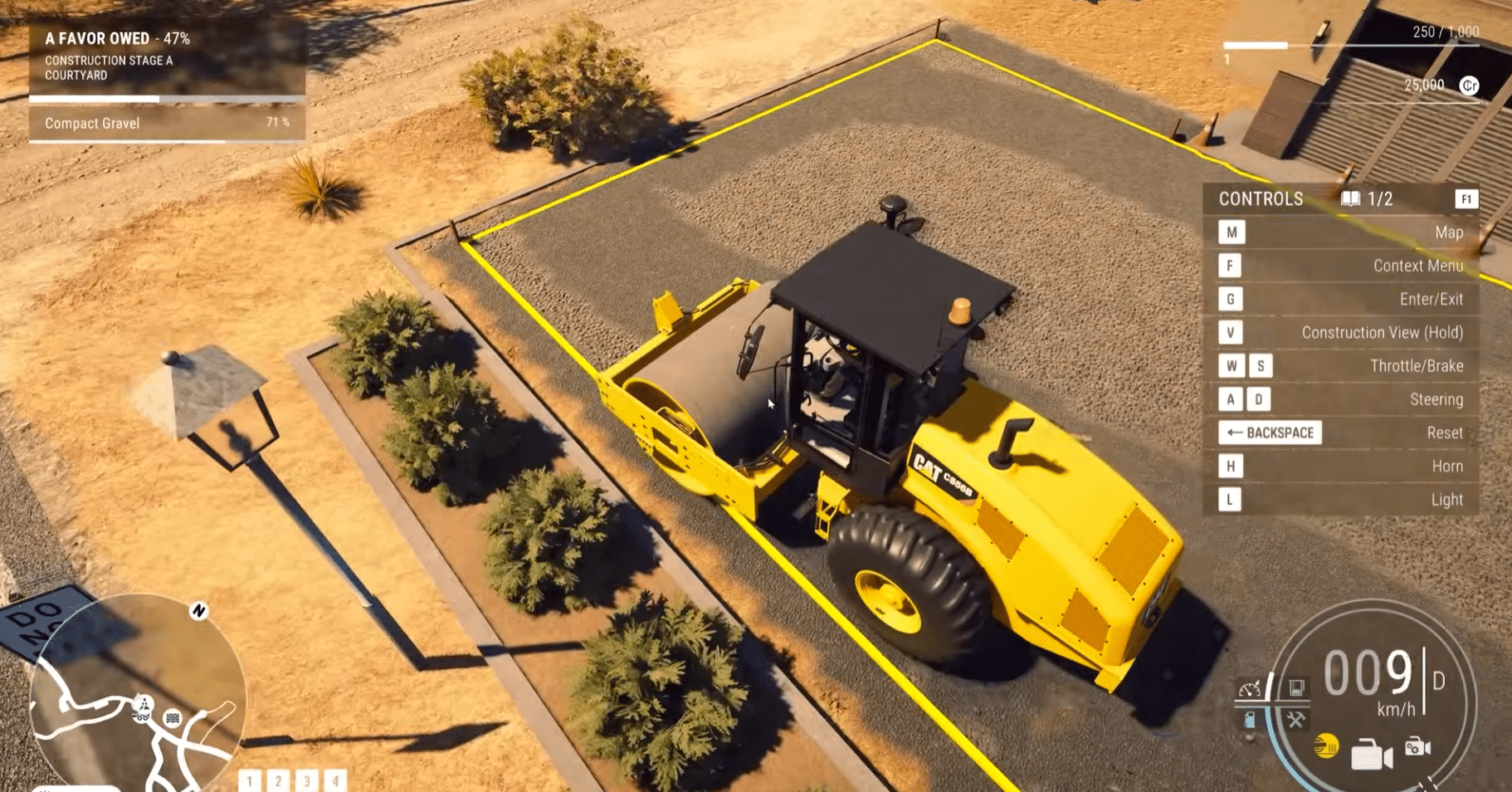
For most players, that mainly means machines feel distinct. An excavator, compactor, crane, and heavy truck each demand a different approach. You’ll learn their movements, limits, and quirks.
That creates a nice sense of progression. Early on it’s enough just to finish a job. Later you start thinking more efficiently: Which machine goes first? Should the trailer be fetched now or later? Is it smarter to buy this piece of equipment or rent it?
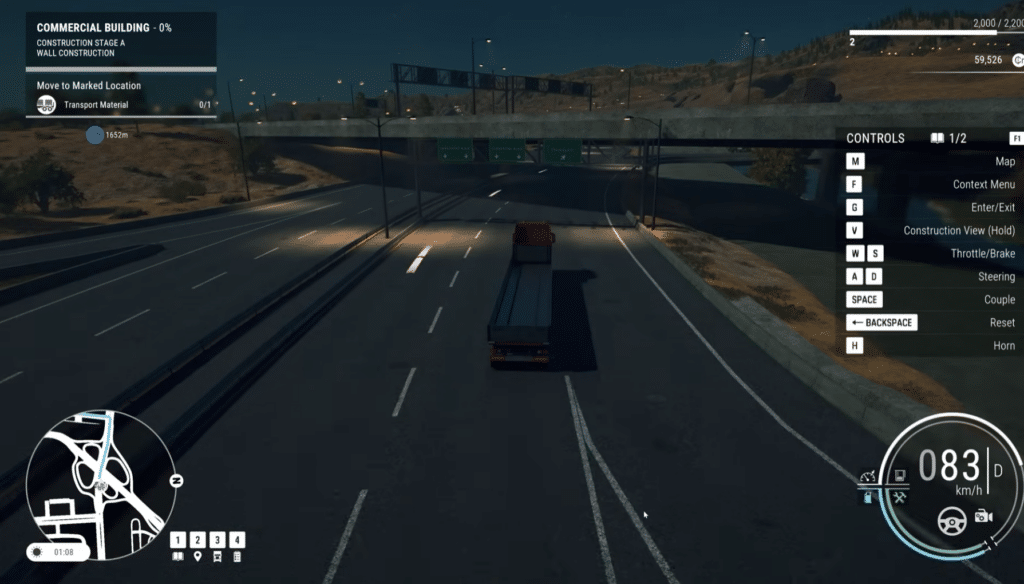
The maps also play a big role. You drive between construction sites, dealers, and depots yourself, which makes the world feel cohesive. It can also feel a bit slow if you just want to jump to the next task quickly.
Gameplay on PC

Construction Simulator runs well on PC, but the controls take a bit of getting used to. Keyboard and mouse are fine for driving and menus, but many machines feel better with a controller, especially when operating cranes, booms, and other precise movements.
We adapted to the basics quickly, but larger machines do require practice. Crane work and precise material placement can be frustrating at first—but it’s very satisfying once it clicks.
Visually, the game looks good without being flashy. The equipment is the visual highlight, while some environments feel a little sterile. Still, the style fits the genre. You don’t play Construction Simulator for cinematic cutscenes—you play it to drive, dig, build, and make the systems work.
Multiplayer makes it better
You can play Construction Simulator solo, but its multiplayer is one of the best reasons to jump in. When multiple players collaborate, the larger jobs feel much more alive.
One player can deliver materials, another can dig, and a third can run the crane. It sounds simple, but it changes the rhythm dramatically. The site feels more active, and tasks become less monotonous.
The game has also added cross-play in an official update, so players on different platforms can team up more easily.
Multiplayer still requires patience. If your friends prefer crashing, blocking paths, and treating the excavator like a toy, chaos follows. With the right crew, though, Construction Simulator becomes a surprisingly cozy co-op experience.
Updates and technical impressions
Construction Simulator has been updated regularly with bug fixes, improvements, new contracts, and tweaks to machines and multiplayer. The official patch notes mention fixes for save games, vehicles, menus, multiplayer, and extra contracts.
That matters for our recommendation. Many sims launch, get a bit of attention, and then fade away. Construction Simulator, by contrast, feels maintained post-release.
In our testing it wasn’t perfectly polished. Physics can still be a little off, and some tasks feel rigid. Overall, though, it’s solid—especially if you set the right expectation: it’s a construction simulator, not an action game disguised as a sim.
Who should download Construction Simulator?
Construction Simulator is ideal if you enjoy laid-back sims, heavy machinery, and games where progression is about work, equipment, and practical quality-of-life upgrades.
It’s also a great pick if you’ve played Farming Simulator, Euro Truck Simulator, or Bus Simulator and want a different slice of everyday simulation. Here, the focus is on job sites, machine operation, and concrete tasks rather than long hauls or pure company management.
If you prefer speed, competition, and constant drama, Construction Simulator will likely feel too slow. This is a game for players who enjoy the process.
Download Construction Simulator
You can download Construction Simulator on Steam, which gives you the official PC version, updates, and multiplayer features.
Top 5 tips for Construction Simulator
It’s tempting to jump straight to big projects, but smaller tasks teach you controls, hauling, and each machine’s rhythm—without too much chaos.
Keyboard and mouse work fine, but a controller makes cranes, booms, and fine adjustments more comfortable. It can save you a lot of frustration.
Most time is lost by driving the wrong route or fetching gear in the wrong order. Review the job first and plan machines and materials.
Construction Simulator is much better in multiplayer—but only if everyone actually cooperates. Otherwise the site turns into a junkyard fast.
New machines are fun to own, but early on it often pays to rent for specific jobs. Save your money for the equipment you’ll use repeatedly.
Is Construction Simulator worth playing?
Construction Simulator isn’t for everyone, but it’s a strong recommendation if you enjoy realistic sims with machinery, structure, and steady progression.
The best part isn’t a single mission or a specific machine—it’s the whole package: growing your company, mastering the equipment, and steadily becoming more efficient on site. It’s a bit nerdy, sure—but in the best way.
The game has weaknesses. Some tasks repeat, the controls can be finicky, and the presentation lacks a bit of life in places. Even so, we spent more time with Construction Simulator than expected. It has that “just one more job” feel that good sims live on.