


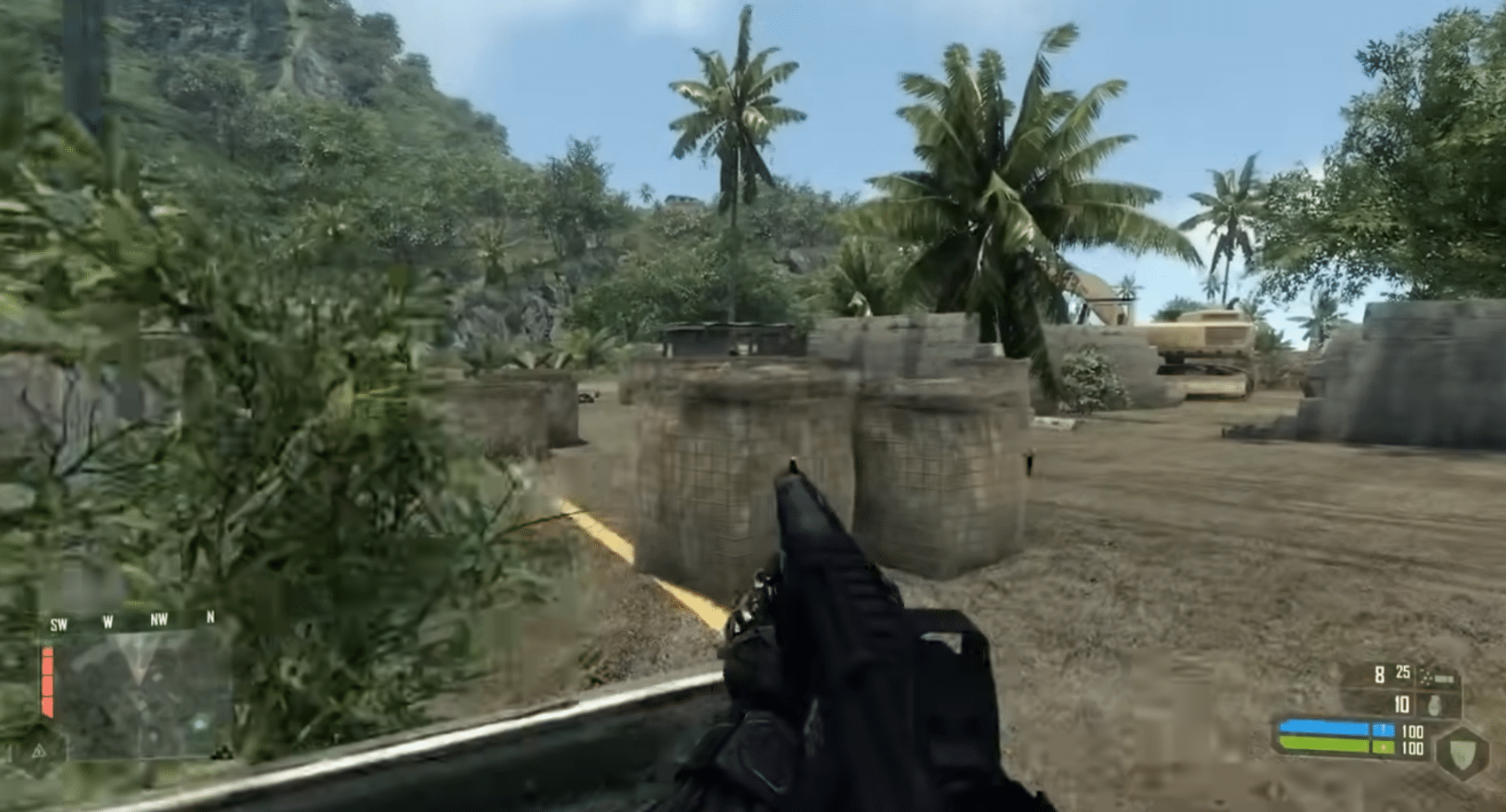
Download the Crysis demo – the classic FPS that pushed your PC
Crysis is an action FPS famous for two things: a “Nanosuit” that makes you borderline superhuman, and a graphics engine that for years defined the benchmark for “can your PC run it?”. This demo lets you try the pace, atmosphere, and freedom in its fights—without buying the game first.
Gameplay and Nanosuit features

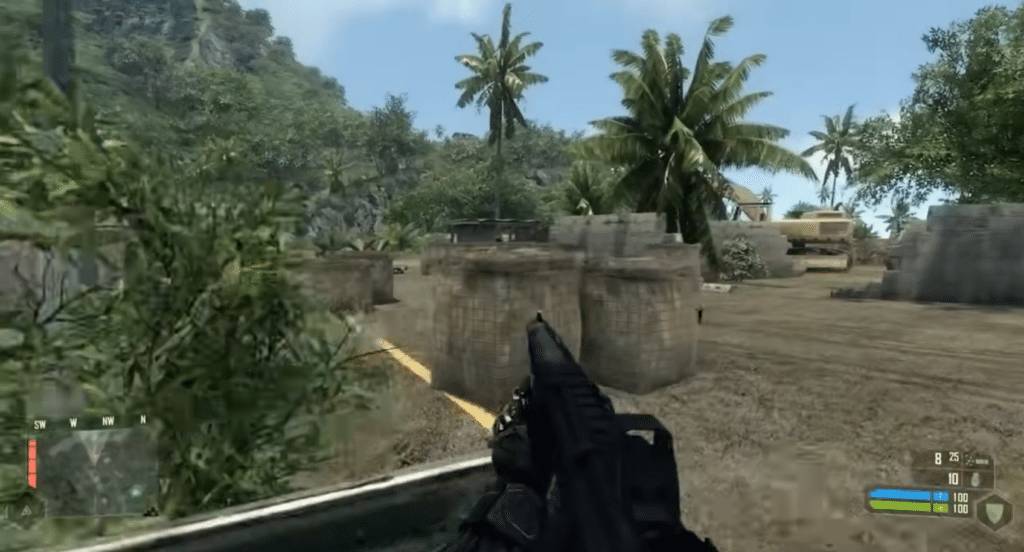
What still makes Crysis great is the freedom in how you approach each situation. You can:
- sneak past guards with Cloak
- go head-on with extra Armor
- use Speed to flank, hop into cover, and reposition quickly
- mix weapons/attachments and switch styles mid-fight
It feels more like a sandbox than many modern, linear shooters, because you often have multiple routes and options within the same encounter.
Graphics, physics, and atmosphere
Even today, lighting, vegetation, and subtle physics details (objects reacting, foliage moving, water and effects) are a big part of the charm. That’s why Crysis is still cited when people talk about games that pushed PC hardware to the absolute limit.
Story and setting

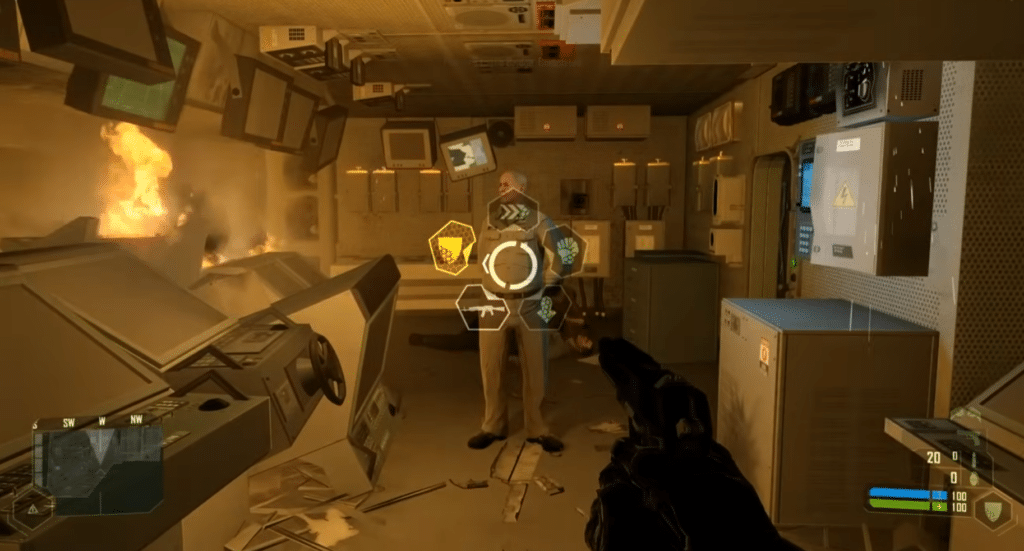
The story is set in the near future, where a military conflict on en ø (an island) is suddenly interrupted by something far worse: an alien threat that dramatically reshapes the environment. The demo gives you a taste of the blend of militærspænding og sci-fi-kaos (military tension and sci‑fi chaos) — and that “this is going to go wrong” feeling as things escalate.
Our test on a standard Windows 11 PC
We installerede demoen på en standard Windows 11-maskine (installed the demo on a standard Windows 11 machine) and played through the opening sections to see if it’s still approachable. The installation itself went smoothly (note the large download size), but we found that older games/demos like this sometimes need a bit of extra tweaking:
- Run as administrator if it refuses to save settings
- Try compatibility mode if the game behaves oddly
- Make sure you’re using the right resolution in the game’s settings so the UI isn’t microscopic on modern displays
Where does a demo make the most sense in 2026?
If you just want to play Crysis “properly” today, it’s usually smartest to grab a modern edition via an official platform (e.g., Steam/EA), because compatibility and updates are typically better. This demo is for you if you:
- want to test the feel and pace before you buy
- love retro/classics and can live with slightly older installation/setup
- want to see whether your PC plays nicely with the game before investing time/money