


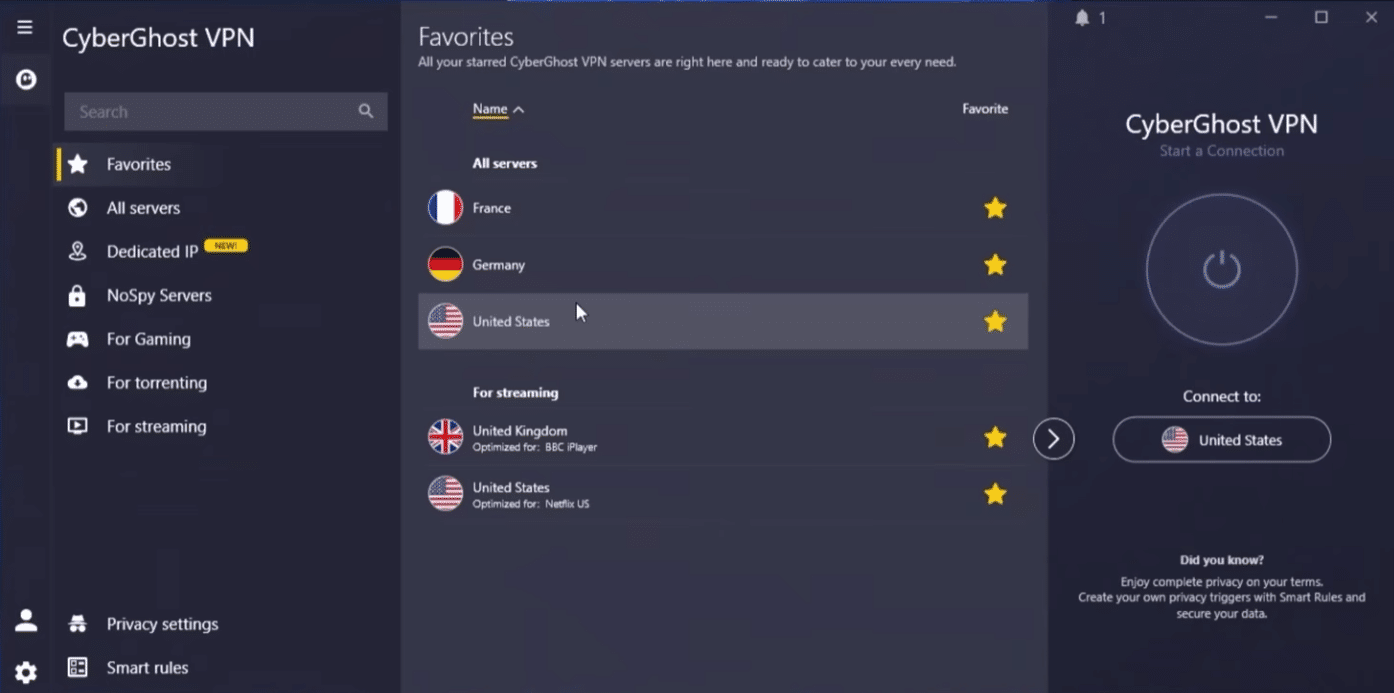
CyberGhost VPN makes private browsing easy—no tech hassle required
CyberGhost VPN is a user-friendly VPN service for anyone who wants to hide their IP address, encrypt their internet connection, and take more control of their online privacy.
We tested CyberGhost VPN on a Windows 11 PC and an Android phone, and the first impression was clear: this is a VPN built for everyday users who want one-click protection. The app feels more approachable than many overly technical VPNs, and you’re not met with a wall of settings before you can even get started.
CyberGhost VPN works on Windows, macOS, Android, iOS, and Linux, and one subscription can be used on up to 7 devices at the same time. That’s a great fit for a typical U.S. household with a computer, phone, tablet, and maybe a streaming device in the living room.
VPN for Windows, Mac, mobile, and streaming

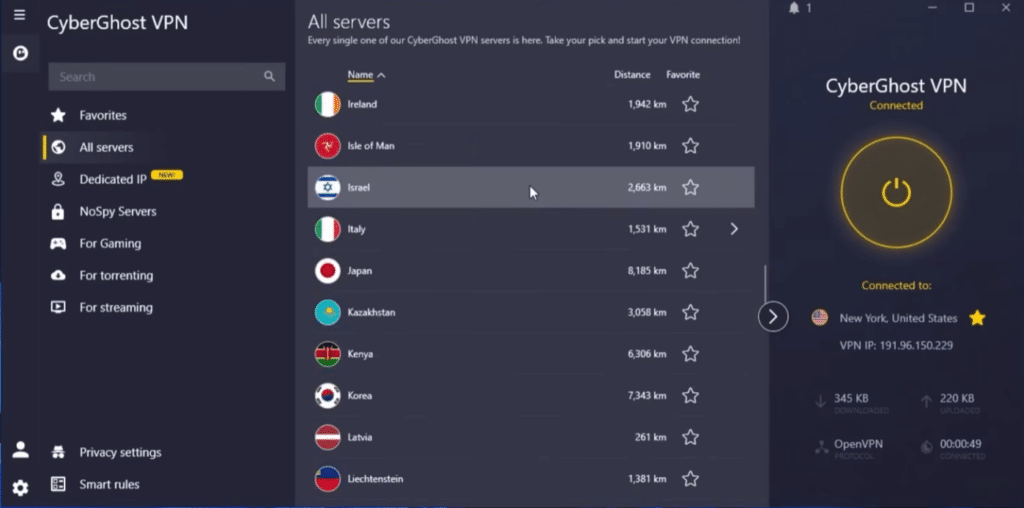
CyberGhost VPN is especially appealing if you want a VPN that requires very little setup. On Windows, we installed the app, signed in, and connected in just a few minutes. The app suggests a server automatically, but you can also pick a country manually if, for example, you want to test an overseas connection.
For streaming and downloads, CyberGhost’s server network is a major advantage. The service has servers in 100 countries and offers servers tailored to different purposes, making it easier to pick a connection optimized for streaming, browsing, or downloading.
That doesn’t mean everything magically works every time. Streaming platforms constantly update their blocks, so performance can vary from day to day. But compared to many smaller VPNs, CyberGhost feels like a more mature solution where server selection and the interface help steer you in the right direction.
Privacy, no-logs, and security
CyberGhost VPN hides your real IP address and encrypts your internet traffic, making it harder for websites, ad networks, and other third parties to track what you do online. That’s especially relevant on public Wi‑Fi networks, where you don’t always know who else is on the same connection.
CyberGhost highlights a strict no-logs policy, and Deloitte has audited the service multiple times. The latest audit covers how CyberGhost’s infrastructure and internal systems are designed to support and enforce the no-logs policy.
During our tests, the kill switch and automatic connection stood out as the most practical security features. The kill switch is particularly important because it can cut your internet if the VPN drops. In practice, that just means you won’t keep browsing unprotected without noticing.
Smart Rules and split tunneling in everyday use
One feature we ended up using a lot was Smart Rules. Here you can customize how CyberGhost VPN behaves when the app starts or when you connect to specific networks.
That’s especially useful if you switch between home, work, cafés, and hotel Wi‑Fi. For example, you can have the VPN start automatically on unknown networks but keep it more relaxed at home.
Split tunneling is also worth knowing. It lets you choose which traffic should go through the VPN and which should use your regular internet connection. That can be handy if online banking, government portals, or local services act up when the VPN is active. CyberGhost describes split tunneling as a feature where you can decide which apps or sites use the VPN tunnel and which should bypass it.
How CyberGhost VPN feels to use

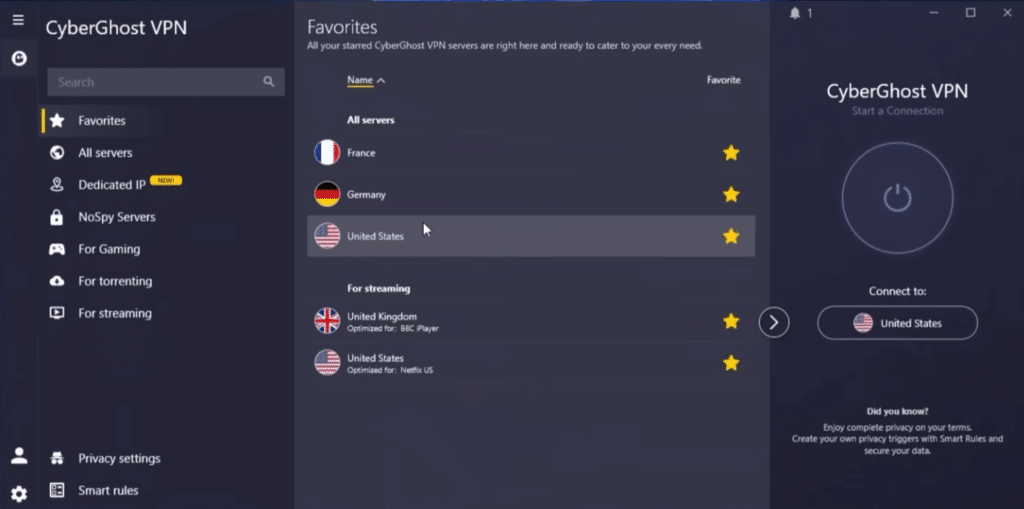
CyberGhost VPN isn’t the most geeky VPN on the market—and that’s the point. Some competitors offer more advanced layers, niche features, or extra technical control. CyberGhost instead focuses on making VPN use simple enough that you’ll actually use it.
On Windows, the app was easy to navigate. The server list is clear, connections were established without issues, and switching countries was straightforward. On mobile, the experience is even simpler—great for beginners, though power users might miss deeper settings.
We also noticed the design makes it very obvious whether you’re protected or not. That sounds basic, but it matters in daily use. A VPN shouldn’t just be secure on paper—it should be easy enough that you won’t turn it off after two days.
CyberGhost VPN for U.S. users
For U.S. users, CyberGhost VPN makes the most sense in three situations: when you use public Wi‑Fi, when you want to limit tracking across the web, and when you want access to a broader selection of server locations.
Think vacations where the hotel Wi‑Fi doesn’t feel particularly trustworthy. Or at a café, on the train, or at the airport when you sign in to email, cloud services, or work systems. In those cases, CyberGhost is an easy extra layer of protection.
Just don’t buy a VPN expecting it to make you completely anonymous in every situation. You still need to think before you click, keep your software updated, use strong passwords, and watch out for phishing. CyberGhost VPN is a powerful tool, but it doesn’t replace common sense.
What could be better
CyberGhost VPN has a lot going for it, but it’s not perfect. The biggest limitation is that some features vary by platform. The Windows app feels the most complete, while the mobile apps and other platforms can be more streamlined.
Another point is that CyberGhost may not feel as advanced as the most feature-packed competitors if you care about deep technical tweaks, multi-hop, specialty servers, or extreme fine-tuning. For most users, that won’t matter much, but it’s worth noting.
We’d also love a more consistent experience across all devices. Once you learn the Windows version, you might miss some of the same options on other platforms.
Top 5 tips for CyberGhost VPN
Enable auto-start on public Wi‑Fi
If you use Wi‑Fi at hotels, cafés, on trains, or at airports, set CyberGhost VPN to start automatically. It makes a big real-world difference because you won’t have to remember to turn it on every time.
Pick a server that matches your task
CyberGhost VPN works best when you don’t just pick a random server. For streaming, downloading, or private browsing, choose a category that matches the job. It often delivers a more stable experience.
Use split tunneling for banking and local services
Some services can behave oddly if you sign in from a foreign IP address. Use split tunneling or exceptions for sites that should use your regular connection.
Make sure the kill switch is on
The kill switch is one of the most important VPN features. It helps prevent your real connection from being used unprotected if the VPN drops. Check it right after installation.
Change servers if speeds feel slow
A VPN can affect speed, especially if the server is far away or crowded. Try a server closer to your location (e.g., within the U.S.) for secure browsing, and only choose distant countries when you need that location.
A strong pick for easy VPN protection
CyberGhost VPN is an excellent choice if you want a VPN that’s easy to use yet still covers the essentials. It’s especially strong for everyday private browsing, public Wi‑Fi, streaming, and for users who don’t want complicated setup.
It isn’t necessarily the most advanced option for hardcore VPN enthusiasts, but for most people in the U.S., CyberGhost VPN strikes a great balance between price, ease of use, and security. It’s a VPN you’ll actually use—and that often matters more than a long list of features you’ll never touch.