


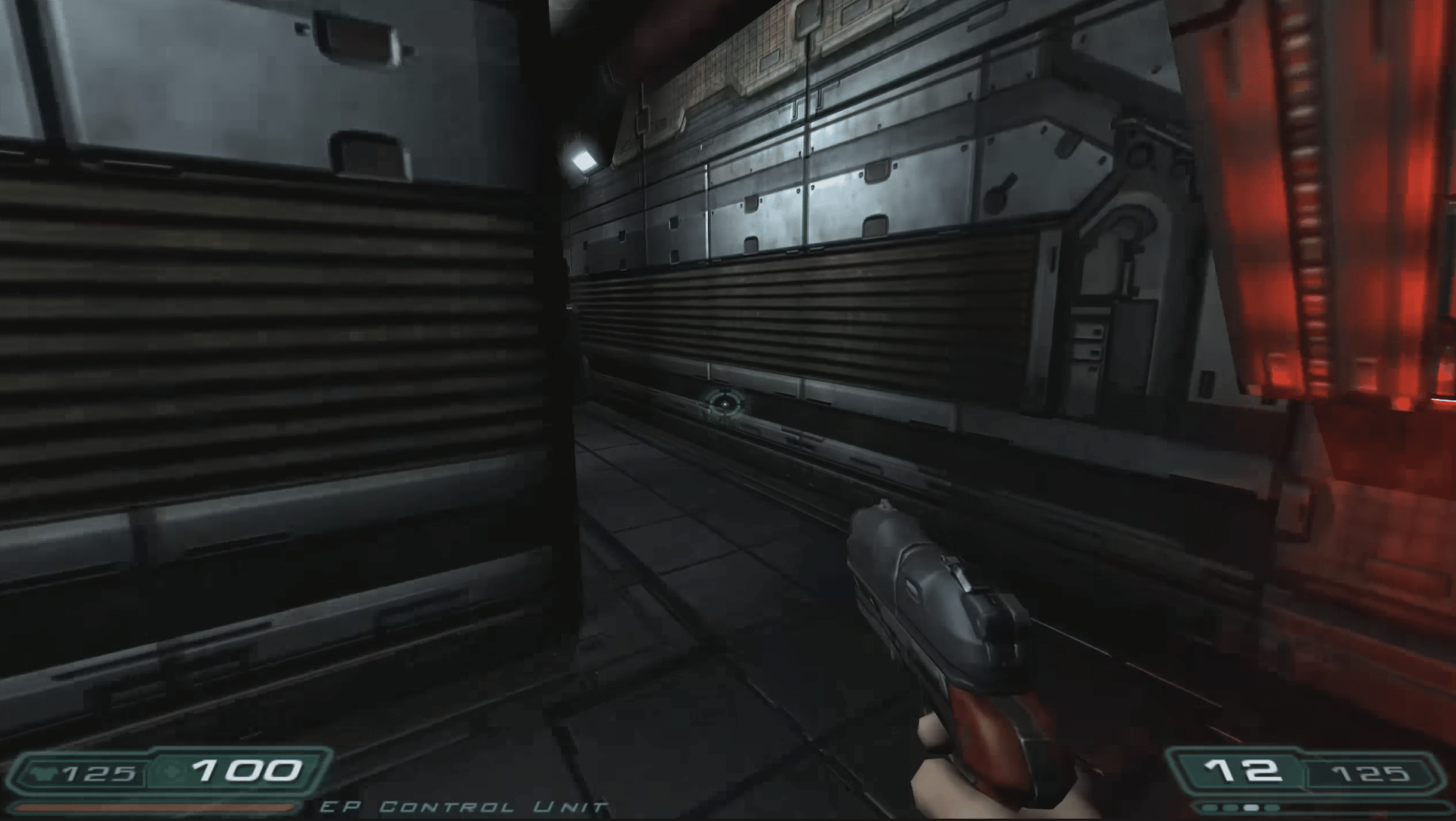
DOOM 3: Hell on Mars—and still scary today
Doom 3 is the DOOM entry that dialed back the arcade speed and cranked up the claustrophobic horror: dark corridors, unpredictable ambushes, and a constant sense that something is in the room with you before you see it. The story takes you to a research station on Mars, where an experiment goes terribly wrong and a portal to hell is opened.
It sounds classic, but Doom 3 does it its own way: atmosphere first, gunfire second. If you’re used to DOOM (2016) or DOOM Eternal, Doom 3 feels more like a sci‑fi horror FPS with heavy weapons—and that’s exactly why many players still come back to it.
Gameplay and weapons: slower, darker, and more tense

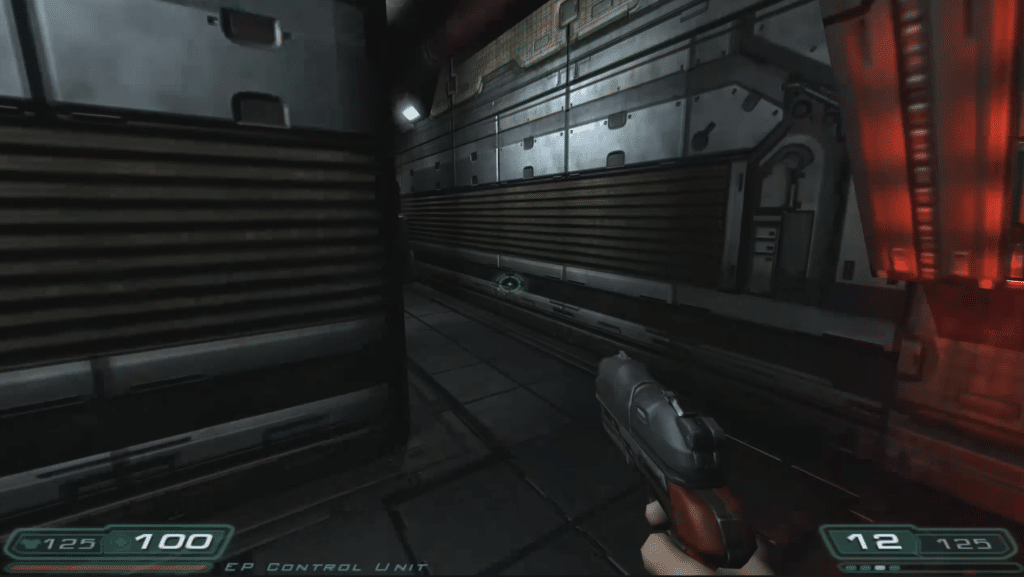
Where newer DOOM games reward aggressive forward momentum, Doom 3 often rewards patience and positioning. You’ll spend a lot of time clearing rooms, watching corners, and reacting quickly when demons spawn close to you.
The gunplay is still satisfying: the shotgun is a workhorse, the plasma weapon feels heavy, and the pacing means ammo and reload rhythm actually matter. This isn’t a game you just blaze through—and that’s part of the charm.
Audio, lighting, and atmosphere: where Doom 3 still wins

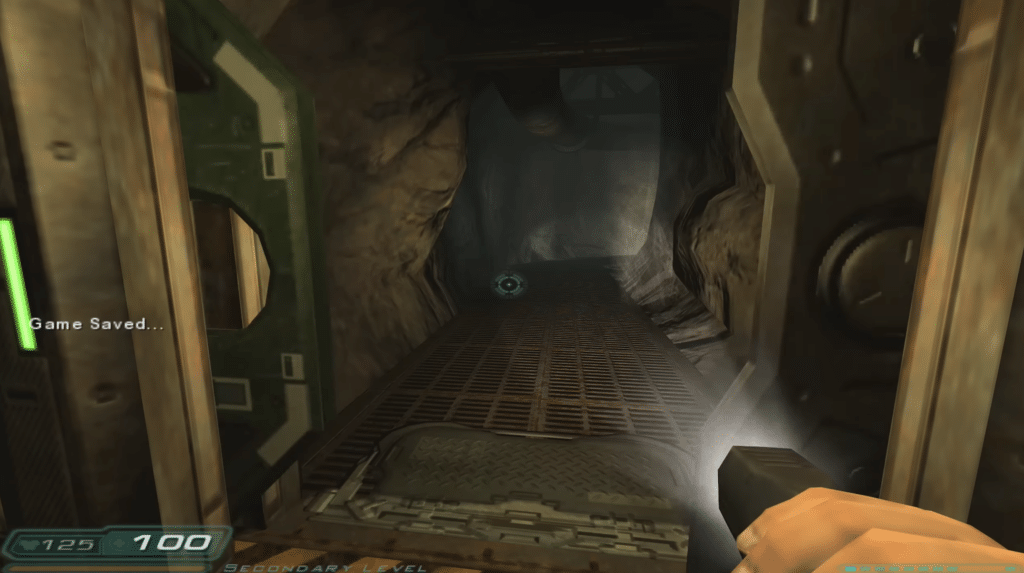
Doom 3 is (still) best when it’s most uncomfortable. Sound is your radar: footsteps, screams behind walls, creaking metal, and subtle signs that something just changed in the hallway behind you. Combine that with dark areas and flickering lights, and you get a game that still makes you slow down.
Tip: play with a headset. It elevates the experience significantly, especially if you play at night.
Which version should you download?
Here’s the important part so you don’t end up in a dead end:
- The original “DOOM 3” used to be on Steam, but that version is now marked as retired and no longer available in the Steam store.
- On Steam, you’ll typically find DOOM 3: BFG Edition as the modern PC release.
- On GOG, you can buy a bundle that includes both the classic base version and BFG Edition plus the expansions in one package (usually DRM-free).
If you want the easiest just-install-and-play on modern Windows, BFG Edition is often the straightforward choice. If you care about having multiple versions together (and offline installers), the GOG bundle is worth a look.
Our Windows 11 test: how it feels in practice
We tested Doom 3 on a standard Windows 11 PC (a mid-range gaming laptop) and found it quick to get started—but the “real” experience comes from small tweaks: especially audio levels, FOV, and mouse sensitivity. After 10 minutes of tuning, the game hit that intense “I don’t dare to sprint” vibe Doom 3 is known for.
The biggest difference between a good and an average experience was actually lighting/contrast and sound. When those are dialed in, Doom 3 works surprisingly well as a horror FPS, even in 2026.
Top 5 Doom 3 tips
Tune FOV and mouse sensitivity first
Doom 3 quickly feels “heavy” if the FOV is too low and your sens is off. Spend 2 minutes dialing in your aim so fights aren’t a battle with the controls.
Play as if you’re always about to run out
Doom 3 rewards short, controlled bursts and “peek before you enter.” Keep your strong weapons ready for the sudden jump-spawns when the game drops something right next to you.
A headset is almost a cheat code
You often hear enemies before you see them. With a headset, “where is it coming from?” becomes a real tool, not just ambiance—and you’ll take fewer shots in the back.
Use the shotgun by default, then hard-swap when it matters
The shotgun is your best room-clearer in tight spaces. Save the more specialized weapons for enemies that are either too fast or too tanky to trade shots with.
Save more often than you think—especially before new doors
Doom 3 loves to “surprise” you when you trigger a door or a new section. A quick save before you enter saves you from repeats if you get caught in a bad spawn.