


Floorp: Firefox for users who want more control
Floorp is a free, open-source web browser based on Firefox, but with far more options for customization, tab management, and privacy than standard Firefox.
We tested Floorp on a Windows 11 PC, using it as our everyday browser with Google Docs, YouTube, Holyfile, online banking, webmail, and plenty of tabs open at once. First impressions are quite positive: Floorp doesn’t feel like just another “alternative browser,” but more like Firefox for users who miss classic power-user features and want more control over the layout.
The official description highlights Floorp as a Firefox-derived open-source project from Japan focused on user-centered browsing, privacy, and deep customization. The project’s GitHub page also describes Floorp as a browser that tries to balance flexibility, privacy, and an open web.
More freedom than a typical browser

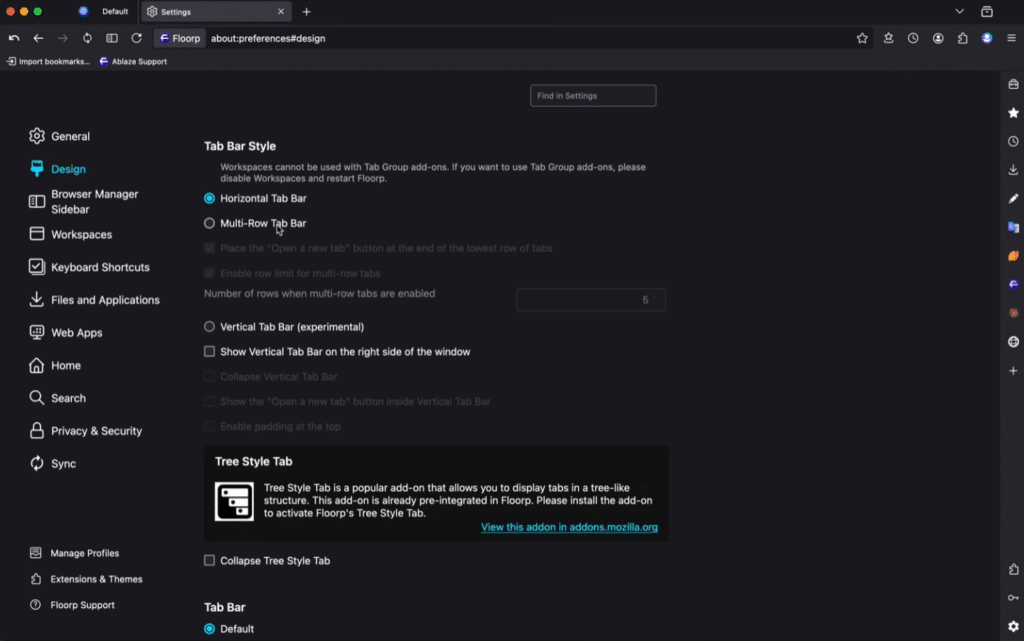
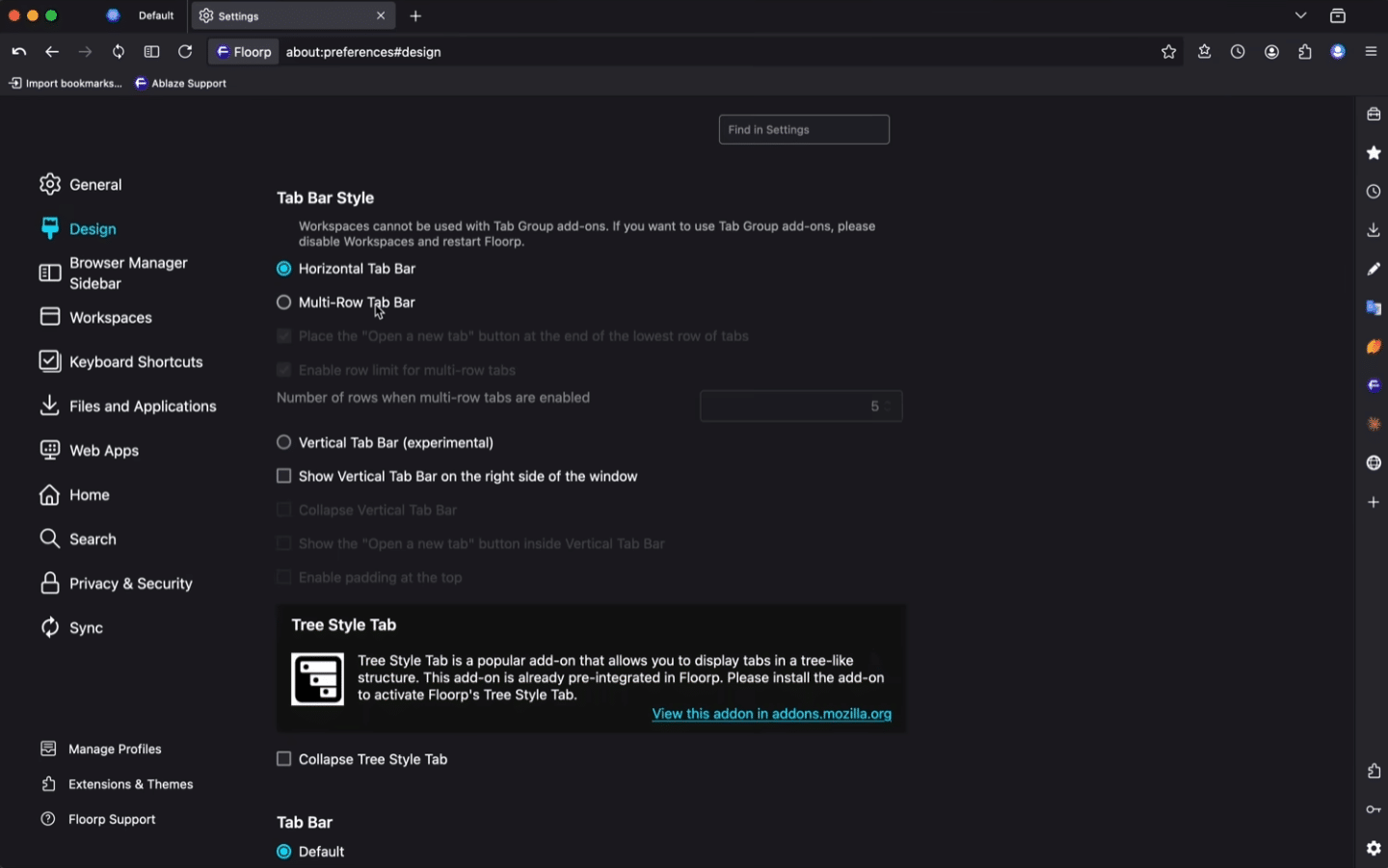
The most interesting thing about Floorp is how much you can change. You can work with side panels, tabs, Workspaces, and layouts in a way that’s a bit like Vivaldi—only with Firefox under the hood.
In testing, it was especially helpful to organize work better when many tabs were open. If you keep one set of tabs for work, another for research, and a third for privat brug, Floorp feels more manageable than Chrome and stock Firefox. It does take a little time to find the right settings, because there are lots of buttons and menus.
Privacy and Firefox compatibility
Floorp is built on Firefox, which means you get strong compatibility with many Firefox add-ons. That’s a big advantage if you already use extensions like password manager, ad blocking, translation tools, or productivity add-ons.
The browser also has a clear focus on privacy without becoming as locked down or extreme as some privacy browsers. That makes Floorp interesting for people moving away from Chrome who still want a browser that works normally for streaming, logins, web apps, and everyday browsing.
Everyday performance

Floorp felt stable in our tests, even with many tabs open. It isn’t necessarily faster than Firefox or Chrome in every situation. The flexibility and features are the main reasons to choose it.
On a typical Windows 11 machine, startup was quick enough and pages loaded without noticeable issues. If you only use a few tabs and never change the settings, you won’t get the full benefit of Floorp. It’s best for users who actually enjoy customizing their browser.
Minor downsides
Floorp can feel a little cluttered at first. It’s not that the browser is difficult, but it gives you many options at once. Users who just want a very simple browser with minimal extra menus will likely feel more at home in Firefox, Edge, or Chrome.
We also noticed that some of the more avancerede funktioner require a bit of trial and error. It’s not a big problem, but it makes Floorp less obvious for beginners.
Top 5 tips for Floorp
Use Workspaces to keep tabs organized
Create separate Workspaces for work, research, entertainment, and personal browsing. Floorp becomes far easier to manage—especially if you usually end up with 30 tabs open.
Customize the sidebar from the start
Floorp really shines once you actively use the sidebar. Put your most-used tools within easy reach instead of sticking with the defaults.
Install only the Firefox add-ons you actually use
Floorp supports many Firefox add-ons, but too many extensions can slow the browser down. Start with a password manager, an ad blocker, and maybe a translator.
Review the privacy settings
Spend a few minutes on tracking, cookies, and security. Floorp offers lots of options, but the best setup depends on how tightly you want to protect your privacy.
Give the browser a few days before you judge it
Floorp can feel a bit different on day one. After some tweaking, it starts to click—especially if you want more control with fewer limitations.
A strong choice for power users and Firefox fans
Floorp isn’t the most obvious browser for everyone. But for users who want the Firefox foundation combined with more freedom, richer layout options, and better tab management, it’s surprisingly compelling. It’s especially relevant if you think Chrome is too tied to Google and standard Firefox feels a bit too simple.