


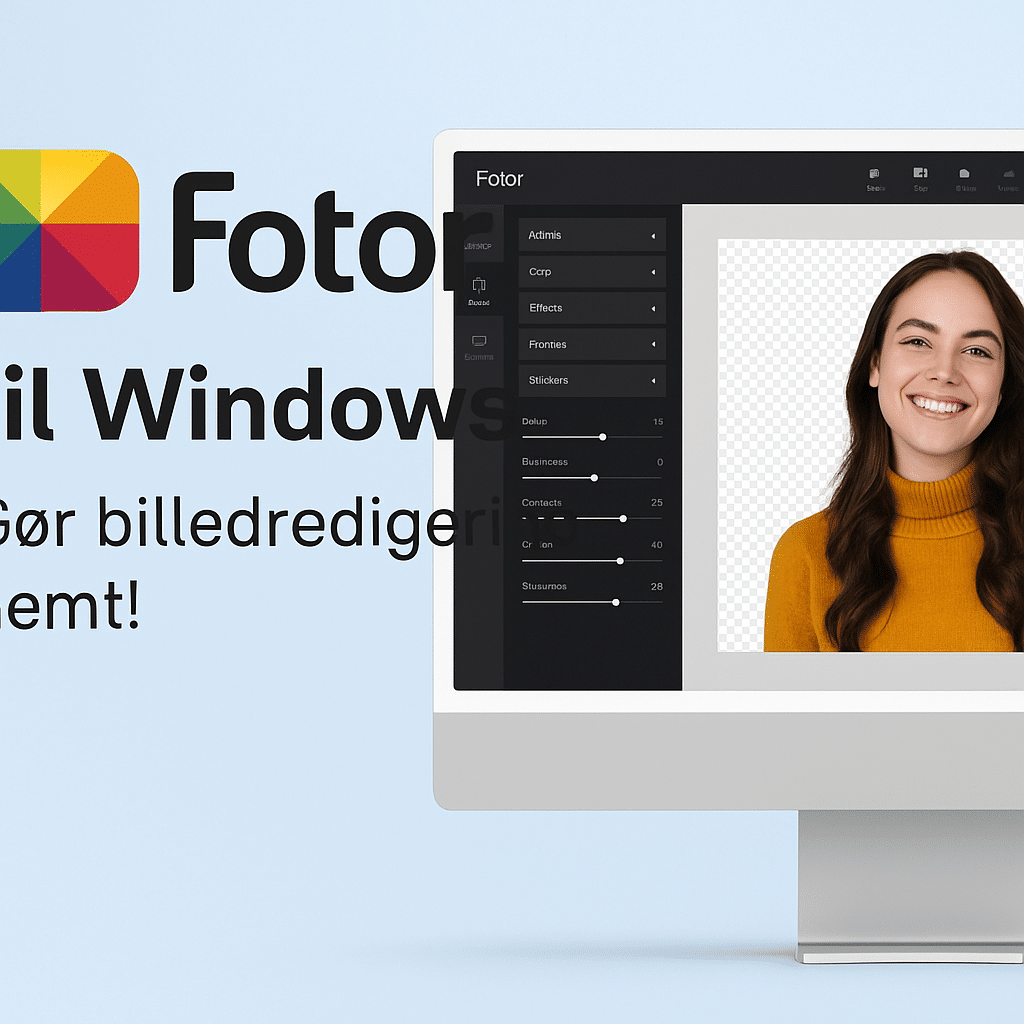
Fotor for Windows – Easy photo editing with great results.
Fotor is a user-friendly and efficient photo editor that makes it easy for both beginners and hobby photographers to edit images and create collages without spending time on complicated features. You get it all in one free package for Windows—fast, polished, and surprisingly versatile.
Edit and create collages in minutes
Fotor has two core features: photo editing and a collage maker. Both are intuitive and aimed at everyday users without a technical background. With just a few clicks you can:
- Crop and resize images
- Add effects, filters, and frames
- Adjust brightness, contrast, and colors
- Add text and stickers
Once billedet is edited, you can easily import it into the collage feature, where you combine multiple images into stylish layouts. Perfect for postcards, presentations, or social media.
Share directly to social media
Fotor lets you share your creations directly from the app to platforms like:
- 📸 Flickr
You don’t have to save and upload manually—Fotor saves you time.
User interface and experience
Fotor’s interface is one of its biggest strengths. It’s clean, colorful, and easy to navigate, even if you’ve never used Photoshop. You’ll feel in control without being overwhelmed. Every feature is clearly labeled and takes just a few clicks.
Who is Fotor for?
Fotor is ideal if you:
Want great-looking results without technical hassle
Prefer quick, easy photo editing with no learning curve
Want to create beautiful collages for social media, cards, or gifts
Need a gratis alternativ til mere avancerede løsninger
Download Fotor
Top 5 tips and tricks for Fotor
🖼️ Use Auto Enhance for quick fixes — With one click, Fotor analyzes your photo and improves color, contrast, and exposure. Perfect for fast edits.
🎨 Explore the effects — Fotor offers a wide range of stylish filtre and effects, like vintage, HDR, and Lomo. It makes your photos unique without requiring any technical skills.
📏 Use grids and layouts in the collage tool — Customize frames, backgrounds, and placement to achieve professional-looking results.
✏️ Add text with style — Choose from many fonts and text templates. Great for quote images and social posts.
🧑💻 Save in high resolution — Even though Fotor is free, you can still export your files in high quality. Ideal for print or presentations.