


GanttProject is still a strong free choice for project planning
GanttProject is a free project management app that makes it easy to build schedules, set milestones, allocate resources, and keep an overview of tasks in classic Gantt charts. It’s especially appealing to small businesses, nonprofits, students, and anyone who wants a free alternative to pricier solutions like Microsoft Project. It’s still available for Windows, macOS, and Linux.
We tested the current desktop version with a focus on everyday task planning and small projects. First impressions: GanttProject still delivers on its promise. You can quickly create tasks, set start and end dates, link dependencies, and get a visual overview without creating an account or learning a heavy enterprise platform.
What still holds the app back a bit is the interface. It feels more functional than modern. On the other hand, that’s part of the charm of open-source software like this: it’s about getting the work done, not flashy design.
Features that make GanttProject worth using

GanttProject focuses on the classic tools many people actually need: task management, resource allocation, cost calculation, and exporting project data. The official product description highlights work breakdown, building Gantt charts, assigning resources, and calculating project costs as core features.
That makes GanttProject a great fit for users who want to:
- plan projects visually
- track dependencies between tasks
- allocate staff or resources
- monitor progress without a monthly subscription
- work locally on the desktop instead of only in the browser
One of the more interesting recent improvements is support for calculated columns in the task table, which gives you more flexibility in larger plans. At the same time, Apple Silicon support matters for Mac users because it keeps the app current on newer hardware.
Real-world user experience
In our testing, GanttProject worked best when we stuck to the classic flow: create a project, add tasks, create subtasks, set dependencies, and adjust the calendar. Here, the app is actually pretty straightforward.
The less elegant part is that some menus and workflows still require a bit of patience. New users may feel the app is more “tool” than “guide.” It’s not software that holds your hand. The upside is a stable desktop solution where you’re not pushed into subscriptions or artificial feature limits.
It’s also a positive sign that the project is clearly alive. The official support site shows ongoing activity, and there are releases, documentation, and a support forum—good signs for open-source software that could otherwise end up as abandonware.
Who should choose GanttProject?
GanttProject is best for anyone who wants free desktop project management and doesn’t need a heavyweight cloud platform with 100 integrations.
It’s a good match for:
- small teams
- freelancers
- students
- technical users
- companies that want to create Gantt-diagrammer uden licensomkostninger
If you’re looking for the most modern interface, strong real-time collaboration, or deep integrations with other business systems, you’ll likely gravitate toward more commercial alternatives.
Top 5 tips for GanttProject
It’s tempting to build the entire project in one go, but in GanttProject it often works better to start simple. Create the main tasks first, then add subtasks. In our tests, this was clearly the easiest way to stay on top of things—especially in larger plans where a Gantt chart can quickly get messy.
One of GanttProject’s biggest strengths is linking tasks so one activity only starts when another is finished. That makes your schedule far more realistic. If you want to use GanttProject as a real project tool and not just a pretty timeline, this is a feature you should learn early.
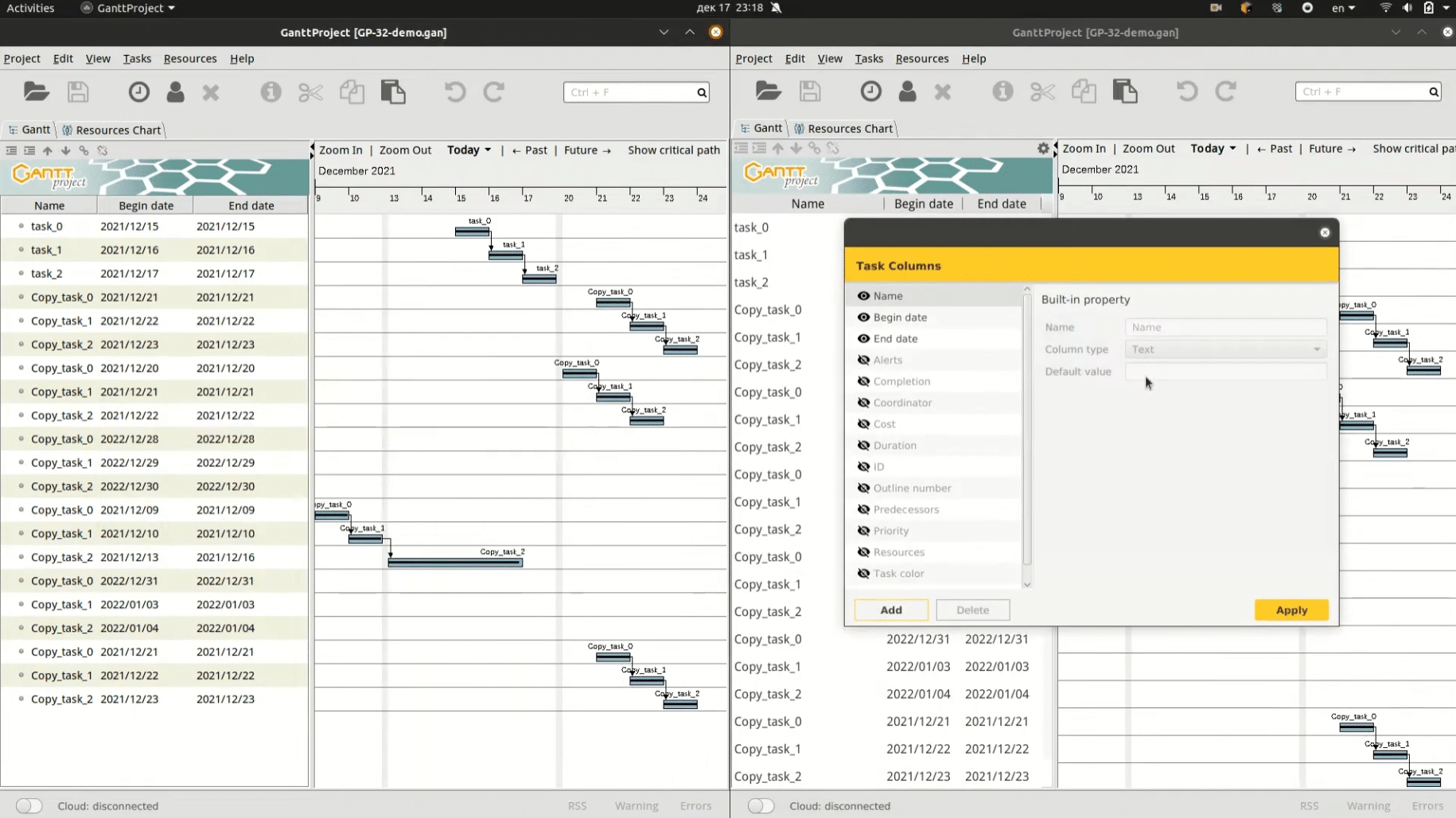
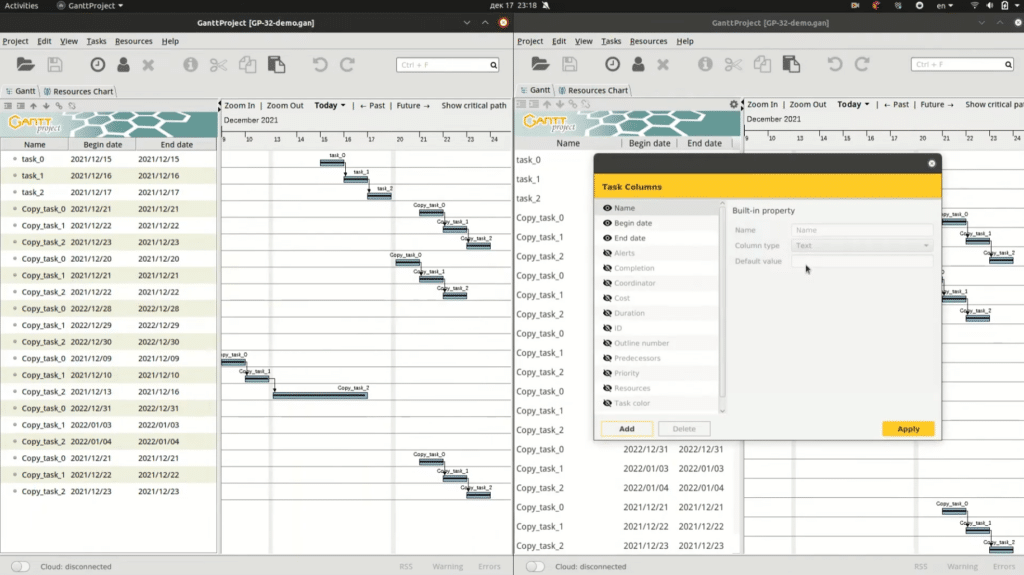
As the screenshot shows, you can choose which task columns to display. It’s an underrated feature. Remove the columns you don’t use and keep only what matters for your project. It makes the workspace easier to scan, and beginners especially get a better experience when the screen isn’t cluttered with irrelevant fields.
Milestones are an easy way to mark key handoffs, decisions, or sub-goals. Instead of focusing only on long tasks, use milestones to create small waypoints in the project. It makes it easier to see whether things are progressing as planned and is especially helpful when collaborating.
Not everyone you work with uses GanttProject, so it’s a good idea to export the plan to a format others can easily open or read. We found this a practical way to share status without forcing the whole team into the same app. It saves time and makes GanttProject more useful in real work situations.