

If you work or study, you have probably come across the “PDF” file format many times. It’s one of the most widely used formats for printing, submitting, and sharing. PDF is optimized for reading—but what if you need to edit it?

That’s where it gets tricky, because most free PDF readers can’t convert them. In this case, you should try Icecream PDF Converter for free.
Convert your files the way you want
Icecream PDF Converter can convert files to and from PDF. It converts HTML, HTM, BMP, TIFF, EPUB, etc. to PDF—and PDF to DOC, DOCX, XLS, and more. The program is quite versatile.
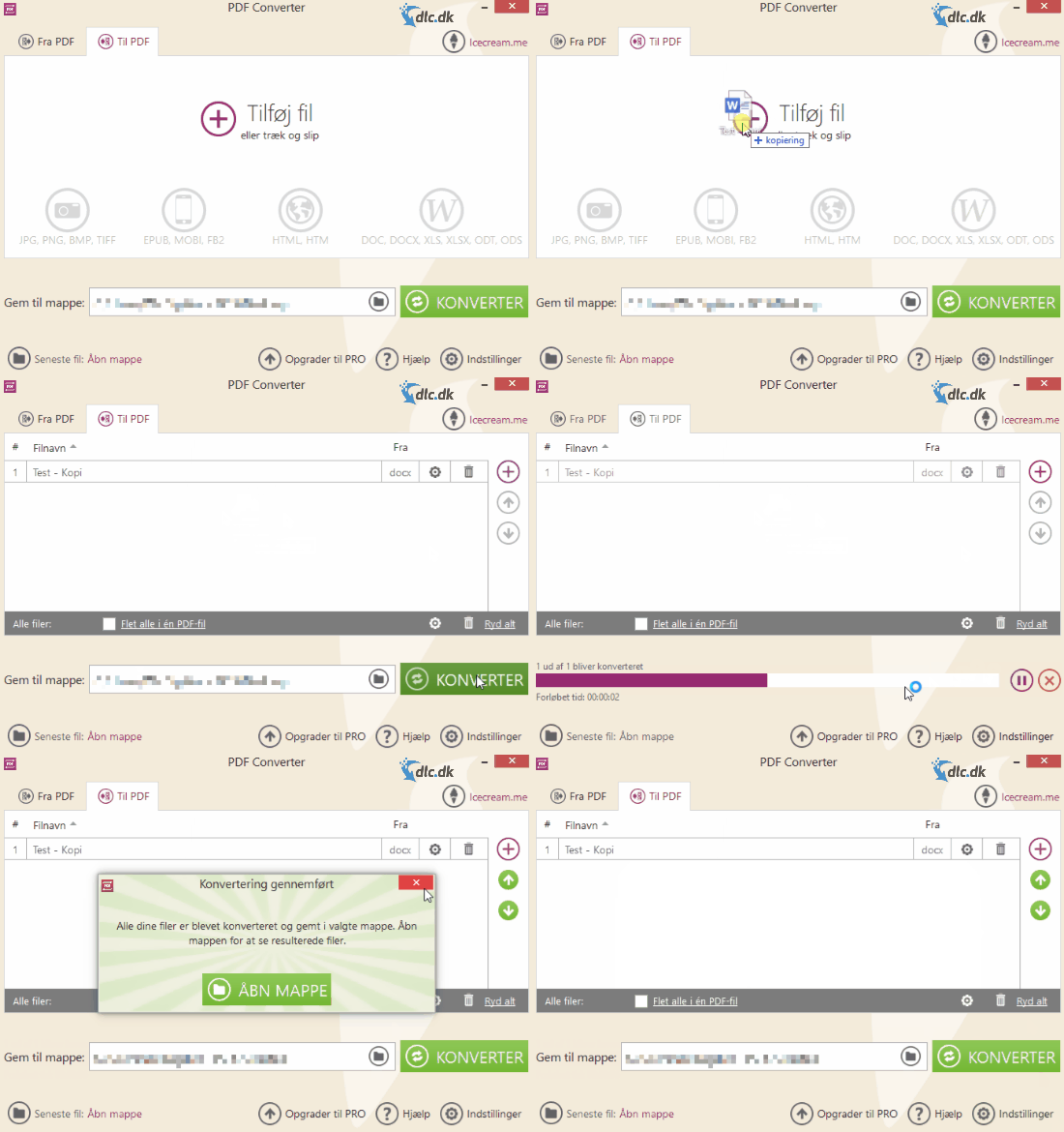
The conversion quality is excellent, preserving the original layout and even converting links. That’s impressive, since many other free alternatives often deliver mediocre results. With Icecream PDF Converter, you can bypass the annoying limitations built into PDFs.
Intuitive and smooth design
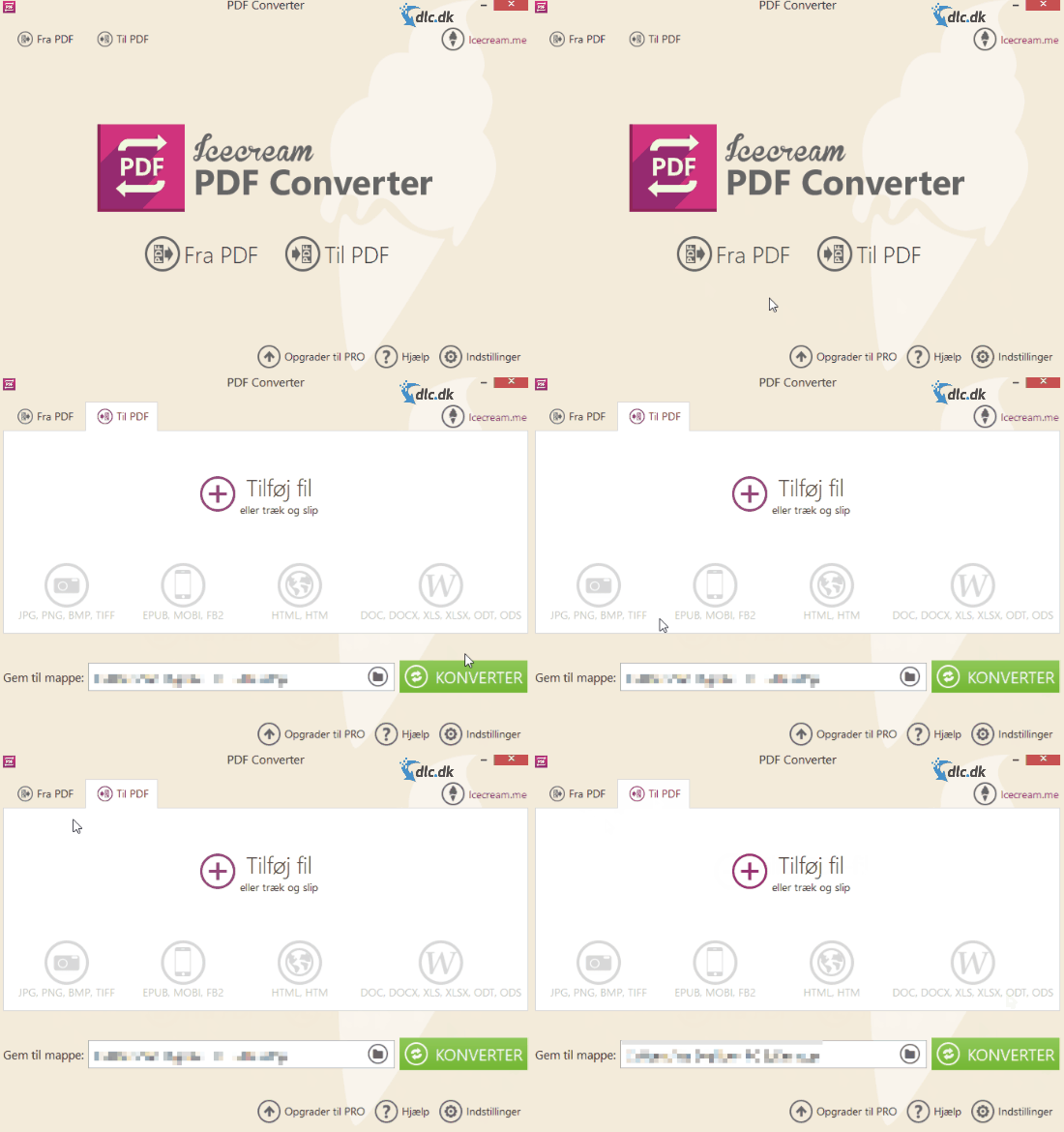
Icecream PDF Converter features a clean, intuitive design and is easy to use. When you open the program, you’re greeted by the company logo and two buttons: “From PDF” and “To PDF”. Simply choose what you need, and you’ll move on to the next screen.
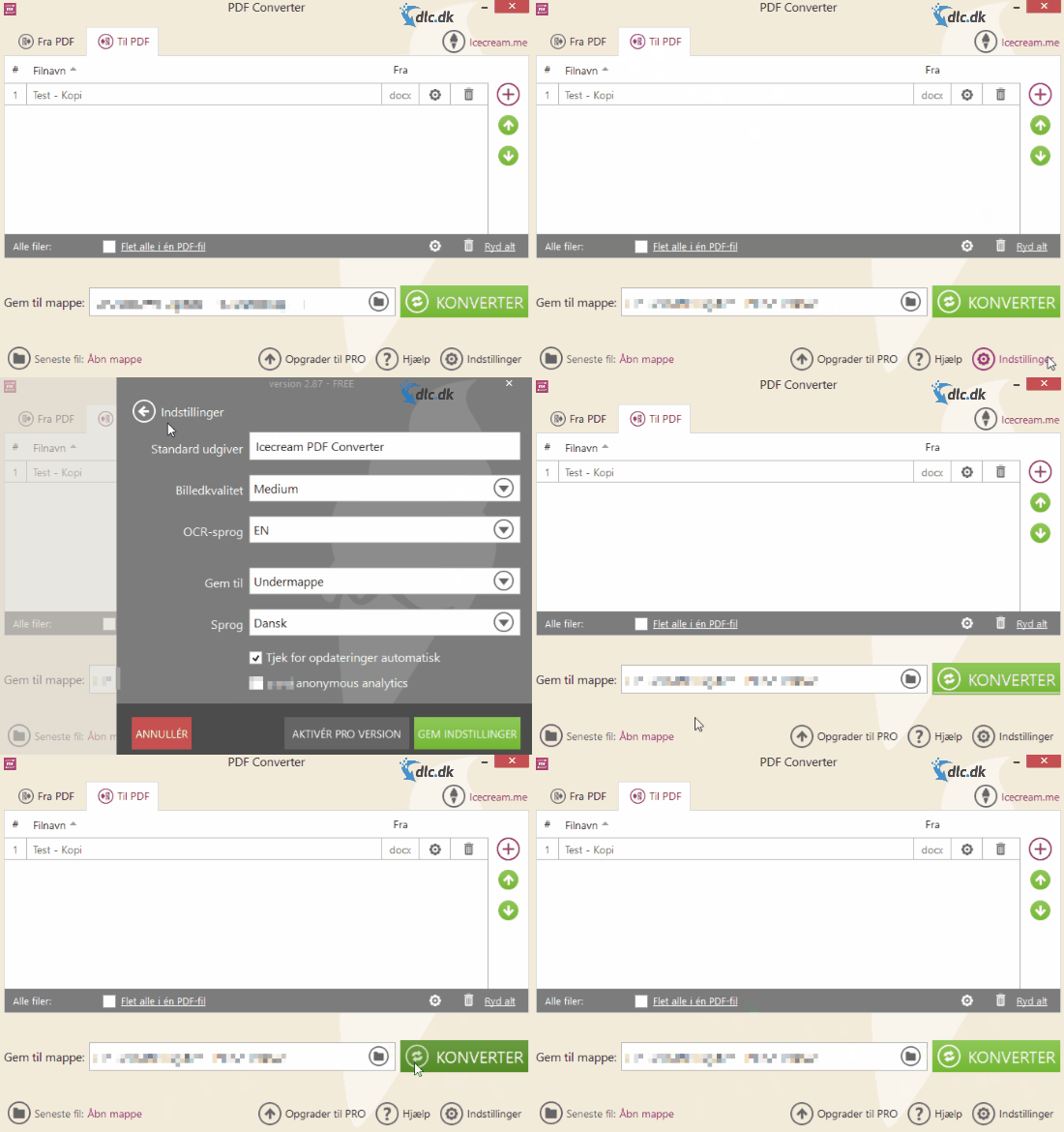
Here, you can easily drag and drop the files you want to convert and click “Start”. The program takes care of the rest, and your files are converted.
Upgrade to Pro
After trying Icecream PDF Converter, if it works for you, consider upgrading to Pro. Pro adds a range of useful features and removes some of the limitations of the free version.
For example, you’ll be able to convert files with more than five pages and batch-convert as many files as you want at once. You also get a feature that lets you merge multiple PDFs, making them easier to manage.
When you buy Pro, you get a lifetime license for two computers, so you’re covered on both your work and home PC. Pro is a one-time purchase of $19.95.
More from Icecream
Icecream has created a range of tools that can make your work and study life much easier. For example, try Icecream PDF Editor. Icecream PDF Editor lets you edit your PDFs directly in the app, so you can quickly fix typos and other details in your PDF files. It pairs well with Icecream PDF Converter because it doesn’t itself convert or merge files. If you want to read more about or download Icecream PDF Editor, you can do it for free here.
Conclusion
Icecream PDF Converter is a sleek, effective tool for converting files to and from PDF. The program is free and offers many useful features whether or not you upgrade to Pro. Highly recommended.
Download Icecream PDF Converter (Danish) for free here