


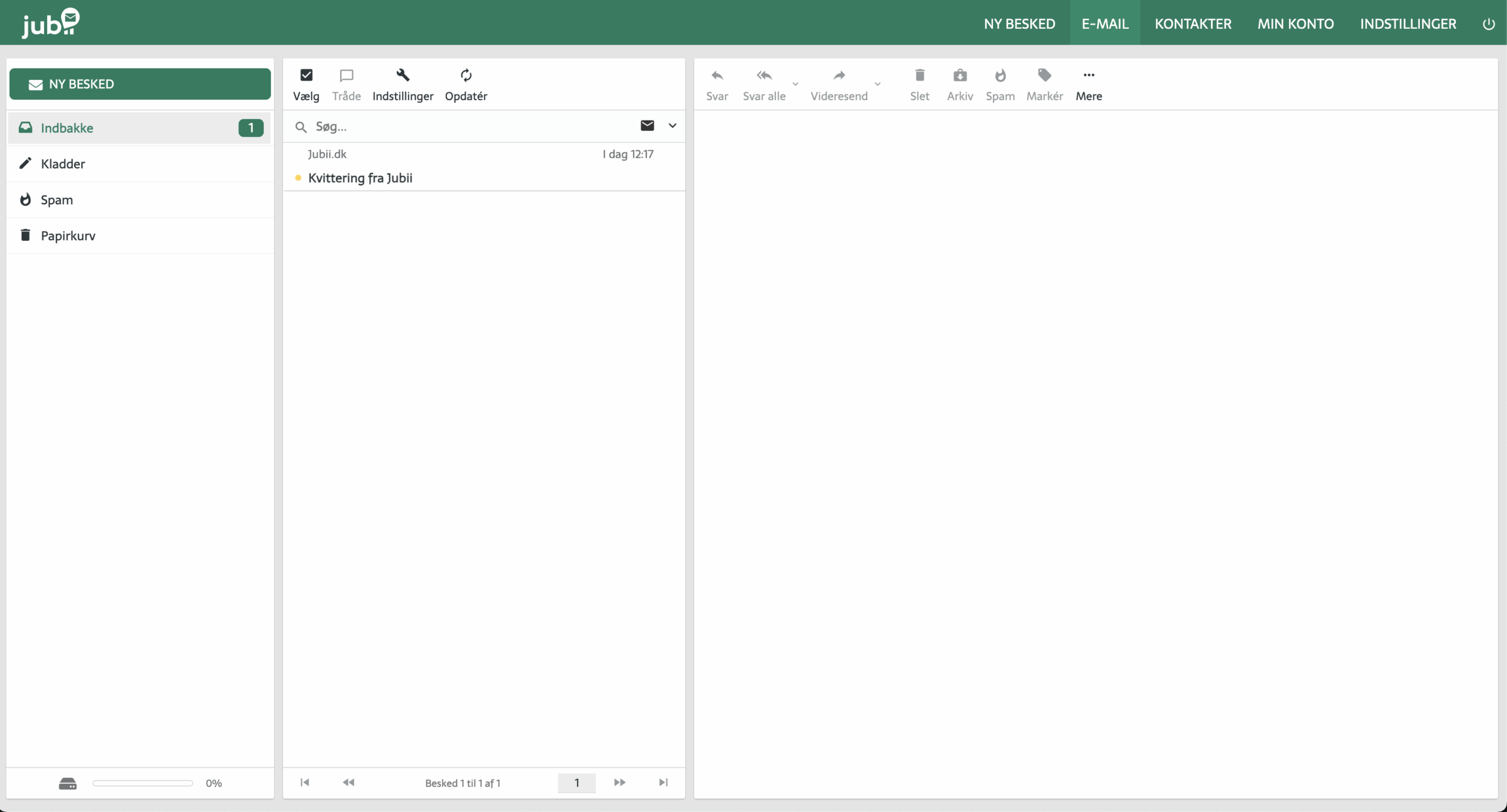
Jubii Mail: Danish webmail focused on simplicity
Jubii Mail is a paid Danish webmail service that has long been a popular alternative to big international players like Gmail and Outlook. With a simple interface and Danish-language support, it appeals to users who prefer a straightforward email service without unnecessary extras.
Top 5 tips for Jubii Mail
Top 5 tips: Get the most out of Jubii Mail
Small tweaks that bring more calm to your inbox — and fewer “where did that email go?” moments.
Use vacation auto-reply
Under “Settings” you can enable an auto-reply so people know you’re away and when you expect to read their email.
Forward to your primary email
Set up automatic forwarding from Jubii Mail to your primary email account so you always get notified — even if you rarely check Jubii.
Create folders for better organization
Sort your emails into folders like “Newsletters”, “Personal” or “Receipts” to keep your inbox organized and find things fast.
Fight spam with filters
Enable the spam filter in your settings and mark unwanted emails as spam so Jubii learns to sort them automatically next time.
Remember backups
If you have important emails, save or forward them manually, because Jubii Mail does not offer automatic backups or export options.
Features and usability

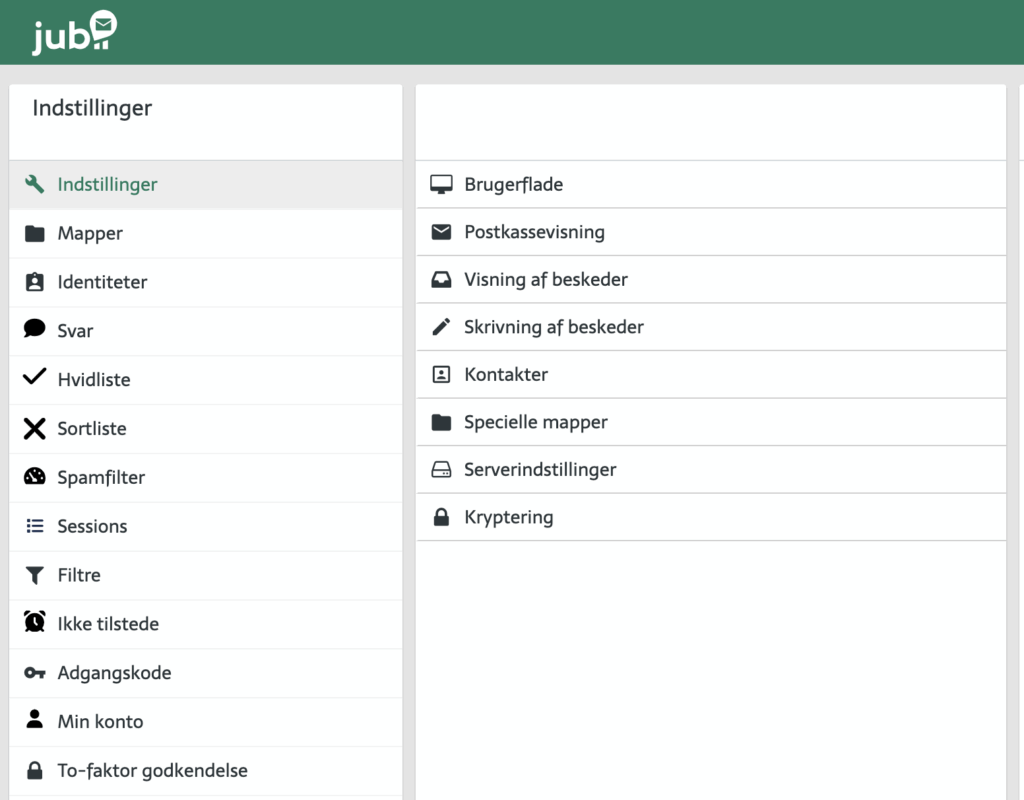
Jubii Mail offers the essentials: an inbox, folder organization, an address book, plus forwarding and auto-reply. You can also enable a spam filter and sort mail by sender or subject. The interface is simple, and everything runs in browseren with no installation required.
The service is funded by user subscriptions, which is part of why we don’t recommend it for new users. There’s no two-factor authentication, which also counts against it on security.
In addition, many existing users struggle to sign in to Jubii Mail. Se her hvordan man logger ind på Jubii Mail og downloader vedhæftede filer.
Is Jubii Mail still worth using?

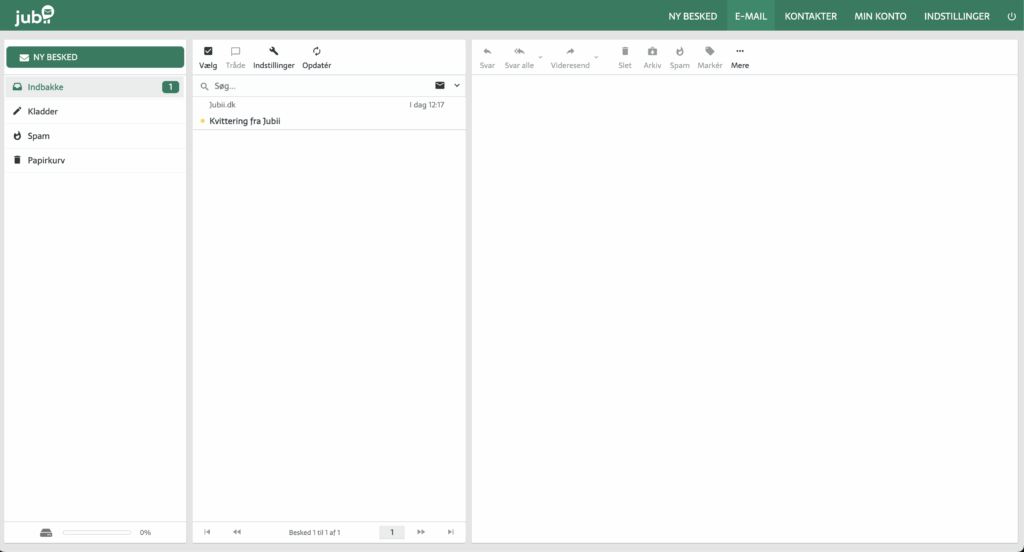
Jubii Mail has recently faced criticism — especially due to instability, periodic outages, and delays in message delivery. Security is not on par with leading providers, and you should not use Jubii Mail as your primary address for important communications.
That said, Jubii Mail still has a niche among long-time users — especially older users — who have had an “@jubii.dk” address for years and prefer the familiar layout.
Compared with alternatives
| Service | Pros | Cons |
|---|---|---|
| Jubii Mail | Danish, simple | Unstable, weak security, costs $10/month |
| Gmail | Very stable, lots of features | Google tracks your data |
| Outlook.com | Good integration with Office | Requires a Microsoft account |
| ProtonMail | High security and encryption | Less storage on the free plan |
Already have a Jubii Mail account?
If you already have a Jubii account and just want to sign in or find the login page, we’ve made a simple step-by-step guide for you here:
👉 Jubii Mail log ind og download-guide
It explains how to sign in, reset your password, and set up forwarding — for both new and returning users.
Setting up Jubii Mail on computer and mobile
Although Jubii Mail is primarily web-based, some users prefer to integrate it into a mail client like Outlook or the built-in mail app on their phone. This may require some manual setup.
Setting up Jubii Mail on iPhone or Android:
You can add Jubii Mail manually via IMAP on your phone. Use the following settings:
- Incoming server (IMAP): mail.jubii.dk
- Outgoing server (SMTP): smtp.jubii.dk
- Username: Your full email address
- Password: Your email password
Setting up Jubii Mail in Outlook:
If you want Jubii Mail in Outlook on your PC or Mac, choose manual configuration and enter the IMAP and SMTP details. Be sure to select SSL/TLS as the security protocol if available.
If you run into issues, note that Jubii Mail doesn’t provide an official help site with technical guides, so you may need to troubleshoot on your own — or switch to a provider with better support and documentation.