


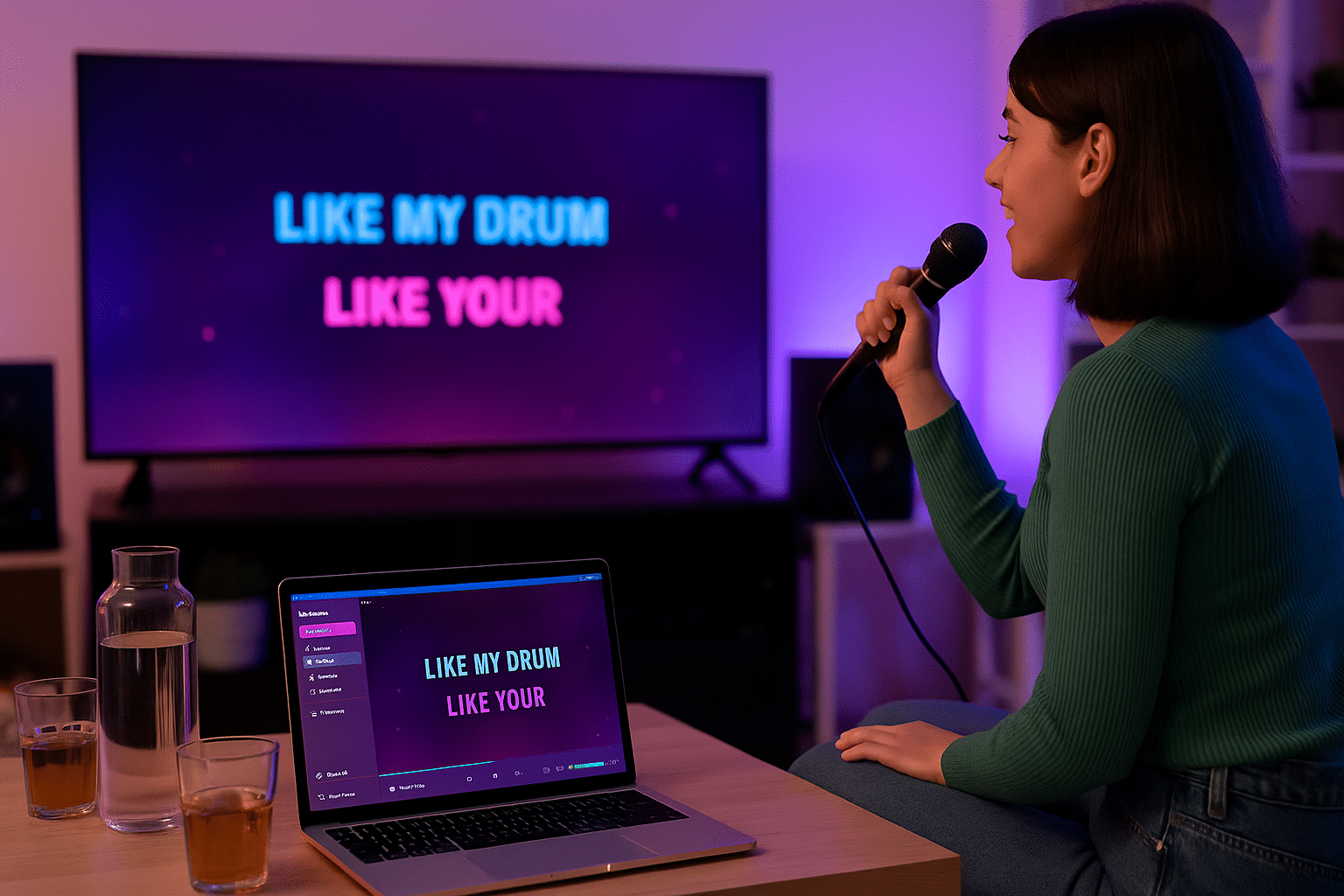
KaraFun: Karaoke for your PC with lyrics display and editing tools
KaraFun is a modern, user-friendly karaoke player for Windows that turns your computer into a full karaoke machine. The program supports both local files and online access to 50,000+ songs (via a paid subscription), and it’s also free to use with your own karaoke files.
Features and supported file formats
KaraFun supports a wide range of file formats, including:
- KFN (KaraFun’s own format with animation and lyrics)
- KAR and MIDI
- MP3+CDG (classic karaoke format with lyrics and music)
- MP3 (with external lyrics)
That means you can use your own karaoke files, whether you downloaded them online or created them yourself.
The program also offers:
- Synchronized lyrics display
- Dual-screen support (e.g., one screen for lyrics and one for the audience)
- Built-in editor to customize and create your own karaoke songs
- Offline playback
- Vocal control, key and tempo adjustment
Interface and design
We tested KaraFun on a Windows 11 PC as well as through the mobile app, and found one of the most user-friendly karaoke interfaces we’ve tried. The program opens in seconds, and the entire layout feels modern and intuitive. The menus are easy to navigate, and we quickly figured out how to add songs to the queue, build playlists for a whole night, and save personal favorites.
One thing we especially noticed during testing is that fonts and buttons are large and clear—ideal when you’re holding the microphone and only have a moment to choose the next song.
The mobile app worked seamlessly as a remote: we could add songs directly from the phone without touching the computer screen. You can also adjust key, tempo, and even enable “Singer mode” so the lyrics are highlighted more clearly.
Overall, KaraFun delivers a professional feel, even at home. It’s clear the design is tailored for social nights where both beginners and experienced singers can find their way quickly.
Free or paid?
The free version of KaraFun gives you access to your own karaoke files along with a selection of free tracks. If you want access to the full library of 50,000+ songs, you’ll need a subscription—which can be worth it if you use it often for parties or as a performer.
Top 5 tips and tricks for KaraFun
This classic karaoke format gives you precise on-beat lyrics. There are plenty of CDG files online, both free and commercial, and KaraFun plays them flawlessly.
Connect an external display or projector so lyrics can be shown separately for the singer while you control playback from your own screen. It delivers a professional experience—ideal for parties and public events.
Avoid connection hiccups by saving your favorite tracks locally. It’s perfect for vacation cabins, camping trips, or places without reliable Wi‑Fi.
Is a song too high or too fast? KaraFun lets you change both pitch and speed on the fly—without reducing quality. A big advantage for both beginners and seasoned karaoke singers.
With KaraFun’s free app for iOS and Android, you can control the PC version from your phone. Switch songs, adjust volume, and manage playback without leaving the party or stage.