


Download a free trial of the excellent slideshow maker MAGIX Photostory Deluxe for Windows here.
MAGIX Photostory Deluxe is a relatively new photo slideshow and editing program, yet it definitely competes with the leading options. While it’s competitive, it also stands out in meaningful ways from other photo and slideshow editors.
The core feature set in MAGIX Photostory Deluxe is all about creating simple yet highly attractive slideshows. If you’ve been on vacation and your camera roll is packed with great photos, you can quickly turn them into an exciting video with MAGIX Photostory Deluxe—no matter your level of technical experience.
Endless possibilities
The first step in MAGIX Photostory Deluxe is choosing your photos. Don’t worry if one of them isn’t perfectly sharp—there are plenty of tools to edit and enhance your images.


Optimization is simple and doesn’t require much technical know-how to improve image quality—whether the original photo suffers from poor lighting or motion blur.
After selecting your photos, you can add effects, text, animations, and more. The program includes many templates in each category and relies heavily on drag and drop, so you can build great-looking sections fast.
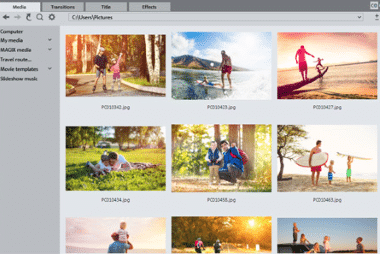

Of course, you can also choose from a wealth of transitions between individual photos—or video clips.
Do it yourself—or let it do the work
Photostory includes an excellent wizard that helps you create a slideshow that meets your needs. That said, you can also let the program handle everything for you. All you have to do is pick your photos and optionally add music.
A great approach is to let Photostory generate a slideshow first, then fine-tune it so it feels as personal as possible.
Our favorite feature
Photostory offers many of the same image tools you’ll find in similar or alternative programs, plus several exciting extras we hadn’t worked with before.
One standout extra is the map animation feature.
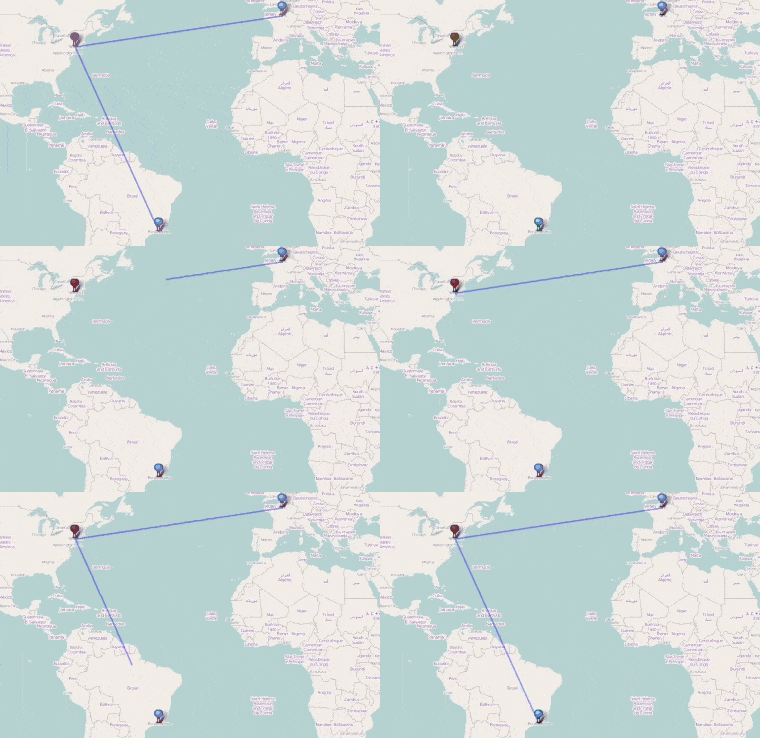

With the map animation tool, you can quickly select the areas you’ve traveled—or a specific route. The program handles the rest, and you can also add the animation as a transition in your slideshow. It’s especially useful if you’ve traveled across multiple countries or cities.
Beginner or pro?
Unfortunately, many people hesitate to try a billedbehandlingsprogram (photo editing program), mainly because the tools can seem overwhelming if you’re not familiar with them. It doesn’t take long to get comfortable with Photostory and its features, though. And if the program still feels confusing, the developer has provided plenty of tutorial videos.
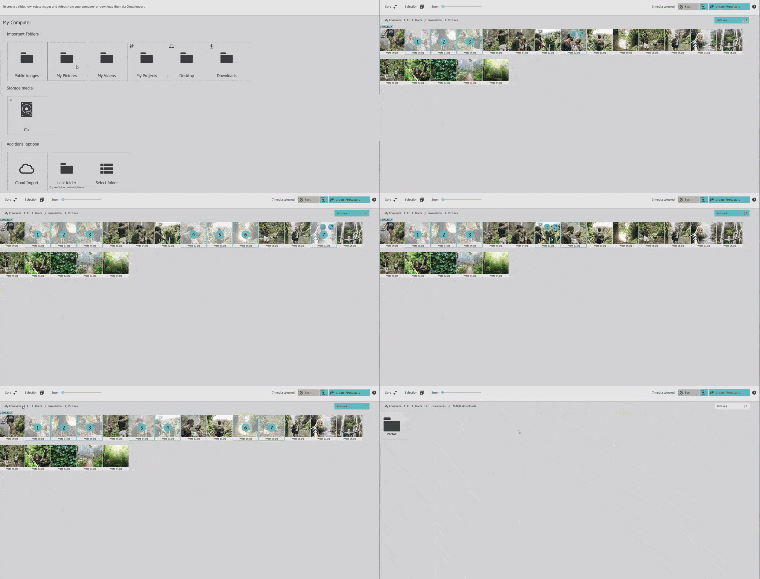

The tutorials are straightforward and divided into sections, including introduction videos, beat-based steps, and information on film templates, among others. Each video is clear and informative, so even if you’ve never used photo editing software before, you can follow along.
You can find all the how-to videos via this link. All videos are free and available to everyone.
If you’re working on a specific task the official videos don’t cover, we recommend checking YouTube. Photostory has a strong community that uploads a huge number of helpful guides.
Endless effects
Your Photostory trial includes a selection of free effects. If you run out, Photostory also offers a large range of templates in its online store—everything from intros and outros to transitions and title animations. These effects are newly developed, and pricing varies based on the size and complexity of each effect.
Interactive editing options
The editing workflow doesn’t function exactly like it does in other photo editors.


Photostory provides a unique workflow that becomes lightning-fast once you’ve learned it. It feels very fluid but does require a little acclimation. After that, the process is a breeze.
Design and usability
Photostory features a clean, highly functional layout. The preview window is on the left, your photos/clips on the right, and the timeline sits at the bottom.
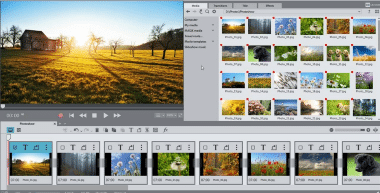
At first glance, Photostory looks like a typical video editor—and that’s not a drawback. If you have even a bit of video-editing experience, you’ll pick up Photostory quickly. There’s a reason this layout is so popular: it’s a highly functional way to work. Tools and buttons are right where you expect them, well placed so you don’t have to hunt for anything.
Conclusion
Photostory is both unique and familiar. The uniqueness comes from its many features, while the familiarity comes from its interface. Together they create a fantastic slideshow and photo-editing tool that’s absolutely worth the money once your free trial ends.
The developer, MAGIX, also promises frequent updates. When you purchase Photostory, you get the next year of effects, animations, and more included. Because of this, we consider the price on the low side—especially given how much you can do with it.
All in all, it’s a relatively new contender in the photo software space—and a very competitive one. If you want to share your photos with friends, family, or coworkers in the best possible way, try Photostory and see if it’s right for you.