


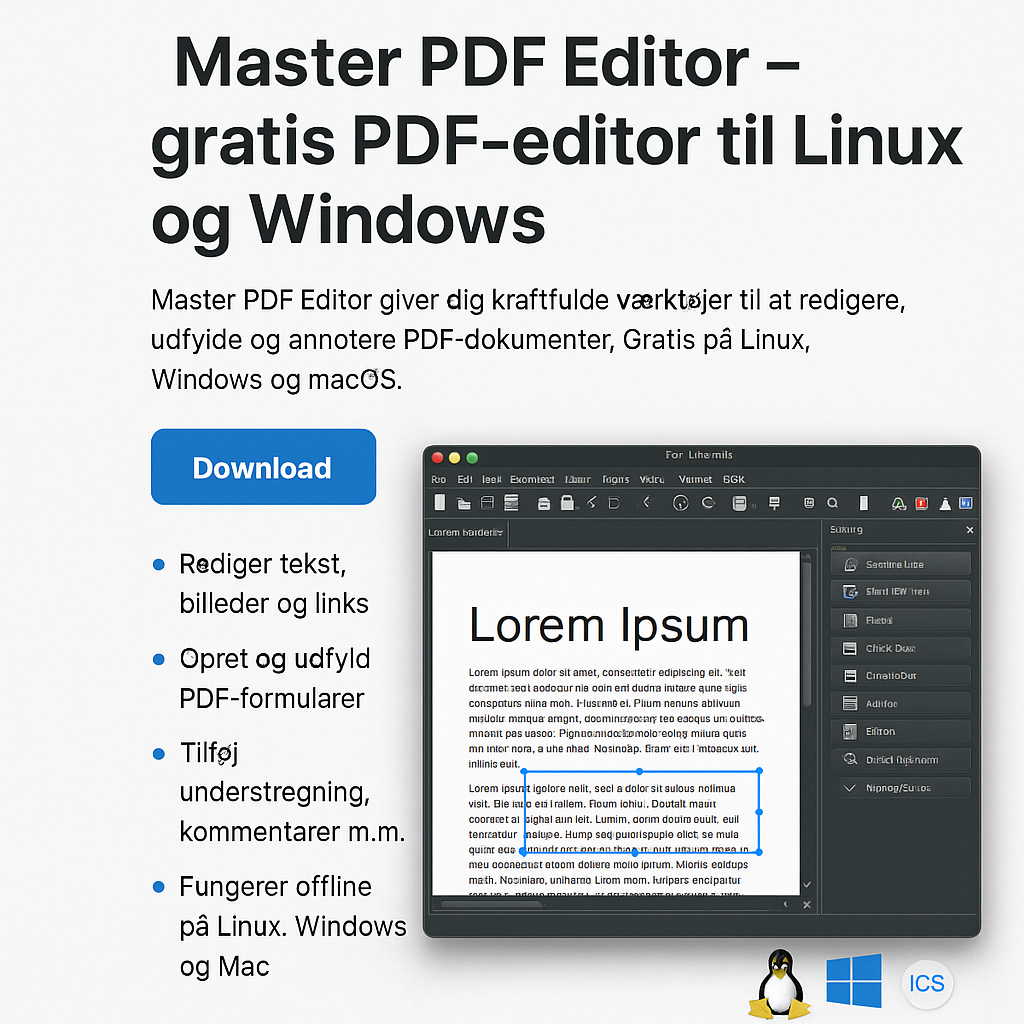
Master PDF Editor (Free) – robust PDF editing for Linux, Windows, and Mac.
Master PDF Editor is one of the few tools that combines true PDF editing with cross‑platform support—including Linux. In the free version, you get access to a range of features that would normally require expensive solutions. That makes the program especially popular with users who want tekstredigering (text editing), form filling, and commenting without a subscription or cloud requirements.
Although the free edition has a few limitations (including a watermark on some features), the program is still among the strongest—bud på en fuldblods PDF-editor—available for the desktop.
Features and user experience
On the surface, Master PDF Editor looks like a traditional Windows app, but it covers advanced features such as:
- Edit existing text and objects in PDF files
- Insert images, hyperlinks, and comments
- Create and fill PDF forms (interactive fields, dropdowns, etc.)
- Apply digital signatures and cryptographic validation
- Merge, split, and reorganize PDF pages
- Export PDFs to images (PNG, JPG)
This is a full editor—not just annotation. That makes it especially attractive when you need to fix existing documents, which often requires paid software.
Free vs. paid version
The free version gives you access to most features, but:
- A watermark is added if you use the function to save/edit PDF content (text)
- Forms, annotation, and page management are watermark‑free
- The Pro version removes all limitations and costs about $60 (one-time purchase)
So you can absolutely use the program for free if your primary needs are form filling, viewing, and commenting.
Platforms and operating systems
Master PDF Editor is available for:
- Linux (DEB, RPM, and tar.gz)
- Windows
- macOS
That makes it one of the few modern PDF programs with full Linux support—and it also runs well on older systems.
Security and offline benefits
The program runs fully offline, and all documents are processed locally. There’s support for digital signatures (X.509), which makes it relevant for professional and legal use. No data is sent to the cloud, and you don’t need to create an account.
Tips for using Master PDF Editor
- Use “Edit” to fix typos directly in PDFs—without exporting to Word
- Add signature images with “Insert Image”—perfect for an easy digital signature
- Insert interactive form fields (text fields, checkboxes) in a few clicks
- Use “Document > Attachments” to attach extra files (appendices, images)
- Export pages as images for easy use in presentations
Is Master PDF Editor worth the money?
Yes—especially for Linux users and advanced Windows users who don’t need cloud features or collaboration tools. The free version goes a long way, and the Pro edition is inexpensive compared to competitors like Adobe Acrobat Pro and PDF‑XChange Editor.
Download the latest version of Master PDF Editor for free from the developer’s website here