


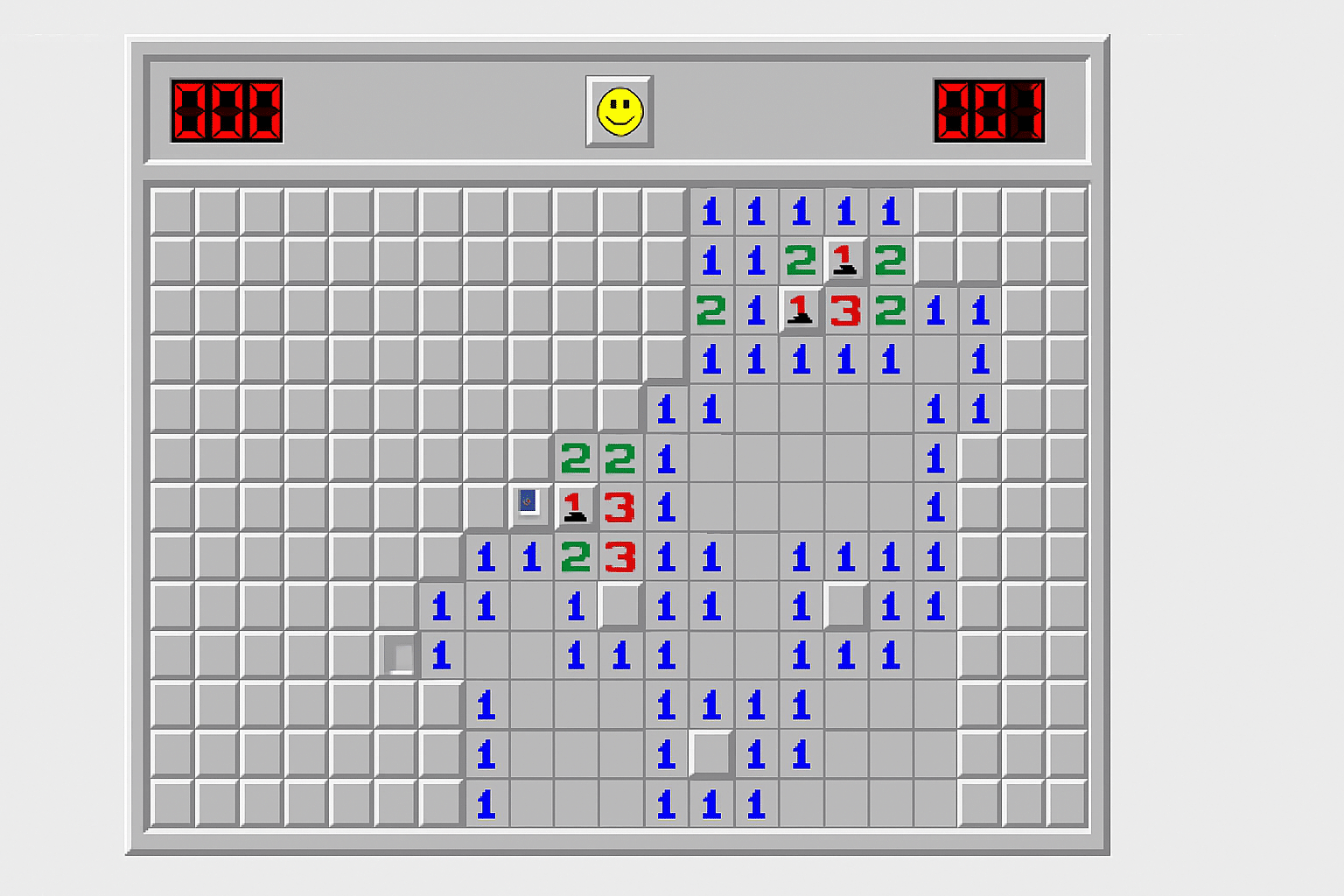
Minesweeper — The original classic from Windows 95.
Minesweeper is one of the most iconic PC games from the 90s. Many people were introduced to the computer through this simple yet brilliant logic game that came with Windows 3.1 and later Windows 95 and 98. Today it lives on as pure nostalgia and a perfect time-killer—and now you can play the original version again, exactly as you remember it.
The game needs no fancy graphics, sound, or advanced mechanics. It’s about one thing: at bruge logik til at finde minerne without setting them off. It’s simple, frustrating, and deeply satisfying—and that’s exactly what makes Minesweeper a timeless classic.
How Minesweeper works
Minesweeper is played on a square grid filled with hidden mines. Your goal is to klikke on every square without a mine and use the numbers—which show how many mines are adjacent—to reason your way through the board.
You can:
- Left-click to open a square
- Right-click to place a flag on a suspected mine
- Lost track? — Do what many players do: take a guess and see what happens
You win when all mines are correctly flagged and every safe square is revealed. You lose if you click directly on a mine. Simple rules—endless strategy.
Why is Minesweeper still relevant?
Even in an era of 3D graphics and VR, Minesweeper remains one of the most beloved classics because:
- It challenges your brain, not your reflexes
- You can play for a few minutes—or for hours
- It requires no heavy installation
- It works on any PC, including modern Windows 10/11 using Compatibility Mode or an emulator
Tips and tricks for Minesweeper
Although Minesweeper is simple at its core, mastering it takes logical thinking, pattern recognition, and sharp focus. Here are strategic tips to help you improve—and maybe win faster.
🟦 Start with corners and edges
Corners and edges have fewer adjacent squares (3–5 instead of 8), so they’re often easier to analyze at the start. You’ll also often uncover larger empty areas here, which open quickly and give you an overview.
💡 Tip: When you click a square without a mine, the game automatically opens adjacent empty squares—giving you a strong start.
🖱️ Use the mouse button trick (chording)
If you’ve flagged the correct number of mines around a number (e.g., a “2” with two flags around it), you can press both left and right mouse buttons at the same time on that number. The game will automatically open the remaining adjacent squares—a huge time-saver!
⚠️ Warning: If your flags are wrong, you risk clicking directly on a mine. Use this only when you’re certain.
🧠 Learn the classic patterns
Minesweeper has recurring patterns you can recognize and solve quickly with practice. Here are some of the most common:
- 1 – 2 – 1: The two mines are almost always next to the 2.
- 1 – 1 diagonally: If two 1s are separated diagonally, there’s typically one mine between them.
- 2 – 3 – 2: You’ll almost always find three mines grouped in a triangle.
- Empty square next to 1s: Often indicates a safe square you can open.
The faster you learn these patterns, the fewer guesses you’ll need—and the faster you’ll win.
📊 Use probability when in doubt
Sometimes you’re forced to guess. But there are smarter ways than clicking randomly. Look at surrounding numbers and consider:
- How many squares could contain mines?
- Is there a “bottleneck” where only one configuration works?
- Is one guess statistically “safer” than the others?
Many players favor corners when they must guess, since they influence fewer other squares—reducing the fallout of a wrong move.
⌨️ Use keyboard shortcuts when possible
Some versions of Minesweeper support:
Shift + clickorSpacefor quick flag placementF2to start a new gameCtrl + Zin modern versions (not the original) to undo
If you’re playing via a newer version or an emulator, use these to speed up your runs.
🔁 Go for large openings first
The earlier you open a large empty section, the better. It gives you a clear overview and helps you spot safe patterns. Use your first clicks on areas that aren’t in the middle of dense clusters but in open spaces—this can trigger satisfying “chain reactions.”
⌚ Practice playing fast—but safely
Once you know the patterns and have a feel for the logic, it’s also about efficiency. Time yourself and optimize your clicks—aim to beat small or medium boards as quickly and cleanly as possible.
With these strategies in hand, you’re well on your way to becoming a true Minesweeper master—just like in the 90s. 💣🧠