



Download Monday (Monday.com) and collaborate with your team
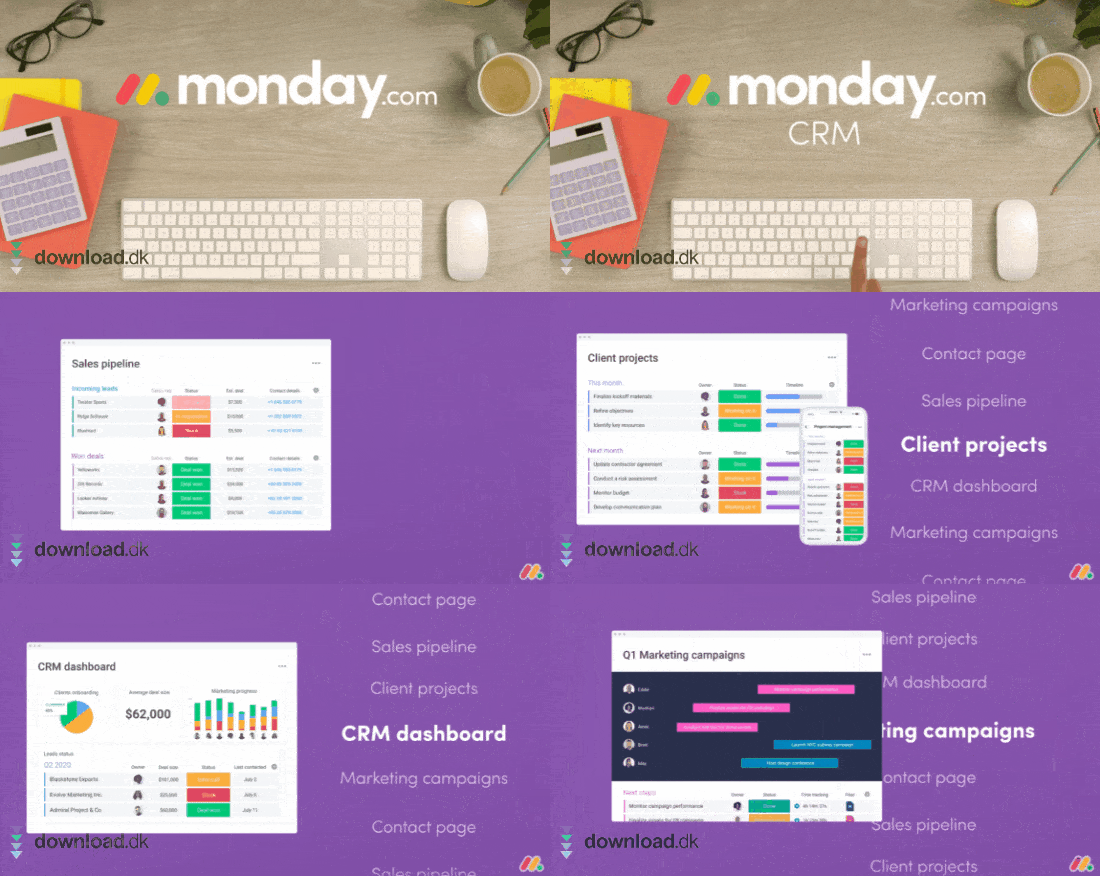
Monday is a platform you and your company can use to get a clear overview of employees’ tasks and delegate them efficiently. It’s a fantastic tool if you work with project management, or if you simply want to create more transparency across your workplace.


Get a clear overview with Gantt charts – or any view you prefer
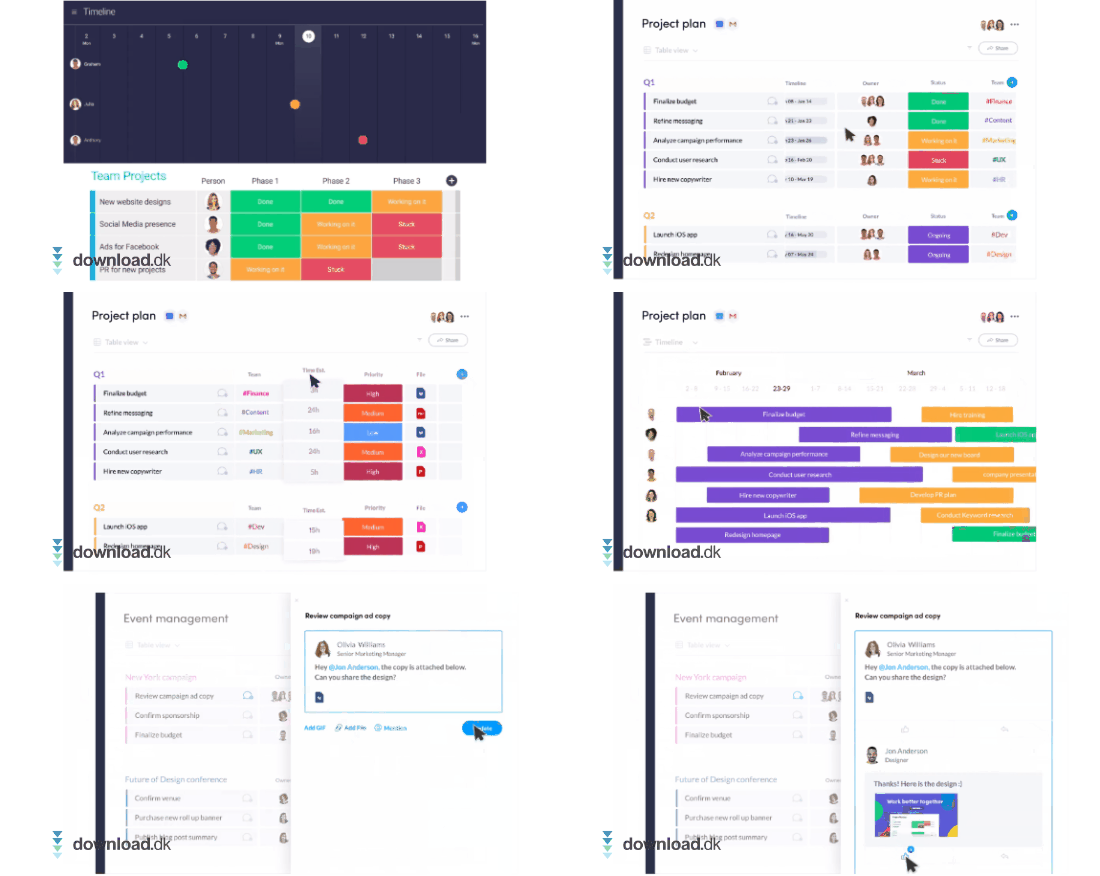
Monday offers many different ways to view your information and projects. One of the most popular visual elements is Gantt charts, which provide color-coded rows along with a clear timeline of what needs to happen.
Conversely, in certain situations (for example, when handling finance and accounting) it may be smarter to use pie or bar charts, and you can do that with this platform as well.
Get started quickly with templates
There’s hardly anything better than templates when it comes to computer work. Templates make it both faster and easier to get started with your tasks, especially when you’re using a brand-new program.
Monday has considered this, and in the platform you’ll find a wide range of templates you can sort through and customize to match your exact work requirements.
Available on all your devices
You can take Monday with you wherever you go by downloading the app on your laptop, Macbook or your phone. The mobile app can be used by Apple users as well as various Android devices.
If you don’t want to download Monday, you can also access it directly through your browser on their website.
Monday works seamlessly with other tools
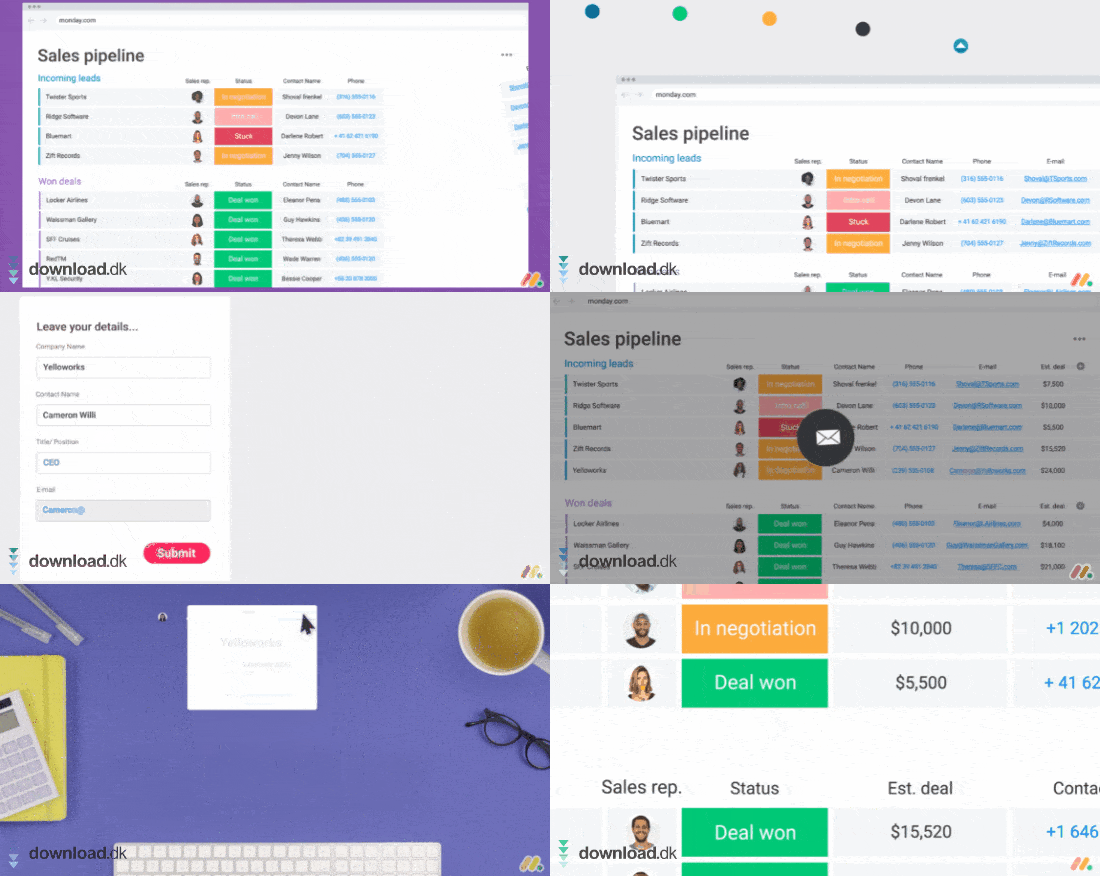
One of the positives about Monday (and one of the reasons so many companies choose this service) is its excellent interplay with many of the programs people use every day.
In fact, there’s now a fairly extensive library showing the many different combinations available.
For example, you can build automations for email tools such as Gmail/Outlook and other services like Onedrive, eDigital Signatures, Cash Flow (Collection), Twitter/Facebook, LinkedIn, Microsoft Teams/Zoom, Google Drive, Slack, and many more.
Each program can offer something different, but what they all have in common is that they become easier to use when you implement them in Monday’s automation system—especially if you use more than one of these tools in your daily work.
A quick note on pricing
You can try Monday free for 30 days with all features unlocked, so you can get a feel for whether it’s the right program for you and your team. That way you risk nothing—if it doesn’t live up to your standards or needs, you haven’t spent any money.
After that, you can choose a monthly or annual subscription, depending on how you want to use Monday. You can also purchase multiple at once—the service is billed per “seat,” or in other words, per user. That way you can secure a great deal for you and your team.
If you’re part of a large company (40+ in the same office), it may be necessary to contact the people behind Monday directly so they can provide a quote based on your headcount.
Conclusion
Monday is a really strong platform, even if you haven’t used an organizational tool like this before. It’s very user-friendly while still packing powerful features you and your team can use.
One of the most important benefits you get with Monday isn’t just the app’s impressive feature set, but how well it works with other tools you may already use daily.
That way, organizing your day-to-day personal—as well as professional—life becomes much easier and more manageable.