


Download Mumble free – fast voice chat for gaming and teams
Mumble is a free voice chat app built for the internet, and it really shines in gaming where low latency and clear audio matter more than flashy extras. We tested Mumble on Windows, and our first impression was clear: it feels more technical than modern competitors, but it’s still lightning fast, stable, and surprisingly easy to jump in and start talking on a server.
While Discord now focuses heavily on communities, video, bots, and social features, Mumble gets straight to the point. It’s all about voice quality, control, and reliability. That’s exactly why it still has a loyal following among gamers, clans, communities, and small groups that prefer a lighter, more focused tool. Mumble is actively maintained, and the official download page offers up-to-date clients, including for Windows.
Why Mumble is still worth using

Mumble’s biggest strength is still its low latency. You feel it most in shooters, raids, and other games where hurtig kommunikation can make a real difference. There’s none of the “heavy” feel you get with bloated chat platforms, and the audio quality remains excellent. Mumble highlights low latency and high audio quality as core features, which matched our experience during testing.
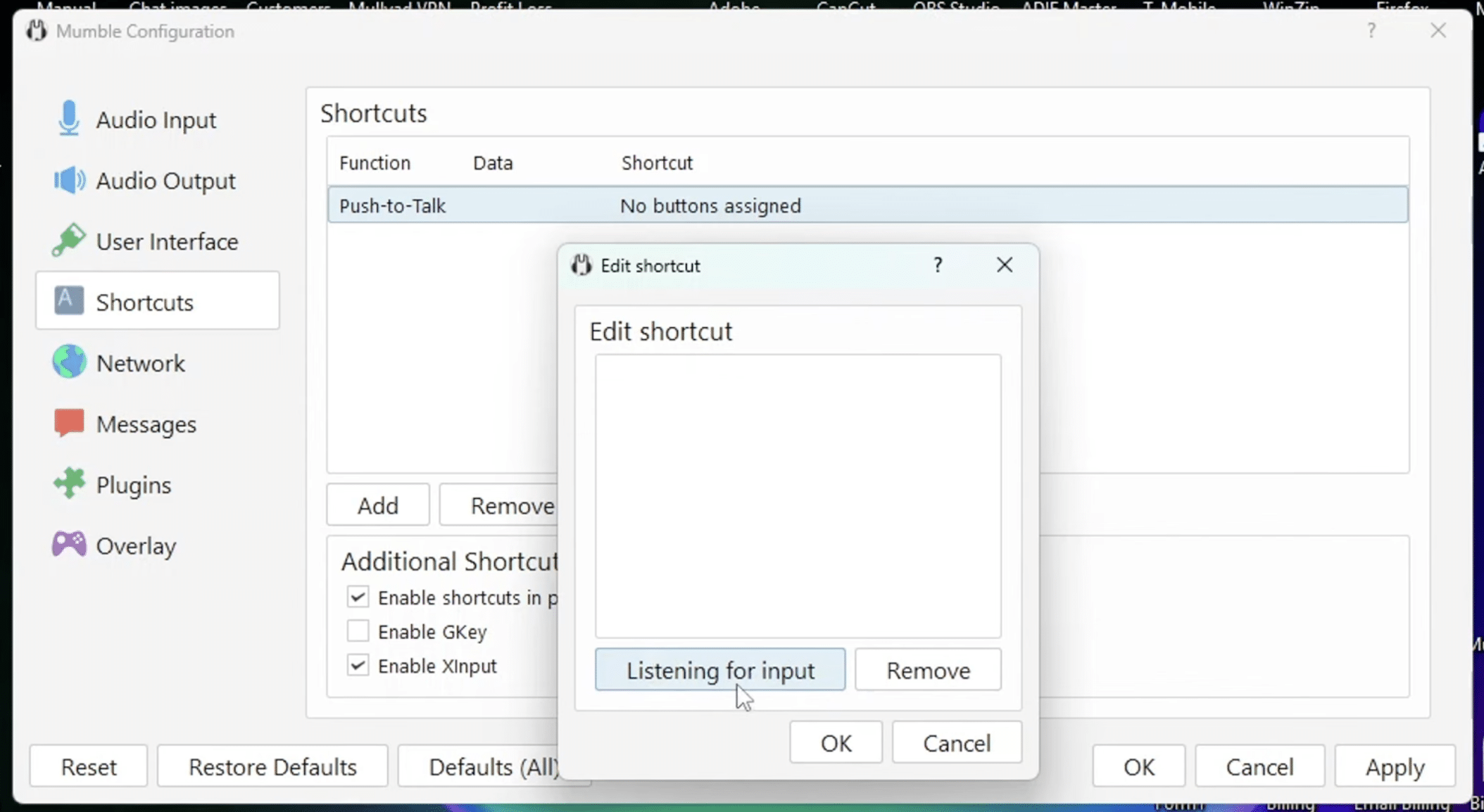
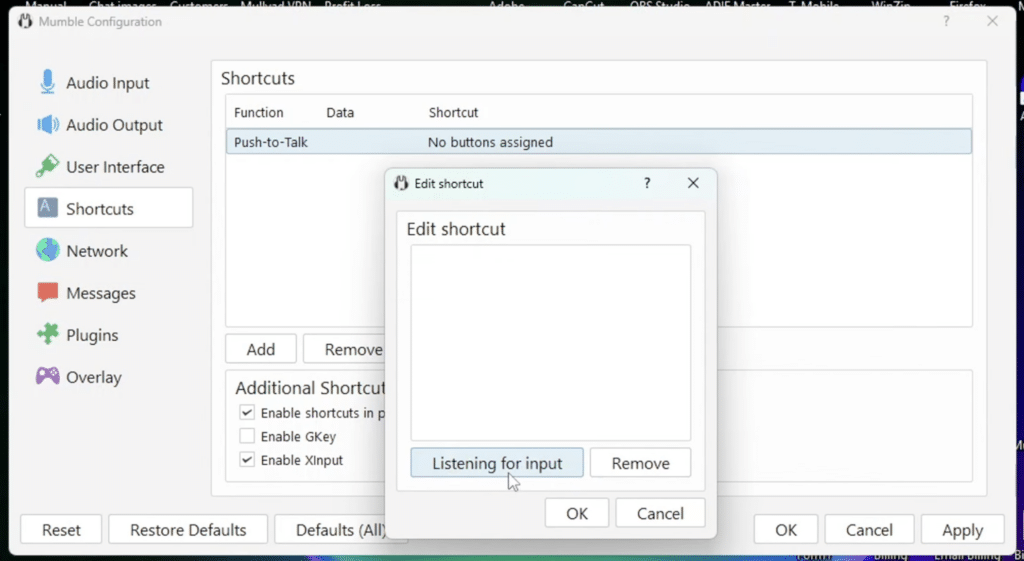
The app also gives you great control over how you talk. Push-to-Talk works exactly as it should, which is a win for gamers who don’t want keyboard clicks, background noise, or half-finished comments going out to the whole team. It may sound basic, but in practice it’s one of the things that makes Mumble feel more serious than many free alternatives.
Another plus: Mumble still supports positional audio. That means voices can be placed based on players’ locations in supported games and setups. Not everyone needs it, but when it works, it creates a very cool sense of space in your headset. Mumble’s documentation still positions positional audio as a key feature and lists games and integrations that support it.
Mumble in practice
The setup isn’t as polished as in today’s most popular chat apps. That’s also where new users might drop off. Mumble feels more like a classic tool than a modern social platform, and the interface isn’t designed to impress. In return, it does its job without getting in the way.
During our test, the channel structure stood out as one of Mumble’s best features. It’s easy to organize servers into rooms and subchannels, which fits gaming groups, LAN parties or events, and small communities that want to keep things simple. If you’re the type who just wants to hit “join” and talk to your squad, it’s actually an advantage that Mumble isn’t trying to be ten products at once.
Mumble vs. Discord and other alternatives
Mumble isn’t the obvious mainstream pick anymore, and that’s fine—Discord owns that space. But Mumble can still be a great choice if you prioritize low resource usage, a classic server structure, high voice quality, and fewer distractions from unnecessary features.
It’s also worth noting that Mumble remains a strong open-source option. For many users, that matters—for transparency, flexibility, and control. The official site continues to highlight that Mumble is open source, and the project still ships stable updates and bug fixes.
Top 5 tips for Mumble
Use Push-to-Talk from the start
You’ll get a much better team experience by avoiding background noise and only talking when it matters.
Tweak audio quality manually
Mumble offers more control than many expect. Spend a moment on input, output, and sensitivity so the sound matches your headset.
Organize your channels the smart way
If you’re gaming with friends or a full team, create dedicated rooms for different games or squads. It makes the server far easier to navigate.
Test overlay and notifications before the match
If you want to see who’s talking, it’s a good idea to set it up correctly before you jump into a game.
Use Mumble for more than gaming
While it’s especially popular with gamers, it’s also great for small teams, communities, and private voice servers.