


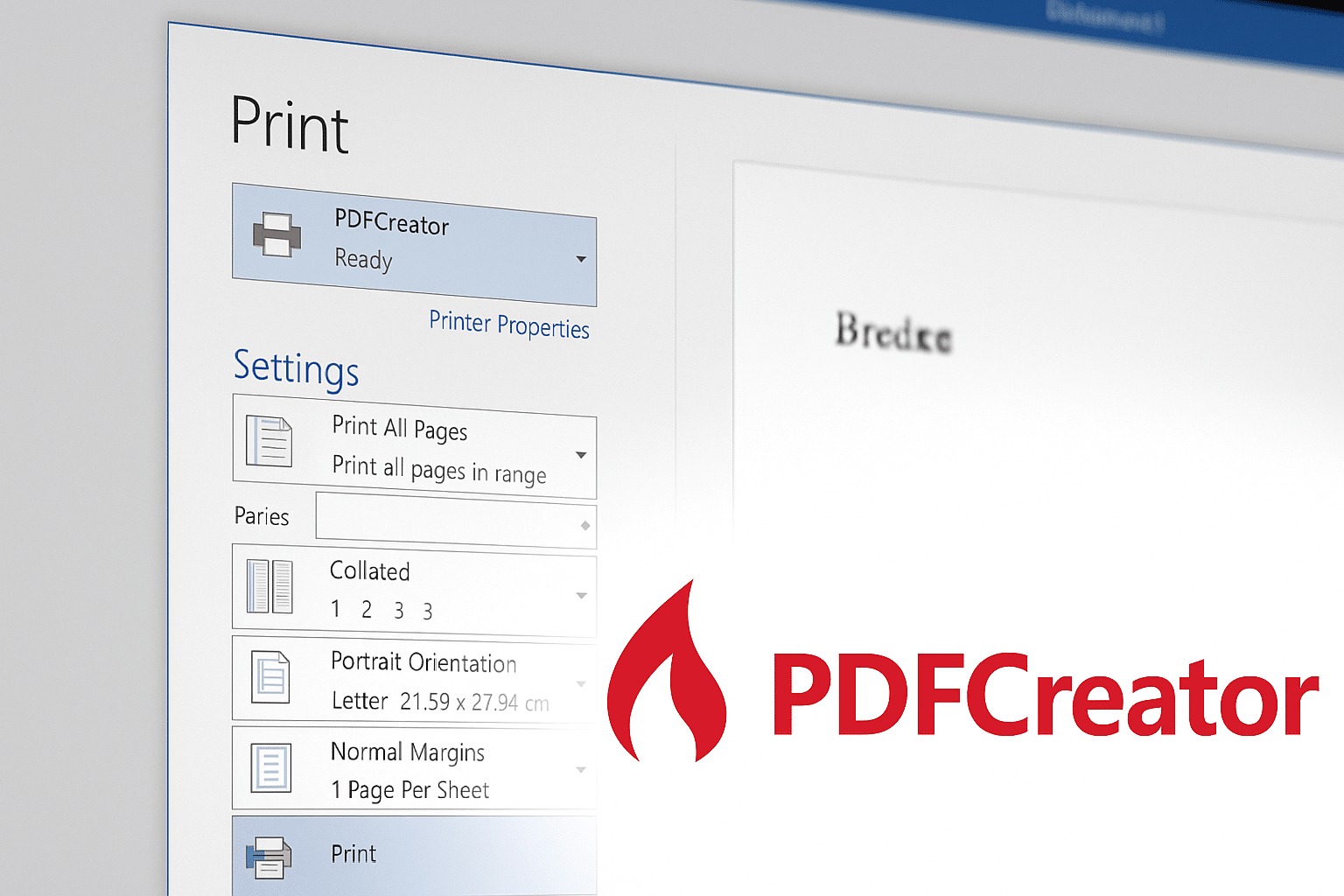
Create PDFs with PDFCreator – easy and free
PDFCreator is a popular free tool for Windows that makes it easy to create PDF files from any application that supports printing. Whether you’re working in Word, Excel, a browser, or a specialized program, you can print the document to PDF with PDFCreator—just as if you sent it to a physical printer.
Top 5 tips for PDFCreator
Automate your filenames with PDFCreator’s macros such as , . It saves time and makes archiving easier.
Print multiple files to PDFCreator, choose “wait in queue,” and merge them into a single PDF—perfect for contracts, reports, or attachments.
If you need to store important documents for many years (e.g., for accounting), choose the PDF/A format, which is optimized for archiving.
Protect your documents with a password and add encryption so others can’t modify, print, or copy content without permission.
PDFCreator can integrate with your email client so you can send finished PDFs as attachments immediately after creation.
Features and ease of use
PDFCreator installs a virtual printer on your computer. When you choose this as the printer in, for example, Microsoft Word, a PDF is generated instead of a printed page. You can save the file locally and adjust settings such as filename, metadata (title, author, etc.), passwords, and encryption.
The program also supports:
- Automatic file naming with macros (e.g., date, title, user)
- Merging multiple documents into a single PDF
- Creating PDF/A files for archiving
- Email sending immediately after PDF creation
There’s both a free version and a paid Pro version with advanced features such as digital signatures and business integrations, but for most home users the free edition is more than enough.
PDFCreator vs. other PDF tools
PDFCreator is especially known for its stability and flexibility. Compared to, for example, CutePDF or doPDF, it offers more features in the free version, but it doesn’t include a visual editor like 1 Editor or Foxit PDF Editor.
If your main goal is to convert documents to PDF and ensure the layout and content are preserved exactly, PDFCreator is a solid choice.