


SmartDraw – Diagrams, floor plans, and flowcharts made easy
SmartDraw is diagramming software for businesses, education, and home users who want to create everything from flowcharts and org charts to floor plans, mind maps, and technical layouts without starting from scratch. It’s especially strong if you want to move fast using templates and automatic layout features instead of drawing everything manually.
We tested SmartDraw with a focus on typical everyday use: quick diagrams for documentation, simple floor plans, and org charts for presentations. In our experience, SmartDraw gets you going quickly and feels more productive than classic drawing programs when the goal is to deliver a polished result fast. It isn’t the tool you pick for open-ended creative freedom like a heavyweight design app.
A strong choice for flowcharts, org charts, and floor plans

What SmartDraw does well is remove a lot of manual work. The app is built around templates and automation so you can quickly add structure to diagrams, processes, and layouts. SmartDraw itself highlights use cases like flowcharts, org charts, floor plans, site plans, and many other types of visual overviews.
In practice, SmartDraw is a great fit for:
✅ flowcharts
✅ organizational charts
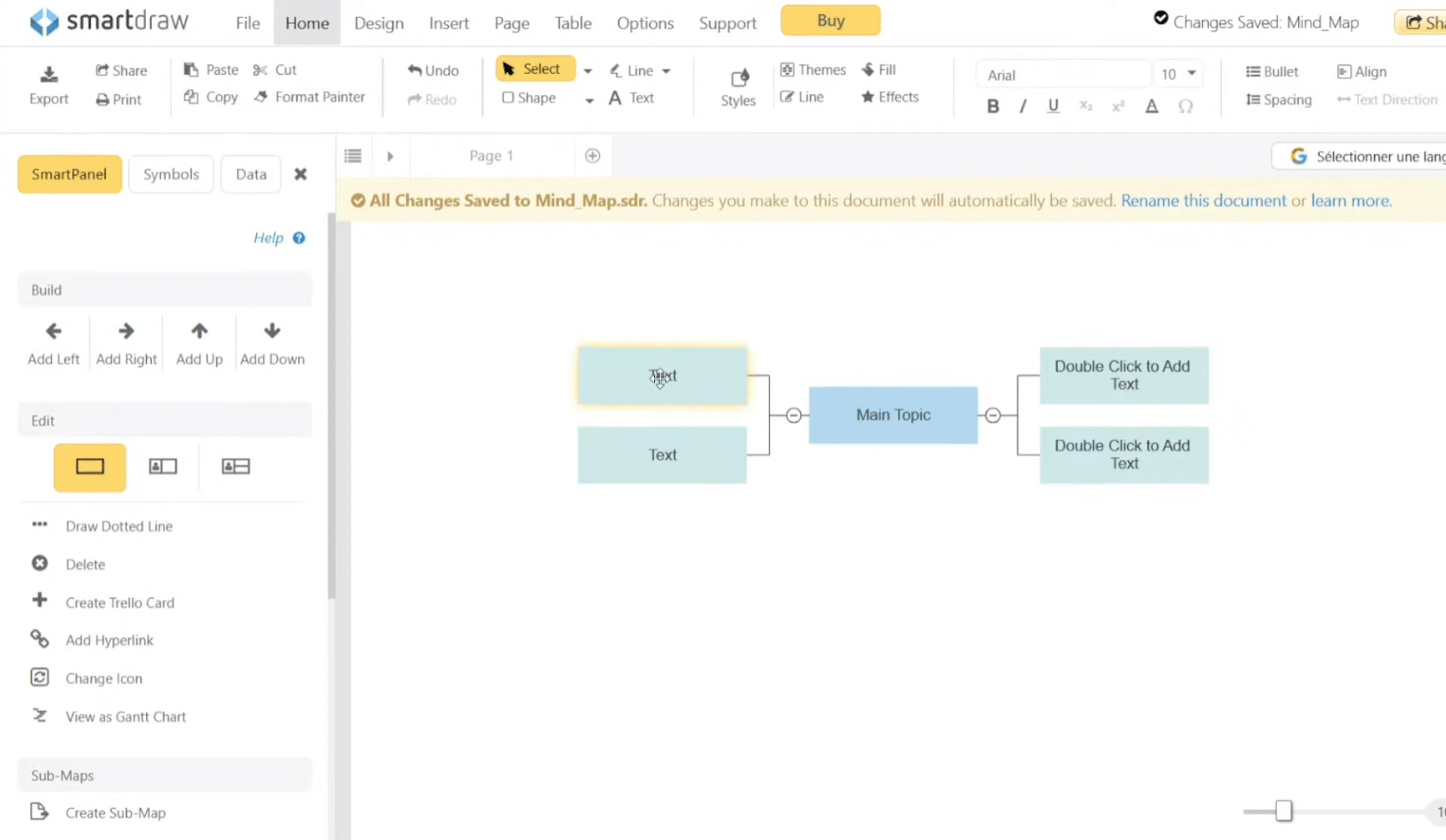
✅ mind maps
✅ floor plans
✅ network diagrams
✅ technical and business overviews
This breadth is what makes the app compelling. Where some competitors excel at brainstorming or whiteboarding, SmartDraw feels more focused on users who need to end up with a sharp, presentation-ready diagram or plan that can be shared with colleagues or clients.
SmartDraw download and platforms
SmartDraw works in your browser, and there’s also an official desktop app for Windows. On Mac, the solution is essentially web-based, which the vendor highlights as the recommended way to use SmartDraw. That gives it broad platform coverage, though Windows users get the most traditional desktop experience.
For US users, it’s nice that you’re not locked into a single workflow. Some will prefer the browser for quick access across devices, while others would rather keep a desktop app pinned to the taskbar.
Collaboration and integrations for everyday work
One of SmartDraw’s more modern strengths is collaboration. It supports sharing, comments, and integrations with tools like Microsoft Teams, Slack, Confluence, and Google Workspace. This makes SmartDraw feel more relevant in 2026 than older descriptions of the program suggest.
If you work in a company where diagrams are part of documentation, projects, or meeting prep, that matters. We found SmartDraw fits users who want to create something visual while staying close to a classic office workflow with documents, team collaboration, and sharing.
Is SmartDraw free?
SmartDraw isn’t free as a full solution, but there is a free trial. The product is sold as a subscription, typically billed annually, with both individual and team plans.
It’s worth calling this out because many people search for “SmartDraw free.” You can try SmartDraw at no cost, but it’s not freeware in the classic sense.
SmartDraw as a Visio alternative
SmartDraw is most interesting if you’re looking for a Microsoft Visio alternative, especially since SmartDraw positions itself that way and emphasizes cross-platform compatibility, including Mac via the browser.
For light to midrange needs, we actually find SmartDraw easier to pick up than many more “heavy” diagramming tools. If you just need a good-looking result quickly, that’s one of its biggest strengths. Very specialized users may still prefer more advanced CAD or enterprise-grade tools, depending on the job.
Top 5 SmartDraw tips
Top 5 SmartDraw tips
SmartDraw works best when you begin with one of its many templates. It saves time and delivers a more professional result, especially for flowcharts, org charts, floor plans, or mind maps.
The app is strongest when you need quick clarity. In our testing, it excelled at documentation, processes, and presentation-ready diagrams—not as a creative drawing tool on par with classic design software.
SmartDraw supports several useful export formats. If the diagram goes into a report, PDF or an image is often best. If it will move through a workflow, plan the format from the start to avoid rework.
Many people choose SmartDraw because they’re looking for a more straightforward alternative to Microsoft Visio. If your needs are ordinary diagrams, plans, and business overviews, SmartDraw is often faster to finish with than heavier enterprise tools.
SmartDraw delivers the most value when diagrams are shared with colleagues or clients. We found it works especially well as a shared overview of processes, org structures, or simple technical drawings.