


Get a clear view of your PC’s hardware with Speccy
Speccy is a free hardware analysis tool for Windows that gives you a detailed, easy-to-understand view of your computer’s internals. It shows everything from your CPU and RAM to the motherboard, graphics card, drives, and temperatures—all in one place. That makes Speccy ideal whether you’re just curious about your PC, planning an upgrade, or troubleshooting hardware issues.

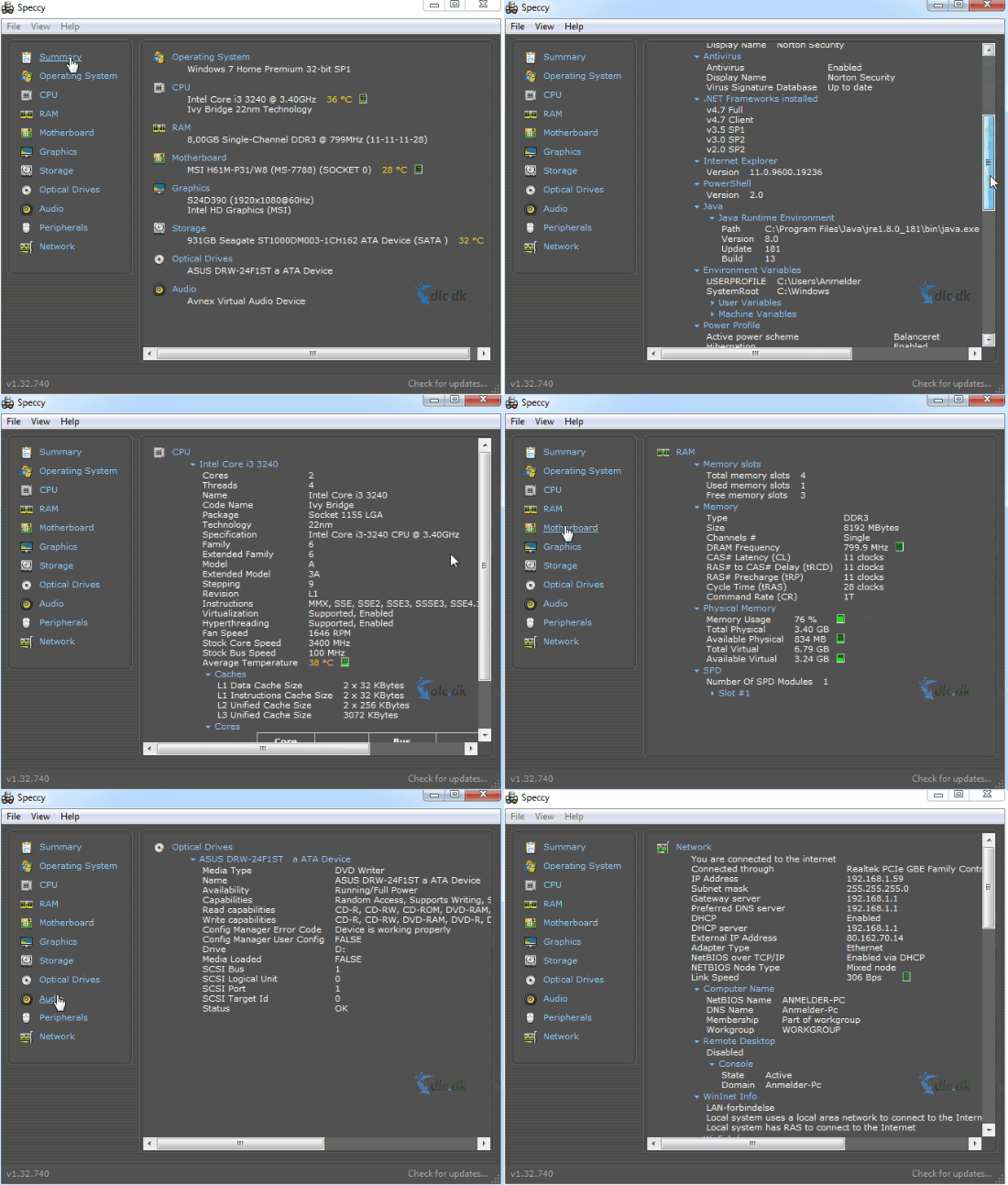
We tested Speccy on a standard Windows 11 PC, and installation took under a minute. The app launched quickly and immediately showed a complete system overview with no setup or technical know-how required.
Top 5 tips for Speccy
Top 5 tips: Get the most out of Speccy
Use Speccy to find bottlenecks, spot heat issues, and quickly view hardware and system info.
Top 5
Check your RAM type and upgrade options
Speccy shows RAM type, speed, and available slots so you can buy compatible memory and avoid compatibility issues.
Monitor temperatures in real time
See live temperatures for your CPU, GPU, motherboard, and drives when your PC gets noisy, throttles, or freezes—perfect for troubleshooting.
Save system reports for troubleshooting
Export a full report (TXT or XML) when you need to share system info with support or a technician.
Find hardware faults faster
Use temperature and S.M.A.R.T. data to spot worn drives, heat issues, or unstable hardware.
See BIOS and driver versions in one place
Get a consolidated view of BIOS, drivers, and firmware so you can update quickly or troubleshoot incompatible devices.
Hardware info made easy to understand
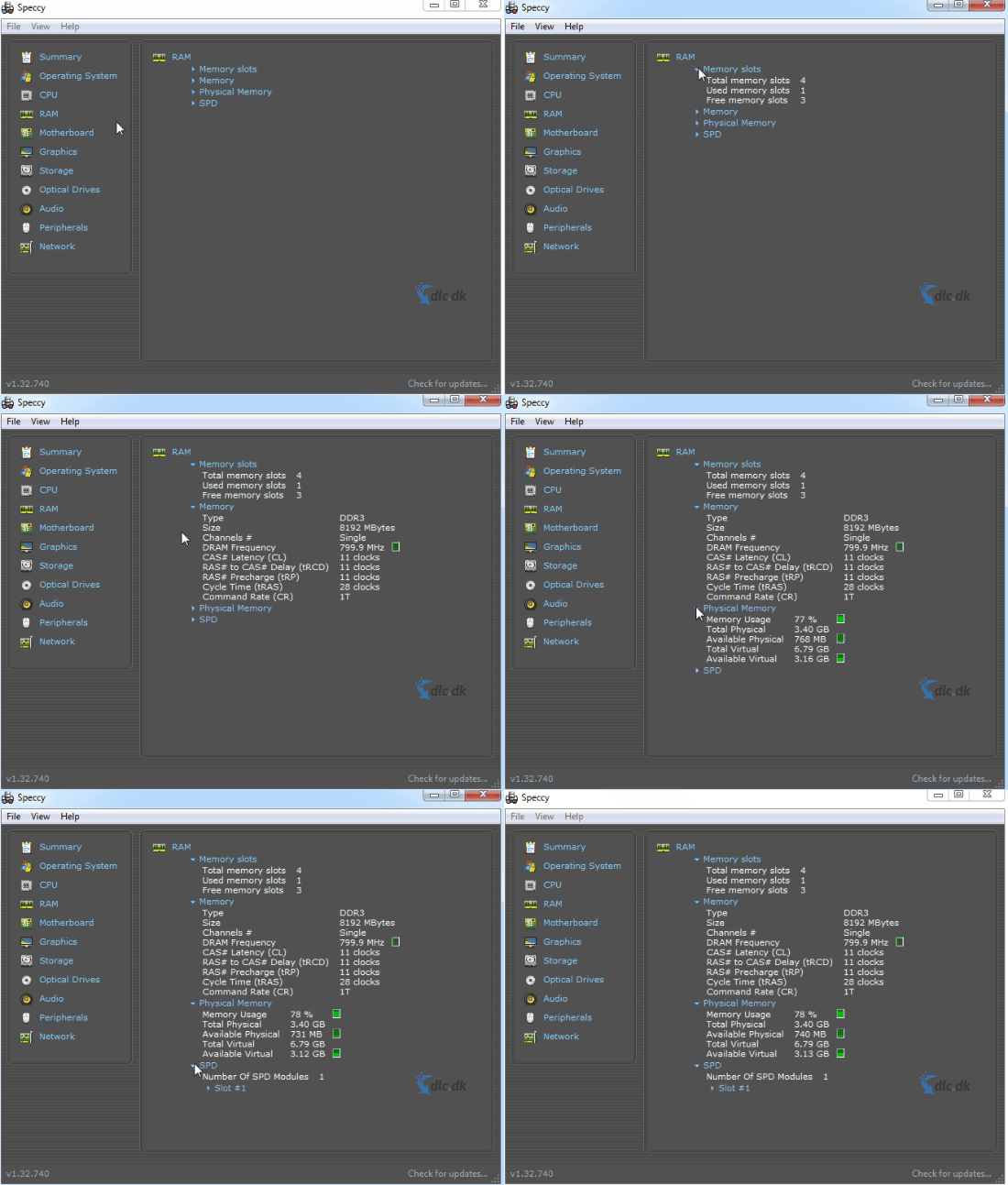
One of Speccy’s biggest strengths is that it presents complex hardware data in a way everyday users can understand. The app shows information such as:
CPU model, core count, temperature, and load
RAM type, speed, total capacity, and available slots
Motherboard, BIOS version, and chipset
Graphics card with temperature and driver details
Hard drives and SSDs with S.M.A.R.T. status
When you’re considering upgrading your PC, it’s especially helpful to see exactly which RAM type and speed your system supports. Speccy has helped us avoid compatibility issues many times when buying new hardware.
Ease of use and interface
Speccy is developed by Piriform, the maker of CCleaner, and you can feel that in the user experience. The app is divided into clear categories in the left menu, and each section explains what the numbers mean.
Even if you’ve never worked with hardware before, you can navigate quickly. The program uses very few system resources and feels fast and responsive—even on older PCs.
A handy touch is the ability to export system details as a text or XML file. That’s especially useful if you need to send the info to support, a technician, or save it for later.
Monitor temperatures and find hardware issues
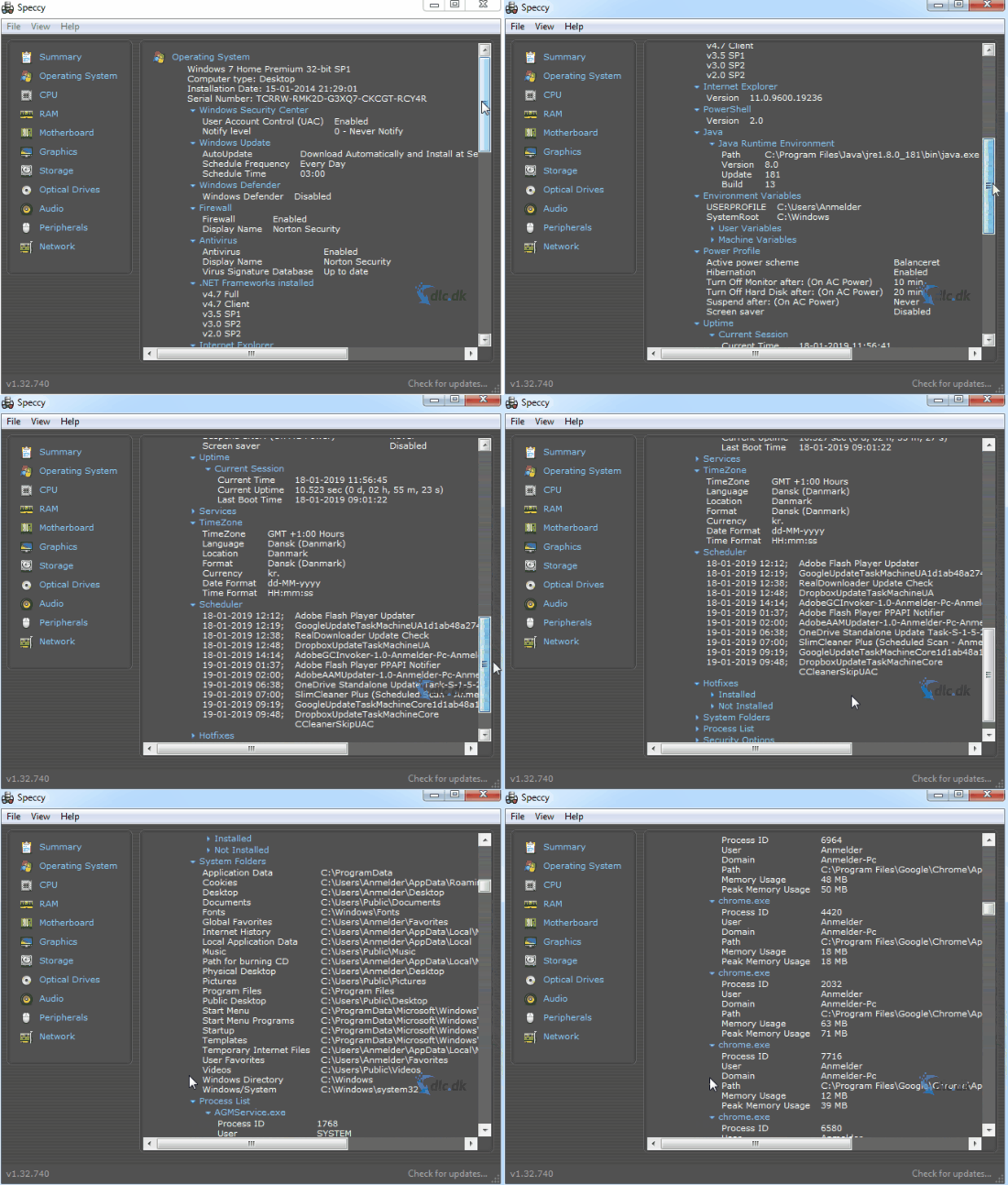
Speccy isn’t just an information tool—it’s also very useful for diagnostics. The program shows real-time temperatures for the CPU, GPU, motherboard, and storage devices.
During testing, we often use temperature and S.M.A.R.T. data to find worn hard drives, fans running too hot, or unstable RAM. This makes Speccy one of the best free tools for quick hardware diagnostics—especially if your PC is noisy, throttling, or suddenly freezing.
Is Speccy still relevant in 2026?
Although Speccy isn’t updated as frequently as some newer alternatives, it still runs reliably on both Windows 10 and Windows 11. In our tests, we encountered no errors or compatibility issues.
If you want a fast, free tool for a hardware overview that doesn’t bombard you with ads or unnecessary features, Speccy remains a solid choice in 2026.
Speccy and CCleaner – a great combo
Speccy and CCleaner complement each other really well. Use Speccy to diagnose and assess system health, while CCleaner can clear temporary files and other clutter that can slow your PC.
Together they give you a good picture of both hardware and overall system health—especially for users who want to keep their Windows PCs in good shape without using advanced tools.
Alternatives to Speccy
If you need more advanced features, there are several strong alternatives:
HWiNFO — a more technical tool with extremely detailed sensor data
CPU-Z — a tool for analyzing your CPU and graphics card
Open Hardware Monitor — an open-source tool for monitoring temperatures and voltages
For most users who just want a quick, easy hardware overview, however, Speccy remains one of the best and most accessible choices.