


Best free antivirus for Windows 11 – Protect your PC effectively.
Windows 11 is a modern operating system with built-in security, but that doesn’t mean you can do without a solid antivirus. Hackers are constantly creating new threats, and without proper protection your PC can be exposed to malware, ransomware, or phishing attacks. Fortunately, there are several free antivirus programs that offer strong protection without costing a dime. In this guide, we review the best free antivirus for Windows 11 and help you choose the right solution.
Why use a free antivirus for Windows 11?
Many users think Microsoft Defender, which is built into Windows 11, is enough. While it offers solid baseline protection, third-party antivirus often adds extra layers like:
- Stronger protection against phishing and ransomware
- Real-time updates against the latest threats
- Better performance and system optimization
A free antivirus can be a powerful complement to Windows’ built-in protection—especially if you frequently download files from the internet or visit unfamiliar websites.
The best free antivirus for Windows 11
The market for free antivirus is crowded, and it can be hard to navigate. Some apps deliver basic malware protection, while others add extras like VPN, password management, and network scanning. We handpicked the five best free antivirus programs for Windows 11 based on security, ease of use, and system impact.
Here are our recommendations:
1. Avast Free Antivirus

Avast is one of the most popular free antivirus solutions on the market. It offers:
- Real-time protection against malware and ransomware
- Built-in Wi‑Fi security scanner
- Lightweight design that won’t slow down your system
- Browser extensions that warn you about dangerous sites
- A sandbox feature so you can test suspicious files safely
- Automatic virus database updates to protect against the newest threats
Ease of use and installation Avast Free Antivirus is easy to install and requires no technical know-how. After installation, it runs automatically in the background and keeps you protected without getting in the way. The interface is intuitive and simple to navigate, even for non-technical users.
Extra security features Avast also includes a password manager to store your logins securely. It has a “Do Not Disturb” mode that silences notifications while you play games or watch movies.
Cons:
- Displays ads for the premium version
- May occasionally flag false positives
- Requires manually deselecting certain extras during setup if you don’t want them
2. AVG AntiVirus Free
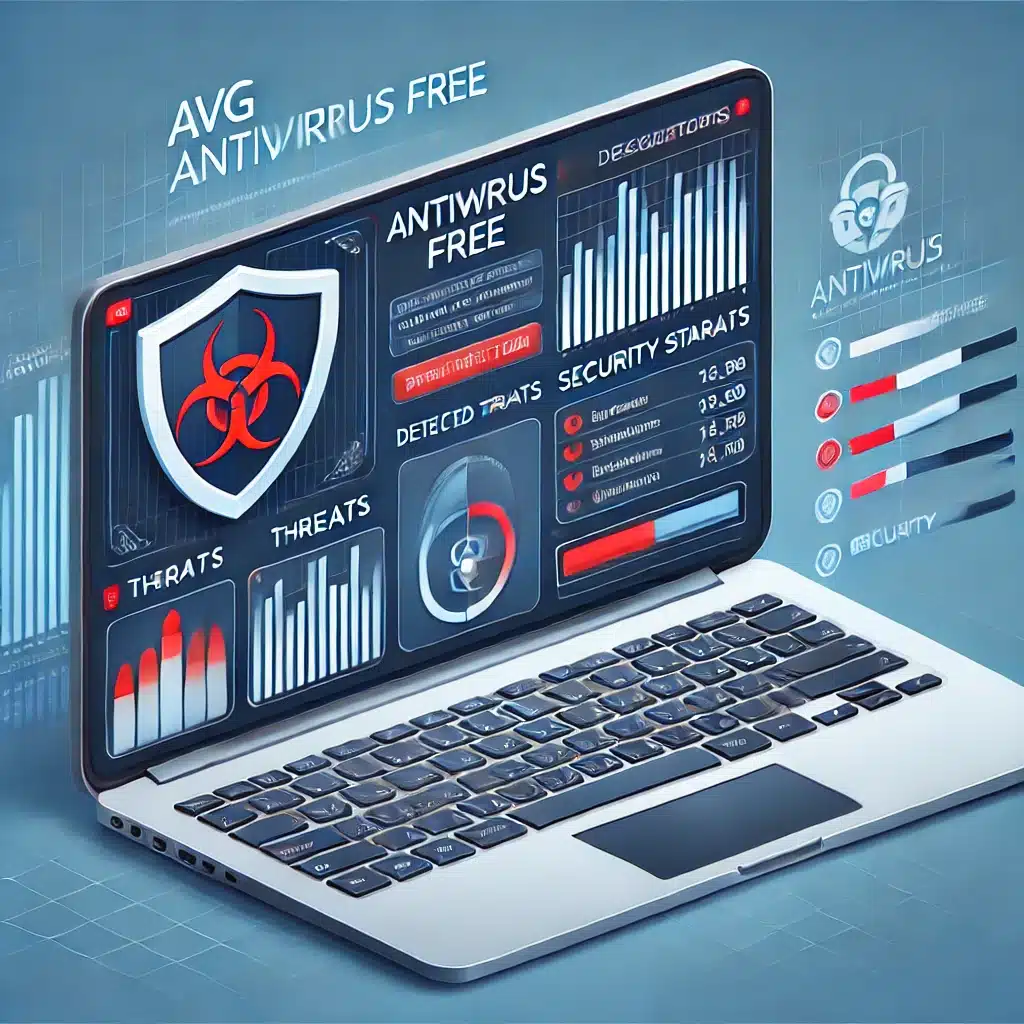
AVG is another well-known antivirus solution praised for its reliability. Features include:
- Effective malware scanning
- Protection against phishing websites
- Automatic virus definition updates
- Performance Scan to identify apps and files that slow down your PC
- Email protection that scans attachments for potential threats
- Web protection that blocks access to unsafe sites
Ease of use and installation AVG AntiVirus Free is simple to install and doesn’t require technical expertise. The software offers a clean interface with clear buttons for scanning, updates, and security settings. It’s designed to run in the background without major performance impact, though full system scans may take longer than some competitors.
Extra security features AVG includes a “Do Not Disturb” mode that disables notifications when you use apps in full-screen, such as games or streaming services. Another perk is the “File Shredder,” which permanently deletes sensitive files so they can’t be recovered by malicious actors.
Cons:
- Can be resource-heavy during scans, which may slow older PCs
- Missing some premium features like VPN and expanded ransomware protection
- Setup includes offers to try the premium version, which can confuse new users
3. Bitdefender Antivirus Free Edition
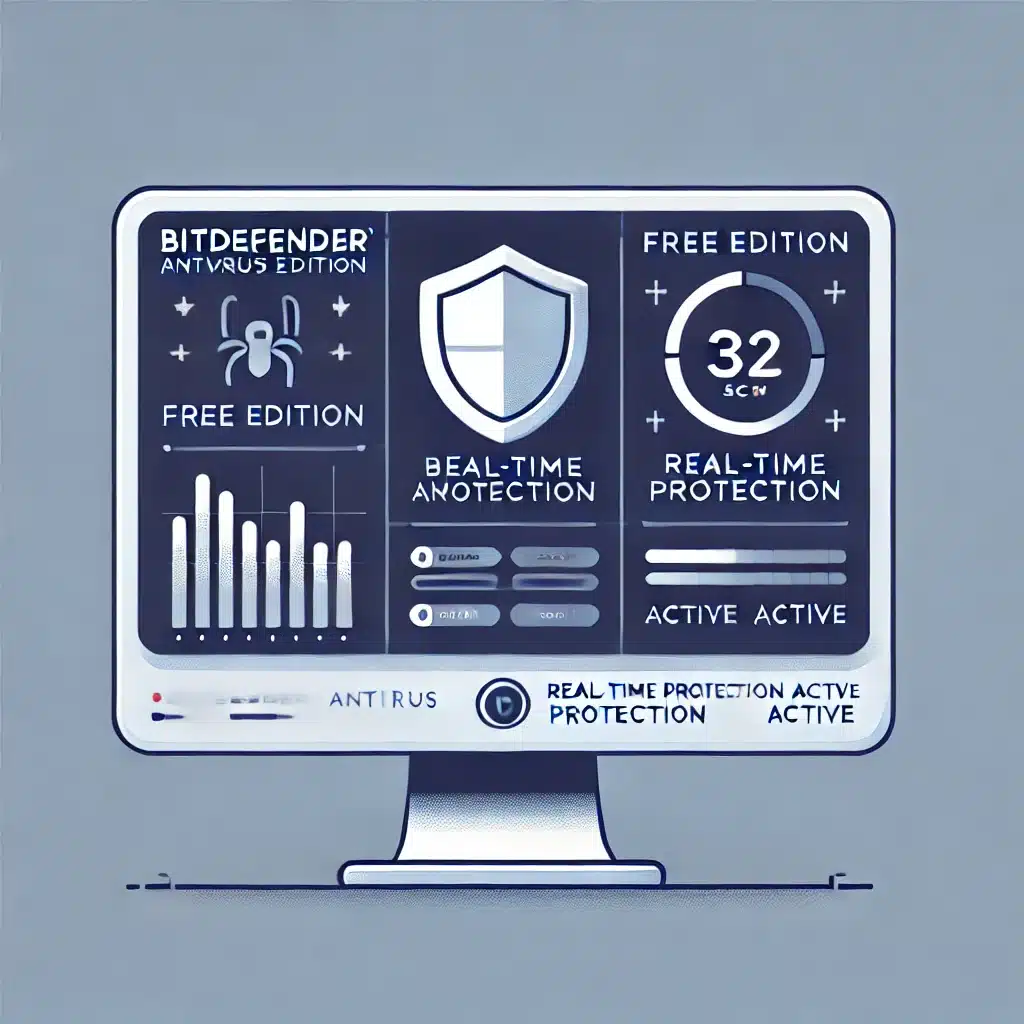
Bitdefender is known for excellent malware detection and low system impact. It’s a great pick if you want a minimalist yet powerful antivirus.
Benefits include:
- Powerful antivirus engine that uses advanced machine learning to identify threats in real time.
- Fast scans with minimal slowdown, ideal for both gaming and work.
- Minimalist design with few notifications, so you aren’t interrupted by unnecessary pop-ups.
- Automatic threat removal to reduce the risk of human error.
- Web protection against phishing that warns you before you land on unsafe websites.
- Ransomware protection that keeps your files safe from malicious encryption.
Ease of use and installation Bitdefender Antivirus Free is easy to install and requires almost no setup. It automatically scans your PC after installation and protects in real time without manual updates or input. The interface is clean and straightforward—perfect for a “set it and forget it” solution.
Extra security features While Bitdefender Free lacks premium extras like a VPN or parental controls, it still delivers strong core protection. It uses behavior-based detection that analyzes suspicious processes and blocks potential threats before they cause damage.
Cons:
- No advanced features like VPN or parental controls
- May require manual tweaking if you want more granular control
- Missing deeper system optimization found in the premium version
4. Kaspersky Security Cloud Free

Kaspersky offers one of the most feature-rich free antivirus options with:
- Real-time malware protection that proactively identifies and blocks malicious files and apps
- Integrated VPN (200 MB per day) for basic privacy, especially on public networks
- Anti-phishing and data theft protection that warns you about unsafe sites and scams
- Password management to store your login credentials securely
- Cloud-based threat detection for rapid identification and neutralization of new threats
- Secure browsing feature that blocks harmful websites before you interact with them
Ease of use and installation Kaspersky Security Cloud Free is easy to set up and runs smoothly in the background without significantly impacting performance. The modern interface is straightforward, making it a strong pick for beginners and experienced users alike.
Extra security features Kaspersky includes several extras typically reserved for premium tiers. A standout is automatic scanning of external devices, which checks USB drives and external disks for threats as soon as they’re connected.
Cons:
- Limited VPN data in the free version, so you can’t stream or browse anonymously for long without upgrading
- Can be heavy on older systems, especially during full scans
- Frequent upgrade prompts, which may annoy users who don’t plan to buy a premium version
5. Microsoft Defender (built into Windows 11)
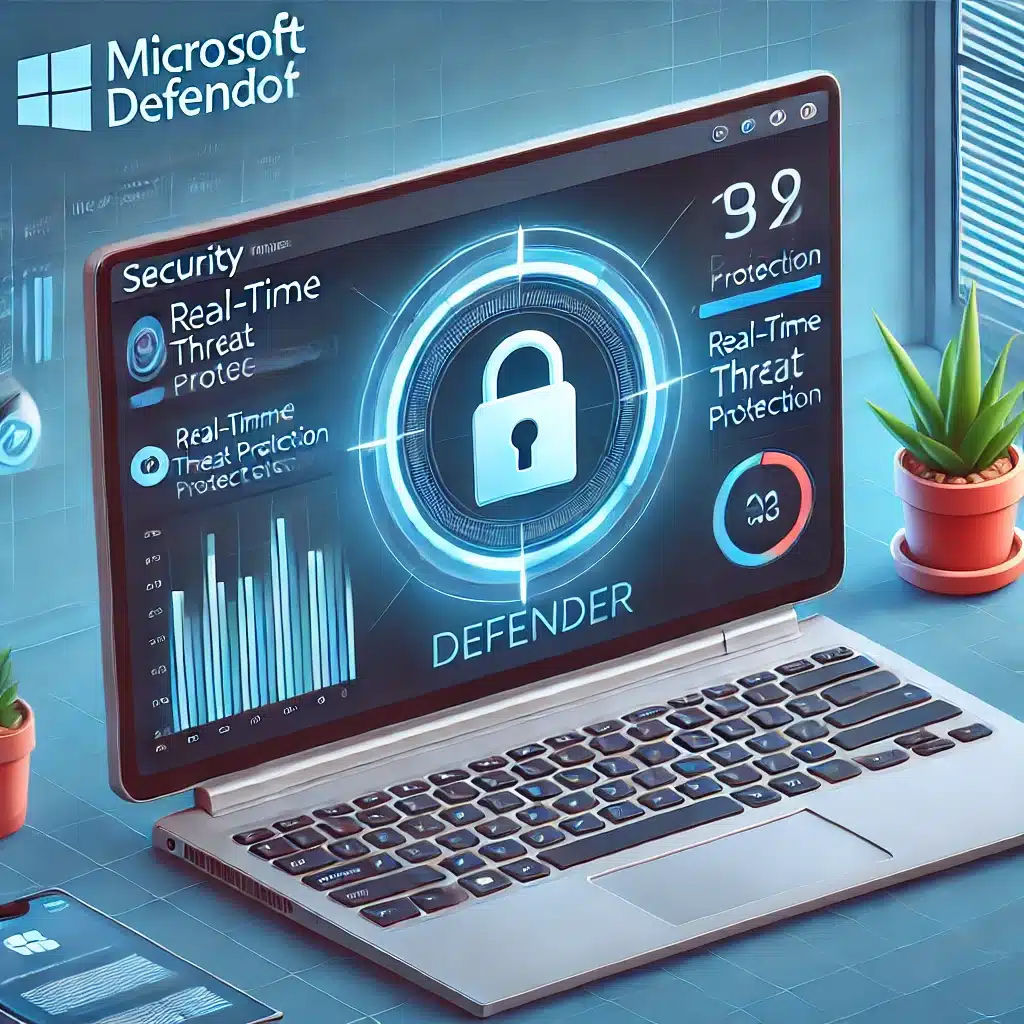
Although it’s not third-party software, Microsoft Defender deserves a spot on the list. It’s a free, reliable antivirus built directly into Windows 11 that offers baseline protection against common threats.
Pros:
- No installation required since it’s part of Windows 11
- Tight integration with Windows 11 for optimal performance and compatibility
- Minimal impact on system performance as it runs quietly in the background
- Real-time protection against malware and ransomware to block threats before they do damage
- Cloud-based threat detection with continuously updated definitions
- Firewall and network monitoring to help prevent unauthorized access attempts
- Protection against rootkits and exploits to block attacks on the system core
Cons:
- Missing advanced features like a VPN and dark web monitoring, so privacy protection isn’t as strong as some third-party options
- Phishing protection isn’t always top-tier compared to specialized antivirus apps
- Lacks extras like a password manager and secure browsing tools that many competitors include, even in free tiers
- Dependent on Windows Update for definitions, which can be a drawback if updates aren’t installed regularly
Which free antivirus is best for you?

The best free antivirus depends on your needs, your PC’s specs, and how much functionality you want. Use this quick guide:
- If you want a minimalist solution with few ads, choose Bitdefender Antivirus Free Edition. It needs almost no configuration and runs quietly in the background—perfect for a “set it and forget it” setup.
- If you need extras like a built-in VPN, consider Kaspersky Security Cloud Free. The included VPN is handy for occasional privacy, but note the 200 MB per day limit.
- If you want a well-balanced solution with many features, Avast Free Antivirus or AVG AntiVirus Free are strong picks. Both add Wi‑Fi security scanning and web protection, but they do include upsell ads.
- If you prefer not to install anything new and want simple, reliable protection, stick with Microsoft Defender. It’s built into Windows 11, auto-updates, and provides solid malware and ransomware defense.
Additional considerations

Beyond antivirus, consider the following for optimal protection:
- Use a password manager to secure your logins
- Enable two-factor authentication (2FA) on important accounts
- Be alert to phishing attempts, especially in email and on unfamiliar sites
- Keep Windows and your apps updated to close security holes
By choosing the right antivirus and following these best practices, you can protect your Windows 11 PC effectively without paying for a premium suite.
Tips to maximize your security
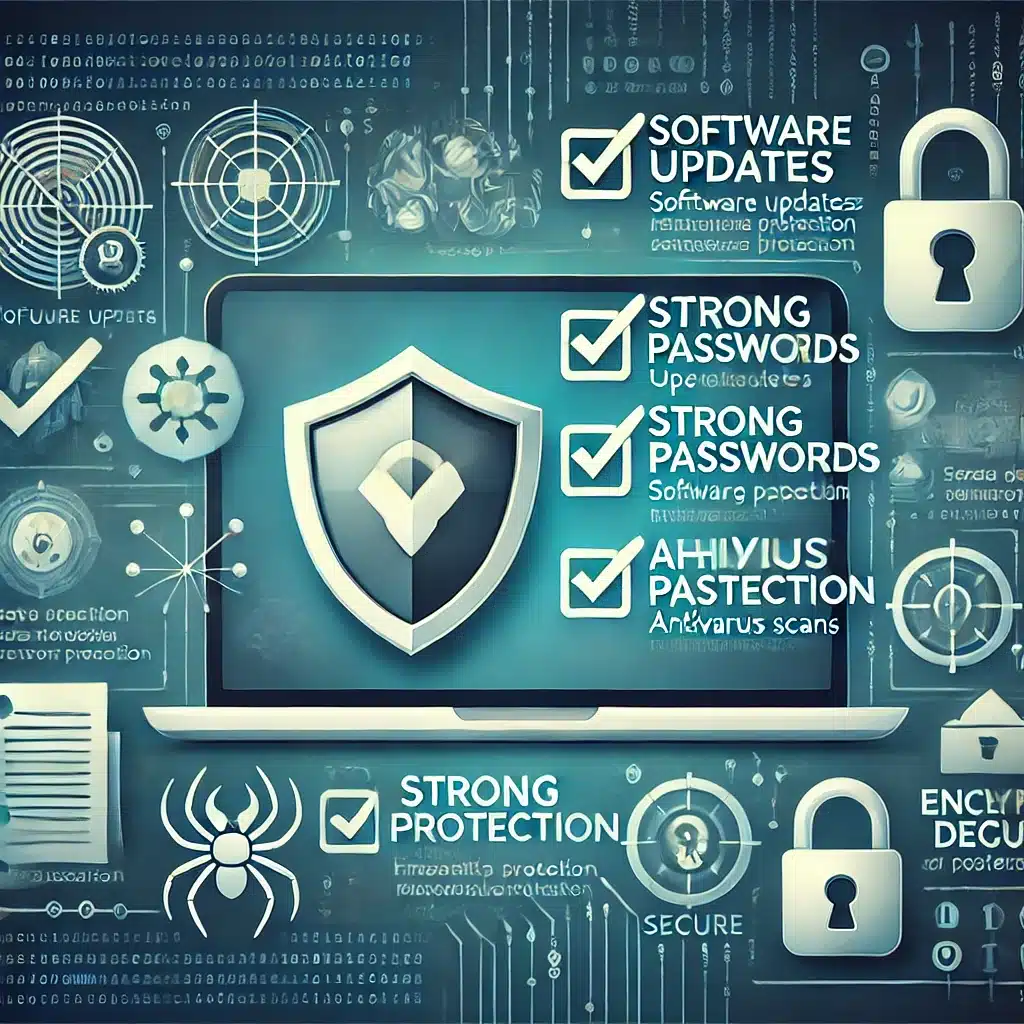
While a good antivirus helps a lot, you should also take these precautions to secure your PC:
- Always update Windows and your software to patch known vulnerabilities
- Avoid clicking suspicious links or downloading unknown files, especially from emails and unfamiliar websites
- Use strong, unique passwords and enable 2FA wherever possible to protect your accounts
- Use a password manager to generate and store complex passwords securely
- Enable your firewall to block unauthorized access to your network
- Be cautious on public Wi‑Fi—use a VPN if you need to access sensitive data on open networks
- Back up important files regularly to an external drive or the cloud to mitigate ransomware risk
- Use a privacy-focused browser with anti-tracking features
- Check if your email accounts have been compromised, for example via services like haveibeenpwned.com
Combine a strong free antivirus with smart security habits to protect your Windows 11 PC against most threats—without spending a dime. Cybersecurity isn’t only about having the right software; it’s also about the right habits and a healthy dose of skepticism online.
Detailed antivirus test
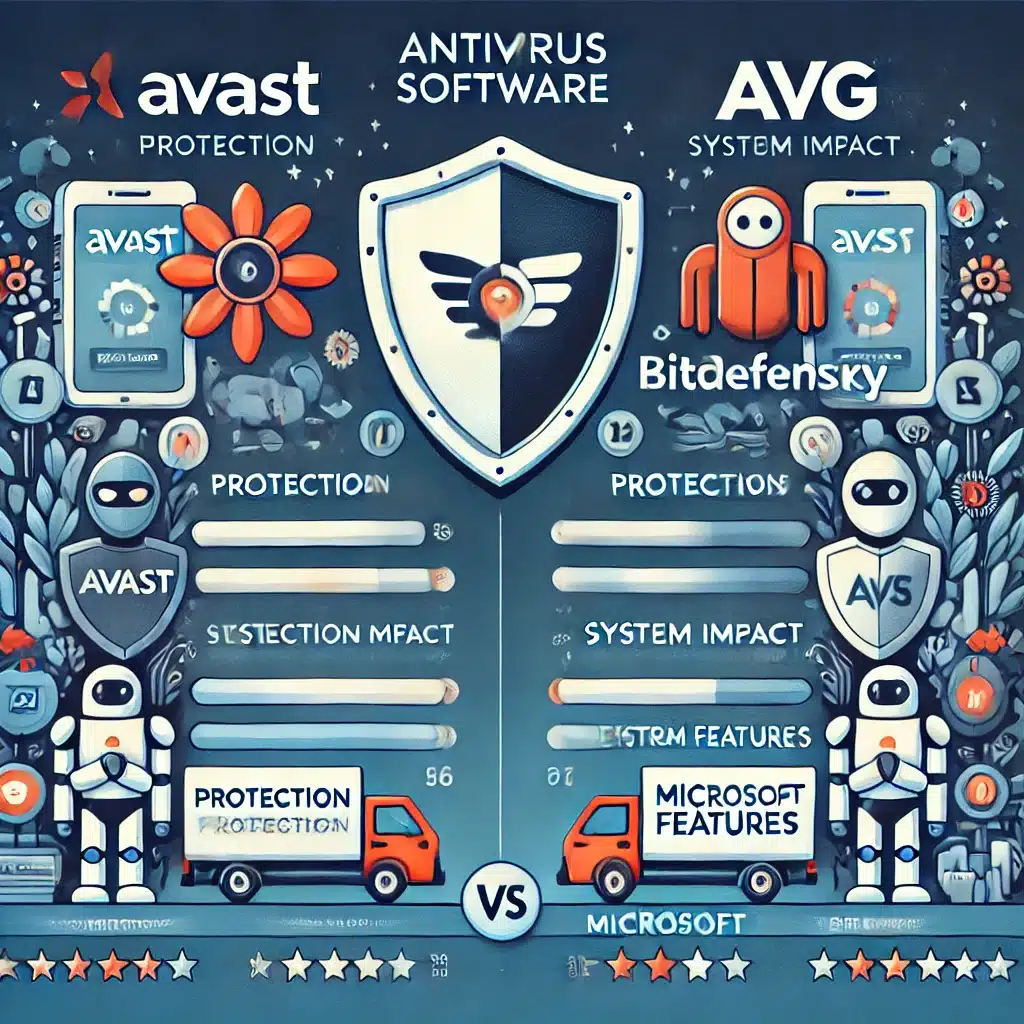
Choosing a free antivirus for Windows 11 isn’t just about the best malware protection—it’s about finding a solution that fits your daily use. A detailed antivirus test shows several factors matter: real-time protection, system impact, ease of use, and any extra features.
In tests, Avast and Bitdefender impress with high detection rates and low resource usage—great if you want strong security without slowing your PC. AVG and Kaspersky offer more extras like phishing protection and a VPN, which can be valuable if you want broader security (though they may be heavier on older systems). Microsoft Defender, already built into Windows 11, is a solid baseline that requires no installation, but it lacks some advanced tools third-party apps provide.

When picking your free antivirus, factor in your own habits and needs. If you often download files or visit unfamiliar sites, choose something with strong anti-phishing. If you want to minimize ads and pop-ups, Bitdefender is a good bet, while Kaspersky is worth a look if you want a simple built-in VPN.
Whichever you choose, pair it with good security hygiene: update Windows and your apps regularly, avoid suspicious links, use strong passwords, and enable 2FA wherever possible.
By choosing one of the best free antivirus options for Windows 11 and following these tips, you can protect your PC against most threats—without paying a cent.