


X‑VPN – free and fast VPN for Windows, Mac, and mobile
X‑VPN is a modern VPN service that makes it easy to hide your IP address, access geo‑blocked streaming, and browse the web privately. The app is free to download, with a paid plan available for more features.
We tested X‑VPN on a standard Windows 11 PC, and setup took under five minutes. The design is minimalist, and we noticed no meaningful drop in internet speed — a common issue with older VPN apps.
Features and performance (ease of use and speed)


X‑VPN focuses on speed and easy setup. Once installed, simply select a country from the list and you’ll be online through a secure VPN server. That replaces your IP address with a virtual location.
The benefits are clear:
- Faster connections than many older VPNs
- Reliable access to streaming services like Netflix, Disney+, Hulu, and BBC iPlayer
- Automatic fastest‑server selection
Design and interface
The app has a simple interface that’s easy to navigate, even for beginners. Just click “Connect” and you’re set. On mobile, the design is even more intuitive — perfect if you use a VPN on the go.
Limitations and controls
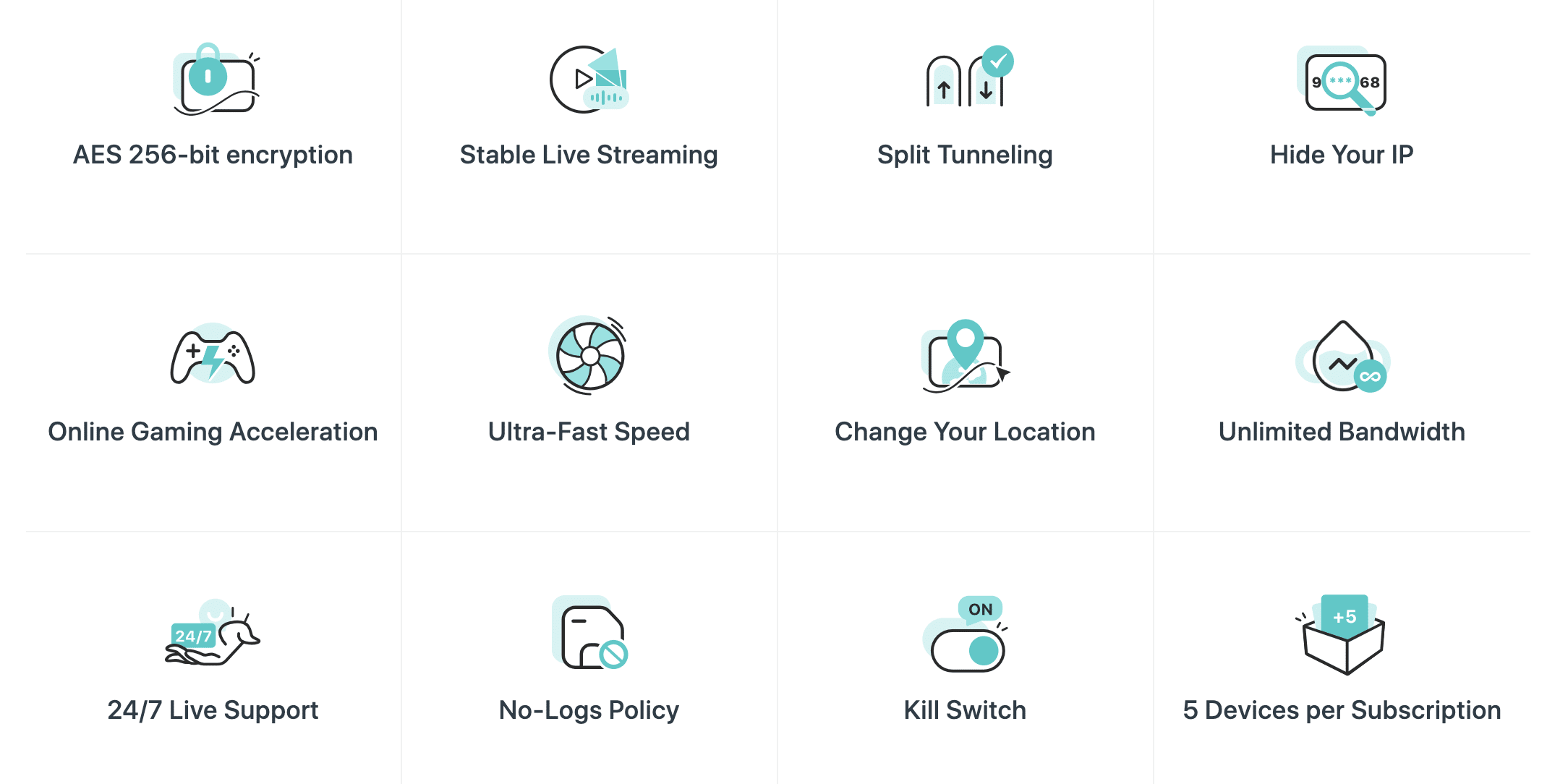
Note that the free version of X‑VPN only provides access to a limited number of servers. To unlock all locations, you’ll need a paid subscription. Also, some government and banking websites may not work correctly when a VPN is enabled — this is common across many VPN services. Temporarily disable the VPN or use split tunneling if needed.
Free vs. Premium
- Free version gives you the basics and a few servers to pick from.
- Paid subscription unlocks all servers, faster connections, and better streaming support.
Pricing starts at about $6 per month on the annual plan, which is competitive compared to alternatives like NordVPN and Hotspot Shield.
Alternatives to X‑VPN
- NordVPN — fast and user‑friendly, but costs a bit more.
Top 5 tips for X‑VPN
Start with Auto/Best Location for a fast, stable connection. For finer control, pick a server close to your location (e.g., US East/West or nearby countries like Canada or Mexico). Check ping (ms) — the lower, the faster. Save your top picks as favorites.
Yes. Choose a streaming‑optimized server in the country whose catalog you want. If playback fails, switch servers, clear the app cache, or restart X‑VPN. Premium typically offers more working streaming servers.
Many sensitive sites block traffic from VPN IPs. Temporarily disable the VPN, or connect to a server in your country (if available). Enable Split Tunneling so only your streaming apps use the VPN while government/banking sites connect directly.
Run a speed test before and after you connect to compare. Also check your IP with an IP checker — if it shows a different location than your real one and there are no DNS/WebRTC leaks, you’re covered. Switch servers if ping is too high.
If you stream a lot, travel frequently, or want more countries and faster servers, Premium is worth it. If you hit geoblocking on the free plan, try Premium’s dedicated servers — they usually have fewer restrictions.