


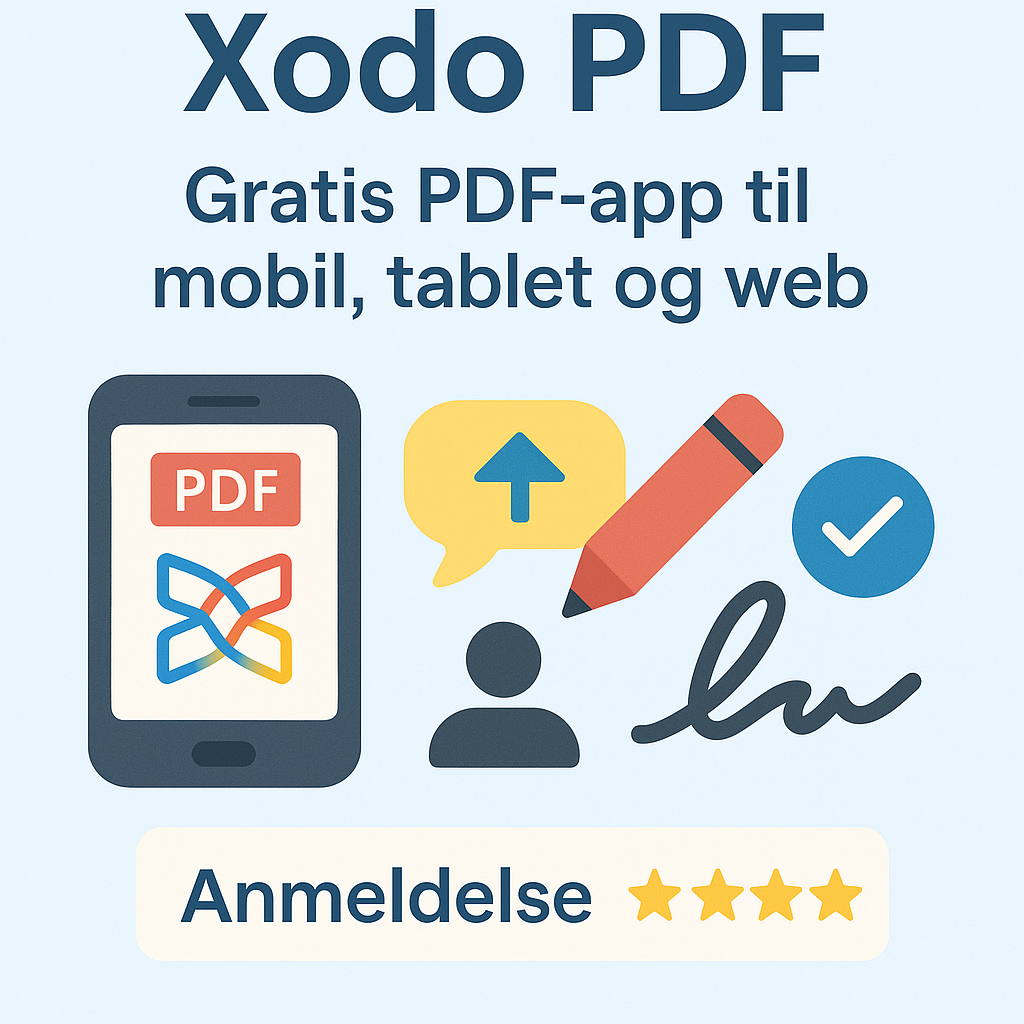
Xodo PDF – free PDF app for mobile, tablet, and browser.
Xodo PDF is one of the best free PDF readers and editors for Android, iOS, and the web, and stands out for its sleek design and fast performance. With the ability to read, annotate, edit, and sign PDFs right on your phone, Xodo is the obvious choice for students, educators, and professionals on the go.
Xodo also offers a browserbaseret version (Xodo Web) with many of the same features—and it’s all free with no login required.
Features and user experience
Xodo PDF works both as a classic PDF reader and as a lightweight editing platform, with features such as:
- Fill PDF forms and add e-signatures
- Annotation: highlight, underline, add notes, comments, and shapes
- Collaboration via Xodo Connect—multiple users can comment on the same document
- Insert images and text directly into PDFs
- Reorder, delete, and rotate pages
- Sync with Google Drive, Dropbox og OneDrive
- Built-in document scanner (mobile)
The app is lightning-fast and has an intuitive interface—on both mobile and web. Documents can be saved locally or in the cloud.
Free vs. Pro
Xodo is free and ad-free. A newer Pro version called Xodo Pro (via PDF.online/Xodo Sign) offers advanced signature and collaboration features for businesses, but for most users the gratisversionen rigeligt omfattende.
There are no limits on the number of documents or features in the standard Xodo app.
Platforms and operating systems
Xodo PDF is available for:
- Android and iOS (full mobile apps with all features)
- Web browser (Xodo Web)—works on Windows, Mac, and Linux
- No desktop app to download, but it works great in your PC browser
That makes Xodo especially strong for mobile and tablet users, while also serving as a lightweight PDF tool for Linux and Chromebooks.
Security and privacy
Xodo doesn’t require a login and saves your documents locally by default—or in the cloud service you choose. If you add Google Drive or Dropbox, you can edit directly in the cloud. All traffic is encrypted, and no documents are uploaded without your permission.
Tips for using Xodo
- Use Xodo as a PDF reader for books, reports, or homework—with dark mode and bookmarks
- Use Xodo Connect to collaborate with colleagues or classmates
- Scan and sign documents directly in the app—perfect for job applications, consent forms, and agreements
- Synkronisér med Dropbox and edit documents from your phone and computer
- Use split view on tablets to compare two PDFs
Is Xodo PDF worth it?
Absolutely—especially because Xodo is 100% free and fully featured, with no ads or limitations. It’s one of the most elegant mobile PDF solutions, and the app’s performance and ease of use rival many paid alternatives.
For offline og professionelt PDF-arbejde, it does lack a bit of editing depth compared to, for example, Sejda or PDF-XChange Editor.
Visit the developer’s website and try one of the many Xodo PDF tools