
 Martin Jørgensen
Acer Chipset Driver – Optimize your Acer PC’s performance
What is Acer Chipset Driver?
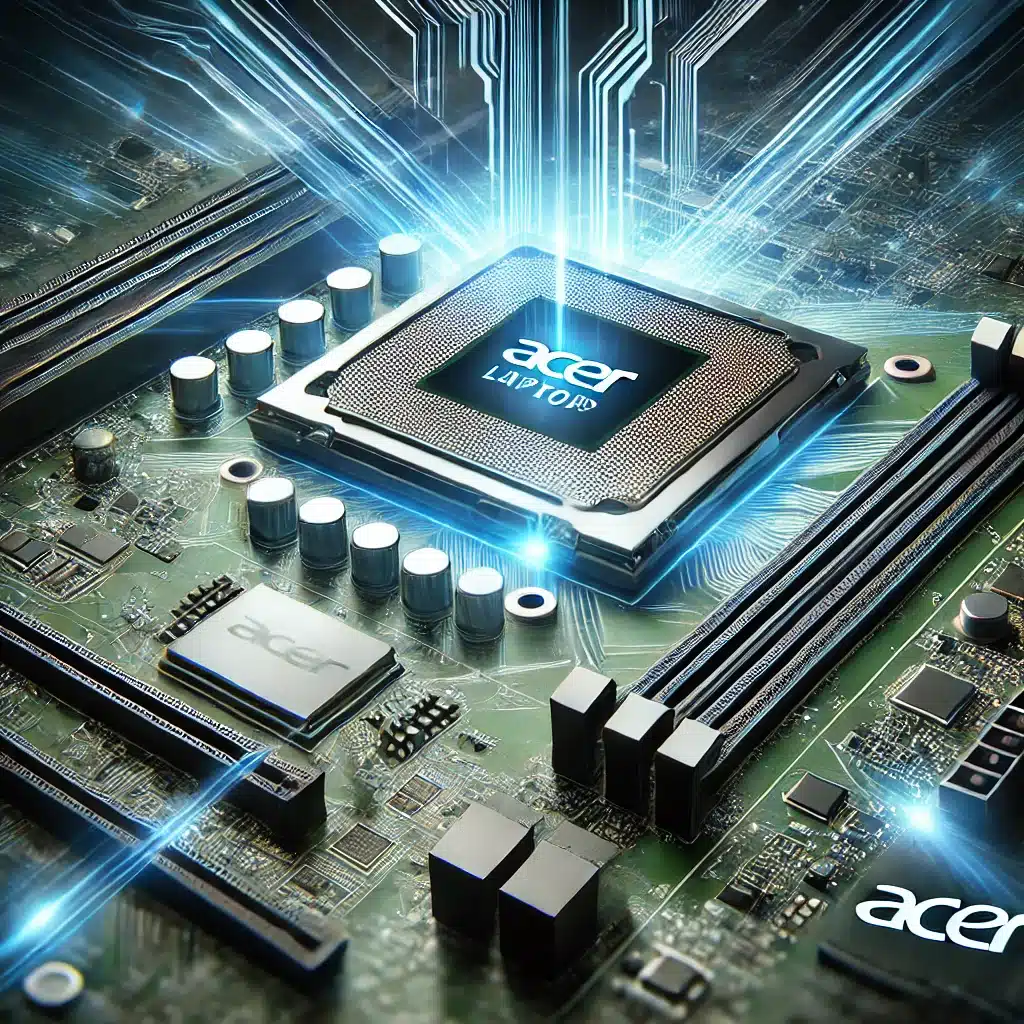
Acer Chipset Driver is one of the most important drivers for your Acer computer. It ensures your motherboard works correctly by optimizing communication between your processor, memory, graphics card, and other key hardware components. Without a properly functioning chipset driver, your device may experience serious issues such as system crashes, slow performance, and instability in hardware communication. The chipset driver acts as a “bridge” between your PC’s components, making sure they work together seamlessly.
When you install or update a chipset driver, you can notice a clear improvement in responsiveness, power usage, and overall performance. This is especially important if you use advanced applications, play graphics-intensive games, or work with demanding software. An up-to-date chipset driver also helps your system stay compatible with the latest technologies and software updates, which can extend the lifespan of your Acer device and reduce the risk of future errors.
Why should you update your Acer Chipset Driver?
If your chipset driver is outdated, it can lead to:
- Slow system performance – Your PC may become sluggish and less responsive.
- Hardware communication errors – Poor communication between the CPU, RAM, and motherboard can cause system crashes.
- Compatibility issues – Newer versions of Windows and apps often require up-to-date drivers to work properly.
- Higher power consumption – An inefficient chipset driver can increase energy use and shorten battery life.
How to download and install Acer Chipset Driver
Follow these steps to find, download, and install the correct chipset driver for your Acer device:
- Find your Acer model
- Open the Start menu and type “System Information” to see your exact model.
- Alternatively, find the model number on the underside of your PC or in the BIOS/UEFI.
- Download the latest Acer Chipset Driver
- Visit Acer’s official drivers page and enter your model.
- Select Chipset Driver from the list of available downloads.
- Click Download and save the file to your computer.
- Install the driver
- Extract the ZIP file (if needed).
- Run the installer (Setup.exe or similar).
- Follow the on-screen instructions and restart your PC when the installation is complete.
Troubleshooting: Problems with Acer Chipset Driver?
If you run into issues during installation or after updating, try the following solutions:
- Check Windows Device Manager
- Press Win + X and choose Device Manager.
- Expand System devices, right-click your chipset device, and select Opdater driver.
- Download the driver directly from Intel or AMD
- If your Acer PC uses an Intel or AMD processor, you can also get the chipset driver directly from the manufacturer’s website:
- Roll the driver back
- If a new chipset driver causes issues, go to Device Manager, right-click the device, and choose Properties > Driver > Roll Back Driver.
Keep your Acer PC fast and stable
Acer Chipset Driver is an essential update that keeps your computer running at its best by maintaining smooth communication between system hardware components. Without an updated chipset driver, your device may suffer from slowdowns, unexpected crashes, and incompatibility with newer software and operating systems.
By keeping your chipset driver current, you can improve performance, reduce the risk of system errors and hardware conflicts, and ensure better power efficiency. That means your device runs more efficiently, uses less power, and supports the latest technologies and features. For gamers, creative professionals, and business users alike, a stable chipset driver is crucial for the best experience and a longer PC lifespan.
Download the latest version now to enjoy a more stable, faster, and more reliable Acer computer for all your everyday tasks! By updating your Acer Chipset Driver, you help your PC run smoothly and efficiently. An updated driver boosts performance, reduces errors, and extends your device’s life. Be sure to get the newest version to get the most from your Acer device.
Find and install your Acer Chipset Driver today – fast, free, and safe!


