Martin Jørgensen
📥 SPAMfighter – Block spam in Outlook and Thunderbird (English interface).
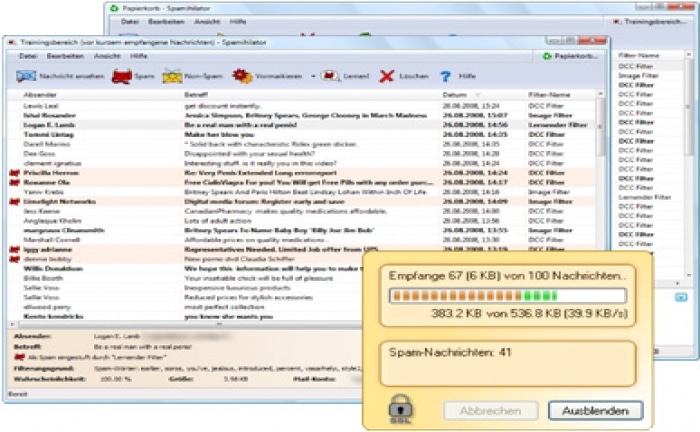
SPAMfighter is a popular anti-spam tool that helps you filter unwanted emails before they reach your inbox. Built in collaboration with Microsoft, it works with Outlook, Outlook Express, Windows Mail, Thunderbird and similar email clients.
With automatic spam filtering and a user-friendly design — fully translated into English — 1 is a solid solution for both home users and small businesses looking to protect against spam, phishing, and identity theft.
Features and highlights
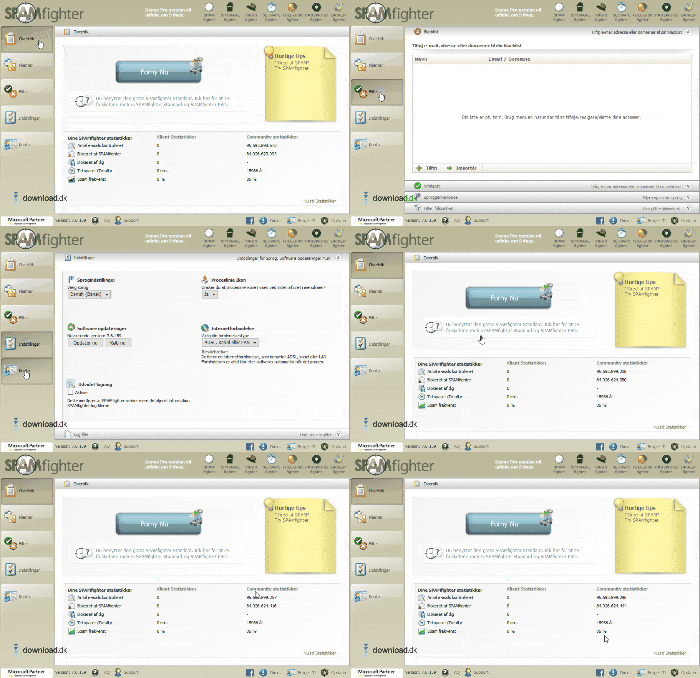
- 🛡️ Automatic spam filter — moves spam to the junk folder before you see it
- 📤 Works with Outlook, Windows Mail, Thunderbird, and more
- 🔒 Protects against phishing and identity theft
- 👥 Manually block emails and domains
- 🌍 Language filtering available in the Pro version
- 🧾 English interface and easy setup
- 🔄 Automatic, free updates
It installs quickly and requires no technical skills — it works directly with your existing mail client and adapts to your needs.
SPAMfighter for Gmail and Outlook.com (Hotmail)?
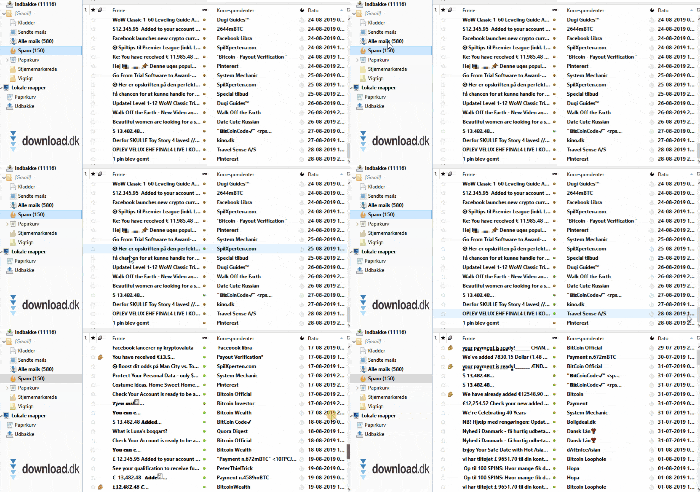
While SPAMfighter isn’t directly compatible with Gmail or Outlook.com in the browser, you can still use it by fetching your mail in a desktop client like Thunderbird and filtering it with SPAMfighter. That means you don’t have to change your email address to benefit from the program.
Free vs. Pro version
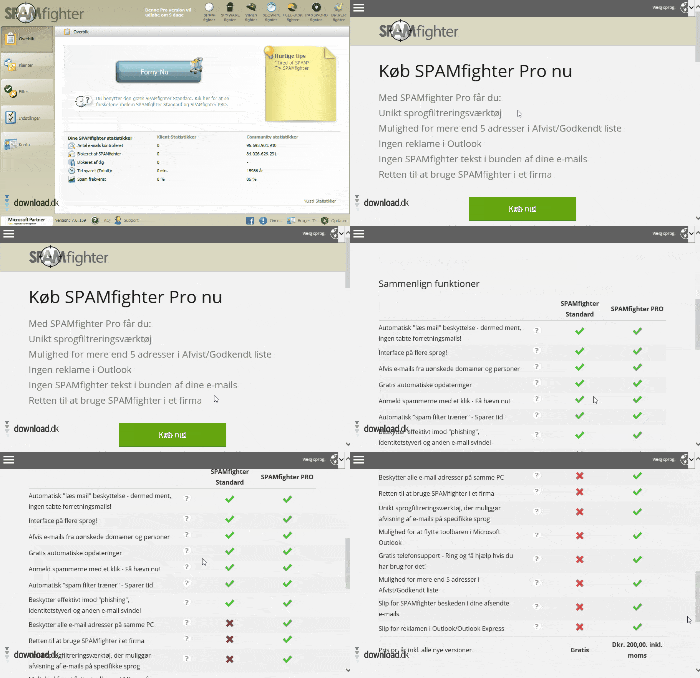
The free version of SPAMfighter is more than enough for most users. It includes:
- Automatic spam filtering
- English interface
- Updates and community-powered filtering
The Pro version adds features such as:
Phone support and more customization
Language filtering (for example, block all non-English emails)
Commercial use