
 Martin Jørgensen
5KPlayer: Free and powerful video player for PC and Mac
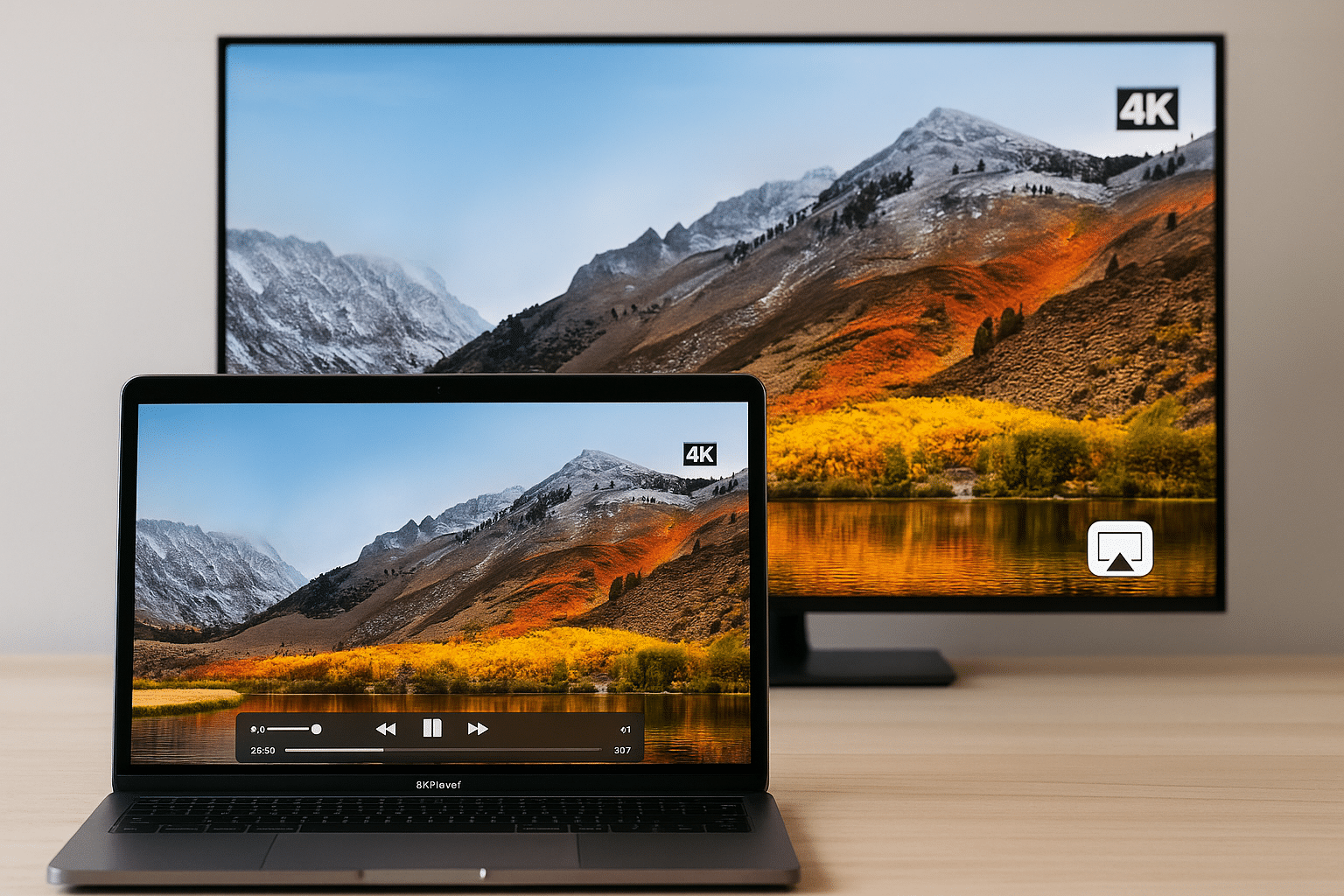
5KPlayer is a free media player for PC and Mac that combines HD video playback, video downloading, AirPlay, and screen recording in a single app. It’s an excellent solution if you want a simple yet powerful alternative to VLC or QuickTime—especially if you’re looking for a video player with extra functionality like AirPlay and support for 4K/5K/8K video.
Top 5 tips for 5KPlayer
How to download a YouTube video in HD
Just paste the URL into 5KPlayer’s download field, choose a resolution (e.g., 1080p or 4K), and click "Download" to save the video locally.
Use AirPlay to stream movies to Apple TV
Enable AirPlay on your Apple TV and select the AirPlay feature in 5KPlayer. The video will mirror to your TV automatically—wirelessly and in high quality.
Record your screen in high quality
Select "Record Screen" in the main menu and click "Start" to capture everything on your Mac screen—ideal for gaming or tutorials.
Save only the audio from a video
When downloading a video, you can choose to save just the audio track as MP3 or AAC if you only want the music or spoken content.
Use DLNA to stream to Android devices
Enable DLNA in both 5KPlayer and on your Android device. You can then wirelessly stream videos, music, and photos to your phone over your network.
Playback and features in 5KPlayer
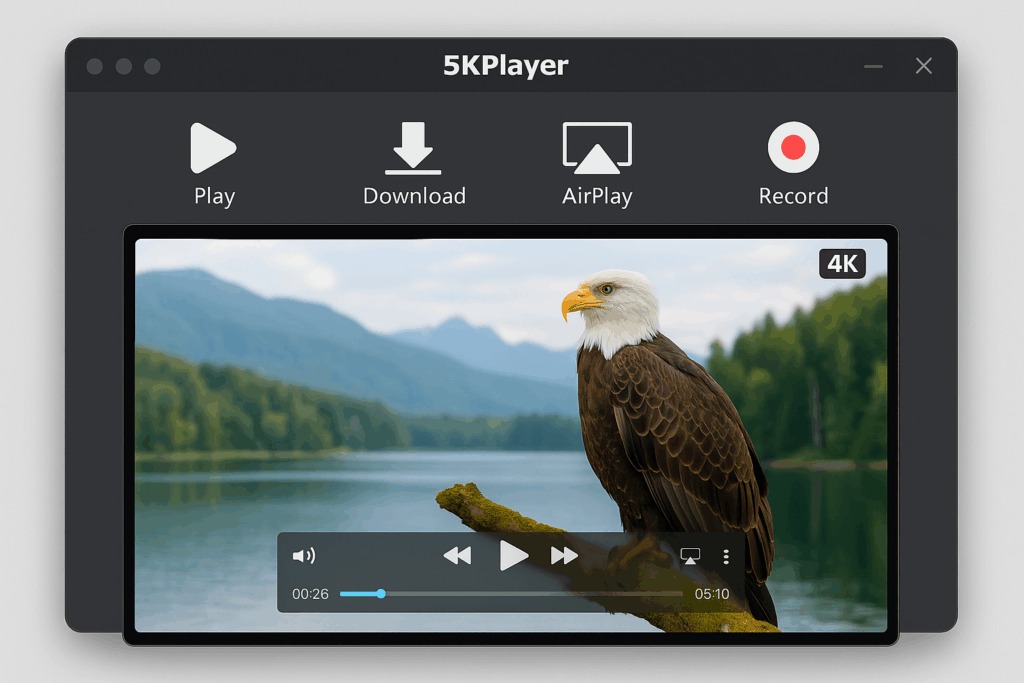
It supports a wide range of video and audio formats, including MP4, MKV, AVI, MP3, FLAC, WMV, and many more. You can play both standard and ultra‑HD videos up to 8K resolution without issues. The player is optimized for high performance and offers hardware acceleration, making it ideal even for heavy video formats.
You can also play DVDs and stream online radio—and if needed, mirror your iPhone or iPad screen to your Mac or record the screen directly in the app.
Video downloads directly from popular platforms
One of the biggest advantages of 5KPlayer is its built‑in video downloader. You can download videos directly from sites such as:
- YouTube
- Vimeo
- Dailymotion
- Vevo
- Metacafe
- Yahoo
- Niconico
- UStream
- Vube
- Vine
- MTV
This makes it easy to save videos for offline viewing—both as audio and as video.
AirPlay and DLNA: Stream to other devices
With built‑in AirPlay and DLNA support, you can stream content wirelessly to compatible displays and speakers. This is especially useful if you want to watch a movie from your Mac on your TV without cables.
It works as both an AirPlay receiver and sender, which means you can also mirror your iPhone screen to your Mac—perfect for presentations, games, or viewing photos.
User experience and controls
The interface is simple and intuitive. Quickly switch between "Video," "Music," "DVD," "YouTube," and "AirPlay," and playback starts instantly. There are also advanced features like a screen recorder and snapshot tool without feeling heavy or technical.
The app is clearly more user-friendly than VLC yet offers more features than QuickTime—delivered in a clean, minimalist interface.



