
 Martin Jørgensen
Opera Neon – free AI browser with AI agents
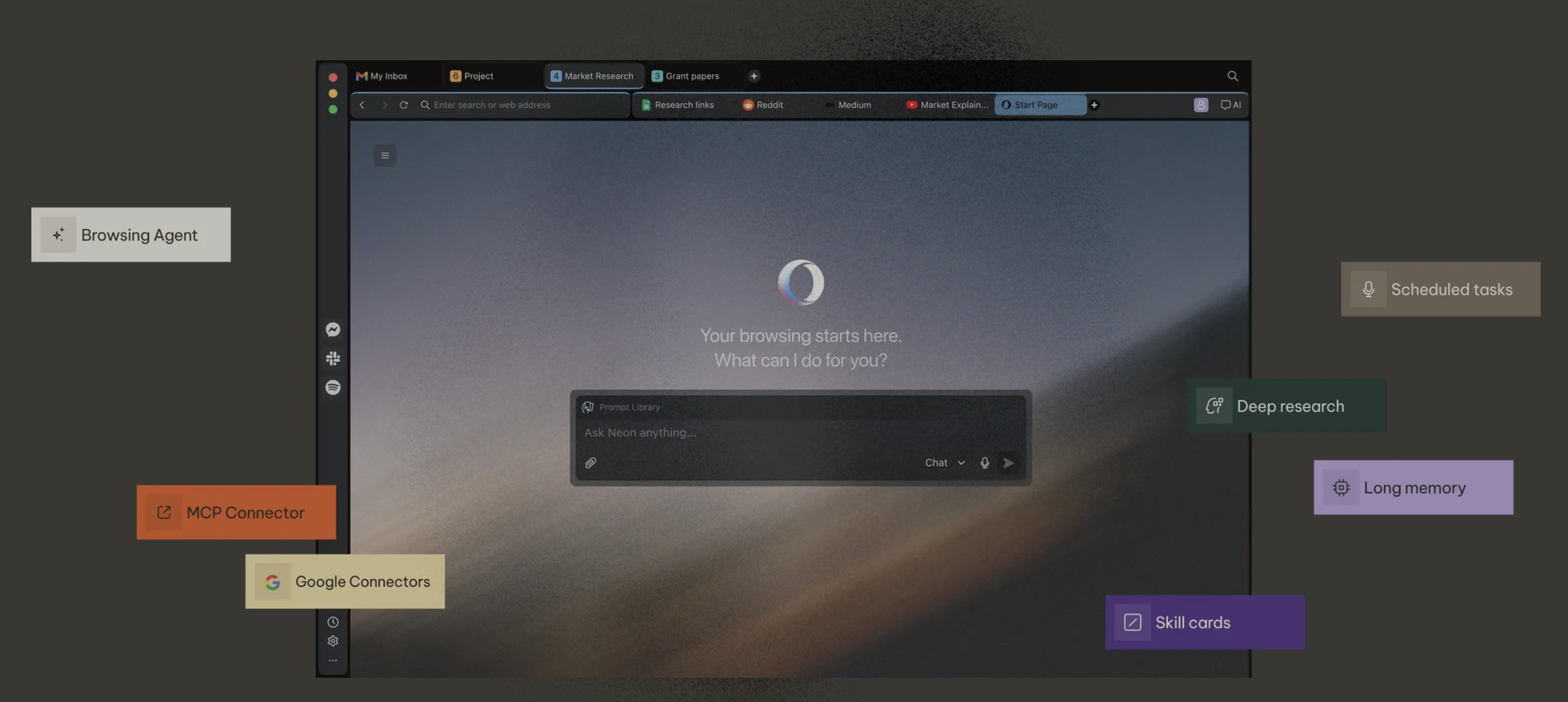
We tested Opera Neon to see how much Opera’s AI browser differs from a regular browser with a built-in chatbot. Neon connects to AI tools like ChatGPT and Claude and is designed so AI agents can work with the browsing context you’re in. The browser is now free to download for Windows and Mac, while some of the most advanced AI features require a subscription.
Opera has spent years building browsers for different types of users. The regular Opera browser is still the company’s flagship, while Opera GX is aimed at gamers. With Opera Neon, the focus is on AI, automation, and AI agents.
In our testing, it quickly became clear that Neon isn’t just trying to add yet another AI chat in a sidebar. Its AI capabilities are baked directly into the browsing experience, so AI can work with the sites, tabs, and information you already have open. That’s what makes Opera Neon compelling compared to a more traditional browser.
Opera Neon is now free to download
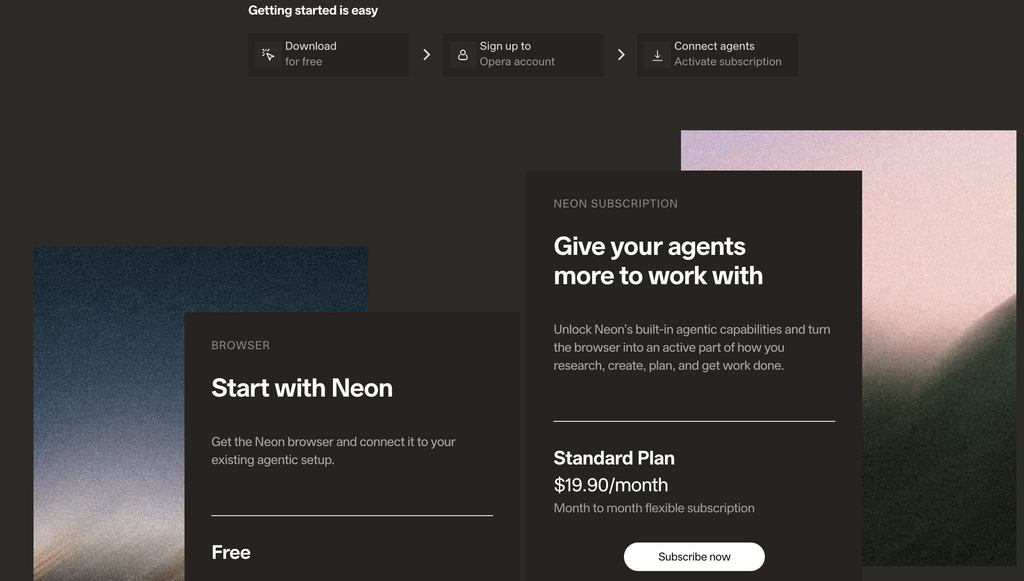
Opera Neon originally launched as a premium browser, but in August 2026 Opera changed the model.
You can now download and use Opera Neon for free.
The free version includes:
- The Opera Neon browser
- built-in ad blocker
- Opera’s free VPN
- MCP Connector
- Opera Browser CLI
- ability to connect external AI agents
This means you can connect compatible AI tools to the browser without first purchasing a Neon subscription.
If you want to use Opera’s own advanced AI agents and AI models directly in Neon, you’ll need a paid plan.
What is Opera Neon?
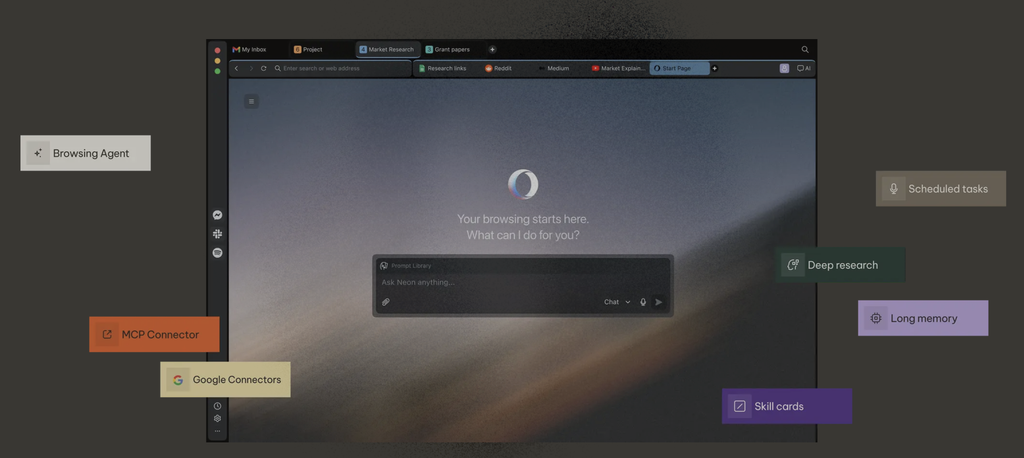
Opera describes Neon as an agentic browser.
The idea is that AI shouldn’t just tell you how to solve a task—it can also be allowed to carry out parts of it.
With Opera Neon, compatible AI agents can work with your current browsing context and—depending on your setup and the permissions you grant—can:
- read content from open tabs
- navigate between websites
- perform searches
- extract information
- open new tabs
- take screenshots
- work with forms
That’s a very different approach from traditional browsers, where AI typically lives as a separate chatbot.
ChatGPT and Claude can connect to Opera Neon
One of the most interesting features is the MCP Connector.
MCP stands for Model Context Protocol and lets you connect compatible AI clients directly to the browser.
Opera mentions, among others:
- ChatGPT
- Claude
- n8n
- Lovable
- other MCP‑compatible AI tools
The point is you don’t always have to copy text from the browser and paste it into your AI chat.
Instead, the AI tool can access the browsing context you choose to share.
This is especially useful for research, development, and task automation where you normally work across many sites and tabs.
Opera Neon vs. regular Opera
Don’t confuse Opera Neon with the regular Opera browser.
Both browsers come from Opera and share several classic Opera features, but they target different audiences.
| Feature | Opera | Opera Neon |
|---|---|---|
| General web browsing | Yes | Yes |
| Ad blocker | Yes | Yes |
| Free VPN | Yes | Yes |
| AI features | Yes | Yes |
| Focus on AI agents | Limited | Yes |
| MCP/AI workflows | Yes, Browser Connector | Advanced |
| Neon Do/Make | No | Paid |
| Deep Research | No | Paid |
| Tasks and Cards | No | Paid |
If you mainly want a fast browser with classic Opera features and a little AI on the side, the regular Opera browser is probably the best fit.
Opera Neon becomes truly interesting if you want to experiment with AI agents, MCP, and automated workflows.
Free or Standard?
There’s now both a free edition and a paid Opera Neon subscription.
Opera Neon Free
The free version gives you the browser itself plus the ability to use MCP Connector and the Browser CLI with your own AI tools.
Opera Neon Standard
Standard currently costs $19.90 per month and unlocks Neon’s advanced AI features.
Highlights include:
- Neon Chat
- Neon Do
- Neon Make
- Deep Research
- research agents
- Tasks
- Cards
- Model Selector
- access to a range of AI models
Opera brings models and tools from several AI providers together in one solution.
For most people who just want to try the browser, it makes sense to start with the free version.
Neon Do can work inside the browser
One feature that sets Neon apart from a typical AI chatbot is Neon Do.
It’s designed to perform tasks directly in your browser.
Instead of just getting instructions, you can, for example, ask the AI to investigate information across multiple pages, compare content, or carry out a series of browser actions.
You can follow what the agent is doing and take back control at any point.
Neon Do is part of the paid AI features.
Neon Make can produce finished content
Neon Make goes a step further and focuses on delivering actual outputs.
Opera mentions it can create, for example:
- websites
- reports
- tools
- games
- videos
The idea is to combine browsing, research, and generative AI in the same workflow.
These are the kinds of features that make Neon a compelling alternative to the traditional browser + separate AI chat setup.
Tasks keeps your work organized
If you often end up with 20 or 30 tabs open during a project, Tasks is one of Opera Neon’s most interesting ideas.
A Task works like a workspace that keeps relevant tabs, information, and AI context together around a specific job.
Examples include:
- planning a trip
- research for an article
- programming
- price comparisons
- research for a school project
In this way, Opera tries to solve a common problem in modern AI work: context is often scattered across tabs, documents, and different AI services.
Is Opera Neon safe?
Opera Neon can access far more browsing context than a regular chatbot, so it’s important to pay attention to the permissions you grant AI agents.
For example, MCP Connector can allow a connected AI to access information from open pages and the active browsing session.
That’s what makes the tech useful—but also something to keep in mind if you’re working with personal information, online banking, company systems, or other sensitive services.
As a rule of thumb, we recommend only connecting services you trust and keeping an eye on which browser actions an AI agent is allowed to perform.
Who is Opera Neon best for?
In our view, Opera Neon is most interesting for users who already work actively with AI.
The browser is especially relevant for:
- developers
- AI enthusiasts
- research work
- content creators
- professionals with many browser‑based workflows
- users of ChatGPT or Claude
- anyone who wants to experiment with AI agents
If you’re just looking for a solid browser for everyday surfing, there are simpler options.
But if you want to see how browsers evolve when AI can not only read the web but also work in it, Opera Neon is absolutely worth a look.
Tips and FAQ about Opera Neon
Top 5 tips for Opera Neon
You no longer have to pay to try Opera Neon. Download the free version first to see if the browser’s AI features fit your workflow.
If you already use ChatGPT or Claude, MCP Connector is one of the most compelling features. It lets compatible AI tools connect to your browser and the context you’re working in.
An AI agent may access open tabs and browser content. Always review permissions and be extra careful with online banking, personal information, and corporate systems.
Tasks can group tabs, research, and AI context around a single objective. It’s especially useful for research, trip planning, and bigger work projects.
If you don’t need advanced AI agents and automation, the regular Opera browser may be the simpler choice. Neon shines when you actively want to work with AI in the browser.
Frequently asked questions about Opera Neon
Yes. Opera Neon can be downloaded and used for free. The free version includes the browser, ad blocker, VPN, and the ability to connect your own AI agents via MCP or CLI. Advanced Neon AI features require a subscription.
The browser itself is available in a free edition. Opera Neon Standard currently costs $19.90 per month and provides access to Neon’s advanced AI features.
No. Opera Neon and the regular Opera browser are two different products. Opera Neon has a much stronger focus on AI agents, automation, MCP, and AI‑based workflows.
Yes. Opera Neon supports the MCP Connector, which lets compatible AI clients like ChatGPT connect to the browser.
Yes. Claude can also connect to Opera Neon via MCP.
Yes. Opera Neon can be downloaded for Windows.
Yes. Opera Neon is also available for macOS.
No. Opera Neon currently supports Windows and macOS, but not Linux.



