
 Martin Jørgensen
Acoustica Free – professional audio editor for Windows (free version)
Acoustica Free is a versatile audio editor that gives you access to many of the tools typically found only in paid audio editing software. It’s designed for both beginners and more experienced users who want precise control over recording, editing, and post-processing.
We tested Acoustica Free on a standard Windows 11 PC, and the installation was quick and hassle-free. Within minutes, we were able to record, cut, and enhance audio without digging through complicated menus.
Interface and workflow
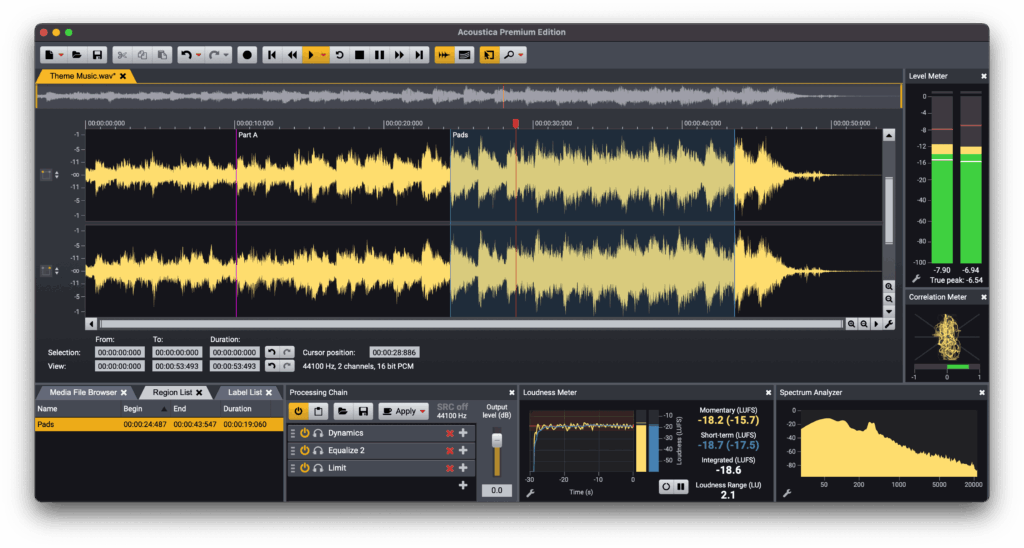
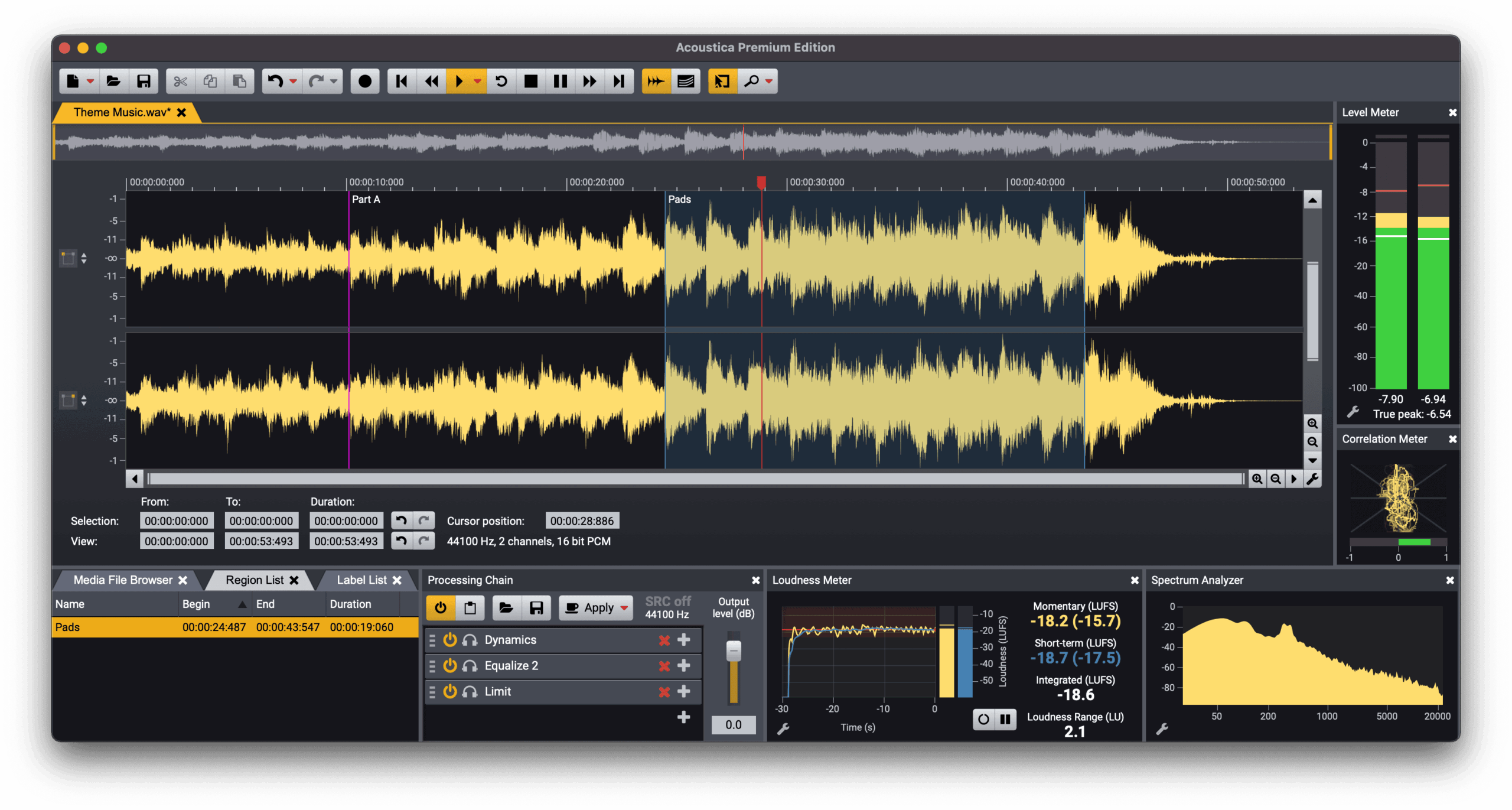
One of Acoustica’s greatest strengths is its intuitive interface. The tools are logically placed, and the timeline gives you a great overview—even when working with long audio files. That makes it ideal for everything from simple voiceovers to more detailed editing of music and podcasts.
Even though Acoustica Free is free, it doesn’t feel like a cut-down product. Core functions like cutting, fading, normalizing, and level adjustments are stable and precise.
Advanced features for experienced users
Acoustica Free includes a range of more advanced tools that will appeal to users with some audio editing experience. You can, for instance, use batch processing to apply the same adjustments to many files at once—something rarely found in free audio software.
The software also supports noise reduction and basic audio restoration, which is helpful if you’re working with older recordings or audio captured in less-than-ideal conditions.
CD burning and formats
An often overlooked but still relevant feature is support for Red Book CD burning. If you still work with audio CDs, Acoustica Free lets you prepare and burn in proper CD quality directly from the program.
The software supports the most common audio formats, making it easy to work with files from recorders, smartphones, and other audio applications.
Who is Acoustica Free best for?
Acoustica Free is a great choice if you:
- want to edit audio without paying for expensive software
- produce podcasts, voiceovers, or simple music projects
- need batch editing across many audio files
- want a stable, well-tested audio editor for Windows
However, users who need multitrack mixing or advanced VST effects will quickly hit the limits of the free edition.
Top 5 tips for Acoustica Free
Use batch processing for repetitive tasks
If you often normalize or convert many audio files, the batch feature can save you a lot of time.
Use noise reduction on voiceovers
Even light background noise can be removed effectively if you start with a short noise print from the recording.
Work zoomed in for precision
Zoom in on the waveform when cutting—this gives much better accuracy when editing speech.
Save often — and use copies
The program is stable, but for larger edits it’s a good habit to save incremental versions.
Use keyboard shortcuts
Once you learn the shortcuts, your workflow becomes much faster than using the mouse alone.



