
 Martin Jørgensen
Boost your Windows PC with Advanced SystemCare Ultimate.
Advanced SystemCare Ultimate from IObit is a comprehensive all-in-one tool that both protects and optimizes your Windows computer. It combines antivirus, ransomware protection, and system maintenance in one package — perfect if you want maximum performance and security without installing multiple separate programs.
One-click system optimization
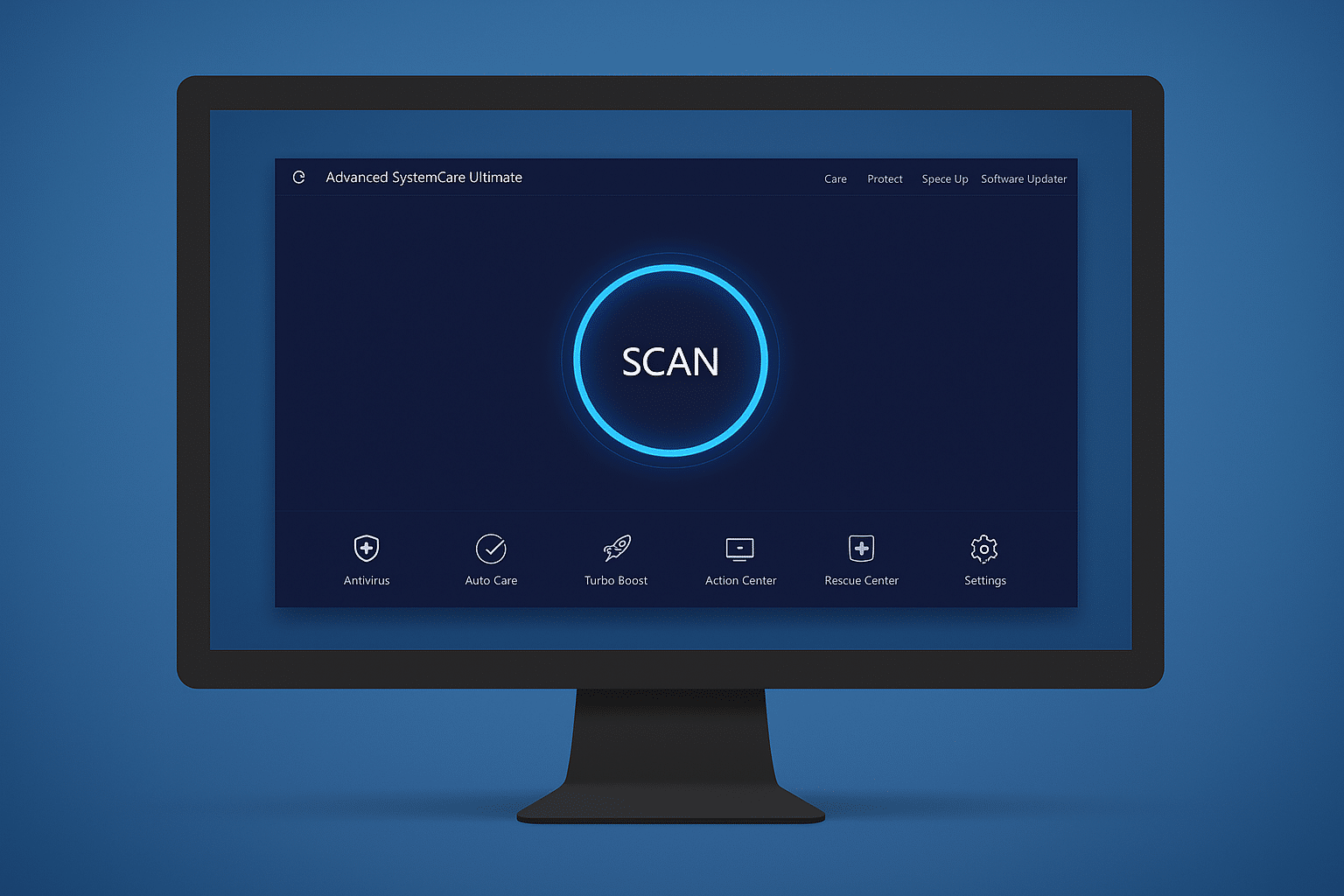
One of the most popular features in 1 Ultimate is the automatic system scan. With a single click, you can analyze and optimize your system — including removing junk files, repairing the Windows registry, and freeing up RAM. The program can also improve startup time by disabling unnecessary startup apps.
Other optimization features include:
- Disk cleanup and registry cleaner
- Internet connection boost
- Automatic driver updates
- Privacy cleanup and browser history removal
Top-tier security
Beyond optimization, you also get a powerful antivirus module in the package. It’s built on Bitdefender’s engine and delivers real-time protection against viruses, spyware, and ransomware. The integrated IObit Anti-Ransomware Engine protects your documents from encryption and data theft — making the program especially useful if you store sensitive files on your PC.
The security features include:
- Real-time antivirus and anti-malware
- Firewall protection and network monitoring
- Safe Browsing & Anti-Tracking for Chrome, Firefox, and Edge
- Email Protection and webcam protection
Advanced tools and extra features
1 Ultimate includes a wide range of extra tools and features, making it a complete toolbox:
- Software updates for outdated programs
- Ad removal in browsers
- Monitoring of CPU, GPU, RAM, and fan speed
- File shredder for secure deletion
- Tool to detect vulnerabilities in Windows
Who is this program for?
Advanced SystemCare Ultimate is ideal for both beginners and power users. For newcomers, it’s easy to use with simple “1-click” actions that quickly optimize your system without technical know-how. Experienced users will appreciate the advanced tools, detailed settings, and the ability to fine-tune everything from startup management to network optimization.
The program is especially helpful on older computers, where even small improvements are noticeable in speed and stability. But it’s just as relevant on newer machines, serving as a preventive security solution and maintenance suite that keeps performance high and protects against modern threats like ransomware and phishing.
Top 5 tips for Advanced SystemCare Ultimate
Use AutoCare for automatic maintenance
With AutoCare enabled, the program will clean and optimize your computer in the background without interrupting you. It’s especially handy if you often forget to maintain your PC manually.
Enable Turbo Boost before gaming
Turn on Turbo Boost to close background apps and free up RAM — giving more performance to games and heavy applications. You can customize it so it only closes what you’re not actively using.
Monitor your hardware in real time
Use the Performance Monitor to keep an eye on CPU, GPU, RAM, and temperatures. You can free up memory with one click directly from the widget.
Schedule scans overnight
Use the settings to schedule scans and optimizations at night, so your PC is always ready in the morning without disrupting your work during the day.
Clean your browser and avoid tracking
Enable Anti-Tracking and use the browser cleanup to automatically delete cookies and history — protecting your privacy and speeding up your browsing.



