

 Martin Jørgensen
Download the AgaueEye hardware monitor for free
Ever wonder why your PC games sometimes run a bit too slowly? Is it time for a hardware upgrade, but you’re not sure what to invest in?
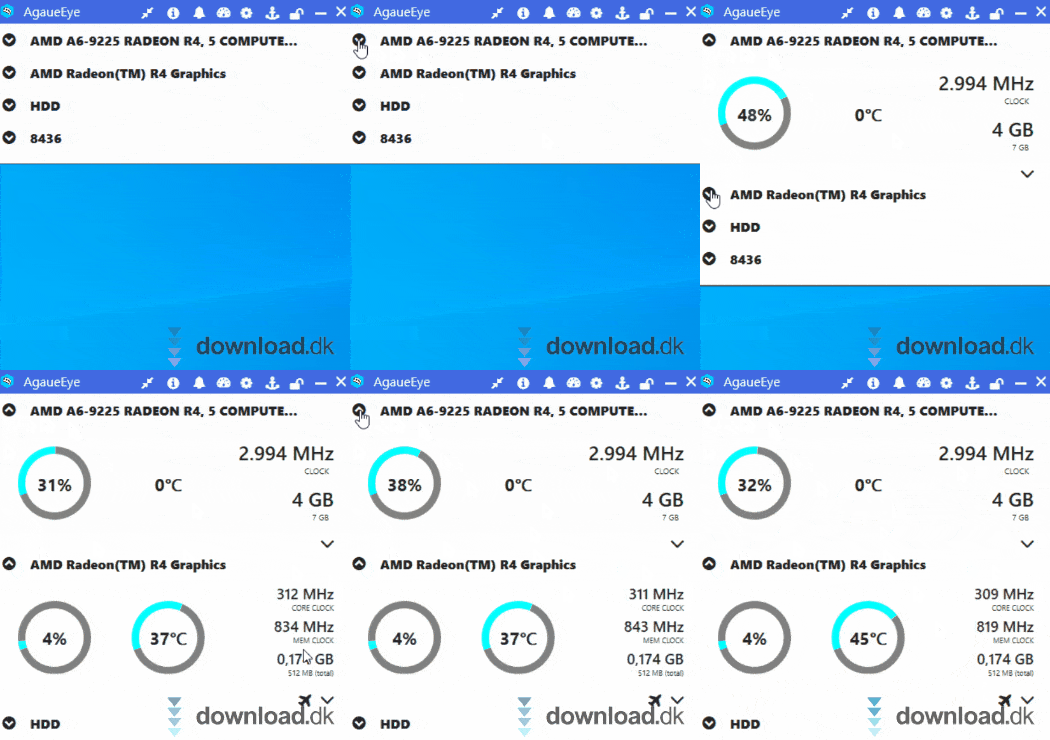
These are real questions and dilemmas you’ll face if you want a smoother gaming experience.
With a tool like AgaueEye, you can get a handle on all of this—and more.
Keep an eye on what your PC is working hard on
AgaueEye is a free Windows hardware monitor that tracks your PC’s activity, especially while you’re gaming.
It features an in-game display overlay compatible with 3,000+ games. When you launch the app or a game, AgaueEye analyzes how your PC behaves during gameplay.
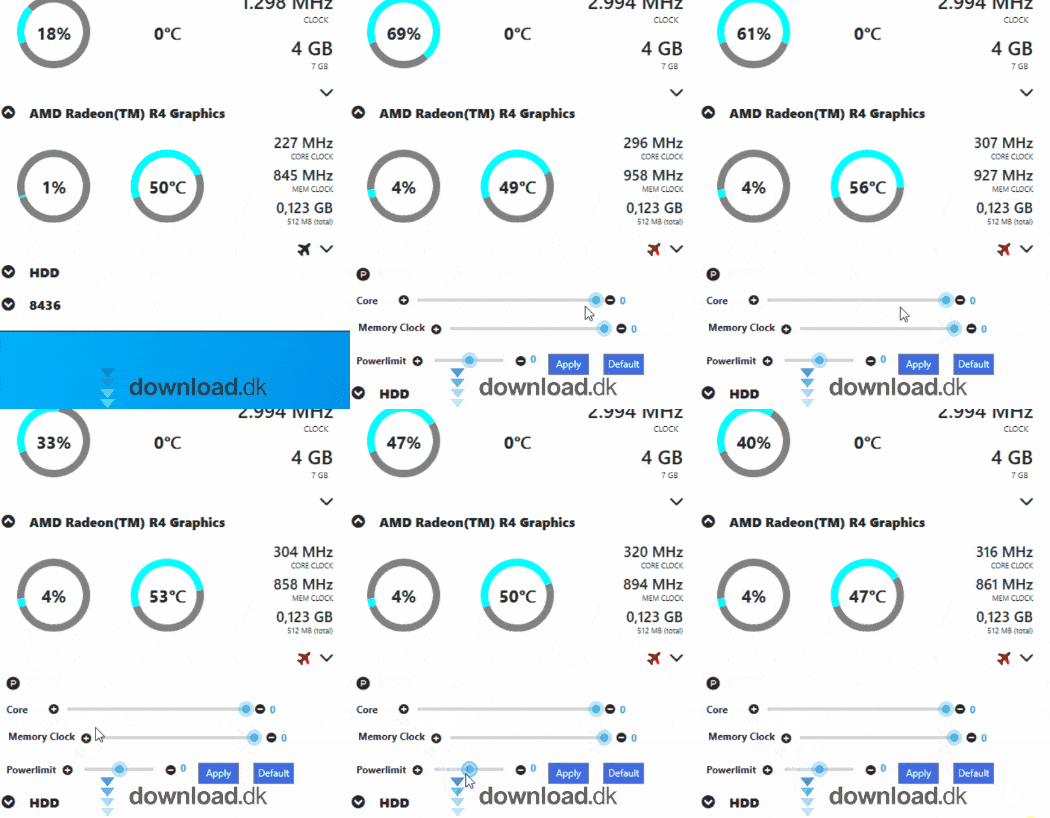
For example, it can show which part of your hardware is working the hardest while you play.
If you want to push your system further, you can also overclock your GPU to squeeze out more performance. Most PCs don’t run at full capacity by default to avoid crashes, so use this feature carefully.
Simple design that gets the job done
AgaueEye is designed with the philosophy that it should be easy to use and deliver useful insights. It meets you at your level—whether you’re tech-savvy or not. We can’t all be computer wizards.
That’s why it’s straightforward to pull out relevant information and navigate the app without hassle.
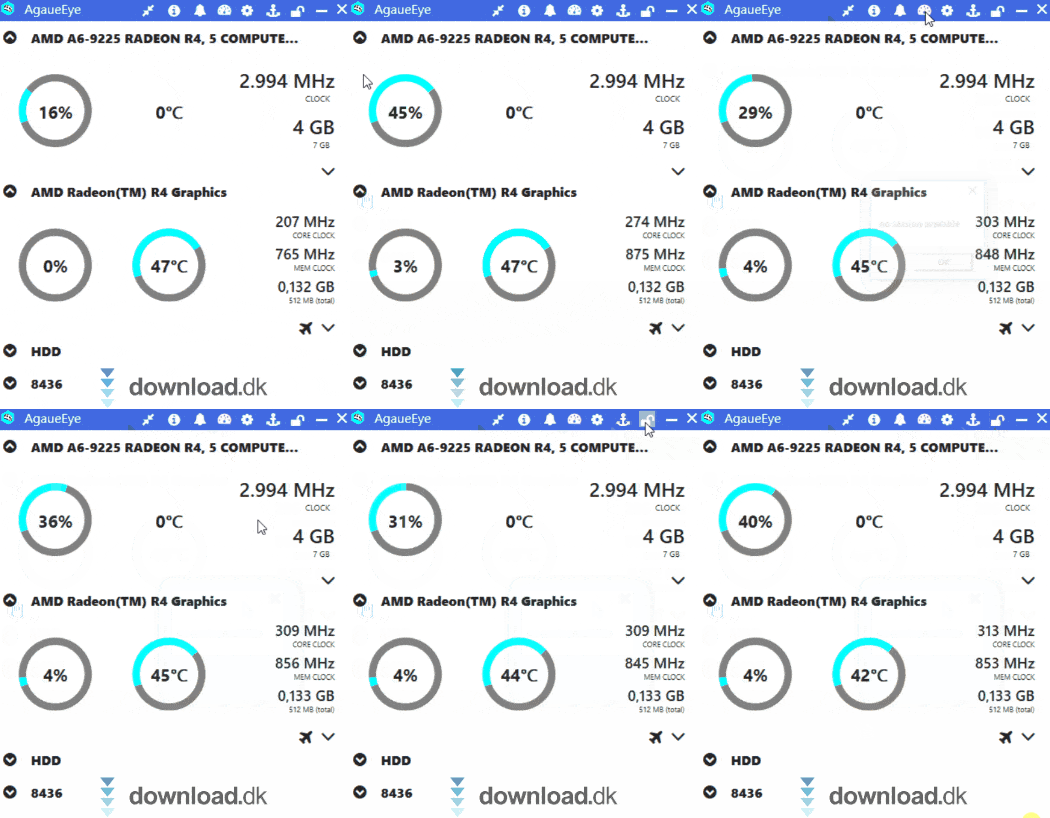
When the program starts, you’re greeted by a dashboard with different windows you can minimize or maximize. They show various aspects of your PC’s performance—for example, how much RAM you have and how much is being used by different processes.
At the top, a small toolbar gives you access to the “Game Session” section. Here, you can view the reports AgaueEye generated while you played. If you just spent 2 hours playing World of Warcraft, you can see exactly what resources your PC used to keep it running.
Conclusion
AgaueEye is a great little tool for understanding your hardware. You get precise metrics and performance reports, so you can make confident, data-driven upgrade decisions. Highly recommended.
Download AgaueEye


