
 Martin Jørgensen
Ashampoo Office – an affordable alternative to Microsoft Office
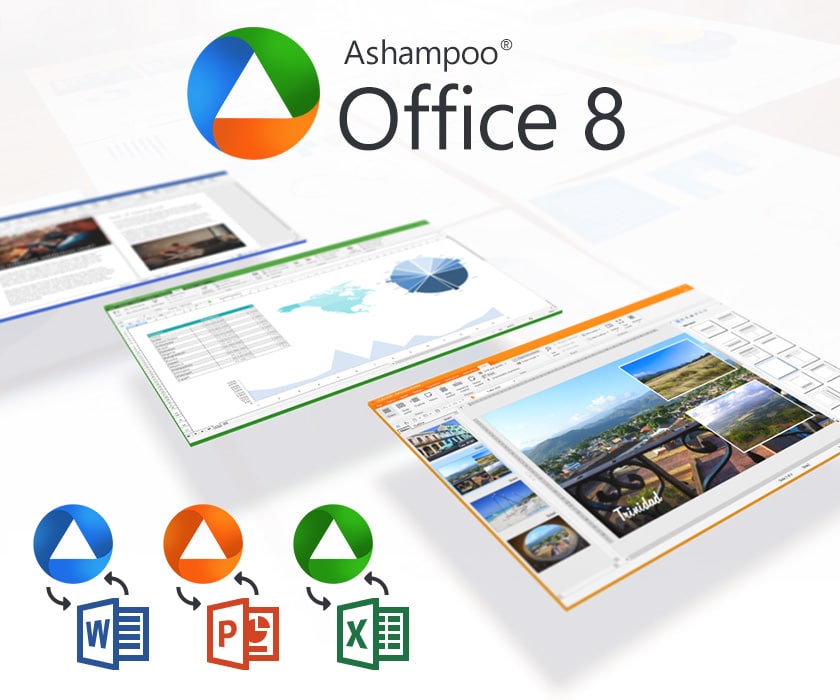
Ashampoo Office is a powerful office suite alternative to Microsoft Office for both home users and businesses. It includes the essentials—word processing, spreadsheets, and presentations—wrapped in a solution that costs far less than Microsoft’s.
One of Ashampoo Office’s biggest strengths is that it can run directly from a USB flash drive, making it ideal for users who often work on different computers.
Features and compatibility
Ashampoo Office consists of three programs:
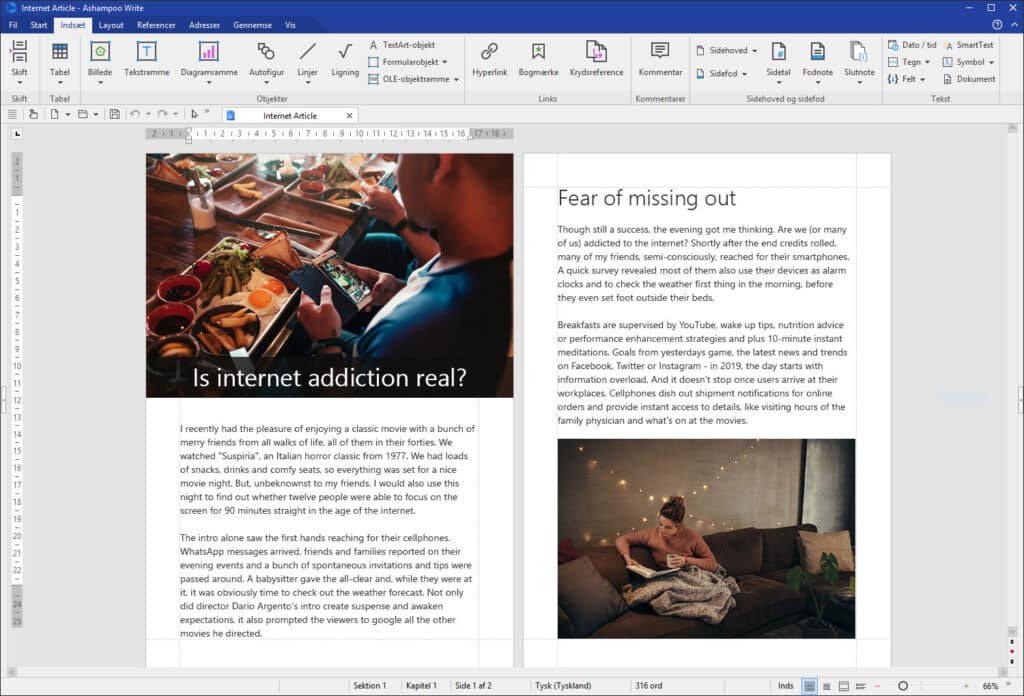
✅ TextMaker – word processing (Word alternative)
✅ PlanMaker – spreadsheets (Excel alternative)
✅ Presentations – presentations (PowerPoint alternative)
The suite is fully compatible with both Microsoft Office and 1, so you can open, edit, and save files in DOCX, XLSX, and PPTX without issues.
We tested the software on a standard Windows 11 PC, and installation took under five minutes. Setup required a few tweaks to fonts and formats, but everything ran smoothly afterward.
Ashampoo Office vs. Microsoft Office, OpenOffice and LibreOffice
When you consider an alternative to Microsoft Office, the choice often comes down to Ashampoo Office, LibreOffice, or the classic OpenOffice. We tested Ashampoo Office against the three to see how it stacks up.
Feature comparison
| Feature / App | Ashampoo Office | Microsoft Office | LibreOffice | OpenOffice |
|---|---|---|---|---|
| Price | 💰 One-time purchase (low cost) | 💳 Subscription (expensive) | ✅ Free | ✅ Free |
| Word processing | ✍️ TextMaker (fast, stable) | 🖊️ Word (very advanced) | 📄 Writer (solid, but heavy) | 📄 Writer (outdated) |
| Spreadsheets | 📊 PlanMaker (fast, lightweight) | 📈 Excel (most advanced) | 📉 Calc (powerful, but slower) | 📉 Calc (missing features) |
| Presentations | 🎤 Presentations (simple, capable) | 🎬 PowerPoint (advanced) | 📽️ Impress (OK, a bit dated) | 📽️ Impress (outdated) |
| Compatibility | 🔄 DOCX, XLSX, PPTX (high) | 🔄 100% | ⚠️ Often minor issues | ❌ More issues |
| Ease of use | 😊 Lightweight and classic Office-like | 👌 Modern, but takes getting used to | 😐 Feature-rich, but cluttered | 😕 Outdated UI |
| Updates | ♻️ Regular | ⚡ Frequent (365) | ♻️ Regular (open source) | 🐢 Rare |
| Language | 🇺🇸 English UI + spell check | 🇺🇸 Full English support | 🇺🇸 English available; spell check can be inconsistent | 🇺🇸 English available, but dated |
| Portable USB install | ✅ Yes | ❌ No | ❌ No | ❌ No |
Our test results
- Ashampoo Office vs. Microsoft Office: Microsoft Office is still the most complete solution with the most integrations and cloud features, but Ashampoo wins on price and simplicity. If you don’t need advanced features like macros or AI help in Word, Ashampoo will cover your needs just fine.
- Ashampoo Office vs. LibreOffice: LibreOffice is free and strong in the open-source space, but it feels heavier to use. Ashampoo feels faster and has better Microsoft compatibility.
- Ashampoo Office vs. OpenOffice: OpenOffice is rarely updated and feels outdated in 2025. Ashampoo is far better for design, speed and compatibility.
Test conclusion
Ashampoo Office is a strong alternative to both LibreOffice and OpenOffice, and the most budget-friendly option for those who don’t want to pay Microsoft’s subscription price. However, for power users working with advanced spreadsheets, databases, or macros, Microsoft Office is still the best choice.
Price and ease of use
In the U.S., Ashampoo Office is significantly cheaper than Microsoft’s subscription plans. You pay once and own the software—an appealing option for home users, students, and small businesses.
The interface closely resembles the classic Office suite, making it easy to switch with almost no learning curve.
Top 5 tips for using Ashampoo Office
Install Ashampoo Office on a USB flash drive so you always have your office suite with you, no matter which computer you work on.
The suite includes many ready-made templates for résumés, budgets, reports, and presentations that save you time.
Many of the shortcuts from Microsoft Office also work in Ashampoo Office—learn the essentials and work faster.
Customize fonts, margins, and styles once so all your documents have a consistent, professional look.
All apps in Ashampoo Office can save files as PDF directly, with no extra software or plugins required.



