
 Martin Jørgensen
ASTRA32 – detailed system information for power users and technicians
ASTRA32 – Advanced System Information Tool is a classic yet still relevant utility for anyone who wants highly detailed insight into a PC’s hardware and software. It’s aimed at technicians, IT professionals, and advanced users who need more than Windows’ built-in tools can provide.
We tested ASTRA32 on a standard Windows 11 PC, and it quickly became clear that the focus isn’t flashy design—it’s raw data, stability, and depth. The program launches fast, uses minimal resources, and delivers an impressive amount of information in very little time.
What can you use ASTRA32 for?
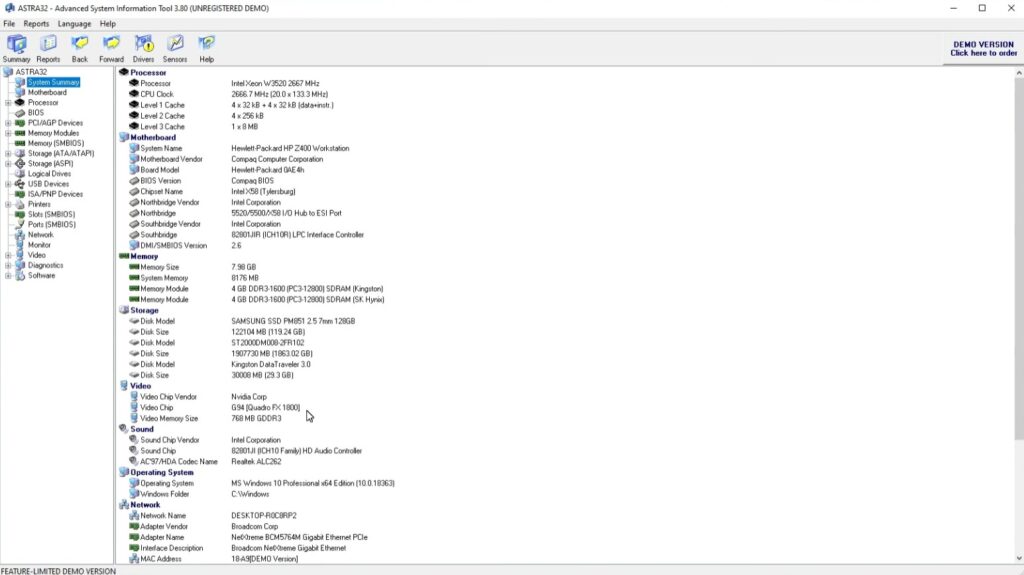
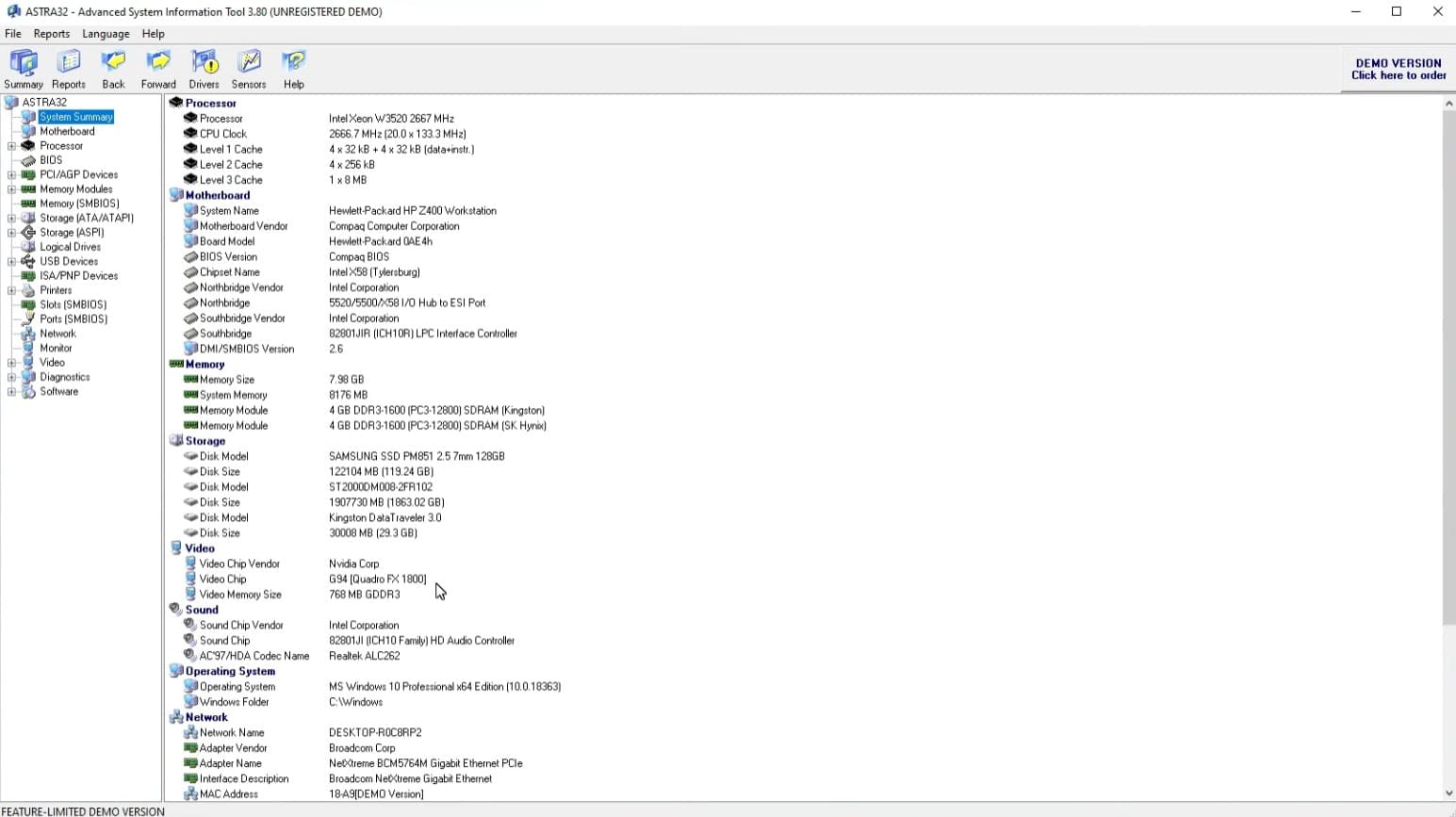
ASTRA32 works as an advanced diagnostics and information tool that can analyze virtually every part of your system:
• CPU, motherboard, chipset, and BIOS
• RAM and memory configuration
• Hard drives, SSDs, and SMART status
• Graphics card and drivers
• Installed software and Windows components
It also includes a Drivers Troubleshooter to help identify driver issues, plus a quick HDD Health Status check that gives you a snapshot of your drive’s condition.
This is especially useful in troubleshooting scenarios where you need to pinpoint the cause of instability, performance issues, or hardware conflicts.
Interface and real-world experience
ASTRA32 has a very technical, slightly old-school look. It resembles classic Windows tools from the 2000s more than modern apps—but that’s not necessarily a downside.
On the contrary, the simple layout gives you quick access to data without unnecessary visuals. For experienced users, it’s an advantage that information is shown directly without extra “hand-holding.”
Beginners may feel a bit overwhelmed, since ASTRA32 doesn’t walk you through every concept.
When does ASTRA32 make the most sense?
ASTRA32 is especially relevant if you:
• Troubleshoot hardware or driver issues
• Need to document system configurations
• Work in IT support or repair
• Want a quick overview without installing heavy programs
For typical home use, it’s more than most people need—but as a diagnostics tool, it’s still surprisingly effective.
Top 5 tips for ASTRA32
Use it before hardware upgrades
ASTRA32 gives you precise details on the motherboard, RAM slots, and chipset so you avoid buying incompatible parts.
Check drive health regularly
The built-in HDD Health Status can reveal early signs of drive failure before data is lost.
Export system data for documentation
The program can generate reports that are useful for support or when reselling hardware.
Use Drivers Troubleshooter for instability
If Windows starts acting up after an update, ASTRA32 can help you find the culprit.
Combine it with other tools
ASTRA32 excels at data—pair it with stress-test tools for a complete picture.



