

 Martin Jørgensen
Find and delete duplicates with Auslogics Duplicate File Finder
Auslogics Duplicate File Finder is a free, easy-to-use Windows tool that helps you find and remove duplicate files—like photos, music, and documents—that waste valuable disk space. If you've downloaded and copied files over the years, it's a smart way to clean up and free up storage safely.
How it works
When you open the program, simply choose the folders or drives you want to scan and set matching criteria—such as file name, size, date, or content. Then click "Scan", and within seconds you'll see a clear list of duplicates you can choose to keep or delete.
The program supports all common file formats, including images (JPG, PNG), audio files (MP3, WAV), videos, and documents like PDF and DOCX.
Simple interface and high accuracy
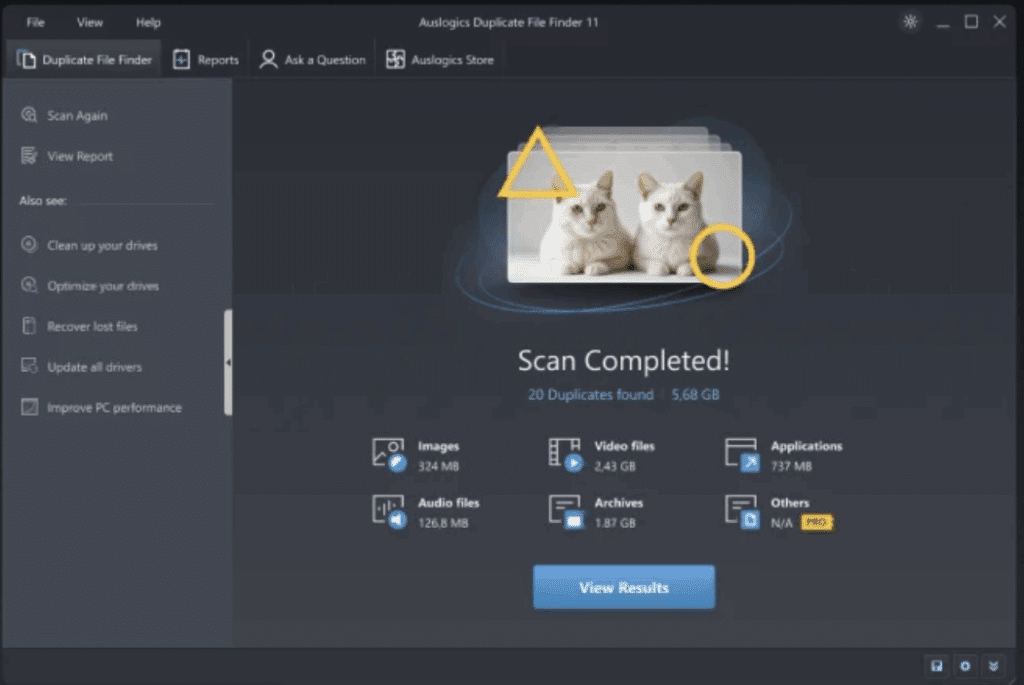
One of the strengths of Auslogics Duplicate File Finder is its clean, easy-to-understand interface. It requires no technical knowledge to use. Although the help section is minimal, most people won’t need it because the program is intuitive and quickly makes sense.
Another plus is that the program compares not only file names but also file contents, which delivers far more accurate results than many other free tools.
Use it to...
- Clean up photos that have been saved multiple times
- Delete old backup copies of the same music files
- Free up space on full SSDs or external hard drives
- Avoid confusion and clutter in your document folders



