 Martin Jørgensen
Candy AI: An AI companion you can use right in your browser (PWA)
Candy AI is a web-based service where you create a personal AI companion and keep chatting over time — and you can “install” it as an app-like shortcut on mobile via a PWA (no App Store/Google Play). That makes it a bit more discreet and easy to jump into, especially if you want to test the concept without installing anything “real.” Candy.ai says they don’t have a native iOS/Android app, but you can install their PWA via “Add to Home Screen.”
How Candy AI feels in practice
In our testing on a standard Windows 11 PC (Chrome) and an Android phone (Chrome), it was clear that Candy AI is built to feel fast and “chat-friendly.” You’re up and running in minutes: choose a character (or create your own), and then it’s all about how precisely you describe style, tone, and boundaries.
What makes Candy AI more “sticky” than many generic chatbots is the continuity: conversations make the most sense when you stay in the same thread and let the relationship develop over multiple days. It won’t feel magical every time — but that’s exactly when it can surprise you, when it nails your tone.
Candy AI features you actually notice
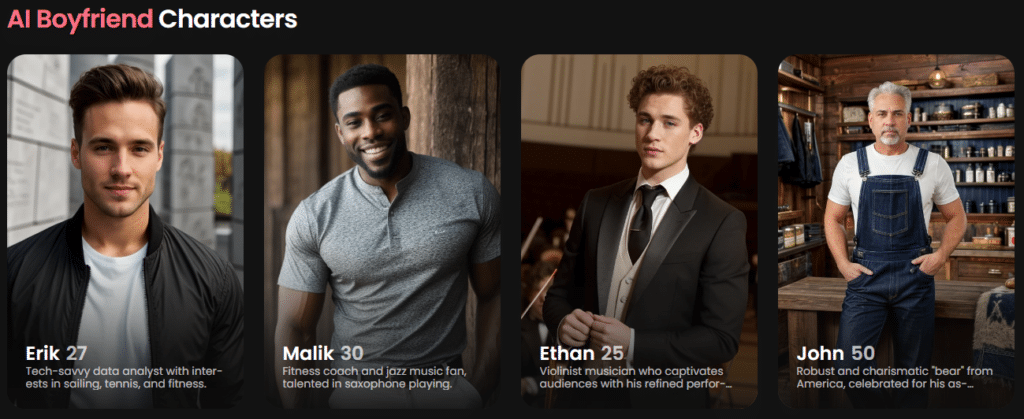
Candy AI’s strength isn’t “more buttons,” but that the whole experience centers on:
- creating a character with a specific role/personality
- keeping a conversation going over time
- making the experience more vivid with extra features (usually behind a paywall/tokens)
It’s also worth noting that Candy.ai describes the solution as web-based and PWA-focused rather than a classic app, which in practice means: you can use it on mobile without installing anything from an app store.
Candy AI “app” on iPhone and Android: how it works
If you specifically Google “Candy AI app,” here’s the key detail: Candy.ai says they don’t have a native app, but you can install a PWA via your browser (Add to Home Screen).
That’s actually a solid everyday solution because:
- it opens full screen without the browser bar
- it feels more like a native app
- it’s easy to remove again if you’re just testing
It’s also a good scam filter: if you spot a random “Candy AI” app in a store, it’s not necessarily the service people mean when they say “Candy.ai.”
Pricing, subscriptions, and what to check before you pay

Candy AI typically offers limited free access, then a subscription — often with a lower effective monthly price if you pay annually. Several independent price rundowns mention tiers around about $12.99/month or a lower effective monthly rate with annual billing, but prices and promos change, so the most important thing is to check the checkout on the site before you commit.
Use it wisely: boundaries, privacy, and “real life”
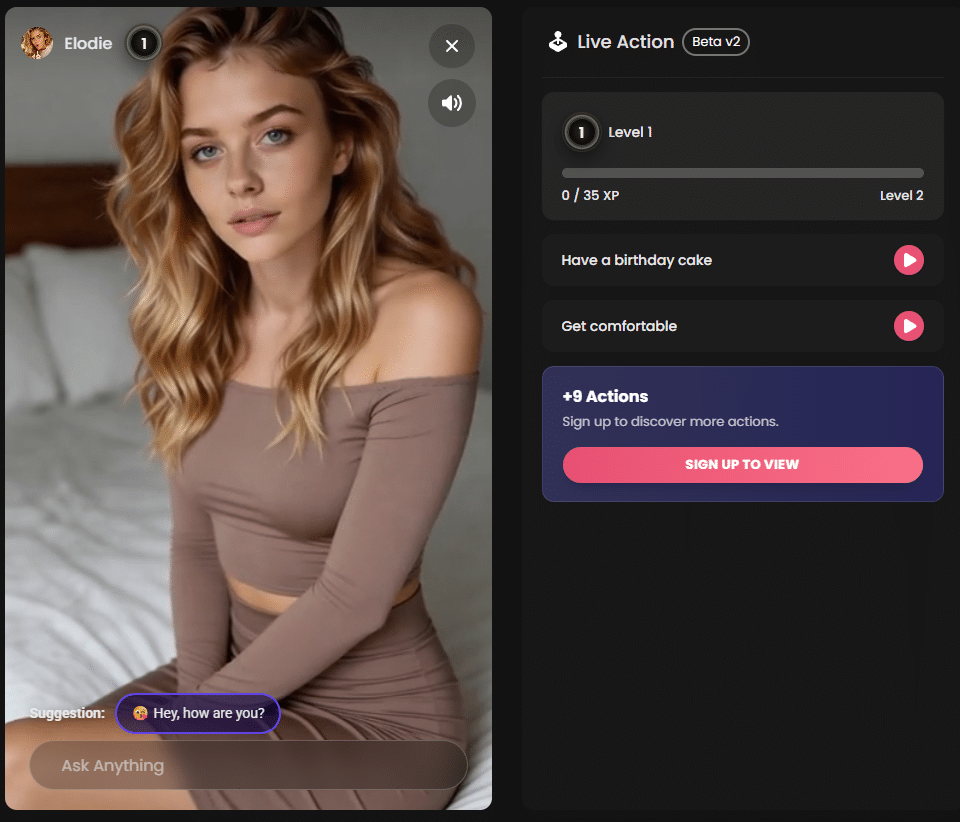
Candy AI is entertainment and conversation — and it can feel surprisingly present when it clicks. But it can also become a time sink, precisely because it’s frictionless to open the chat again and again.
Our rule of thumb after testing:
- use it as a digital safe space — not a replacement for relationships
- avoid sharing personal details you wouldn’t tell a stranger
- set a time limit if you notice you’re lingering too long
Top 5 tips for Candy AI
Top 5 tips for Candy AI
Start with a 6–8 line profile brief
Write who your AI is, how it talks, and what it shouldn’t do. In our tests, replies were more consistent when we set a clear role, tone, and 2–3 boundaries from the start.
Use concrete examples instead of abstract wishes
“Be nicer” often yields generic answers. “Reply in short sentences, use humor, and ask one follow-up question” typically creates a more human rhythm.
Create a fixed “stop phrase” if the chat drifts
When the chat gets circular, use a standard line like: “Summarize briefly and suggest 3 new directions.” It pushes the conversation away from repetition.
Install Candy AI as a PWA on mobile
Open Candy AI in your browser and choose “Add to Home Screen.” It opens full screen and feels more like an app — without an app store.
Keep privacy simple: share less than you think
Use an alias, avoid sensitive details, and keep payment separate from your primary email if you want extra discretion. That’s the kind of thing you only regret later.