
 Martin Jørgensen
Get your Canon printer running perfectly with the latest Canon Printer Drivers.
Canon Printer Drivers are the official drivers that ensure your Canon printer works correctly with Windows 10 and 11. Whether you use a classic PIXMA inkjet, an i-SENSYS laser printer, or an all-in-one with fax and scanning, an up-to-date driver is essential for optimal performance, error-free printing, and access to advanced features like duplex printing, wireless setup, and scanning options.
Features and supported series
PIXMA series – home and photo printing
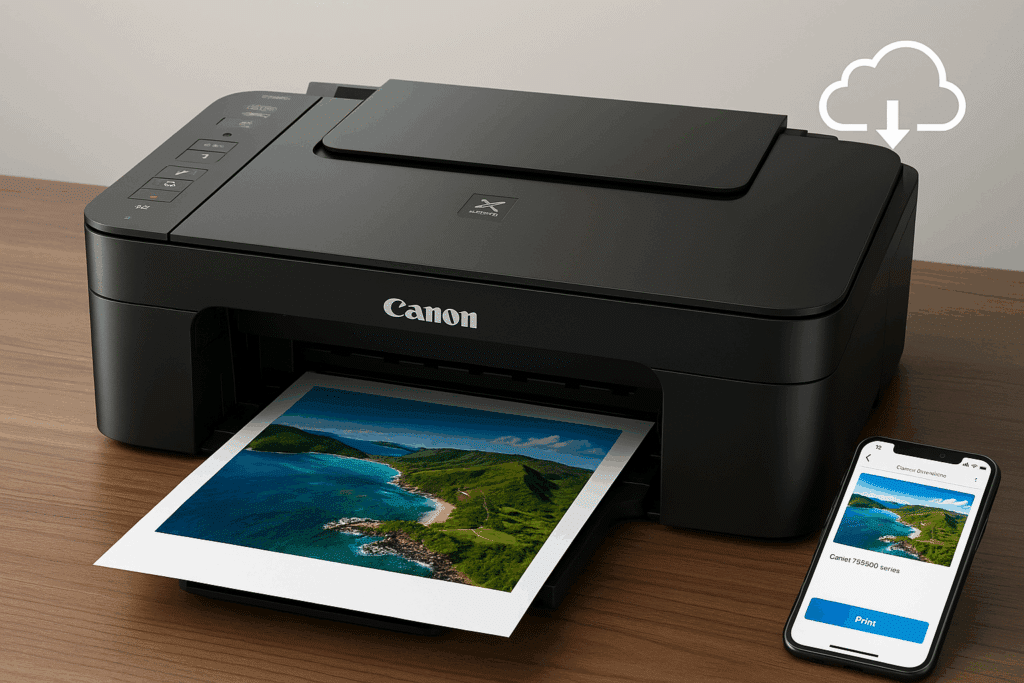
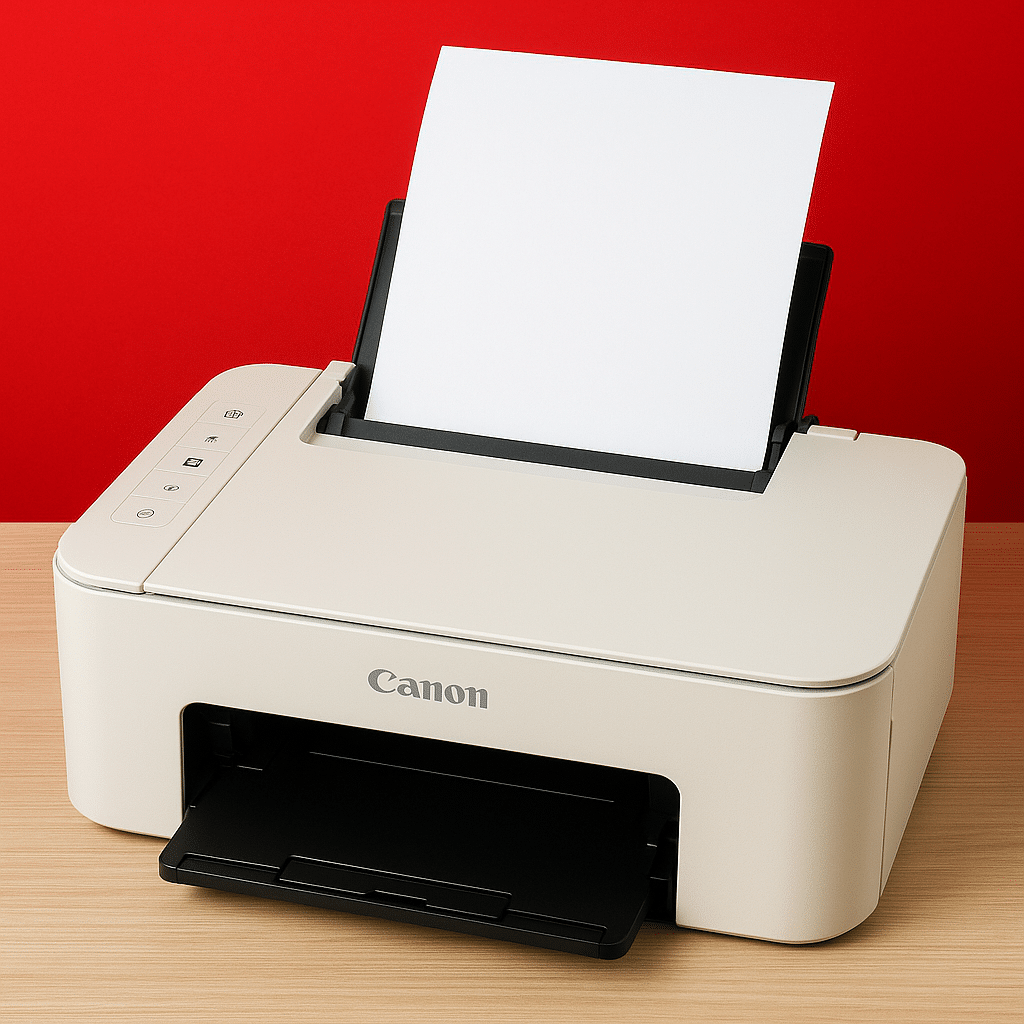
The PIXMA series is among the most popular home printers thanks to their ease of use, compact design, and ability to deliver high-quality photo prints. With the latest drivers, you get features such as:
- Borderless printing up to A4 size
- High resolution (up to 4800 x 1200 dpi)
- Mobile printing via Canon PRINT Inkjet/SELPHY app
- Direct cloud printing (Google Drive, Dropbox, etc.)
- Support for Apple AirPrint and Mopria
- Automatic detection of paper type and size
These features require installing the correct driver for your exact model, as Windows’ built-in driver often doesn’t support photo functionality or wireless printing.
Supported models (examples):
- Canon PIXMA TS3450, TS705, MG2550S, G650 (including G-series refill-ink printers)
- Canon PIXMA TR4550 / TR4650 / TR8550 – all-in-one printers with fax and scanning
- PIXMA G-series (G2420, G3411) for high volume and low running costs
i-SENSYS series – office and laser printing
The i-SENSYS series targets small businesses and demanding users who need high print quality, speed, and reliability in a laser-based environment. Canon i-SENSYS drivers ensure optimal functionality with:
- Fast duplex printing (automatic two-sided)
- Ethernet and Wi‑Fi setup with network protocols
- Support for scan to network folder or email
- User and job management via Canon Remote UI
- Advanced support for PCL and UFR II print protocols
Drivers are typically installed via a single package, but separate printer and scanner drivers are also available. Canon’s software also includes tools for status monitoring and toner alerts.
Supported models (examples):
- Canon i-SENSYS MF651Cw, LBP236dw, MF645Cx
- i-SENSYS MF742Cdw, LBP223dw, MF112, MF455dw
- Many models are available as single-function (print only) and as MFP (multifunction with scan/copy/fax)
Benefits of using the official Canon drivers
- Better compatibility with Windows 11 and 10
- Full access to scanning, copy, and fax functions
- Greater stability than Windows’ standard drivers
- Mobile and Wi‑Fi printing support via Mopria / Canon apps
- Access to firmware updates and status/maintenance tools
Installation and ease of use
You can install the driver manually from Canon’s official support pages by choosing your exact model and operating system. Alternatively, Canon offers an installer package that automatically detects the printer over your network or USB. The drivers often include the integrated Canon IJ Printer Assistant Tool to help with maintenance and troubleshooting.
Top 5 tips for Canon Printer Drivers
Canon models can be almost identical — e.g., TS705 vs TS705a — check the label on the printer before downloading.
Select Windows 10 or 11 and check whether you have the 32- or 64-bit version, as Canon often provides separate drivers.
If scanning doesn’t work via Windows, it usually works via Canon’s own utility.
Many Canon printers support firmware updates via the driver — improving both print quality and security.
Canon printers with Wi‑Fi often support direct mobile printing without an app — but with the correct driver you get access to more.


