
 Martin Jørgensen
CollageIt – Create beautiful photo collages in minutes
CollageIt is a user-friendly app for both Windows and Mac that lets you create creative photo collages without advanced photo editing. It’s designed to be quick to learn—just choose a template, add your photos, and tweak as needed.
We tested CollageIt on a MacBook Pro running OS X Mavericks and ran into no issues. The app was snappy and suggested layouts we could further customize. In just minutes, we had a finished collage ready to export.
Features and capabilities in CollageIt
When we tried CollageIt, we were honestly surprised by how fast it is to get started. After installing it on our MacBook Pro, it took under five minutes to make the first collage. The app opens with a range of templates—you just pick one, drag in your photos, and CollageIt automatically generates a layout you can then adjust.
Templates and layouts
There’s a wide selection of templates, and we found that even the default settings produce nice results. If we weren’t satisfied, the “Shuffle” feature changed the layout with a single click and gave us fresh ideas.
Effects and adjustments
We experimented with effects, borders, and aspect ratios. It’s easy to change frame thickness or round the corners, and even small tweaks noticeably change the look of the collage. We also tested how closely images could be placed—it worked without awkward overlaps.
Export and sharing
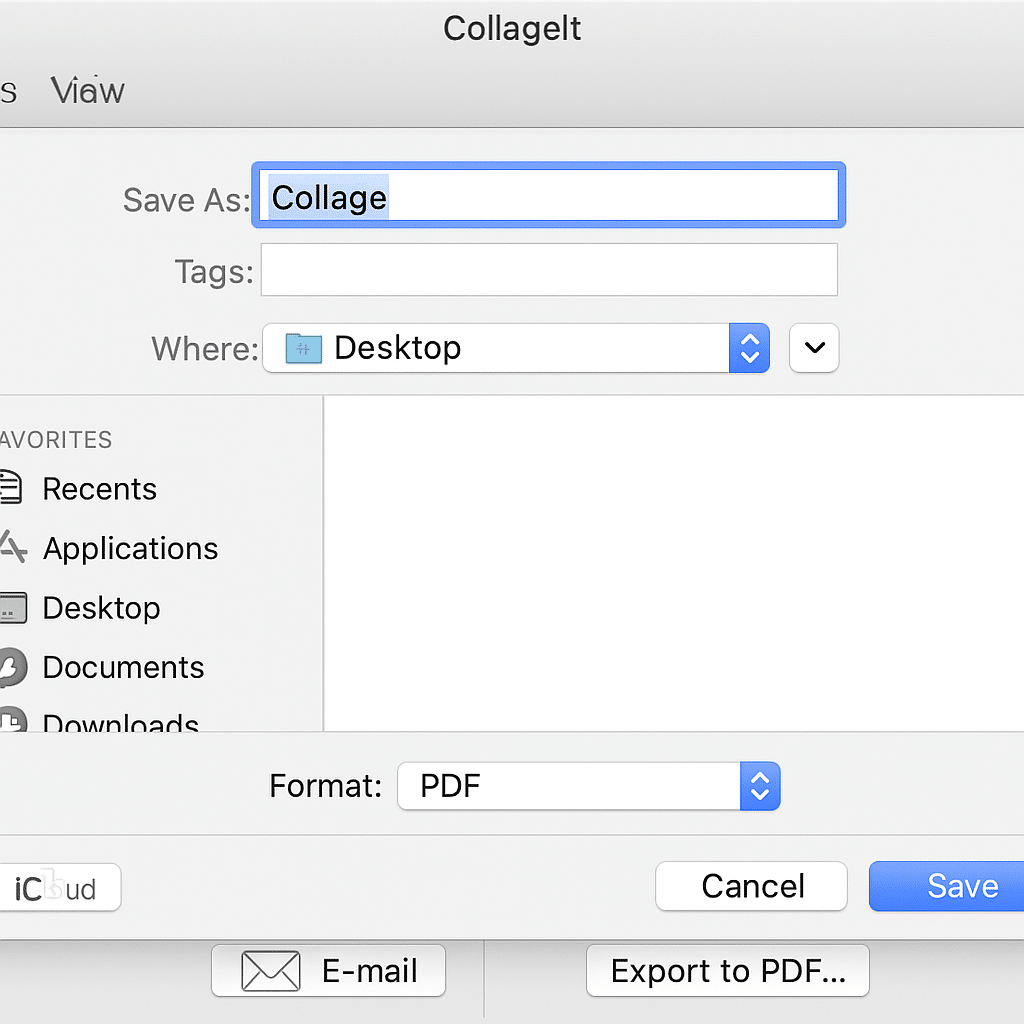
When your collage is ready, you can export to JPG, PNG, or PDF. We created a PDF and printed it at tabloid size (11 x 17 inches), and the quality held up surprisingly well—even in the free version. There’s also a built-in option to send directly via email; we tested with Gmail and it worked smoothly.
Extra benefits of the Pro version
The free version has some clear limitations, but we also looked at what the Pro edition offers. You can use your own backgrounds, which makes collages more personal. You can also create very large collages—up to 12000x12000 pixels—great for posters or large prints. And you can save without watermarks, which is a major improvement over the trial.
All in all, CollageIt feels like a fast, simple, and flexible tool where beginners can make something nice in no time—while the Pro version really unlocks creativity.
Interface and user experience
The interface is clean and easy to navigate. Even without graphics software experience, you can find your way around quickly. Templates provide a solid starting point, and we could drag in photos and make adjustments with just a few clicks.
Limitations in the free version
The free version is a trial, so you’ll encounter limits in resolution, export, and features. Still, it gives you a solid feel for how the app works and is perfect for a quick photo collage at no cost.
Top five FAQs about CollageIt
CollageIt is available as a free trial, but it has certain limitations such as lower resolution and watermarks. For full access, you’ll need the Pro version.
Yes. We tested it on Mac, and the app is also available for Windows. Both versions are stable and offer the same functionality.
You can save your collages as JPG, PNG, or PDF. In the Pro version, you can also export at much higher resolutions.
The Pro version supports collages up to 12000x12000 pixels, making it possible to print high‑quality posters.
Yes—CollageIt is designed to be very user‑friendly. Even without prior experience, we were able to create a great-looking collage in minutes.



