
 Martin Jørgensen
Advanced, free security with Comodo Internet Security.
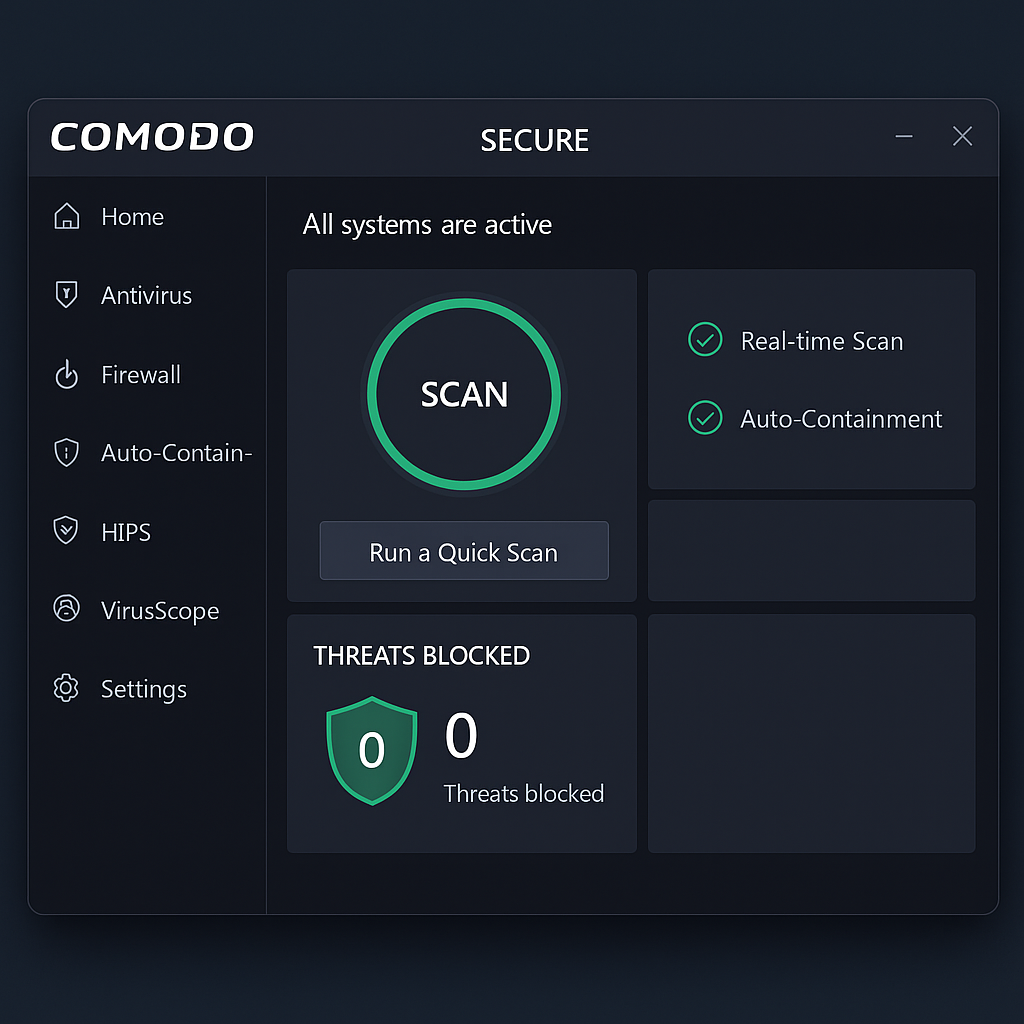
Comodo Internet Security is an all-in-one security suite that combines antivirus, firewall, sandboxing, and proactive protection — and it’s completely free. The suite is designed for users who want advanced protection without paying for a premium solution.
Features and multi-layer protection
Comodo Internet Security stands out by offering multi-layer protection that monitors and defends every part of your PC:
- Antivirus and anti-malware: Scans for known malware and stops malicious processes before they can harm your system.
- Enterprise-grade firewall: Monitors network traffic and blocks unauthorized connections.
- Defense+ technology: Gives you full control over unknown applications and protects system files.
- Auto-sandboxing: Unknown programs are automatically isolated so they can’t harm your system.
- Cloud scanning and heuristics: Uses behavior analysis and the cloud to identify new and unknown threats (zero-day attacks).
Ease of use and interface
Even though Comodo offers many advanced security features, the interface is straightforward and suitable for both beginners and more technical users. Settings are customizable, and preconfigured profiles let you tailor the suite to your needs.
Benefits of choosing Comodo
- The program is free, even with features usually found only in paid security suites.
- Minimal system impact, so it works well even on older PCs.
- Advanced sandbox technology and cloud-based analysis.
- Regular updates and a fast response to new threats.
What to watch out for
Comodo can feel a bit overwhelming for beginners, especially due to the many security prompts and options for manual control. It takes a little getting used to if you want to take full advantage of all features.
Top five tips for Comodo Internet Security
- Enable automatic sandboxing — especially if you frequently download unknown files.
- Review your Defense+ rules to ensure important apps aren’t blocked by mistake.
- Use Gaming Mode while playing so security notifications don’t interrupt you.
- Schedule regular scans, but rely on real-time protection for most tasks.
- Keep the suite updated — especially the malware database and cloud sensor.
Compatibility
Comodo Internet Security is compatible with:
Supports both 32-bit and 64-bit systems.
Windows 10 and Windows 11



