

 Martin Jørgensen
Download EaseUS Video Editor here
Ready to start editing footage from your phone, GoPro, or digital camera? You’ll need software that gives you the right tools. Video editing can be challenging if you’re new to it, so the program should also be beginner-friendly.
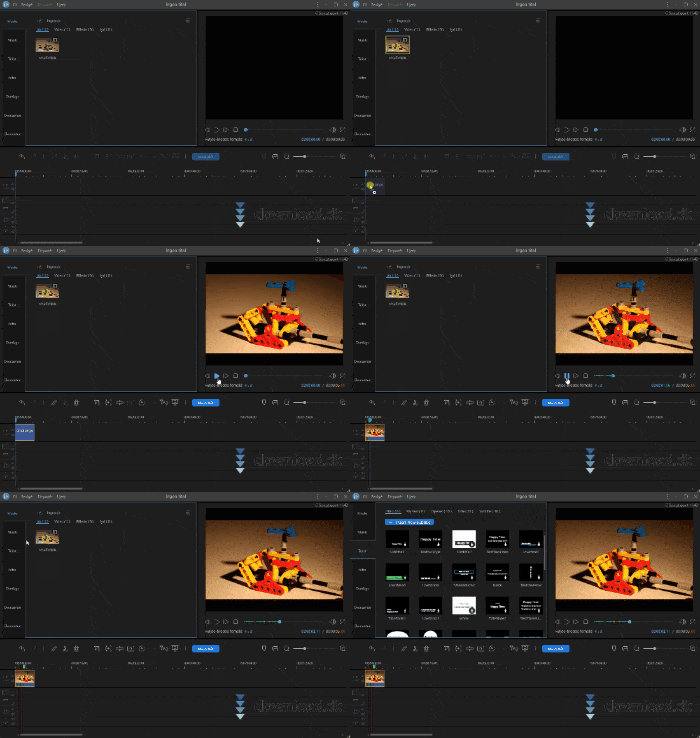
EaseUS Video Editor offers a solid selection of essential tools you’ll need in the editing process, along with a clean, comfortable interface. Let’s dive in.
Select and import your files
After installing EaseUS Video Editor, start by choosing the media you want to use for your video—clips, music, images, and more.
To bring your files into the program, drag and drop them in, or click “Import,” which opens File Explorer so you can select them. You can also import a folder with all your files to stay organized.
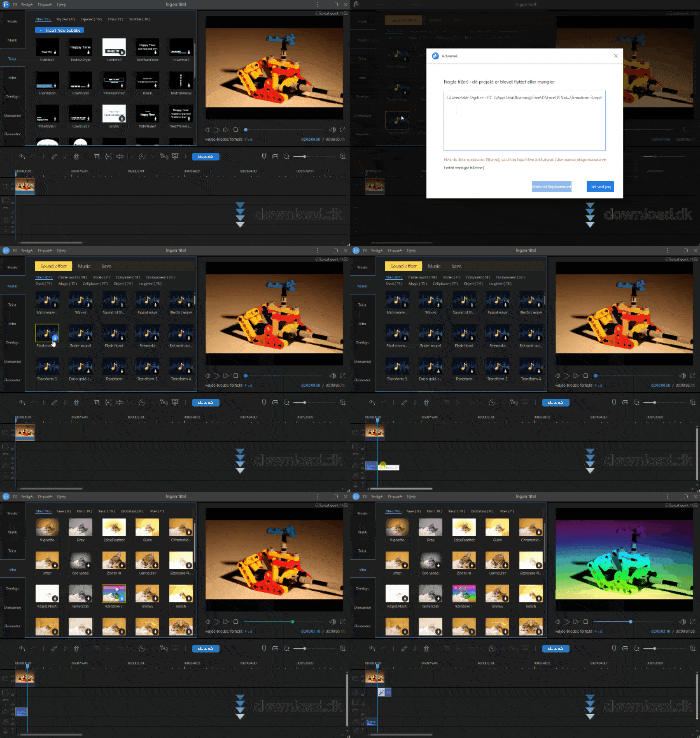
At the bottom of the interface, you’ll find your timeline. This is where you insert the files you want to work with. Separate tracks are created for different media types like video, text, and music, so it’s easy to keep everything organized. This is where the magic happens—your canvas where you can see everything you’ve done.
Music, effects, filters—the whole package
Editing a video isn’t just about trimming and stitching clips together. The magic also lies in using effects the right way to create the feeling you want in your audience.
EaseUS Video Editor doesn’t fall short here. With 207 music and sound effects, 43 text styles, 49 filters, 54 overlays, 59 transitions, and 146 video elements, there’s a lot to choose from.
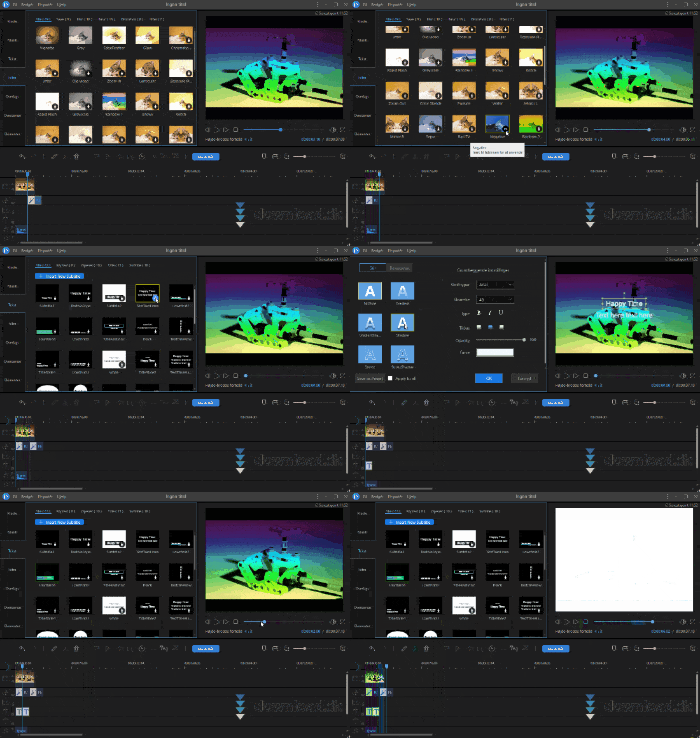
Of course, the quality of many of these effects can be debated, but if you take the time to look around, there’s something for almost everything.
A user-friendly design with limited customization
EaseUS Video Editor is very user-friendly. The first time you start it, you even get a quick tour. The interface consists of a few key elements: your media panel where effects, clips, and audio are displayed; your timeline where you put everything together; a preview player; and finally a toolbar at the top.
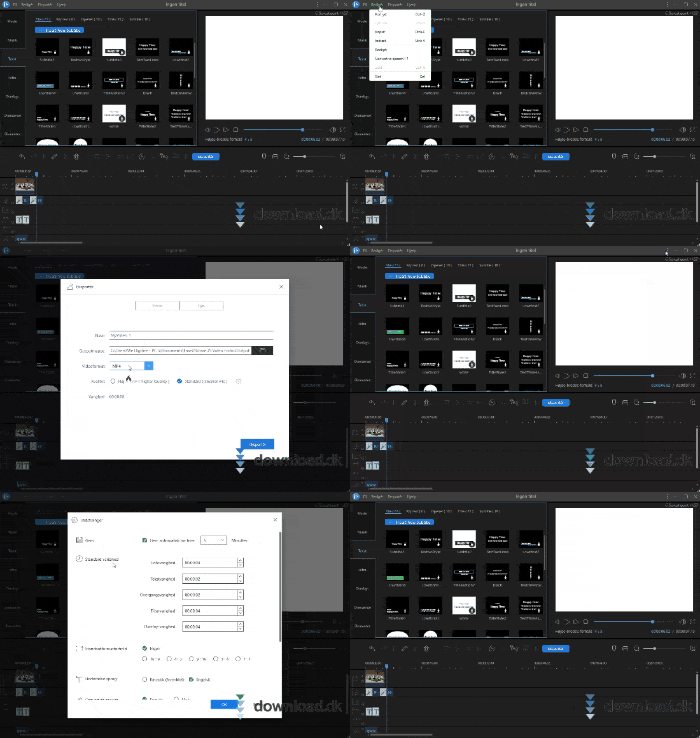
It’s very easy to get an overview and start experimenting. The only drawback is the lack of UI customization. If something feels too large or too small, you can’t change it.
In short, the design really helps new users get started quickly. It’s easy to understand what’s happening and what you can do.
Choose a license plan
Like most powerful software, you need a paid license to get the most out of it. The same applies to EaseUS Video Editor. If you truly want to benefit from these tools, buying is recommended.
There are three license options: one month for $29.95, one year for $49.95, or a lifetime license for $79.95.
Those prices are fairly high for software designed for beginners. If you’re serious about making video editing a regular hobby, you may quickly outgrow the program’s capabilities, so a license might not be right for you.
But if you just need it for school projects, work, or occasional content, it could be worth the investment.
Alternative software
If you’re not interested in paying for an editor, you can try Windows Live Movie Maker. It’s a classic program many people have used. It’s reliable, easy to use, and free. If you want to read more about or download Windows Live Movie Maker, you can do it for free her.
Conclusion
If you want to start editing videos and prefer software that gets you up to speed while teaching you useful tools, EaseUS Video Editor is a very good choice. The price is high compared to how long it might stay relevant for you, so keep that in mind. Overall, it’s recommended.
Download EaseUS Video Editor


