
 Martin Jørgensen
FastStone Image Viewer makes viewing and quick edits significantly easier
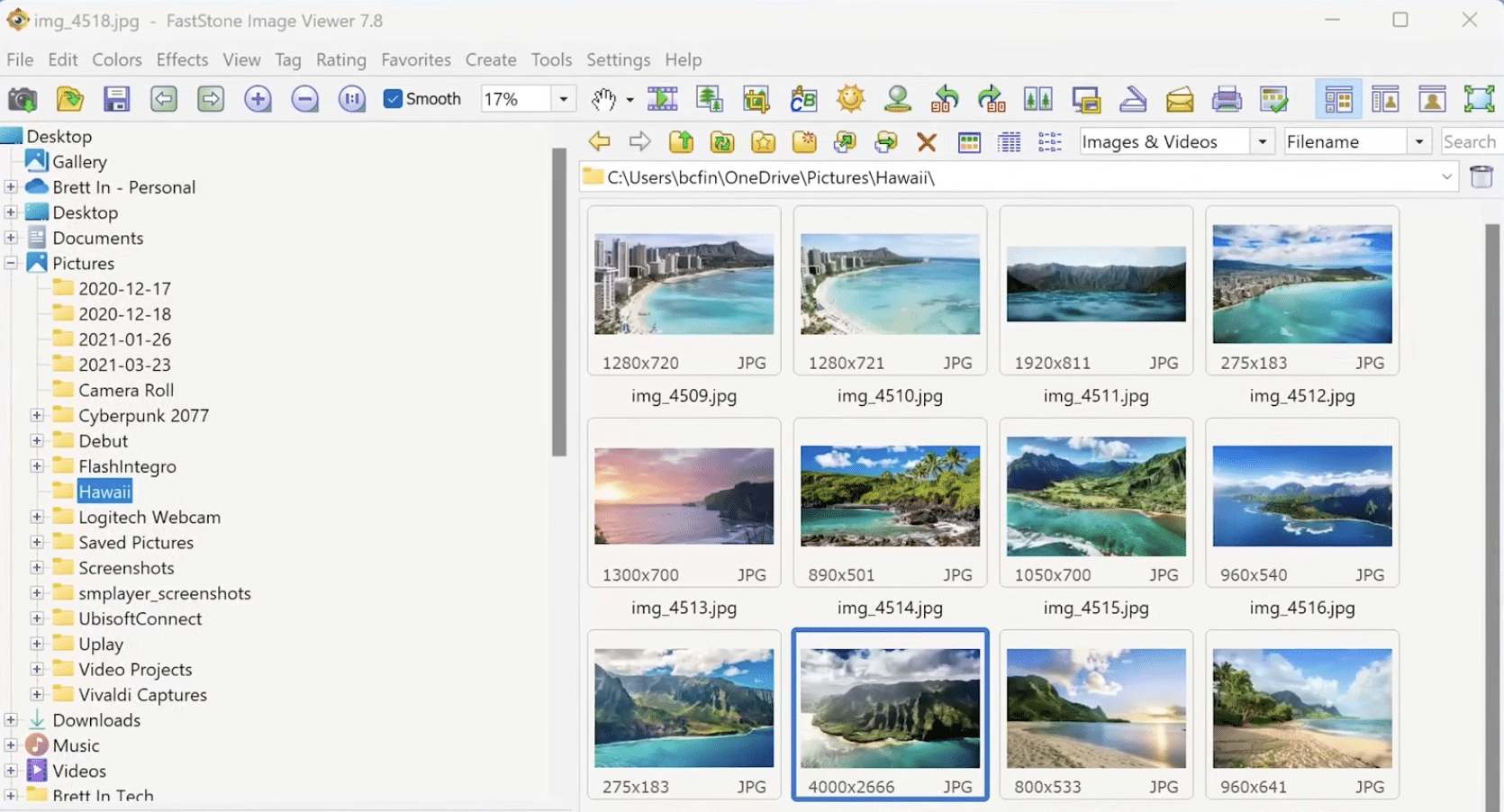
FastStone Image Viewer is a free Windows program that combines photo viewing, organization, and simple editing in one streamlined app. It’s a great choice if you want to flip quickly through large folders, make small touch-ups, and export images without jumping into heavier tools like Photoshop.
At a time when many people just use the built-in Windows viewer, it quickly becomes clear in testing why FastStone still has a loyal user base. It launches fast, feels light on system resources, and makes it surprisingly easy to work with many photos at once.
Features that make FastStone Image Viewer worth downloading
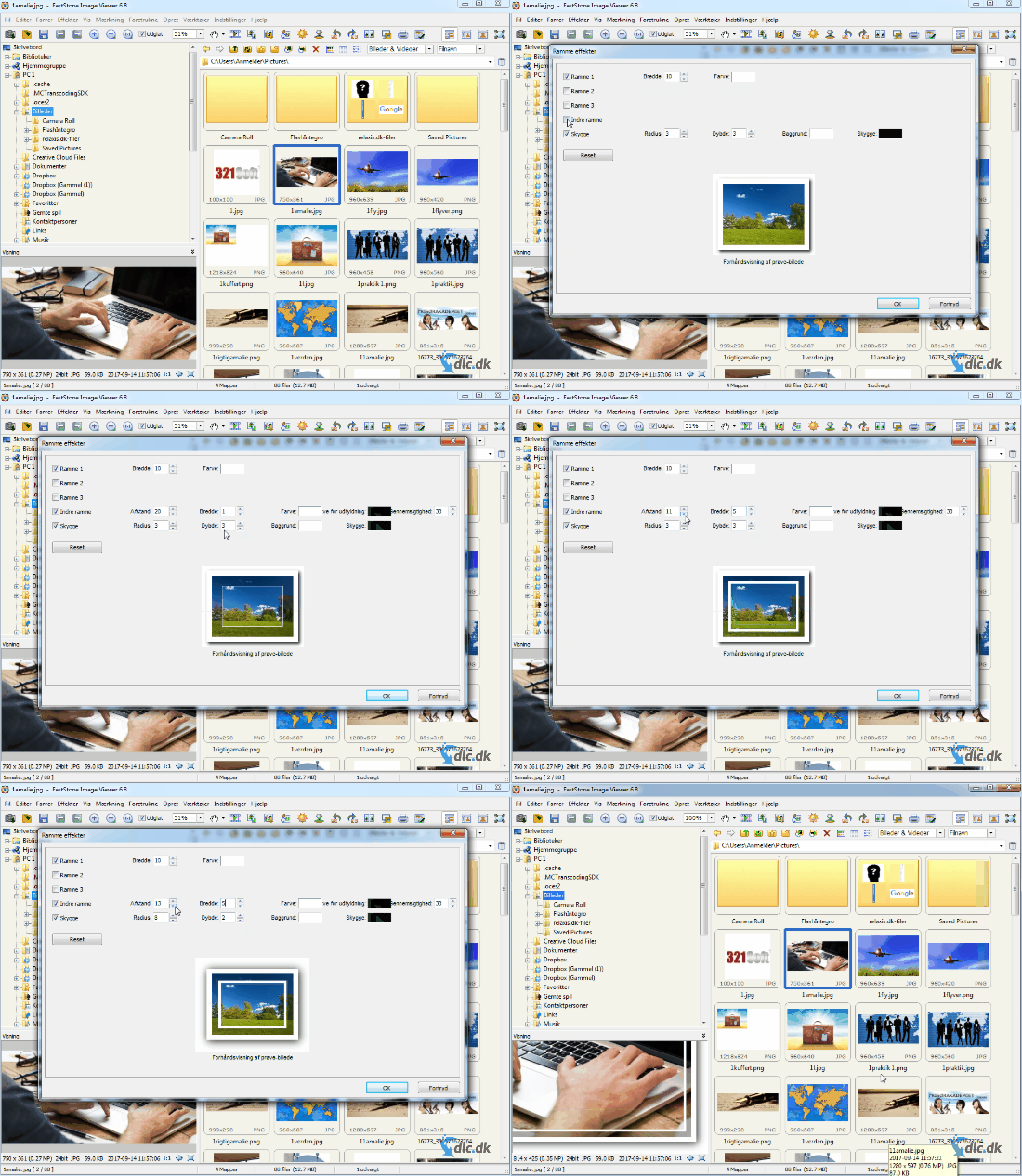
FastStone Image Viewer is more than a classic photo viewer. It also works as a simple image editor and file browser, so you can manage your pictures in one place.
You get access to:
✅ fast image browsing in folders
✅ crop, resize, rotate, and color adjustments
✅ red-eye removal
✅ slideshows with music and transition effects
✅ batch conversion and batch renaming
✅ view EXIF data from your camera
✅ scanner support
✅ annotations and simple markup on images
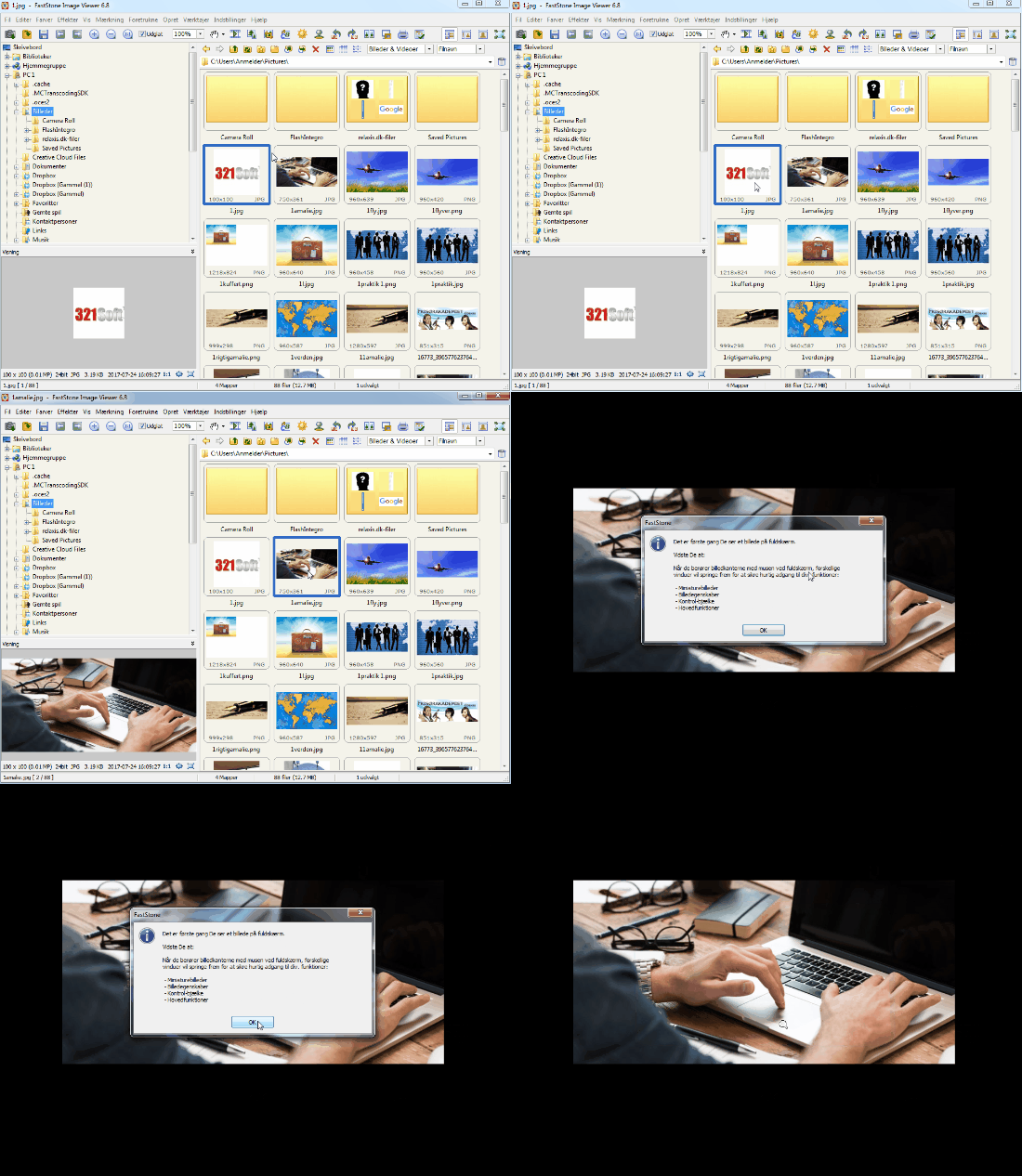
The smart thing about FastStone is its edge-activated interface. When your mouse hits the edge of the screen, relevant menus appear. It may sound a bit old-school, but in practice it works really well—especially on larger displays where you want as much room as possible for the image itself.
Photo viewer for Windows with support for many formats
One of the program’s biggest strengths is format support. FastStone Image Viewer handles a wide range of common formats like JPEG, PNG, GIF, BMP, TIFF, PSD, and WEBP, plus multiple RAW formats from digital cameras. That makes it especially useful for both everyday users and photo enthusiasts. FastStone also highlights support for HEIC and many camera RAW formats, as well as compatibility with Windows 11.
In our hands-on use, the app excelled as a practical bridge between simple viewing and light photo editing. It’s not where you’ll do advanced layer work or pro retouching, but for basic adjustments, sorting, and presentation it’s a very capable tool.
How FastStone Image Viewer feels in use
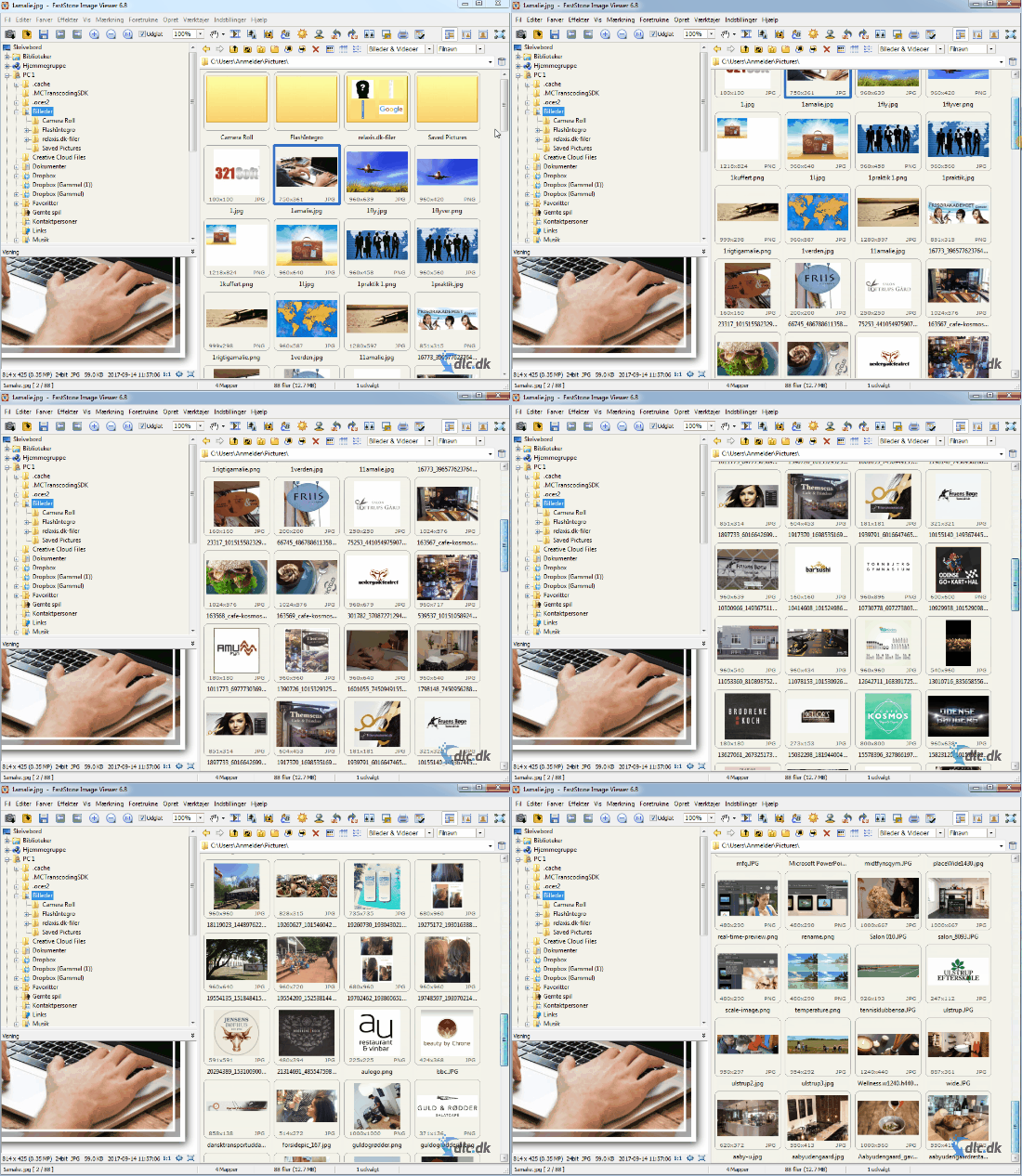
The best thing about FastStone Image Viewer is that it feels fast. Many newer apps look modern but can feel heavy or overdesigned. FastStone goes the other way. You get a classic Windows experience with speed and functionality front and center.
We especially liked using it for large folders of vacation photos, product shots, or screenshots. It’s easy to jump between files, zoom into details, and make small fixes without breaking your flow. That’s exactly the kind of experience that makes a program worth keeping on your PC long-term.
The interface isn’t flashy, and some may find the design a bit dated. In return, it’s stable, clear, and built for people who want to work efficiently with images.
FastStone Image Viewer for Windows 11 and earlier versions
FastStone states that the program is compatible with Windows 11, 10, 8.x, 7, Vista, and XP. That makes it one of the more flexible options if you still use older Windows machines or just want a lightweight app without heavy system requirements.
It’s also worth noting that FastStone Image Viewer remains free for personal and educational use, which makes it extra appealing compared to many newer alternatives that quickly lock the best features behind a subscription.
Best for anyone who wants a fast alternative to Windows Photos
FastStone Image Viewer is a great fit for three types of users:
✅ if you want a faster image viewer than Windows’ built-in Photos app
✅ if you often work with lots of images and folders
✅ if you want to make simple edits without heavy software
If you’re after cloud sync, AI editing, or a very modern interface, you’ll likely find FastStone more functional than flashy. That’s not a downside for everyone, but it’s good to know up front.
A strong choice if you want to view, organize, and fix photos fast
FastStone Image Viewer still nails a very practical niche. It’s fast, stable, and packed with features that actually matter day to day. The combination of image viewing, light editing, batch tools, and broad format support makes it an app many people will still appreciate in 2026.
It’s not the most modern photo app on the market, but it’s one of the most effective if you just want something that works right away.



