
 Martin Jørgensen
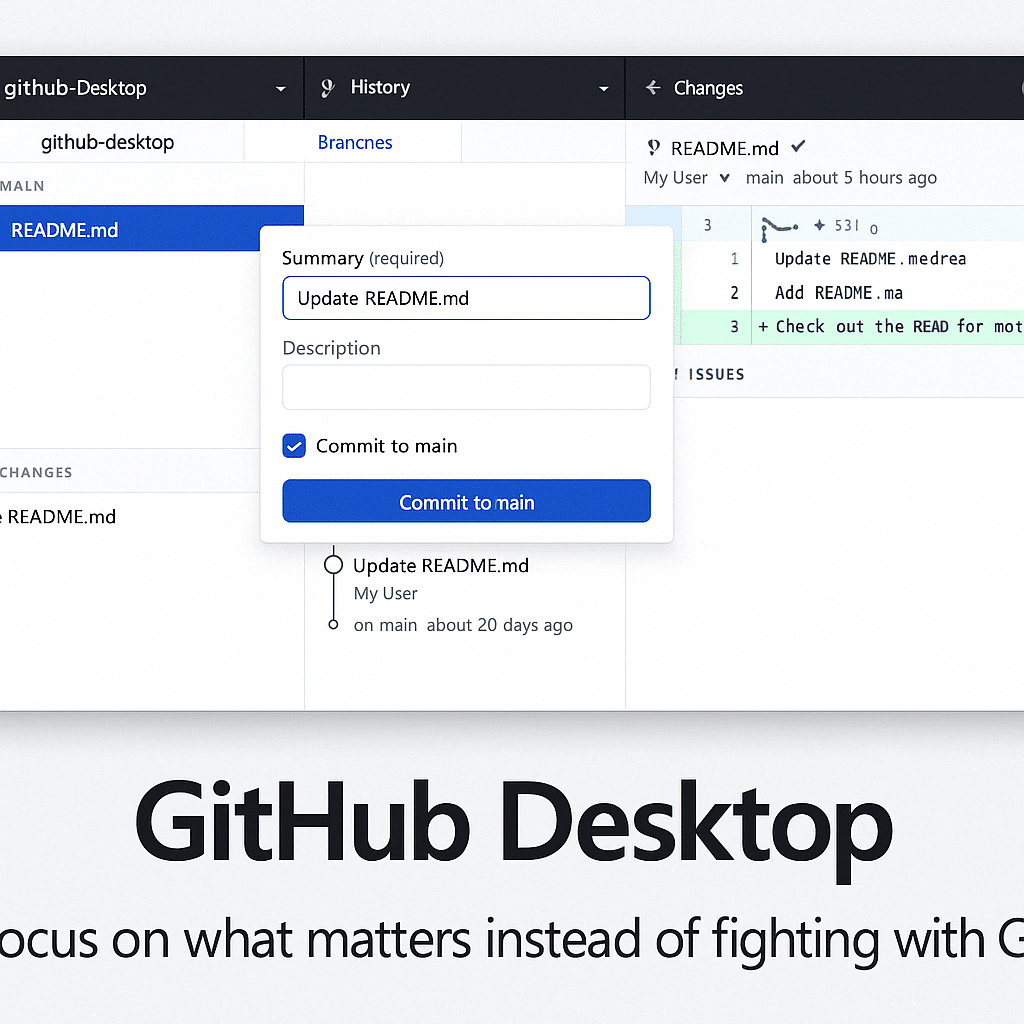
💻 GitHub Desktop – Collaborate on code projects the easy, visual way.
GitHub Desktop is a free app that makes it simple to work with Git and GitHub, even if you’re not a hardcore terminal user. It’s designed for both beginner programmers and professional developers who want a more visual approach to version control and teamwork.
🔧 GitHub Desktop features
- ✅ Clone and sync repositories with one click
- ✅ Create branches and open pull requests
- ✅ Visual overviews of commits, branches, and changes
- ✅ Compare versions and manage merge conflicts
- ✅ Easy integration with GitHub.com and GitHub Enterprise
- ✅ Supports both private and public projects
- ✅ Quick commit messages and effortless branch switching
- ✅ Cross-platform: Available for both Windows and macOS
🧠 Who is it for?
GitHub Desktop is ideal for:
- 👨🎓 Students and new developers learning Git for the first time
- 👩💻 Teams that want to visualize workflow and version control
- 💼 Developers working on open source or across distributed teams
- 🧪 Freelancers who want to version their own projects and collaborate easily
🗂️ Pull requests and collaboration
GitHub Desktop makes it easy to contribute to other people’s projects. You can:
- Find a repository and clone it
- Create your own branches
- Make changes locally
- Send a pull request directly from the app
Pull requests integrate with GitHub’s web platform, so you and your team can comment, review, and merge changes with easy access to history and discussion.
💾 Download GitHub Desktop for free:
👉Download GitHub



