
 Martin Jørgensen
Blazing-fast downloads with IDM (Internet Download Manager).
Internet Download Manager (IDM) is one of the most popular download managers on the market—and for good reason. It’s known for boosting download speeds by up to 5× while offering scheduling, automatic resume, and reliable handling of interrupted downloads. IDM is perfect for users who frequently download large files or want to get the most out of their internet connection.
Top five tips for using Internet Download Manager

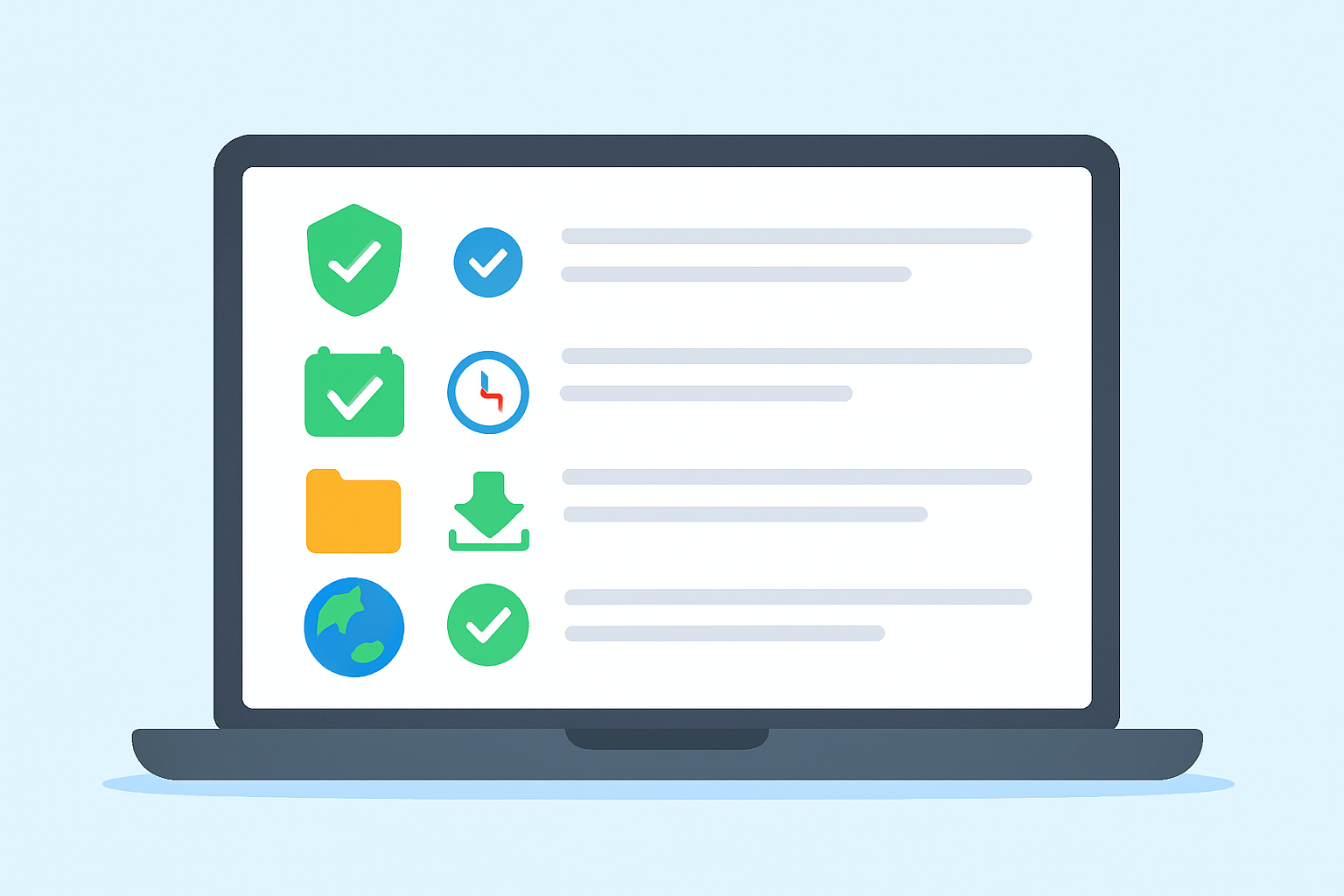
Already using Internet Download Manager—or thinking about it? Here are five useful tips that boost your speeds and keep your PC as safe as possible. These tips help you get the most out of the best download manager for Windows and are especially helpful for users in the U.S. who frequently download large files.
When you download files from the internet, it’s important to protect your computer from malicious content. IDM can automatically trigger an antivirus scan every time a file finishes downloading. You can configure it to launch your preferred antivirus—e.g., Microsoft Defender (Windows Security) or Avast—and scan each file. This is especially useful if you often download software or unknown files and want to avoid malware.
With IDM’s built-in scheduler, you can automatically fetch large files when you’re not actively using the internet—such as overnight. It’s ideal if you work from home or stream during the day and don’t want downloads to reduce your speeds. You can also set your PC to shut down after downloads finish, making IDM perfect for planning overnight transfers.
IDM lets you temporarily limit download speed. This is helpful if you’re working, gaming, or streaming while downloading. By enabling Speed Limiter, you ensure IDM won’t slow your internet, while files still download in the background—great for large, non-urgent downloads you want handled steadily over time.
IDM lets you create custom categories such as “Movies,” “Software,” “Music,” and “eBooks,” making it easier to find your downloads later. You can automatically route files to the right folders based on file type. This is especially helpful if you download a lot and want better organization.
When IDM is integrated with your browser, it automatically captures links to files you click. It works perfectly with Chrome, Firefox, Edge, and Opera. When you click an MP4, PDF, or ZIP file, IDM pops up and takes over the transfer at optimal speed. It’s indispensable if you want automatic downloads in Chrome or other browsers without right‑clicking and saving manually.
Features and benefits of Internet Download Manager

Faster downloads with smart segmentation
IDM uses a technology called intelligent dynamic file segmentation, which splits a file into multiple parts and downloads them in parallel. This maximizes your connection without requiring extra connections, significantly increasing speed.
Resume interrupted downloads
A common problem with large downloads is connection drops—often forcing you to start over. IDM can automatically resume interrupted downloads, even after power outages or lost connections to the server.
Schedule downloads when it suits you
Easily set IDM to fetch specific files at a specific time—such as overnight—and then automatically shut down your PC when all downloads finish. It saves both time and power.
Seamless browser integration
IDM works smoothly with popular browsers like Chrome, Firefox, Edge, and Opera. When you click a downloadable file, IDM automatically asks to handle the transfer.
Support for advanced networks
The program supports a wide range of protocols and security features, including proxy servers, FTP, HTTP, HTTPS, cookies, firewalls, and redirection—making it a versatile solution for both home and business.
User-friendly and efficient
Despite the advanced technology under the hood, Internet Download Manager is easy to use. The interface is clean and intuitive, so both beginners and power users can get started quickly. You can easily organize downloads into categories and track the status of each file.
By using these features, you not only get faster downloads—you also gain more control, better security, and greater convenience, whether you’re grabbing big games, movies, software, or documents. Combined with IDM’s ability to resume interrupted downloads and schedule transfers, it’s easy to see why the program is among the most popular download managers in the United States.



