
 Martin Jørgensen
Keep your dynamic IP updated with No-IP DUC.
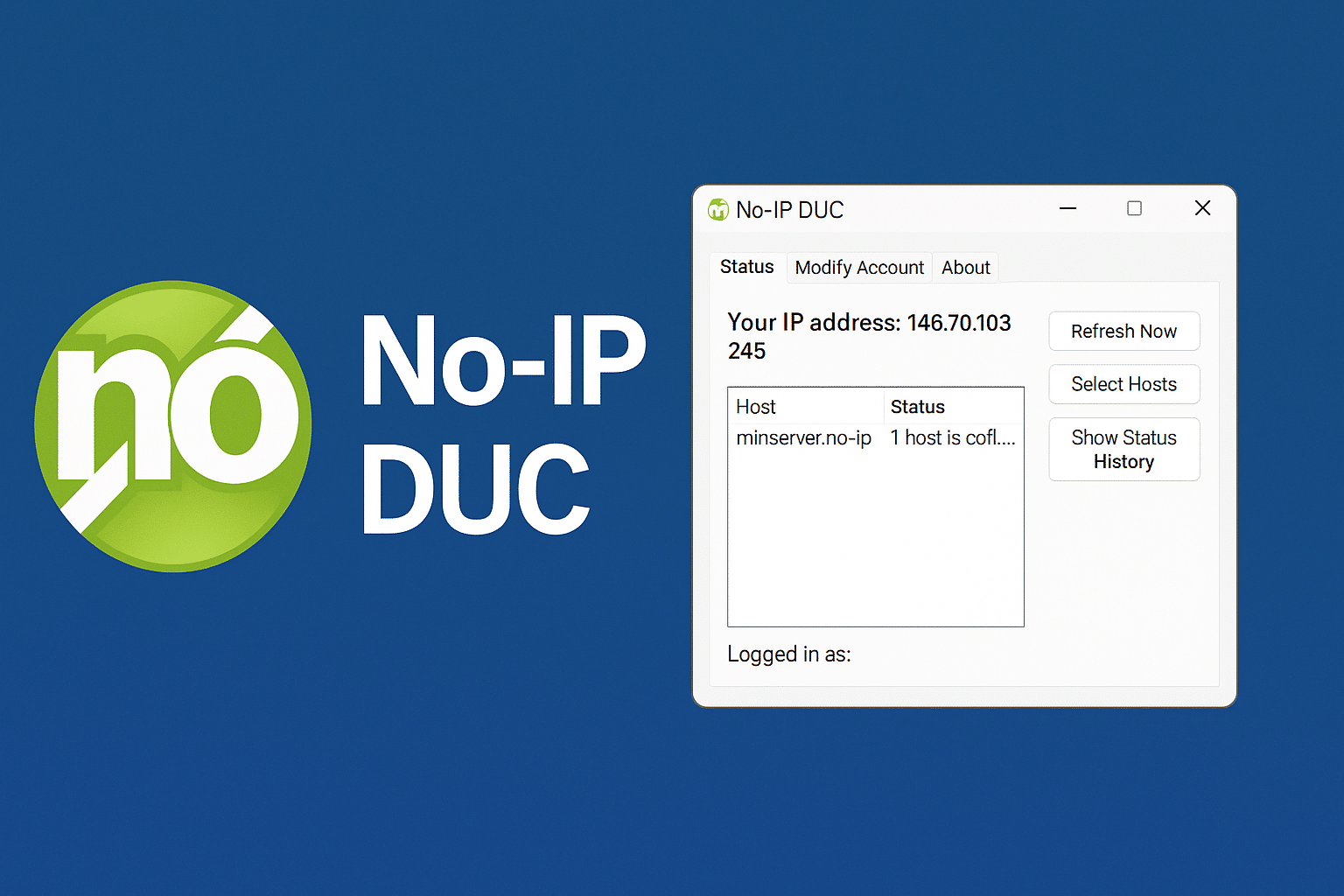
No-IP DUC (Dynamic Update Client) is a small yet powerful utility that automatically updates your IP address to match your chosen hostname at No-IP.com. This is especially useful if you run a web server, FTP server, or another self-hosted service on a connection with a dynamic IP address—such as your home internet.
Automatic DNS updates without the hassle
The main purpose of No-IP DUC is to keep your domain synchronized with your current IP—without you having to do anything. The app runs in the background and automatically updates your IP whenever it changes.
Even if you sign out or restart your computer, DUC maintains the link between your IP and your hostname. It all happens seamlessly and only requires a free No-IP.com account and a created hostname.
Easy setup and extra features
Brugerfladen er simpel and straightforward. You sign in with your No-IP account and choose the hostname that should be tied to your IP. You can:
- View the status of IP updates
- Add new hostnames directly from the client
- Enable and disable updates for specific domains
- Run programmet som service on Windows so it starts automatically
Is No-IP DUC free?
Yes—the app itself is free, and you can use No-IP’s free DNS service with up to 3 hostnames. You can upgrade to a paid Pro plan if you need more hostnames, custom domains, or shorter update intervals.
When do you need a dynamic DNS client?
If you:
- Host a Minecraft or game server from home
- Need fjernadgang til din computer via SSH, RDP, or FTP
- Use security cameras and want to access them via a domain
- Run your own webserver eller e-mailserver
… then a DDNS client like No-IP DUC is a must.
Alternatives
Other popular DDNS clients include DynDNS (now paid), DuckDNS (open source), and Afraid.org—but No-IP is among the most user-friendly and well-supported. While DynDNS used to be the standard, it’s now limited to paying customers, prompting many home users to seek alternatives. DuckDNS particularly attracts tech-savvy users with its simple API and integration with Raspberry Pi and DIY servers, but it lacks a true GUI. Afraid.org also offers free DNS, but with a more rudimentary experience and limited documentation. This is where No-IP stands out by combining a professional, easy-to-navigate interface, active development, and extensive support for both beginners and advanced users. With clients for Windows, macOS, and Linux as well as app integrations and detailed guides, No-IP continues to strike the right balance between usability and functionality.
Top 5 tips for No-IP DUC
Install DUC as a system service
By running the app as a service in Windows, it starts automatically with the system—no login required. That ensures continuous IP updates.
Choose hostnames carefully
Use a clear, recognizable hostname, such as mitnavn.no-ip.org, so it’s easy to remember and share with others.
Watch for confirmation emails
Free No-IP hostnames must be confirmed roughly every 30 days. If you forget, the hostname is deactivated. Check your email regularly.
Check port forwarding on your router
No-IP DUC doesn’t fix access issues by itself. Make sure your router has the correct port forwarding to your local server machine.
Consider the Pro version if you depend on reliable uptime
No-IP’s Pro plan removes limits, offers more frequent updates, and gives access to premium domains—ideal for serious use.



