
 Martin Jørgensen
Get the most out of your GPU with NVIDIA Game Ready Driver
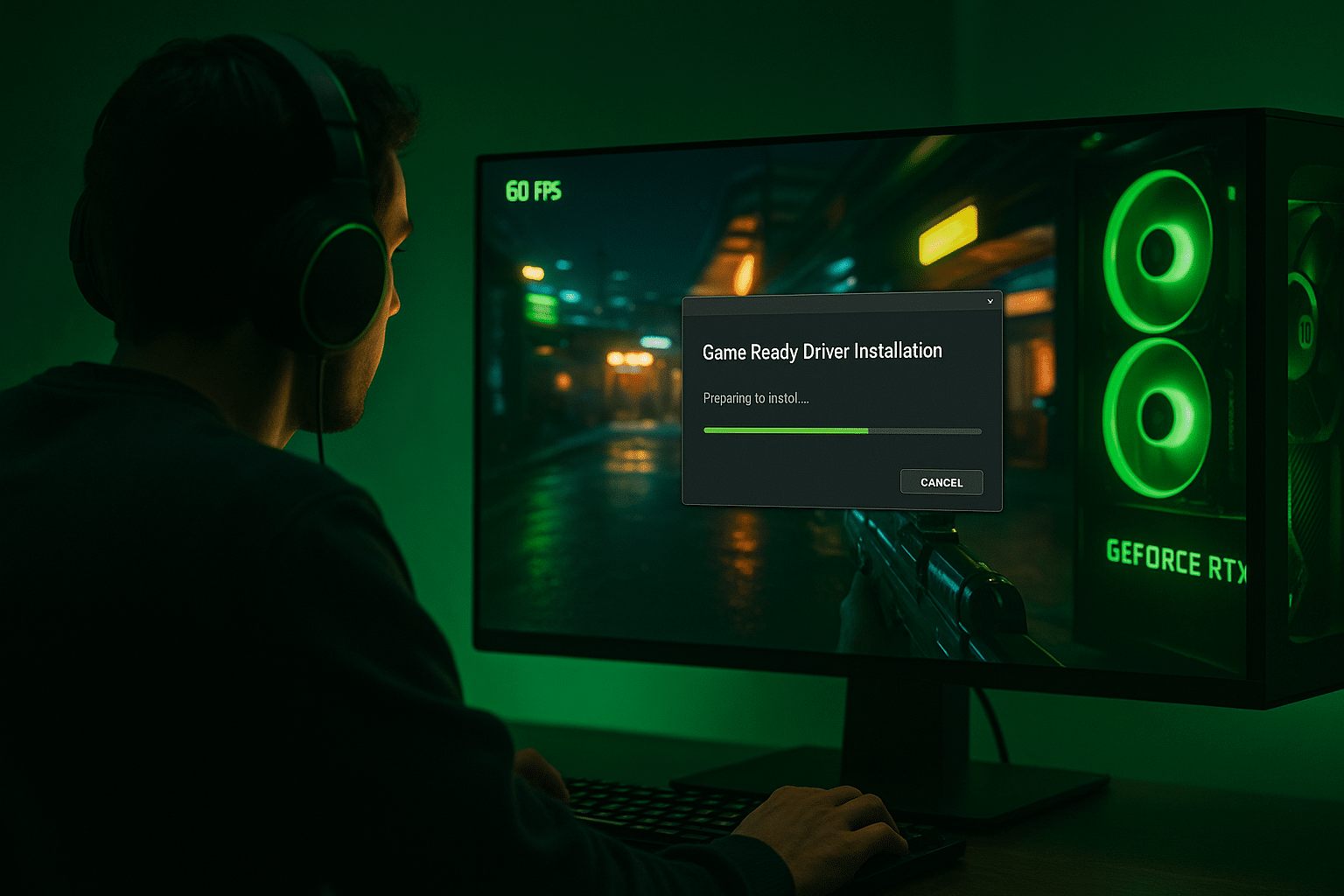
NVIDIA Game Ready Driver is NVIDIA’s official graphics driver, optimized to deliver the best possible performance in new games and updates. It’s essential for gamers who want compatibility, stability, and the latest technology — including ray tracing, DLSS, and Reflex.
The driver is updated frequently to provide day-one support for new titles and often includes performance improvements, bug fixes, and security updates.
Gameplay and features: GeForce optimization at full throttle
NVIDIA Game Ready Driver isn’t just another graphics driver — it’s the backbone of a seamless gaming experience on GeForce hardware. Every release is tuned to support both newly released games and popular titles while ensuring maximum compatibility and performance across different GPU generations.
Game Ready optimization
NVIDIA works closely with game developers to make sure new titles run smoothly from day one. This is especially true for graphically demanding games like Cyberpunk 2077, the Call of Duty series, Diablo IV, Alan Wake 2, and Starfield. In short, you get the best possible frame rates, the lowest input lag, and fewer bugs the moment a game launches. Many games include Game Ready optimizations directly in their day-one patch notes.
DLSS & Ray Tracing support
With DLSS 2 and 3 (Deep Learning Super Sampling), you can play at high resolutions without sacrificing performance, as AI intelligently upscales the image. DLSS requires the newest driver to work optimally — and in some cases to work at all. The driver also enables advanced ray tracing that simulates realistic light, shadows, and reflections in games like Minecraft RTX, Cyberpunk 2077, and Portal with RTX.
NVIDIA Reflex
In esports and fast-paced shooters, every millisecond matters. Reflex significantly reduces system latency so your inputs register faster — a critical advantage in Valorant, Fortnite, Apex Legends, and CS2. Reflex requires supported hardware and an up-to-date driver, making the Game Ready driver a must for serious gamers.
AV1 and streaming optimization
The latest Game Ready drivers also enable hardware-accelerated AV1 video, delivering higher quality at lower bitrates — especially useful for game streaming via OBS, Discord, or Twitch. Encoder settings and compatibility with NVIDIA Broadcast are continually refined, adding features like noise removal and background blur.
Support for G-Sync and VR
The driver ensures optimal performance and compatibility with G-Sync displays, eliminating screen tearing for silky-smooth motion. For VR users (Valve Index, Oculus Quest via Link, HTC Vive), an up-to-date driver means lower latency and fewer glitches in VR environments.
Installation and compatibility
NVIDIA Game Ready Driver can be installed manually via NVIDIA’s download page, or automatically through GeForce Experience, which also offers optimization suggestions for your game settings.
The driver supports Windows 10 and Windows 11 (64-bit) and is compatible with the following series:
- GeForce RTX 40xx / 30xx / 20xx
- GTX 16xx / 10xx
- Mobile GPUs (laptop series)
Why you should keep the driver updated
An outdated driver can lead to:
- Crashes in new games
- Lower FPS and poorer visuals
- No access to features like DLSS and ray tracing
- Compatibility issues with Windows updates
We strongly recommend using the latest Game Ready Driver — especially if you play newer titles or have an RTX GPU.
Top 5 tips for NVIDIA Game Ready Driver
Ensures you always have the latest version without manual downloads.
NVIDIA publishes detailed notes with each release — see if your specific games are optimized.
If you experience errors, a clean installation often fixes the problem.
It can significantly reduce input lag — especially in FPS titles.
Driver and OS optimizations together improve stability and performance.


