
 Martin Jørgensen
Get full control of your AMD GPU with Software: Adrenalin Edition.
AMD Software: Adrenalin Edition is the official driver package and control suite for AMD graphics cards. It combines advanced driver management with game optimization, performance tracking, and streaming tools—all in a sleek, intuitive interface that makes it easy to fine-tune both graphics settings and performance.
Whether you’re gaming on a high-end GPU like Radeon RX 7900 XT or an older model like RX 580, this software is essential for maximizing performance, stability, and access to modern features such as FSR (FidelityFX Super Resolution), Radeon Chill, Radeon Anti-Lag, and Radeon Boost. It works both as driveropdatering and as a control center for gamers who want to get the most out of their hardware—without relying on third-party tools.
Features and tools in AMD Software
Game and system optimization in one
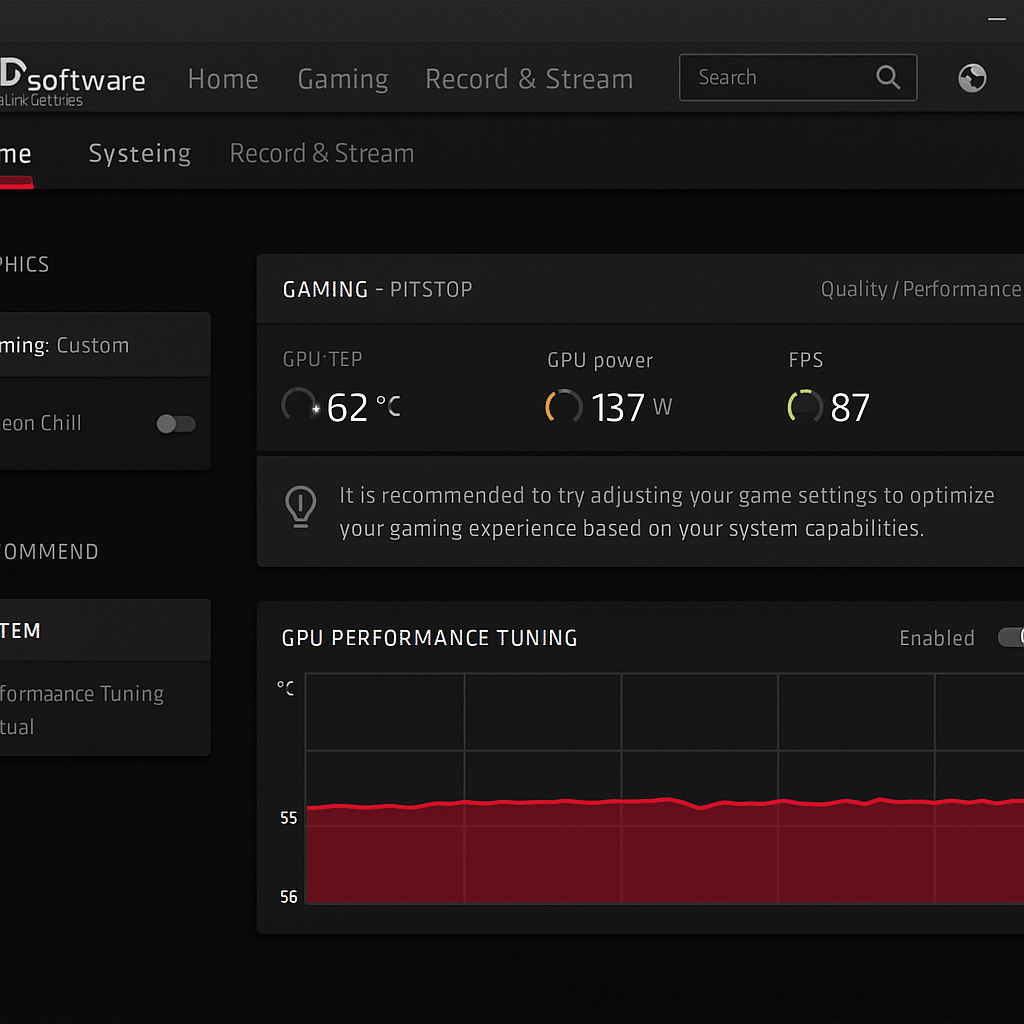
The Adrenalin software lets you adjust in-game settings and GPU performance in real time. You can easily monitor temperature, power draw, and FPS, and you’ll get optimization recommendations based on your system’s capabilities.
Automatic driver updates and installation
Softwaren håndterer nemt installation og opdatering of AMD's Game Ready drivers for both new games and major Windows updates. You’ll receive notifications when new drivere er klar – and they can be installed with a single click.
AMD Radeon Anti-Lag and Radeon Boost
These two features are designed to give competitive players an advantage when every millisecond counts. Radeon Anti-Lag reduces the time from your keypress or mouse click to the action appearing on screen. It can be the difference between victory and defeat in titles like Apex Legends, CS2, Valorant, and PUBG.
Radeon Boost, on the other hand, dynamically lowers resolution during fast motion to deliver higher frame rates without a noticeable drop in image quality. That means more stable FPS and more responsive gameplay, especially in hectic battles. Both features are easily accessible directly in 1 and only require enabling—no complex setup.
FSR (FidelityFX Super Resolution)
As AMD’s answer to NVIDIA’s DLSS, FSR is an advanced upscaling technology that can significantly improve frame rates without compromising visual quality. In practice, you can play at higher resolutions or with more detail—without overloading your GPU.
FSR supports both FSR 1.0 and FSR 2.0/3.0, and the technology works not only on the latest Radeon RX 7000 series but also on older cards and even certain NVIDIA models. That makes it extremely flexible and available across a wide range of games—from Hogwarts Legacy and Forspoken to Remnant II and Baldur’s Gate 3. By enabling FSR in supported games, you can see up to 2x higher FPS with minimal compromises, making it one of the most effective ways to improve performance on modern gaming PCs.
Streaming and screen recording
Adrenalin includes built-in gameplay capture and livestreaming directly to YouTube, Twitch, and local storage. With "Instant Replay" and "Record Desktop" får du funktioner similar to NVIDIA ShadowPlay.
Compatibility
The software supports the following:
- Windows 10 and Windows 11 (64-bit)
- AMD Radeon RX 7000, 6000, 5000, and 500 series
- Some older GPUs via Legacy drivers
- Automatic hardware detection and the appropriate driver package
Top 5 tips for AMD Software
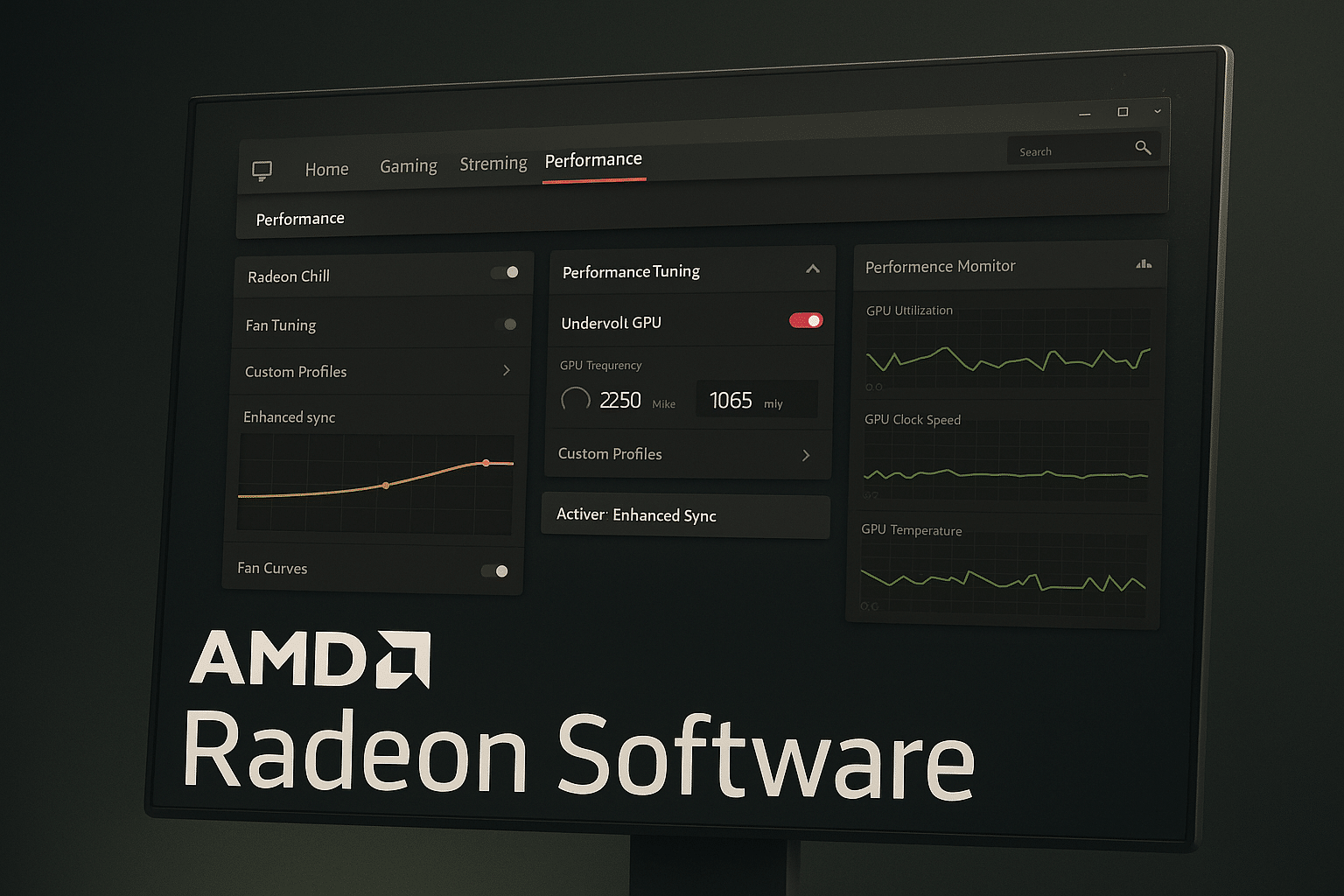
Undervolt your GPU to reduce power draw and temperatures—without losing FPS.
Reduce power consumption and noise in non-competitive games.
If you’re experiencing high temps, you can tune the fan curves directly in the software.
Save individual settings for resolution, graphics, and FPS for each game.
Delivers lower input lag than V-Sync without screen tearing.


