
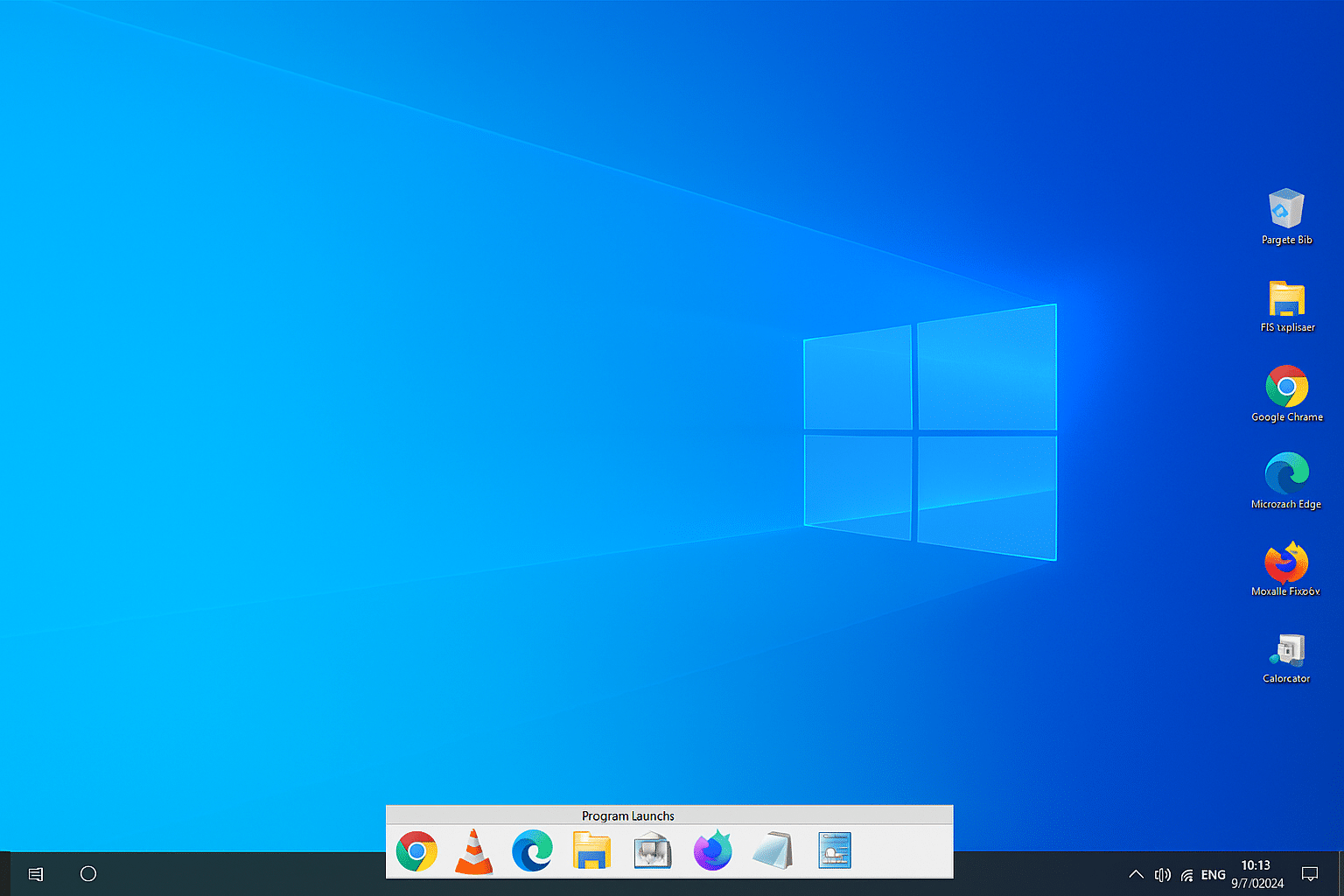
 Martin Jørgensen
Take control of your desktop with ProgramLaunch
Is your desktop cluttered with icons that make it hard to find anything? ProgramLaunch is a free tool for Windows that helps you bring order to the chaos. It gathers your shortcuts in a clean, hidden panel you can access instantly—without crowding your desktop.
How ProgramLaunch works
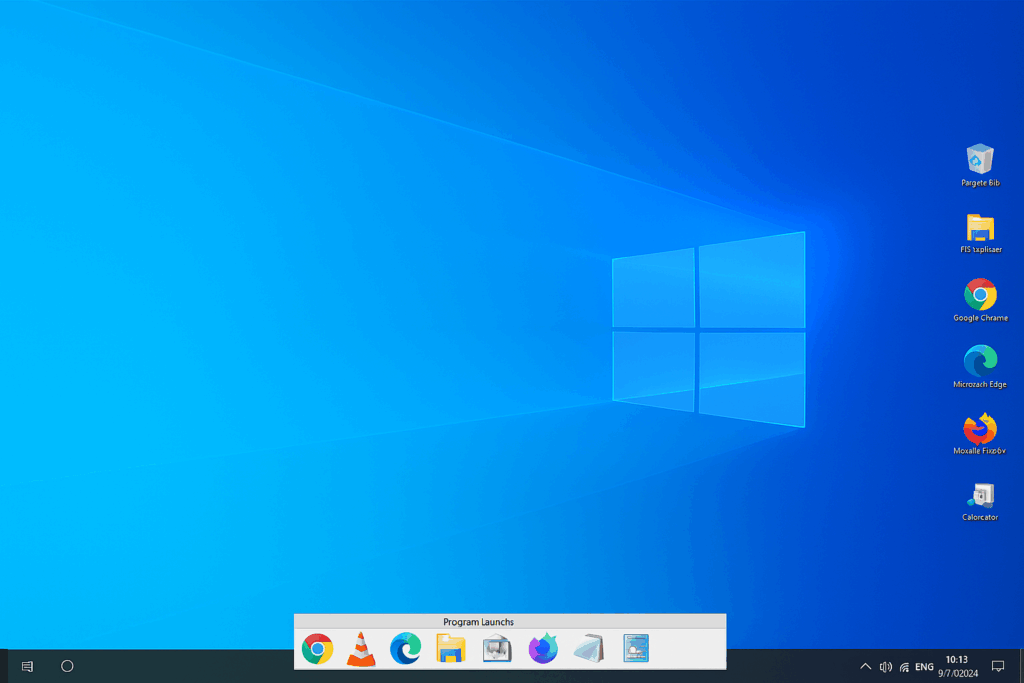
When you install ProgramLaunch, you can choose where the panel with your programs appears—either at the top or bottom of the screen. Open the panel by moving the mouse to the edge or by pressing F12. That way you can pull up your shortcuts fast without leaving them scattered across the desktop.
We tested ProgramLaunch on a Windows 11 PC, and installation took under a minute. The program used almost no system resources and worked flawlessly. It’s especially handy if you have lots of apps or games installed but still want to holde dit skrivebord minimalistisk.
Organization and subgroups
One of the best features in ProgramLaunch is the ability to create subgroups. For example, you can create a group for work, one for games, and one for tools—all in just a few clicks. That makes the program far more flexible than simply rydde op manuelt.
ProgramLaunch also remembers where you placed your icons and starts up in no time along with Windows. It also reduces startup load because fewer icons need to be rendered on the desktop.
Customization and ease of use
Even though the app is small and simple, it’s surprisingly configurable. You can choose colors, animations, hotkeys, and where the panel appears. The interface is a bit old-school, but it works—and stability is rock solid.
Top 5 tips for ProgramLaunch
Press F12 to access your icons quickly—it’s faster than clicking with the mouse.
In Settings, choose to auto-hide the panel when you click outside it—this keeps your desktop clean and minimalist.
Sort your programmer i praktiske grupper such as “Games,” “Office,” and “Tools” for better overview and faster navigation.
Skift farver, animationer og placering on the panel so it matches your Windows theme and personal style.
Enable autostart so ProgramLaunch launches automatically when Windows starts—ready to go from the first second.



